How we make this list: we compare pricing pages, product documentation and public user reviews. Ratings come from G2, Capterra or Trustpilot, with the date we checked them.
Key takeaways
- Khan Academy Kids and PBS KIDS Games offer the strongest free preschool learning, with no ads on Khan Academy Kids.
- ABCmouse offers the largest structured curriculum for ages 2 to 8, but it needs a paid subscription for full access.
- Starfall, Homer, and SplashLearn suit focused needs: phonics, reading, and math practice.
- Parent dashboards, offline access, and multiple profiles matter as much as content volume for families with more than one child.
- Check age range, ad policy, and in-app purchase rules before handing a tablet to a preschooler.
Quick comparison
| Tool | Best for | Starting price | Free plan |
|---|
 Khan Academy Kids Khan Academy Kids | Free all-round early learning | Free | Yes |
 ABCmouse ABCmouse | Structured curriculum ages 2 to 8 | $12.99 per month | Free trial |
 PBS KIDS Games PBS KIDS Games | Free games with familiar characters | Free | Yes |
 Starfall Starfall | Phonics and early reading | $35 per year | Yes |
 Homer Homer | Personalized reading paths | $9.99 per month | Free trial |
 SplashLearn SplashLearn | Adaptive math and reading practice | $7.99 per month | Free trial |
 Lingokids Lingokids | Play-based learning with songs | See website | Yes |
 Kokotree Kokotree | Curated videos and games ages 1 to 5 | $4.99 per month | Free trial |
Is your product missing or out of date?
We review this list regularly. Vendors can request a listing, send updated pricing or ask about featured placement.
The best apps for preschoolers
Starting priceFree
Free planYes
Khan Academy Kids is the first app most parents should try, because it is free, ad-free, and covers a full early curriculum. Activities span letters, numbers, shapes, logic, and social-emotional skills, with books, songs, and games designed for ages 2 to 8, with a focus on ages 2 to 6. A parent dashboard shows progress, and multiple child profiles cost nothing.
The format requires interaction, so a child cannot simply watch videos while a parent cooks dinner. Content volume is also lower than ABCmouse, though quality and curriculum design are strong. For families that want a safe, free starting point, Khan Academy Kids sets a high bar that paid apps must beat.
What we like- Completely free with no ads
- Covers literacy, math, and social skills
- Parent dashboard
Watch out for- Interactive-only format, no passive video watching
- Content volume is lower than ABCmouse
Starting price$12.99 per month
Free planFree trial
ABCmouse offers the largest structured path in this list, with reading, math, science, art, music, and social studies for ages 2 to 8. A child follows a step-by-step path with lessons, games, books, and songs, and parents can track progress by level. The breadth suits families who want one app to cover most subjects.
Cost is the main drawback, at $12.99 per month, with annual options that lower the monthly rate. Some parents also note prompts for extra purchases. For a family with two or three children in the age range using the app daily, the per-child cost becomes reasonable. For occasional use, Khan Academy Kids may be enough.
What we like- More than 10,000 activities
- Clear learning path by level
- Up to three child profiles
Watch out for- Monthly cost adds up
- Some parents report upselling prompts
Starting priceFree
Free planYes
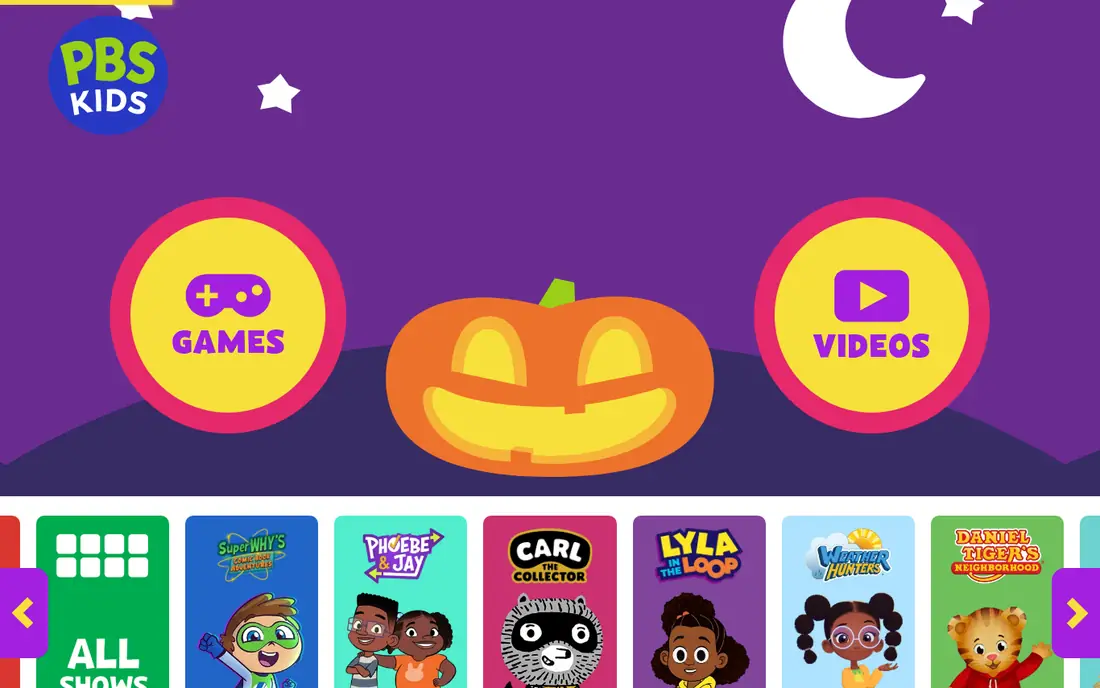
PBS KIDS Games brings familiar characters from PBS shows into short learning games for ages 2 to 8. Math, reading, science, and social skills appear through play, and the app is free without a subscription. For a child who already loves a PBS show, that familiarity helps engagement.
Structure is lighter than ABCmouse or Khan Academy Kids, with less of a step-by-step path. Parent tracking is also simpler. PBS KIDS Games works best as a supplement to a structured app, or as a free, safe option for short play sessions.
What we like- Free
- Familiar PBS characters
- Covers math, reading, science, and social skills
Watch out for- Less structured than ABCmouse
- Progress tracking is lighter
Starting price$35 per year
Free planYes
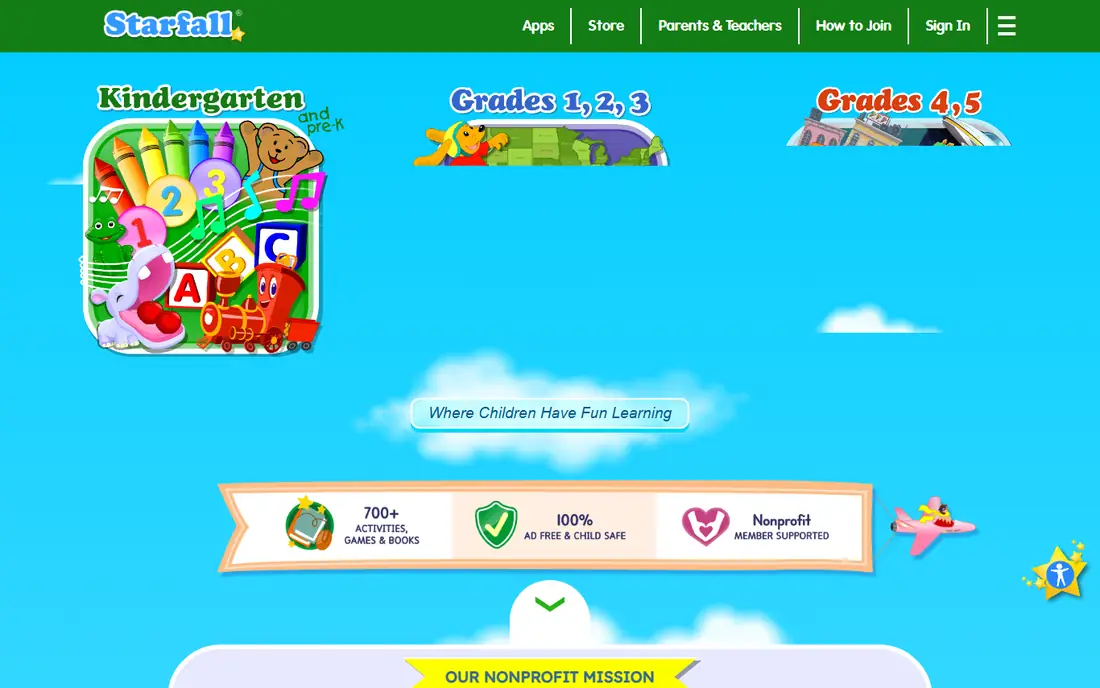
Starfall focuses on what it does best: phonics and early reading for pre-K through early grades. Letter sounds, word families, and simple books build reading step by step, with a clean design that avoids distraction. The annual price of $35 is low compared with monthly subscriptions.
Subject range is narrower, with less math, science, and creative play than all-round apps. The design also feels older than Khan Academy Kids or Lingokids. For a child who needs reading help, Starfall is a focused, low-cost supplement that pairs well with a broader app.
What we like- Strong phonics foundation
- Clear, simple design
- Low annual price
Watch out for- Narrower subject range
- Design feels older than newer apps
Starting price$9.99 per month
Free planFree trial
Homer, now part of the Begin learning family, builds a personalized reading path based on a child interests and level. Stories, songs, and activities adapt as the child progresses, and parents receive reports on skills covered. For a preschooler who loves stories, that personalization keeps sessions fresh.
The focus on reading means math and science coverage is lighter than ABCmouse or Khan Academy Kids. At $9.99 per month, Homer costs as much as a broader app for a narrower subject. It fits best as a reading supplement, or as the main app for a family focused on early literacy.
What we like- Personalized path by reading level
- Stories, songs, and activities
- Progress reports
Watch out for- Reading focus means less math and science
- Monthly cost for one subject area
Starting price$7.99 per month
Free planFree trial
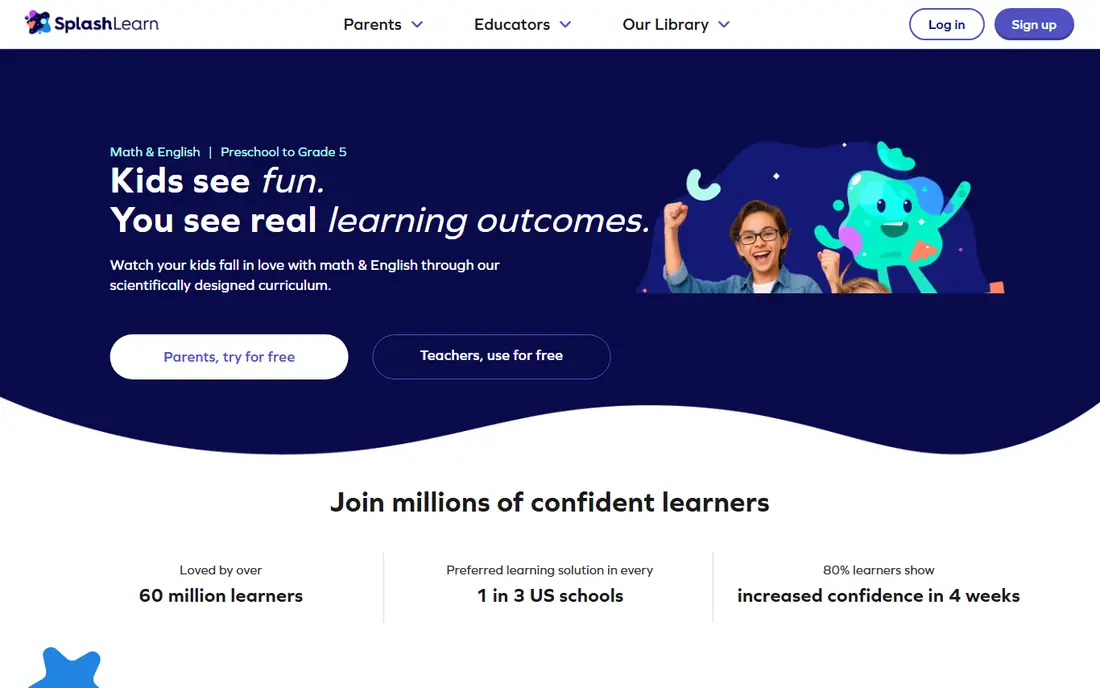
SplashLearn offers adaptive games for math and reading, with difficulty that adjusts to a child level. It covers a wider age range, from 3 to 10, so a preschooler can grow into it. Parent dashboards show skills practiced, and teacher tools help schools track classes.
The game format works best for practice and reinforcement, rather than first teaching of a new concept. A parent may still need books or a structured app for introduction. For a child who needs extra math or reading practice in game form, SplashLearn is a strong, focused choice.
What we like- Adaptive math and reading games
- Parent and teacher dashboards
- Covers ages 3 to 10
Watch out for- Game style suits practice more than new concepts
- Full access needs a subscription
Starting priceSee website
Free planYes
Lingokids mixes songs, videos, and games for early learners, with a playful tone that suits preschoolers. Subjects include literacy, math, science, music, and social skills, and the app offers a free tier for basic play. Offline access on paid plans helps for car rides and flights.
Pricing varies by app store and region, so parents should check the current plan in their store before subscribing. Full access needs a paid plan, and the playful style may suit some children more than a structured path. For families that want music and movement in learning, Lingokids is a lively option.
What we like- Songs, videos, and games for young learners
- Broad subject mix
- Offline play on paid plans
Watch out for- Pricing varies by platform
- Full curriculum needs a paid plan
Starting price$4.99 per month
Free planFree trial
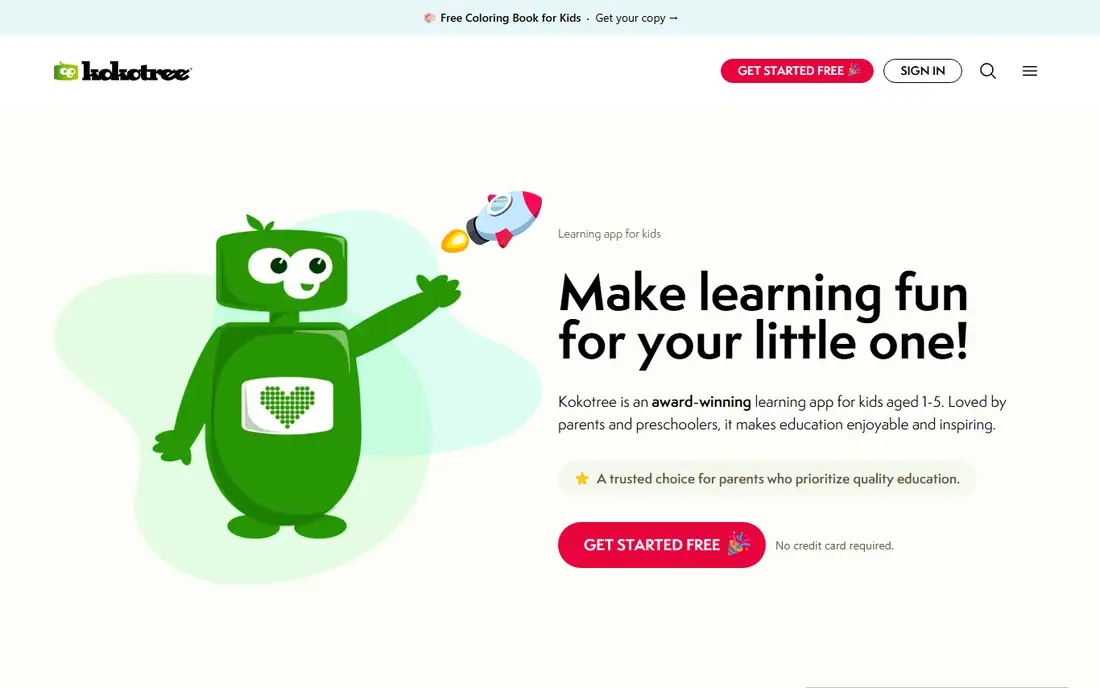
Kokotree takes a curated approach for ages 1 to 5, with about 500 activities including videos, games, and printable worksheets. The smaller, guided set avoids the overwhelm of 10,000 options, and video content lets a child watch independently, unlike interactive-only apps. At $4.99 per month, it costs less than ABCmouse and Homer.
The trade-off is volume and age range. Older preschoolers nearing school age may outgrow Kokotree sooner, and families wanting a full curriculum to age 8 will need another app. For younger preschoolers and calm, focused sessions, Kokotree offers good value.
What we like- Curated content, not endless choice
- Video plus games and printables
- Lower monthly price
Watch out for- Smaller activity count than ABCmouse
- Age range tops out at 5
How we chose
We compared pricing pages, product documentation, app store listings, and parent reviews, and checked each app for age range, subjects, ad policy, parent controls, offline access, and profiles. We favored apps that exist today, target preschool ages, and offer a clear learning purpose beyond entertainment. Where a current price could not be confirmed from a vendor page, we listed it as See website rather than guessing.
How to choose for your child age and routine
Start with age and attention span. Ages 2 to 3 do best with short, simple games, songs, and repetition, while ages 4 to 5 can follow a longer path with letters, numbers, and simple stories. Khan Academy Kids and Kokotree suit younger preschoolers, while ABCmouse, Starfall, and Homer suit children ready for a structured path.
Next, check the practical rules. Confirm whether the app has ads, in-app purchases, or chat features, and whether a parent dashboard locks settings behind a passcode. Offline access matters for travel, and multiple profiles matter for siblings. A free trial should be long enough to test several sessions, not just one sitting.
Finally, set a routine that keeps app time short and shared. Sit with a child for early sessions, talk about what the game teaches, and pair app play with books, blocks, and outdoor play. An app works best as one part of early learning, not as a replacement for reading together or hands-on play.
A final check before subscribing is device and account control. Confirm whether the app works on the tablets and phones the family already owns, whether progress syncs across devices, and whether a parent passcode locks purchases and settings. Some apps allow downloads for offline play only on certain plans, so test that feature before a trip. Also check whether the app collects voice recordings or photos, and how that data is stored, since privacy rules for children deserve extra care.
Frequently asked questions
What is the best free app for preschoolers?
Khan Academy Kids is the best free choice, with a full early curriculum, no ads, and no in-app purchases. PBS KIDS Games is also free and suits short play sessions with familiar characters.
Is ABCmouse worth the cost?
ABCmouse is worth it for families with children ages 2 to 8 who use it daily and want a large structured curriculum in one app. For occasional use, Khan Academy Kids covers much of the same ground for free, so test the free trial first.
How much screen time is right for a preschooler?
Health guidance generally favors short, shared sessions for preschoolers, with plenty of non-screen play, reading, and outdoor time. Use parent controls to set time limits, choose ad-free apps, and sit with younger children during app play when possible.
Do preschool apps need internet access?
Many apps need internet for downloads and progress sync, but several offer offline access for downloaded books and activities on paid plans. Check offline support before travel, since it varies by app and plan.
Can two children share one subscription?
Yes, on most apps in this list. Khan Academy Kids offers unlimited free profiles, ABCmouse covers up to three children, and other apps offer multiple profiles on paid plans. Check profile limits before subscribing for siblings.
Should a preschooler use headphones with learning apps?
Headphones can help focus in shared spaces, but keep volume low and sessions short. For younger children, a speaker lets a parent hear the content and join the activity. Check the device volume limit setting before handing over headphones.
Sources we checked (8)
- https://learn.khanacademy.org/khan-academy-kids/
- https://www.abcmouse.com/pricing
- https://pbskids.org
- https://www.starfall.com
- https://www.learnwithhomer.com/pricing
- https://www.splashlearn.com/pricing
- https://lingokids.com/pricing
- https://kokotree.com/pricing
Is your product missing or out of date?
We review this list regularly. Vendors can request a listing, send updated pricing or ask about featured placement.

Shihab Mia · Founder, Rankite
Shihab has 5+ years in B2B and SaaS SEO. He writes Rankite's software buying guides from pricing pages, documentation and public user reviews. More about Shihab.