How we make this list: we compare pricing pages, product documentation and public user reviews. Rankite is independent; if a vendor ever pays for a featured spot, that listing is clearly labeled Partner.
Key takeaways
- Most business email attacks now rely on impersonation rather than malware, so the strongest tools analyze sender behavior and message intent instead of just scanning attachments.
- API-based tools connect to your mailboxes in minutes without touching mail records, while classic gateways filter mail in transit but require DNS changes.
- Only two tools on this list publish starting prices: IRONSCALES at $3.11 per mailbox per month and SpamHero at $8 per domain per month. The rest ask you to request a quote.
- If you run Microsoft 365, Proofpoint 365 Total Protection and Barracuda bundle spam filtering with backup and archiving, which can replace two or three separate subscriptions.
- Small teams watching their budget should look at SpamHero (per-domain pricing) or IRONSCALES (free Starter plan) before getting on calls with enterprise sales teams.
Quick comparison
| Tool | Best for | Starting price | Free plan |
|---|
 SpamTitan SpamTitan | MSPs and IT admins who want a classic email gateway | See website | Free trial |
 Proofpoint 365 Total Protection Proofpoint 365 Total Protection | Microsoft 365 shops that want security, backup, and training in one suite | See website | Free trial |
 Mimecast Mimecast | Companies that want a long-established email security brand | See website | Free trial |
 Barracuda Email Protection Barracuda Email Protection | Lean IT teams that want email security plus backup and archiving | See website | Free trial |
 INKY INKY | Teams that want visible phishing warnings coaching their users | See website | Free trial |
 IRONSCALES IRONSCALES | Companies that want fast API deployment and honest published pricing | $3.11 per mailbox/month (billed annually) | Yes |
 Abnormal AI Abnormal AI | Larger companies focused on BEC and account takeover | See website | No |
 SpamHero SpamHero | Small businesses that want simple per-domain pricing | $8 per domain/month (Lite) | Free trial (30 days) |
 Check Point Harmony Email & Collaboration Check Point Harmony Email & Collaboration | Companies that want email plus Teams, Slack, and file-sharing protection | See website | Free trial |
Is your product missing or out of date?
We review this list regularly. Vendors can request a listing, send updated pricing or ask about featured placement.
The best anti spam software
#1
SpamTitan
Best for: MSPs and IT admins who want a classic email gateway
Visit titanhq.com
Starting priceSee website
Free planFree trial
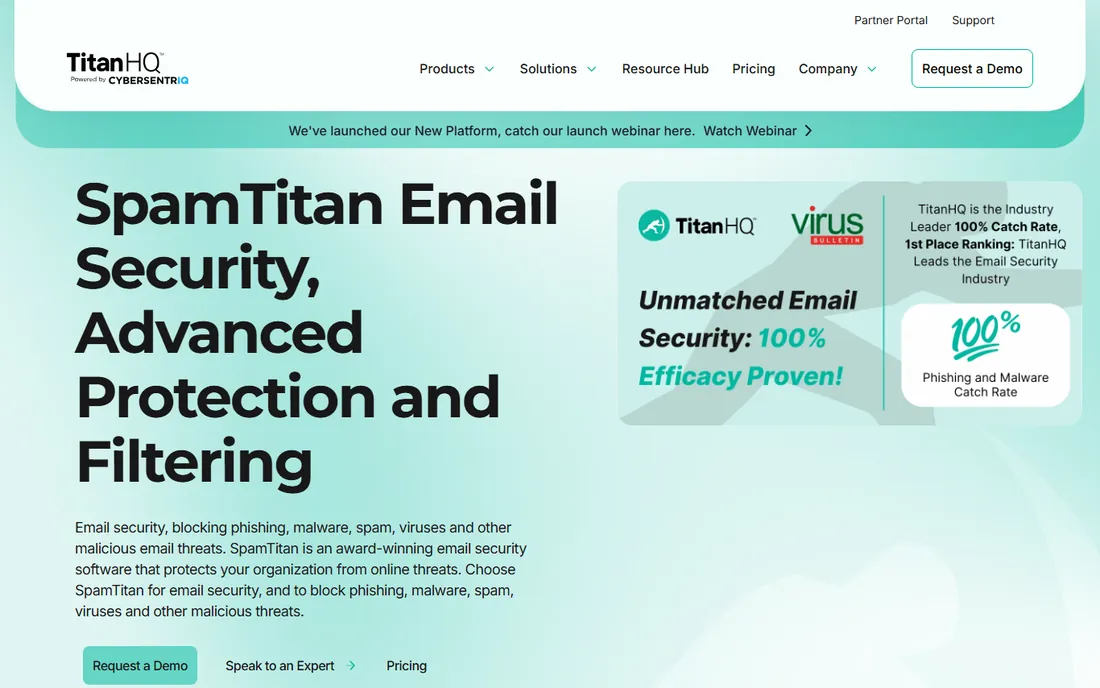
SpamTitan is the old-school workhorse of this list. It sits in front of your mail server as a gateway, scanning inbound and outbound mail with real-time blocklists, Bayesian filtering, and dual antivirus engines. Setup typically takes under an hour, and the policy controls are granular enough to satisfy demanding admins: allowlists, blocklists, and greylisting can be set per user, per domain, or across the whole system.
The honest catch is that SpamTitan sells through IT channels. TitanHQ, the company behind it, is now part of CyberSentriq, and the product is aimed at managed service providers and in-house IT teams rather than business owners shopping on their own. Pricing is not published, so expect a quote conversation. If you have someone technical minding your email, it is dependable and fairly priced. If you do not, one of the API-based tools below will be easier to live with.
What we like- Cloud or on-premise deployment
- Dual antivirus engines plus sandboxing
- Granular per-user and per-domain policies
Watch out for- No public pricing, you need to talk to sales
- Built with IT administrators in mind rather than beginners
#2
Proofpoint 365 Total Protection
Best for: Microsoft 365 shops that want security, backup, and training in one suite
Visit proofpoint.com
Starting priceSee website
Free planFree trial
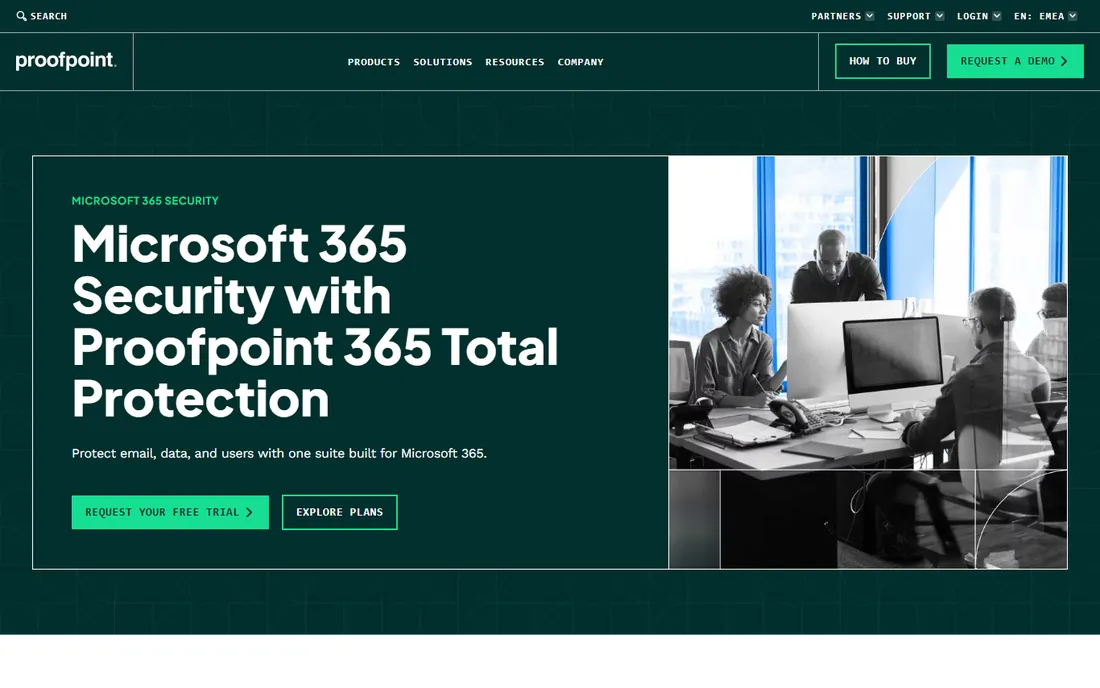
Proofpoint is the name enterprise security teams know best, and 365 Total Protection is its package for the rest of us. It combines spam and malware filtering, AI-based threat protection, email archiving, automated backup with unlimited retention, and security awareness training in a single console. For a small company on Microsoft 365, that can replace three or four separate subscriptions.
One thing to know: this product was formerly Hornetsecurity 365 Total Protection. Proofpoint acquired Hornetsecurity, and the suite now carries the Proofpoint name. The acquisition brought the SMB-focused packaging together with Proofpoint's threat intelligence, which is a genuine upgrade. The downside is the familiar enterprise habit of hiding prices behind a sales call, and the suite is unapologetically Microsoft-centric.
What we like- Email security plus backup, archiving, and awareness training in one console
- Centralized DMARC, DKIM, and SPF management
- Packages sized for small and mid-size businesses
Watch out for- Built specifically for Microsoft 365, so Google Workspace shops should look elsewhere
- No public pricing
#3
Mimecast
Best for: Companies that want a long-established email security brand
Visit mimecast.com
Starting priceSee website
Free planFree trial
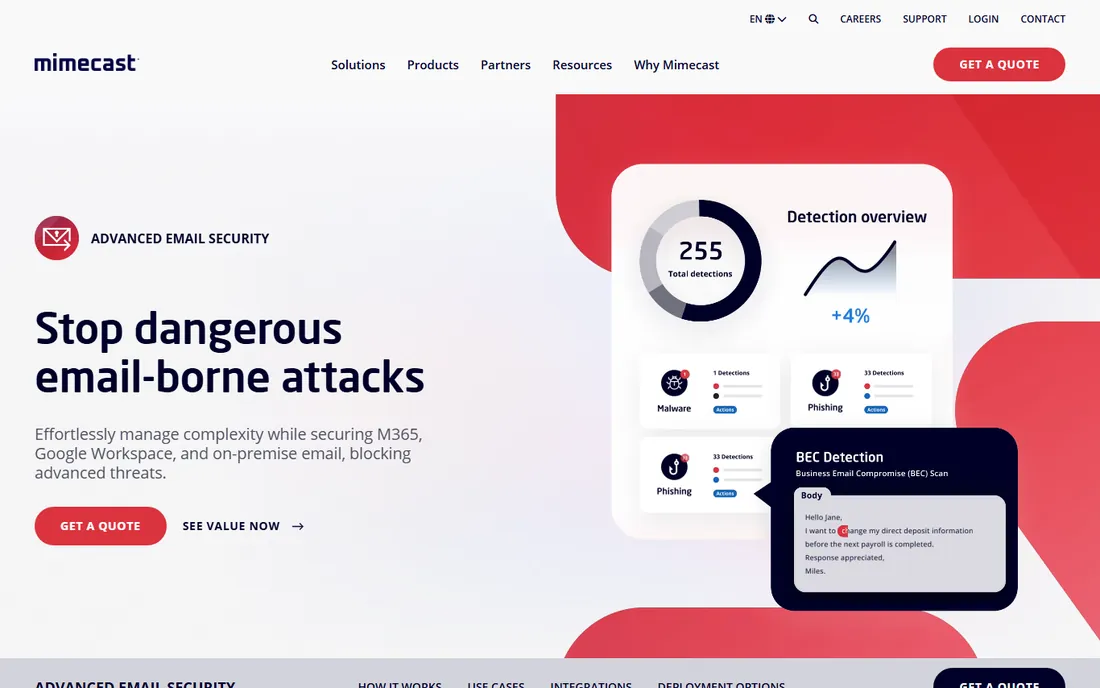
Mimecast has been doing nothing but email security for over twenty years, and it shows in the depth of the product. Its Targeted Threat Protection scans every email, attachment, and URL for phishing, spear phishing, ransomware, and impersonation attempts. The detection models have been trained on an enormous volume of real mail, which helps with the novel attacks that slip past simpler filters.
For a mid-size company that wants a safe, well-known choice, Mimecast is easy to defend to a boss or a board. The tradeoffs are the lack of published pricing and a platform that was designed with larger security teams in mind. Smaller companies may find they are paying for depth they will never configure. Still, if email is central to how your business runs, that depth is the point.
What we like- More than two decades of email security focus
- AI detection tuned on trillions of processed emails
- Scans every attachment and URL for impersonation and ransomware
Watch out for- No public pricing
- The breadth of the platform can be more than a small team needs
#4
Barracuda Email Protection
Best for: Lean IT teams that want email security plus backup and archiving
Visit barracuda.com
Starting priceSee website
Free planFree trial
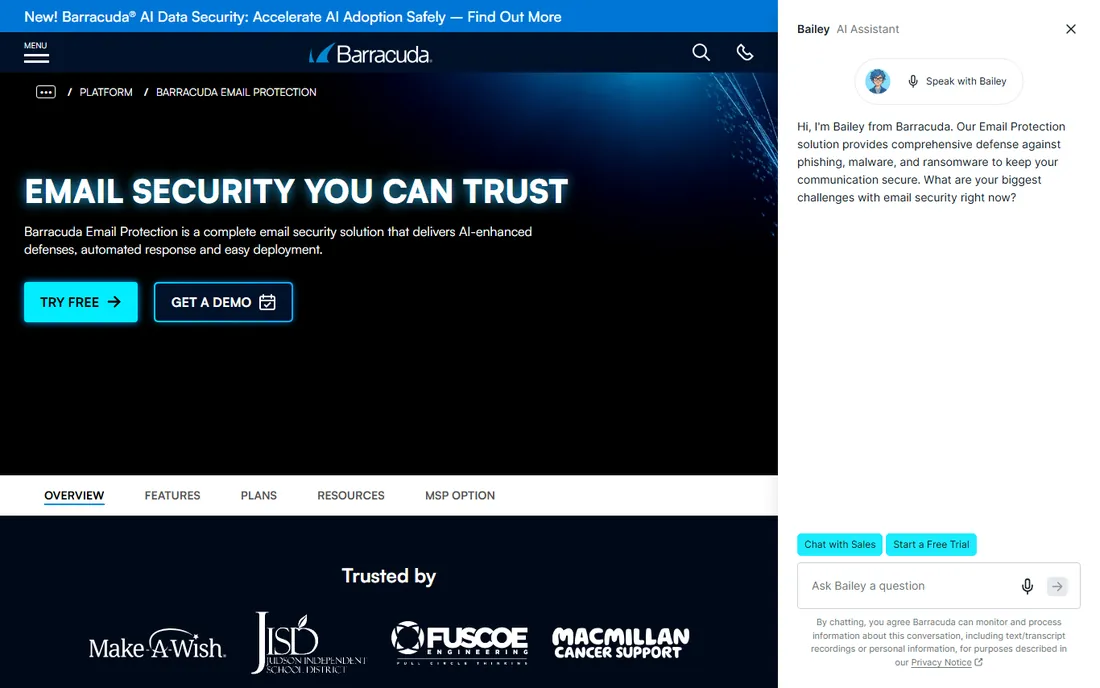
Barracuda pitches itself as the practical choice for teams without a security department, and the product backs that up. It connects to Microsoft 365 or Google Workspace through an API, with no mail record changes, and starts working in minutes. Beyond filtering, it includes backup, archiving for compliance, and phishing simulation training, so one purchase covers several checkboxes.
What stands out is the emphasis on doing the work for you: threats get pulled back from mailboxes automatically, and bulk actions let a single admin manage thousands of mailboxes. The catch is pricing, which Barracuda keeps behind a quote, and the fact that you are buying into a wider platform story. If you only want a spam filter and nothing else, simpler tools on this list will get you there faster.
What we like- Deploys through API with no mail record changes
- Combines threat protection with backup and tamper-proof archiving
- Automated remediation across mailboxes
Watch out for- No public pricing
- The full platform story can feel like overkill if you only need spam filtering
#5
INKY
Best for: Teams that want visible phishing warnings coaching their users
Visit inky.com
Starting priceSee website
Free planFree trial
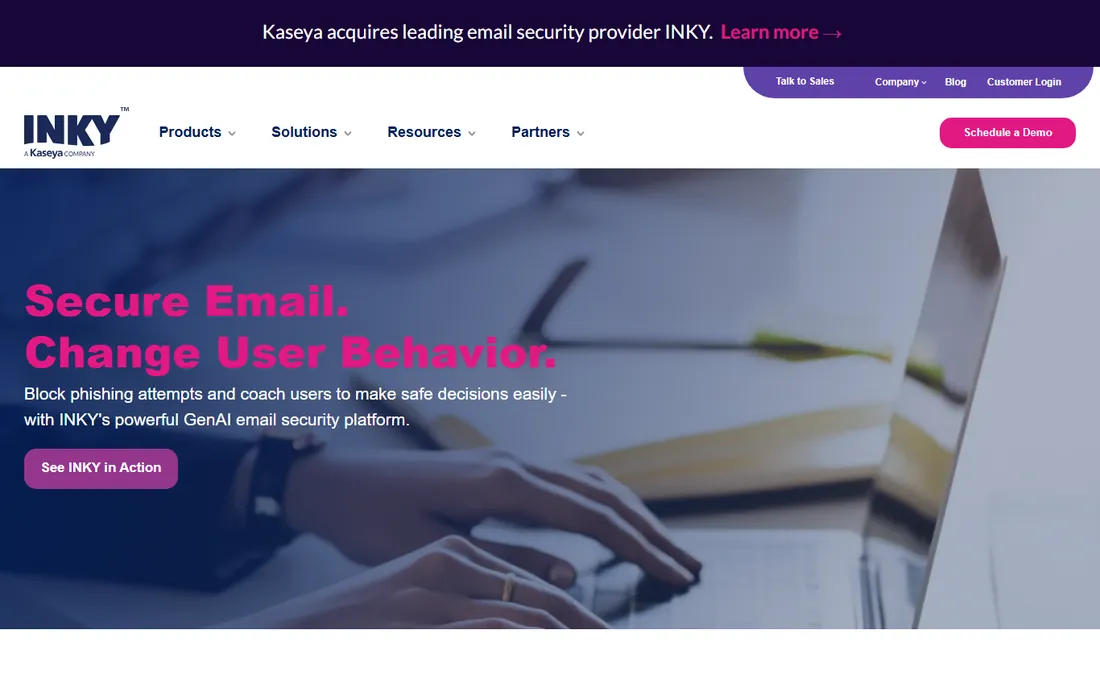
INKY takes a different angle from most tools on this list. Instead of silently filtering in the background, it stamps every email with a banner: gray for safe, yellow for caution, red for danger, each with an explanation of what it found. Users learn to spot phishing because the coaching happens inside real mail, not in a once-a-year training module.
The technology behind the banners is serious. Computer vision and generative AI models examine each message the way a person would, catching brand forgery and lookalike domains that signature-based filters miss. INKY says initial install takes about half an hour and managing a thousand mailboxes takes less than an hour a month. Pricing is quote-based, and if you also need backup or archiving you will need a second product. For pure phishing defense with user education built in, it is one of the friendliest options here.
What we like- Color-coded banners explain each email's risk to the recipient
- GenAI analysis looks at intent and visual cues, not just links
- Installs in about 30 minutes with minimal ongoing management
Watch out for- No public pricing
- Focused on phishing rather than full-suite features like backup or archiving
#6
IRONSCALES
Best for: Companies that want fast API deployment and honest published pricing
Visit ironscales.com
Starting price$3.11 per mailbox/month (billed annually)
Free planYes
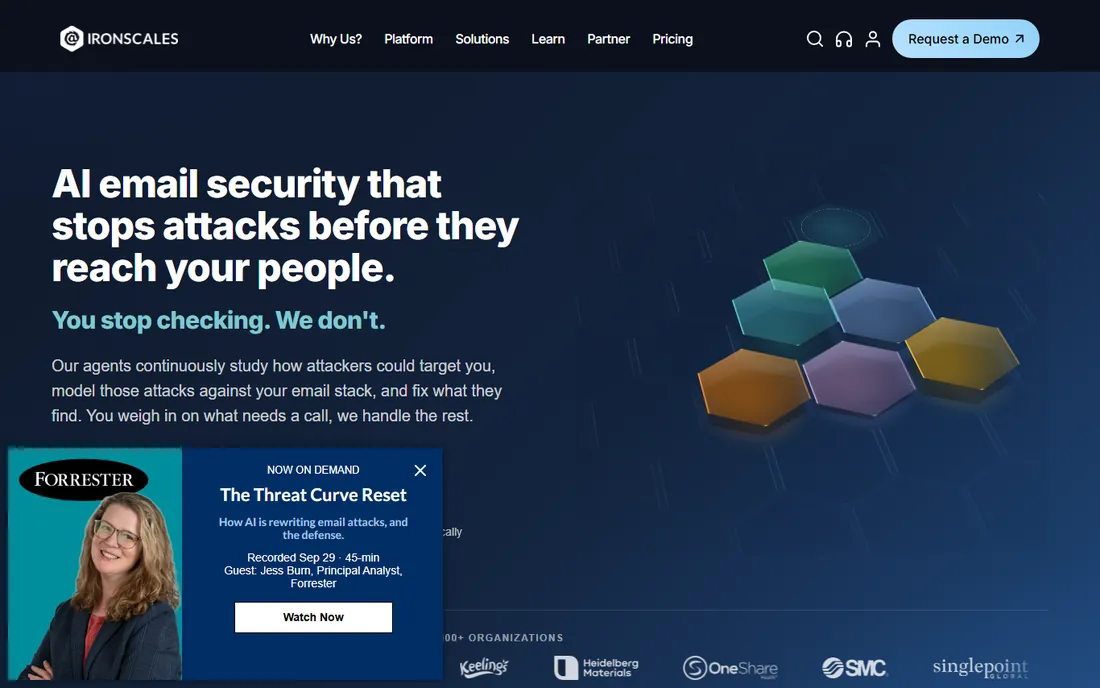
IRONSCALES is the easiest tool on this list to evaluate, because it tells you the price upfront: $3.11 per mailbox per month on annual billing, with a free Starter plan to begin. It connects to Microsoft 365 and Google Workspace through an API, learns how your organization normally communicates, and removes threats after delivery, including the business email compromise and account takeover attempts that gateways miss.
The platform also bundles the human side: phishing simulations, a virtual security assistant, and one-click reporting turn employees into part of the defense. IRONSCALES says deployment takes minutes, and because nothing in your mail flow changes, there is little risk in trying it. The main limitation is arithmetic. Per-mailbox pricing is fair at small scale but becomes a real line item at a few hundred seats, so model the cost at your actual headcount before committing.
What we like- Transparent per-mailbox pricing with a free Starter plan
- Deploys in minutes with no mail record changes
- Phishing simulation and awareness training included
Watch out for- Per-mailbox pricing adds up as headcount grows
- The free Starter plan covers basics only
#7
Abnormal AI
Best for: Larger companies focused on BEC and account takeover
Visit abnormal.ai
Starting priceSee website
Free planNo
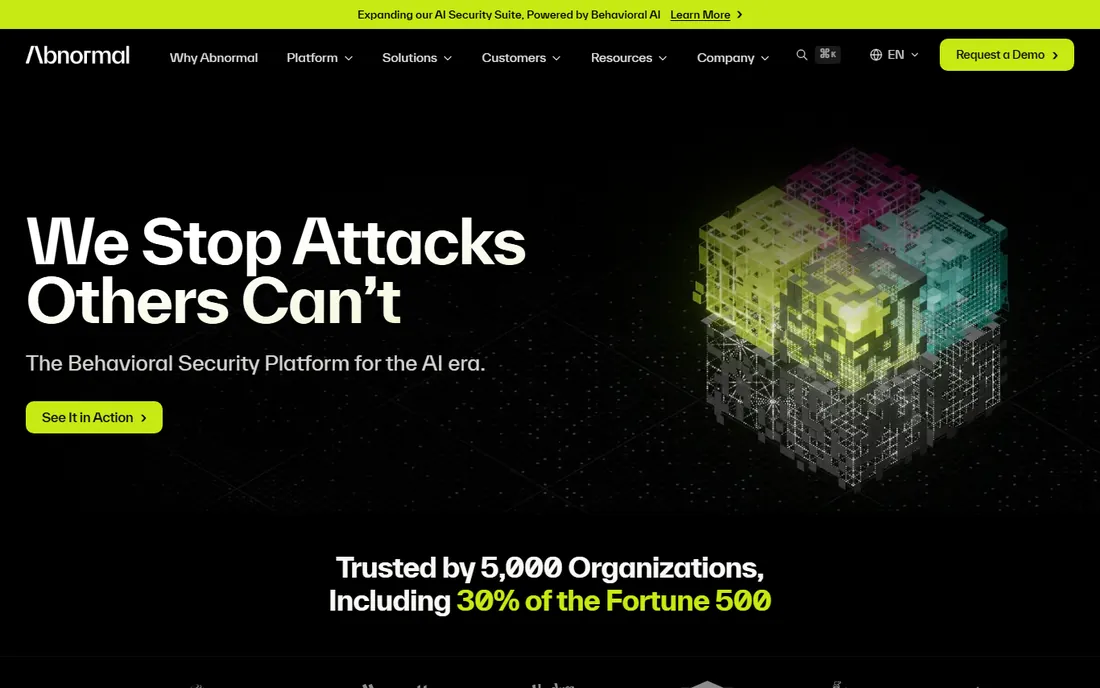
Abnormal AI, formerly Abnormal Security, is the heavyweight pick for stopping the attacks that cost real money: business email compromise, vendor fraud, and account takeover. Its behavioral AI builds a profile of how each person and organization normally communicates, then flags the anomalies. Because it looks at behavior rather than known-bad signatures, it catches the novel, payload-free attacks that traditional filters wave through.
Integration is a one-click API connection to Microsoft 365 or Google Workspace, with no mail record changes and no impact on mail flow. The honest catch is that everything about Abnormal AI, from pricing to packaging, is aimed at larger organizations. There is no public price and no free trial, only demos. If you run a fifty-person company, the tools above will serve you well for less money and less process. If you run five hundred, this is the class of product your peers are buying.
What we like- Behavioral AI baselines normal communication to catch novel attacks
- API integration with no mail flow changes
- Covers inbound threats, account takeover, and internal mail
Watch out for- No public pricing and no free trial
- Enterprise positioning makes it a stretch for very small firms
#8
SpamHero
Best for: Small businesses that want simple per-domain pricing
Visit spamhero.com
Starting price$8 per domain/month (Lite)
Free planFree trial (30 days)
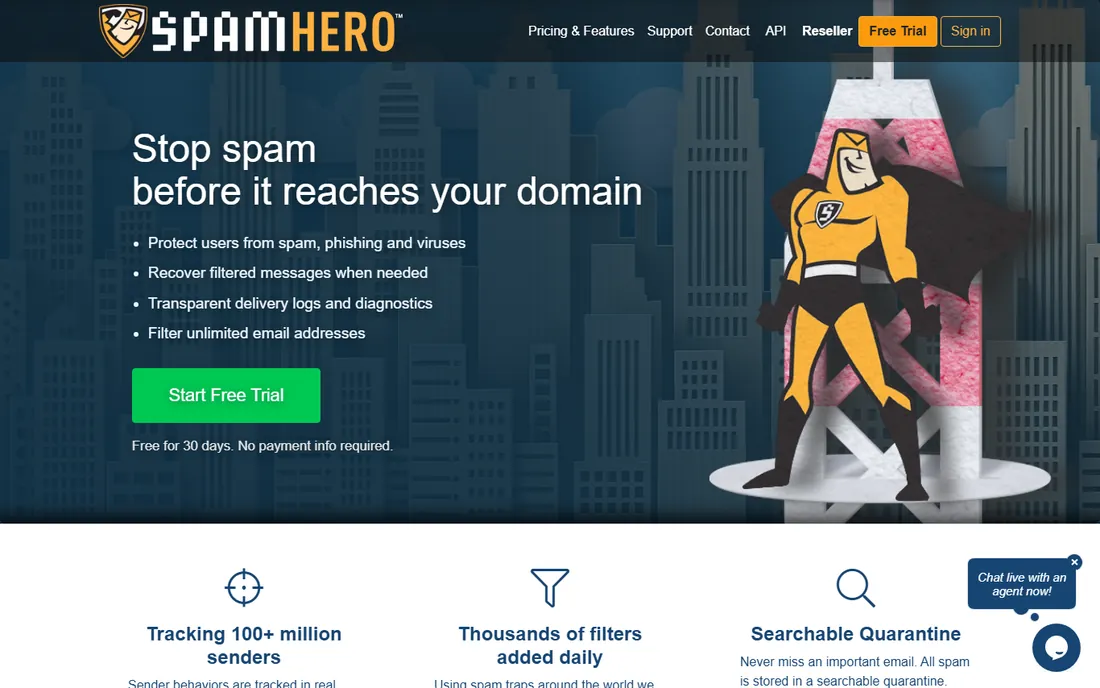
SpamHero is the budget pick that refuses to punish you for growing. Instead of charging per user, it charges per domain: $8 a month on the Lite plan covers every address on that domain, whether you have five employees or five hundred. A 30-day trial with no credit card required means you can prove it works before spending anything.
The filtering itself is rule-based, maintained by a human team around the clock rather than pure machine learning, and everything caught lands in a searchable quarantine you can review and release. That simplicity is the appeal and the limit. You point your mail records at SpamHero, which takes a few minutes but is more hands-on than an API connection, and you will not get the behavioral AI or deep forensics of the enterprise tools. For a small business drowning in spam, though, it solves the actual problem at a price that is hard to argue with.
What we like- Per-domain pricing covers unlimited addresses
- 30-day free trial with no credit card
- Searchable quarantine so no legitimate email is ever truly lost
Watch out for- Gateway approach requires mail record changes
- Fewer advanced threat-hunting features than AI-native tools
#9
Check Point Harmony Email & Collaboration
Best for: Companies that want email plus Teams, Slack, and file-sharing protection
Visit checkpoint.com
Starting priceSee website
Free planFree trial
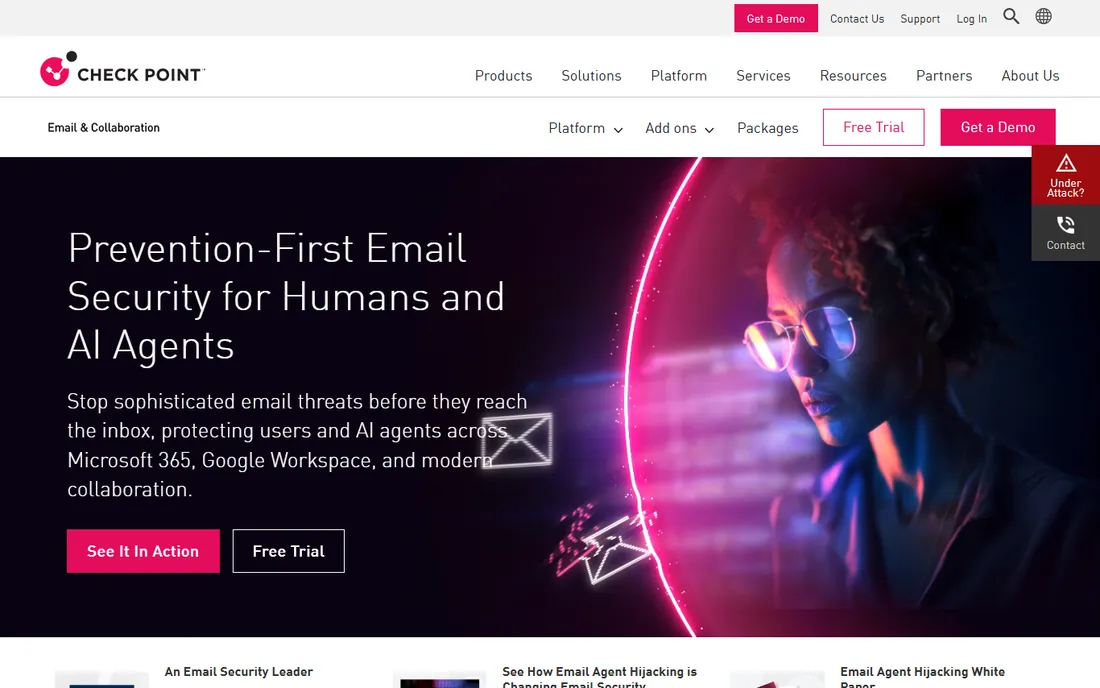
Check Point entered this market by acquiring Avanan in 2021, and has built it into a full collaboration security platform. Harmony Email & Collaboration connects through an API in minutes and inspects mail before it reaches the inbox, which is a meaningful difference from tools that only clean up after delivery. Protection extends past email to Microsoft Teams, SharePoint, OneDrive, Slack, and Google Drive.
The bundle is generous: data loss prevention, DMARC authentication, account takeover protection, security awareness training, and archiving all come along. For a company standardizing on Check Point elsewhere, that integration story is compelling. As with most enterprise names here, pricing is quote-only, and the sheer breadth of the platform is more than a ten-person company needs. Mid-size firms with real collaboration sprawl will get the most value.
What we like- Protects collaboration apps beyond email, including Teams, Slack, and Drive
- API deployment with no mail record changes
- DLP, DMARC, and archiving included
Watch out for- No public pricing
- The broad platform can overwhelm teams that just need spam filtering
How we chose
We started from vendor pricing pages, product documentation, and the deployment models each company actually offers, then cross-checked against public reviews on G2, Capterra, and TrustRadius plus community discussion on Reddit. We favored tools with a real presence among small and mid-size US businesses, which meant weighing ease of deployment and transparent pricing alongside raw detection claims. We did not test any product hands-on, so nothing here is based on lab results. Prices come from the vendor's own published pages wherever they exist; where vendors keep pricing behind a sales call, we say so instead of guessing.
Start with your mail platform. If you live in Microsoft 365, the all-in-one suites from Proofpoint and Barracuda earn their keep by replacing backup and archiving tools too. Google Workspace shops get the same API-based protection from IRONSCALES, Abnormal AI, INKY, and Check Point, so do not assume you need a Microsoft-centric product.
Gateway or API deployment
This is the first fork in the road. A gateway like SpamTitan or SpamHero sits in front of your mail server and filters everything in transit, which means changing your mail records. API-based tools like IRONSCALES, INKY, Abnormal AI, and Check Point connect directly to your mailboxes and need no DNS changes. Gateways give you blunt, reliable control. API tools deploy faster, see internal mail between employees, and can pull back threats after delivery. For most small companies, API deployment is the easier path.
Per-user versus per-domain pricing
Most tools charge per mailbox, which is predictable but grows with headcount. SpamHero charges per domain, so adding employees costs nothing extra. If your team is growing fast, per-domain pricing can save real money. If your headcount is stable, per-mailbox pricing from a vendor like IRONSCALES is easy to budget.
Catch-rate claims deserve skepticism
Every vendor publishes an impressive detection number. Treat these as marketing until proven otherwise in your environment. What matters more is how a tool handles the misses: can users report suspicious mail in one click, does it remove threats from every mailbox automatically, and does it learn from what your team reports. A 30-day trial answers these questions better than any datasheet.
Do not skip the human layer
The most expensive breaches start with one person clicking one link. Tools with built-in phishing simulation and user coaching, like INKY, IRONSCALES, and Proofpoint 365 Total Protection, address the actual weak point. A filter plus regular simulated phishing tests beats a slightly better filter on its own.
Do you even need a separate spam filter with Microsoft 365?
It depends on what you are protecting against. Microsoft's built-in Exchange Online Protection handles commodity spam and known malware competently, and for some very small businesses it is genuinely enough. The problem is the attacks it was never designed to catch: novel phishing pages, business email compromise with no malicious payload, and account takeovers that look like legitimate logins.
Every API-based tool on this list exists to cover that gap rather than replace Microsoft's filtering. They layer behavioral analysis on top of what you already have. If your business handles wire transfers, sensitive client data, or anything regulated, that extra layer is cheap insurance. If your biggest email risk is newsletters you never signed up for, save your money and stick with the defaults.
Frequently asked questions
Do I need anti-spam software if I already use Microsoft 365 or Google Workspace?
For basic spam, probably not. Both platforms include solid baseline filtering. A dedicated tool earns its place against targeted threats like business email compromise, credential phishing, and account takeover, which are the attacks that cause financial damage. If your team handles payments, sensitive data, or client funds, the extra layer is worth it.
What is the difference between a secure email gateway and API-based email security?
A gateway sits in front of your mail server and inspects messages in transit, which requires changing your mail records. API-based security connects directly to your cloud mailboxes, deploys in minutes, and can see internal mail between employees as well as remove threats after delivery. Gateways offer blunt control; API tools offer speed and visibility.
How much does anti-spam software cost for a small business?
Published starting prices on this list run from $3.11 per mailbox per month (IRONSCALES, billed annually) to $8 per domain per month (SpamHero, covering unlimited addresses). Most enterprise-grade tools do not publish prices and will quote based on seat count. Budget roughly $3 to $6 per user per month for a capable small-business product.
Will anti-spam software block legitimate emails?
Occasionally, yes, which is why quarantine and reporting matter more than the marketing claims. Good tools hold suspicious mail in a searchable quarantine instead of deleting it, and let users release messages or report mistakes in one click. During a trial, watch the quarantine daily to tune the balance between aggressiveness and false positives.
Can these tools stop phishing and business email compromise?
The AI-based tools on this list are built specifically for that. They analyze sender behavior, language, and intent to catch payload-free attacks like CEO fraud and vendor impersonation. No tool stops everything, which is why the best setups pair filtering with phishing simulation training so employees recognize what slips through.
Sources we checked (12)
- https://www.titanhq.com/email-protection//?source=email
- https://www.proofpoint.com/uk/products/email-protection/essentials
- https://www.hornetsecurity.com/us/services/365-total-protection/?LP=techstorify-sc-Article-365-TP-Productreview-EN&Cat=SC&utm_source=techstorify-sc&utm_medium=sc&utm_campaign=365-TP&utm_content=article
- https://www.mimecast.com/products/email-security/
- https://www.barracuda.com/products/email-protection
- https://www.inky.com/
- https://ironscales.com/
- https://ironscales.com/compare/forcepoint
- https://www.spamhero.com/plans
- https://spamhero.com/
- https://abnormal.ai/
- https://www.checkpoint.com/harmony/email-security/email-office/
Is your product missing or out of date?
We review this list regularly. Vendors can request a listing, send updated pricing or ask about featured placement.

Shihab Mia · Founder, Rankite
Shihab has spent more than a decade helping SaaS and e-commerce brands grow through search. He writes Rankite's software buying guides from pricing pages, documentation and public user reviews. More about Shihab.