How we make this list: we compare pricing pages, product documentation and public user reviews. Ratings come from G2, Capterra or Trustpilot, with the date we checked them.
Key takeaways
- Google Maps, WhatsApp, and Google Photos form the core trio most Android users install first, covering navigation, messaging, and photo backup.
- Nova Launcher and Tasker are the customization picks, one reshaping the home screen, the other automating nearly anything on the phone.
- Spotify and Microsoft SwiftKey improve daily habits, music and typing, with free tiers that cover the basics well.
- Google Keep's web page redirects to sign-in, so its details rest on published descriptions and are flagged below.
Quick comparison
Is your product missing or out of date?
We review this list regularly. Vendors can request a listing, send updated pricing or ask about featured placement.
The best Android apps
Starting priceFree
Free planYes
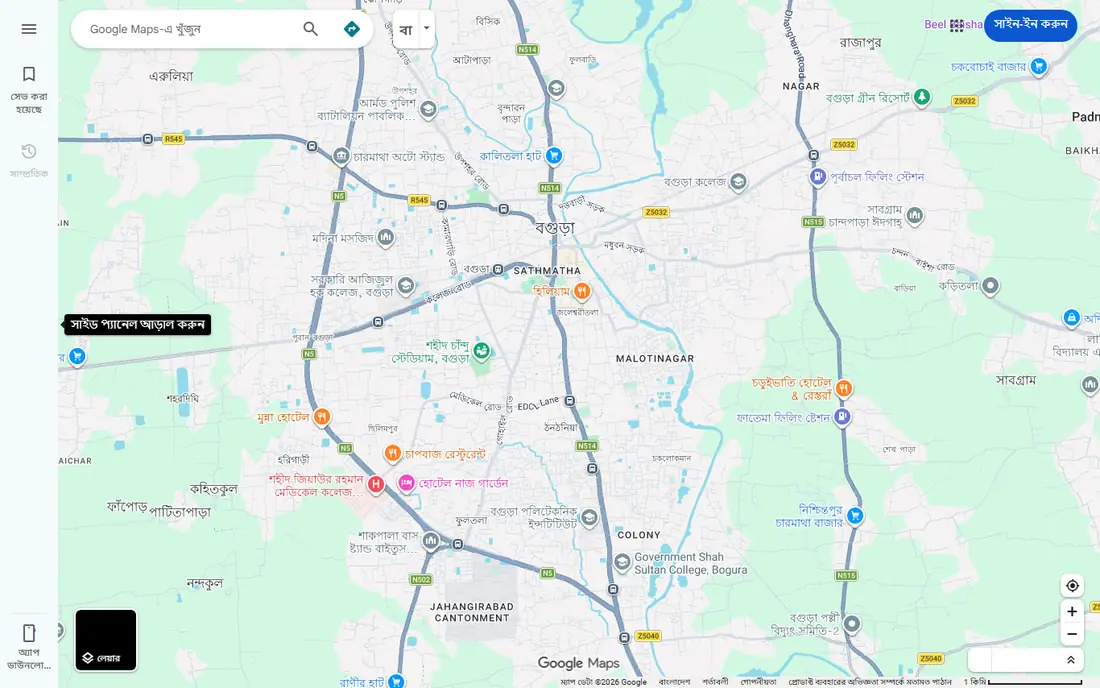
Google Maps remains the default navigation app on Android for good reason. It pairs turn-by-turn driving, walking, cycling, and transit directions with live traffic, business information, reviews, and photos, so one app answers both "how do I get there" and "is it open." Offline maps cover areas with weak signal, which matters on road trips and in rural areas.
The web homepage returned only a minimal search shell during this review, so details rest on the app's well-known feature set rather than a fresh page read. Battery drain on long navigated drives is the practical complaint, and a car charger solves it. For most users, Maps is the first app to install on a new Android phone.
What we like- Turn-by-turn navigation with live traffic
- Business hours, reviews, and photos
- Offline maps for trips
Watch out for- Web page returned only a search shell during research
- Heavy battery use on long drives
Starting priceFree
Free planYes
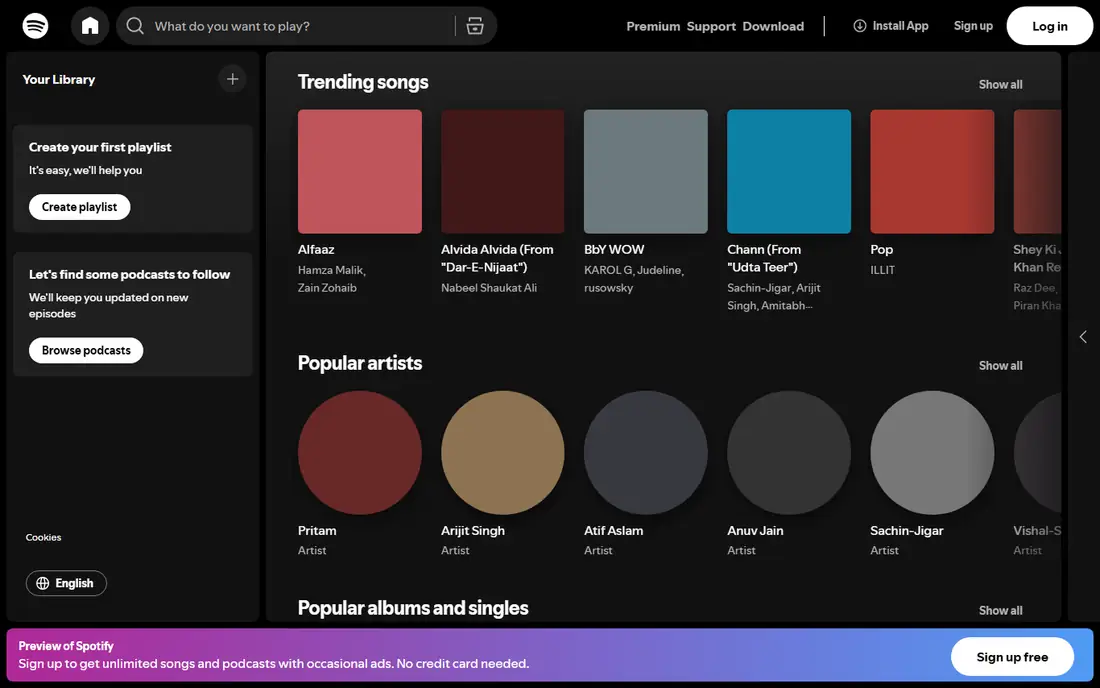
Spotify's catalog covers music, podcasts, and audiobooks in one app, with playlists and personalized mixes that learn from listening habits. The free tier plays with ads and shuffle limits, which is enough for casual listening, while Premium adds offline downloads, unlimited skips, and higher audio quality.
The web player page returned only a minimal shell during this review, so the details here rest on the service's published feature set. The free tier's limits frustrate heavy listeners, but as a starting point for music on Android, Spotify is the easiest recommendation on this list.
What we like- Huge music and podcast catalog
- Free tier with ads
- Playlists and personalized mixes
Watch out for- Free tier limits skips and offline playback
- Web player page showed minimal content during research

#3WhatsApp
Best for: Private messaging and calls4.6/5 on
G2 (250 reviews, checked Oct 2026)
Visit whatsapp.com
Starting priceFree
Free planYes
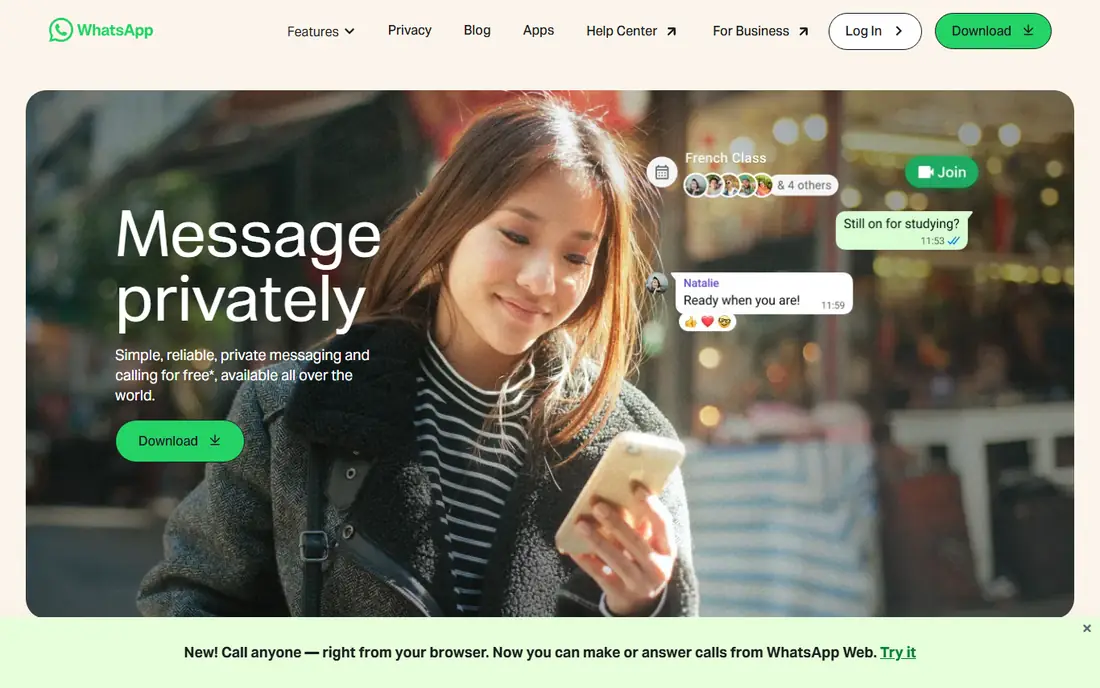
WhatsApp offers simple, reliable, private messaging and calling for free, available all over the world, with end-to-end encryption on personal messages and calls. Group chats, voice messages, stickers, and Status cover most daily communication, and the new browser calling feature extends calls to the desktop. Data charges may apply through the carrier, but the app itself charges nothing.
The limit is identity: WhatsApp ties accounts to phone numbers, so switching numbers needs care, and chat backup behavior varies by platform. For messaging friends and family, especially across countries, WhatsApp remains the most widely used option on Android.
What we like- End-to-end encrypted messages and calls
- Free worldwide
- Group chats, Status, and voice messages
Watch out for- Tied to a phone number
- Backup and multi-device quirks persist
Starting priceFree
Free planYes
Google Photos pairs automatic backup with search that actually works: type a place, a person, a pet, or even a food emoji and matching photos appear. The homepage highlights 15 GB of free storage, AI editing tools including Magic Eraser and Photo Unblur, and automatic organization into stacks and document albums. Shared albums and partner sharing make family photo pools simple.
The catch is the 15 GB ceiling, shared across Photos, Gmail, and Drive. Heavy video shooters will hit it quickly and need a Google One plan. For everyone else, automatic backup plus strong search makes Google Photos the safest default photo home on Android.
What we like- 15 GB free storage shared across Google services
- AI search by people, places, and things
- Magic Eraser and Photo Unblur
Watch out for- Free storage fills fast with video
- Full-resolution original backups count against the limit
Starting priceFree
Free planYes
Nova Launcher replaces the stock home screen with one users control: desktop grid, app drawer, dock, folders, and icon themes all bend to personal taste. Backup and restore saves a tuned setup, so a new phone can look familiar in minutes. Prime adds gestures, notification badges, and drawer folders for users who want deeper control.
The free version covers the core customization, while Prime is a one-time-style upgrade for power users. The only real cost is time: a fully tuned Nova setup takes an evening of tweaking. For users who dislike their phone maker's launcher, Nova is the classic fix.
What we like- Customizable desktop, drawer, dock, and folders
- Icon themes
- Backup and restore of setups
Watch out for- Prime features like gestures and drawer folders cost extra
- Setup takes time to tune
Starting priceSee website
Free planFree trial
Tasker performs sets of actions based on contexts like application, time, date, location, event, or gesture, without needing root access. Examples from its own site include lowering brightness in the evening, raising ringer volume at the office, reading incoming messages aloud, and launching a music app when headphones connect. The flexibility comes from combining contexts and tasks freely.
The learning curve is the barrier. Tasker's interface is dense and dated, and new users should expect an hour of experimentation before the first useful profile clicks. A 7-day trial from the developer's site lets buyers test it before paying. For automation fans, no other Android app matches its range.
What we like- Automates tasks from app, time, location, and event triggers
- No root required
- 7-day direct-download trial
Watch out for- Steep learning curve
- Interface looks dated
- Some triggers vary by Android version
Starting priceFree
Free planYes
Microsoft SwiftKey makes typing faster with autocorrect that catches misspellings, missed spaces, and missed letters, plus swipe typing through SwiftKey Flow. It learns the user's writing style to suggest the next word, supports typing in up to five languages without switching settings on Android, and offers hundreds of free keyboard themes or a custom design.
The cloud clipboard, which syncs copied text between phone and Windows devices, requires signing in, which privacy-minded users may skip. Prediction quality also varies by language. For most Android users, SwiftKey is a clear upgrade over stock keyboards, and it costs nothing.
What we like- Free with hundreds of themes
- Swipe typing with SwiftKey Flow
- Learns writing style for next-word suggestions
Watch out for- Cloud clipboard needs sign-in
- Prediction quality varies by language
Starting priceFree
Free planYes
Google Keep is Google's lightweight note app: quick notes, color labels, checklists, and reminders that sync across devices on the same Google account. Its speed is the point, since a note can be captured in seconds and found later through search rather than folder digging.
The flag is that the Keep web page redirects to a Google sign-in screen, so no feature content could be read firsthand during this review. The details here rest on published descriptions. Keep suits fast capture and simple lists, while users needing rich documents should look at a full notes app instead.
What we like- Fast note capture with color labels
- Checklists and reminders
- Syncs across Google account devices
Watch out for- Web page redirects to a sign-in screen, so features rest on published descriptions
How we chose
We opened each vendor homepage and compared everyday usefulness, free tier quality, Android-specific strengths, and platform fit. Google Maps and Spotify returned minimal web shells, and Google Keep redirected to sign-in, so those entries rest on published descriptions and are flagged. We favored free apps with broad device support and a clear job, from navigation and messaging to customization and automation.
Setting up a new Android phone with these apps
Install order matters less than coverage. Start with Google Maps, WhatsApp, and Google Photos for navigation, messaging, and backup, then add Spotify for music and SwiftKey for typing. That core five covers a normal day. Add Nova Launcher only if the stock home screen annoys you, and add Tasker only if you enjoy tinkering, since both reward time invested.
Check storage and battery after the first week. Photo backup and navigation are the two biggest consumers of storage and battery, so set Photos to storage-saver quality if the free 15 GB runs low, and download offline maps before trips rather than streaming them on the road.
Permissions deserve a pass too. Messaging, photo, and launcher apps ask for broad access, so review what each app can read and turn off anything it does not need for its core job. A maps app needs location while navigating, but it does not need background location all day, and a keyboard app does not need full network access to suggest words.
Finally, resist installing every app on a best-of list at once. Each new app adds notifications, background activity, and another account to manage. Install the core five, live with them for a week, and add one specialist app at a time only when a real gap appears. A phone with eight well-chosen apps beats a phone with eighty forgotten ones.
Backups close the loop. Turn on Google Photos backup and WhatsApp chat backup before anything goes wrong, and confirm the backup actually ran by checking the date on the settings screen. A new phone setup takes minutes when backups are current, and hours when they are not. Treat the backup check as part of the install, not an afterthought. The few minutes spent confirming backups pay back the first time a phone is lost or replaced, every single time.
Frequently asked questions
What are the must-have Android apps?
Google Maps, WhatsApp, and Google Photos cover navigation, messaging, and backup for most users. Add Spotify for music and SwiftKey for typing to round out the daily set.
Is Nova Launcher still worth using?
Yes, for users who want home screen control. The free version covers layout, folders, and icon themes, while Prime adds gestures and drawer folders.
Can Tasker automate anything on Android?
Nearly anything, within Android's permission limits. Common uses include location-based settings, time-based brightness, and app-triggered actions, all without root access.
Is Spotify free on Android?
Yes, with ads and shuffle limits. Premium removes ads, enables offline downloads, and allows unlimited skips.
Why does Google Keep ask me to sign in?
Keep syncs through a Google account, so the web page redirects to sign-in. The app itself works once signed in, and notes sync across devices on that account.
Do these apps work on all Android phones?
Most do, though availability varies by Android version and region. Tasker triggers and launcher behavior can differ across phone makers.
Sources we checked (8)
- https://maps.google.com/
- https://www.spotify.com/us/
- https://www.whatsapp.com/
- https://photos.google.com/
- https://novalauncher.com/
- https://tasker.joaoapps.com/
- https://www.swiftkey.com/en
- https://keep.google.com/
Is your product missing or out of date?
We review this list regularly. Vendors can request a listing, send updated pricing or ask about featured placement.

Shihab Mia · Founder, Rankite
Shihab has 5+ years in B2B and SaaS SEO. He writes Rankite's software buying guides from pricing pages, documentation and public user reviews. More about Shihab.
 Google Maps
 Spotify
 Google Photos
 Nova Launcher
 Tasker
 Microsoft SwiftKey
 Google Keep