How we make this list: we compare pricing pages, product documentation and public user reviews. Ratings come from G2, Capterra or Trustpilot, with the date we checked them.
Key takeaways
- The best algo trading platforms in 2026 split into research engines for coders, broker platforms with built-in strategy tools, and chart-based builders.
- QuantConnect leads for quant research and multi-asset backtesting, while Alpaca leads for API-first US equity strategies at no commission.
- Interactive Brokers and TradeStation suit active traders who want a broker plus strategy tools in one account.
- MetaTrader 5 and NinjaTrader lead for forex and futures automation respectively, and TradingView suits chart-based strategy design.
- Trading involves risk, and backtest results never guarantee future returns. This article is general information, not financial advice.
Quick comparison
Is your product missing or out of date?
We review this list regularly. Vendors can request a listing, send updated pricing or ask about featured placement.
Starting priceFree
Free planYes
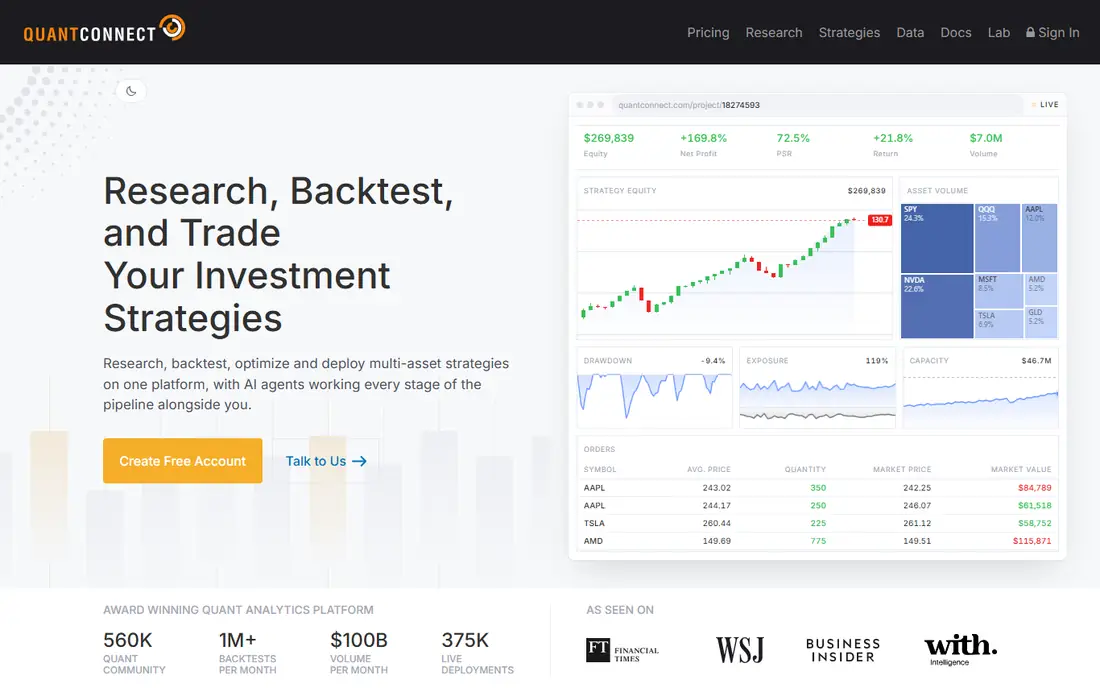
QuantConnect is the strongest choice for quants who want research, backtesting, and live deployment in one pipeline. Its cloud engine, built on the open source LEAN project, covers US equities, forex, crypto, options, and futures with extensive historical data. You write strategies in Python or C#, backtest them in the cloud, and deploy live through supported brokers.
The trade is cost at scale. Starting is free, but paid tiers from about 8 to 48 dollars per month, plus a higher researcher tier near 84 dollars, raise the bill for heavy compute and premium data. Beginners also face a learning curve, since the workflow assumes coding skill. For a developer who wants institutional-grade research without building infrastructure, QuantConnect leads.
What we like- Cloud backtesting with large data library
- Python and C# support
- Live trading through brokers
Watch out for- Paid cloud compute raises cost at scale
- Learning curve for beginners
- Premium data feeds cost extra
Starting priceFree
Free planYes
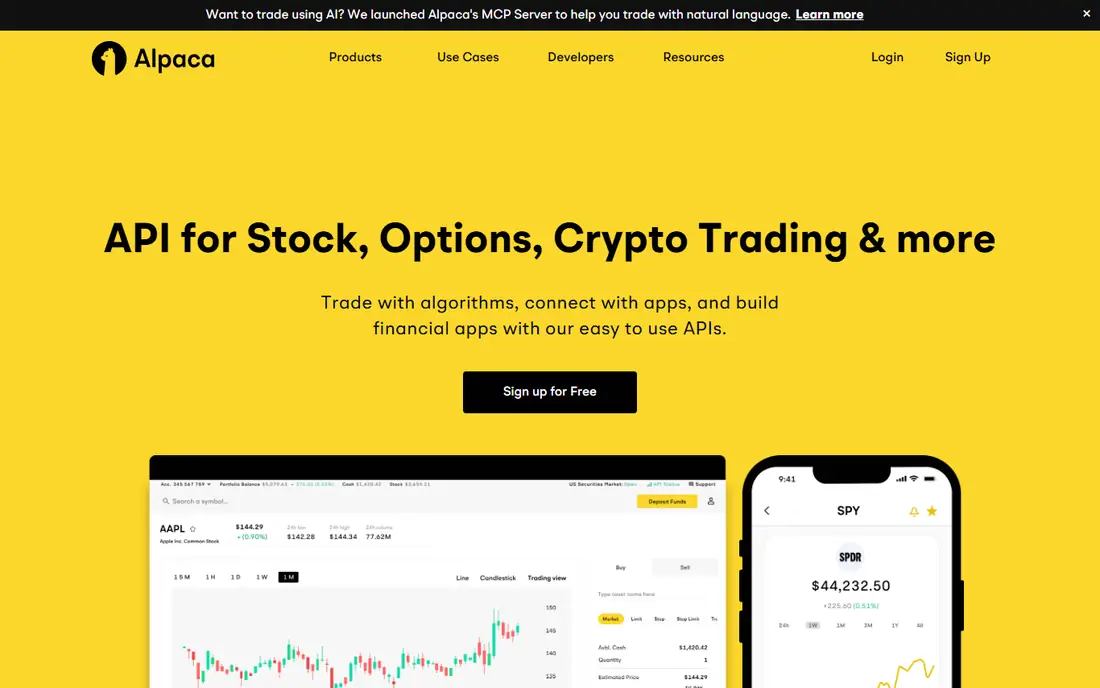
Alpaca suits developers who want a free, API-first broker for US equity strategies. Its REST and WebSocket APIs work in Python, JavaScript, Go, and C#, paper trading lets you test live behavior without funds, and retail US equity commissions are zero. Setup is fast compared with traditional broker APIs, which suits hackathons, side projects, and startups.
The limits are scope and tooling. Alpaca covers US equities and crypto, not futures, forex, or global markets, and it offers no built-in backtester, so you must pair it with a third-party backtesting tool. For a developer building an API-driven equity strategy, Alpaca is the simplest live-trading path.
What we like- Free API and paper trading
- Commission-free US equities for retail
- Simple REST and WebSocket API
Watch out for- US equities and crypto only
- No built-in backtester
- Support is developer-focused
Starting priceSee website
Free planNo
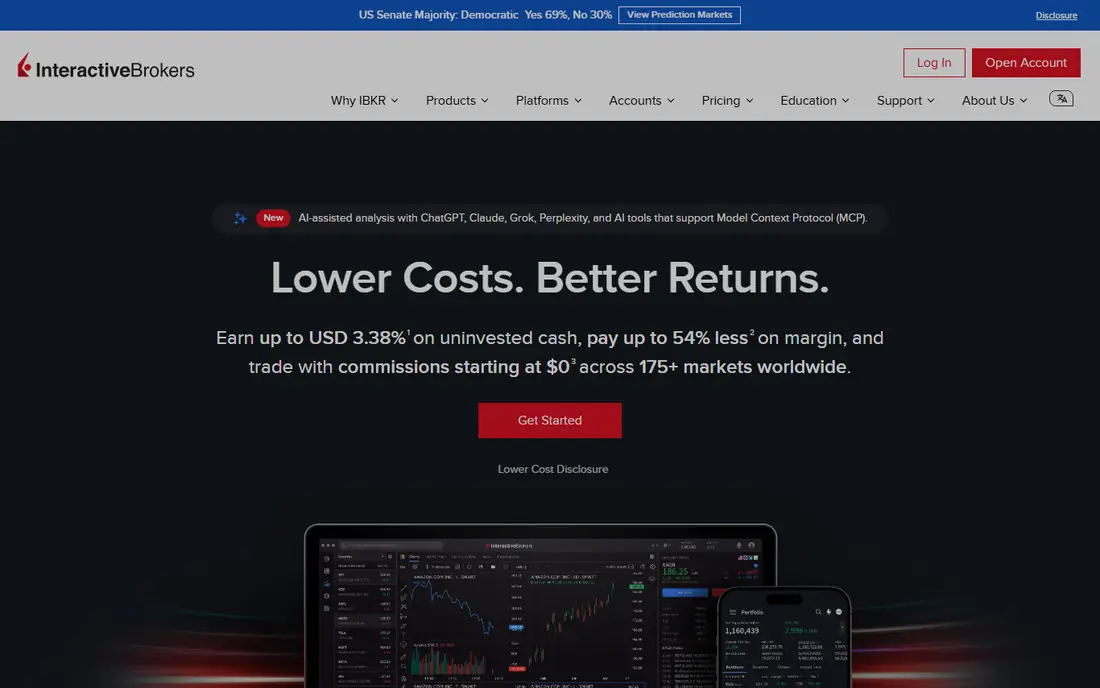
Interactive Brokers suits experienced programmers who want full control of execution across global markets. Its API supports Python, Java, C++, and C#, covering stocks, options, futures, forex, and bonds in many countries, with tiered volume-based commissions. The Trader Workstation platform adds charting and order tools beside the API.
The trade is complexity and cost clarity. Commissions vary by plan, asset, and volume, so the starting price here is written as See website, and the platform assumes a trader comfortable with professional tooling. API setup also takes real effort. For a multi-asset desk or ambitious trader who needs global reach, Interactive Brokers is the deepest broker API available.
What we like- Global multi-asset access
- Mature API in several languages
- Deep liquidity
Watch out for- Commissions vary by plan and volume, so check the schedule
- Platform complexity is high
- API setup takes effort
Starting priceSee website
Free planNo
TradeStation suits active traders who prefer scripting in plain-English-like EasyLanguage over general-purpose code. Its desktop platform offers strategy backtesting and optimization, automated execution from a chart, and a REST API, covering stocks, options, and futures. Brokerage clients pay no platform fee, while non-brokerage users face a monthly fee near 99 dollars, so the starting price here is written as See website.
The limits are language and platform shape. EasyLanguage skills transfer poorly outside TradeStation, and the desktop focus suits traders at a desk more than cloud deployment. For a US active trader who wants an all-in-one broker and strategy platform, TradeStation remains a strong pick.
What we like- EasyLanguage scripting
- Built-in backtesting and optimization
- Stocks, options, and futures
Watch out for- Platform fee for non-brokerage users
- EasyLanguage is niche
- Desktop focus limits cloud use
Starting priceFree
Free planYes
TradingView suits traders who design strategies on charts. Its Pine Script language lets you code indicators and strategies directly on real charts, backtest them visually, and share or borrow community scripts. A free Basic plan covers core charting, while the Essential paid plan starts near 14.95 dollars per month.
The trade is execution. TradingView does not execute strategies natively, so live automation needs alert webhooks routed through a third-party tool or broker integration, which adds a link that can fail. Pine Script is also chart-bound rather than a general research language. For a visual trader who thinks in charts first, TradingView is the best design surface.
What we like- Pine Script strategy scripting
- Extensive multi-asset charts
- Large community scripts
Watch out for- Live automation needs webhooks or third-party tools
- Paid plans rise with features
- Pine Script is chart-bound
Starting priceFree
Free planYes
MetaTrader 5 suits forex and CFD traders automating with Expert Advisors. The platform is free through brokers, supports MQL5 robots plus a Python API, and includes a multi-asset strategy tester for backtesting. Thousands of ready-made advisors and indicators circulate in its marketplace, which helps beginners start from working examples.
The limits are broker dependence and uptime. Fees, spreads, and data quality vary by broker, and Expert Advisors run only while the terminal stays open, so serious users rent a virtual server. MQL5 skills also transfer poorly outside MetaTrader. For a forex trader who wants proven, broker-supported automation, MetaTrader 5 is the standard.
What we like- Free through brokers
- Expert Advisors automate fully
- Built-in strategy tester
Watch out for- Broker-dependent fees and data
- Terminal must run for automation
- MQL5 skills are niche
Starting priceFree
Free planYes
NinjaTrader suits futures traders who like GUI-based development with code depth behind it. The platform is free for charting, backtesting, and simulation, with a point-and-click Strategy Builder plus NinjaScript in C# for custom work. Strategy Analyzer covers multi-instrument and multi-timeframe testing, and Market Replay lets you practice against recorded sessions.
The trade is platform shape and cost path. Live trading needs a funded brokerage account with per-contract commissions, the platform runs on Windows desktop, and higher plans cost 99 dollars per month or a lifetime fee near 1,499 dollars. For a futures trader who wants a professional free platform with room to grow into code, NinjaTrader leads.
What we like- Free platform for charting, backtesting, and simulation
- NinjaScript in C#
- Strategy Analyzer and Market Replay
Watch out for- Live trading needs a funded account and commissions
- Windows desktop only
- Advanced plans cost more
Starting priceFree
Free planYes
cTrader suits traders who want modern algo tooling plus copy trading in one platform. It is free through supporting brokers, offers cAlgo for C# automation, and builds copy trading into the platform, so users can follow other traders strategies beside their own. Its interface feels newer than MetaTrader, which helps traders who value clean charts and order tools.
The limits are broker coverage and market. Broker availability varies by region, US presence is smaller than MetaTrader or NinjaTrader, and some users find automation depth thinner for exotic strategies. For a forex or CFD trader who wants algo plus copy trading without an old interface, cTrader is a strong alternative.
What we like- Free through brokers
- CAlgo for C# automation
- Copy trading built in
Watch out for- Broker availability varies
- Smaller US presence
- Automation depth trails MetaTrader for some users
How we chose
We ranked platforms by backtesting quality, data coverage, live execution, language options, ease of setup, and value at entry level pricing. We favored platforms that let you test before funding, through paper trading, simulation, or backtesting, and that expose risk controls such as position limits and kill switches. We gave extra weight to platforms with broad data and honest pricing, since a backtest on thin data misleads more than no backtest at all.
We also weighed entry cost honestly. Where platform fees depend on brokerage status or commissions, such as TradeStation and Interactive Brokers, we wrote See website rather than picking a single figure, so readers check the vendor schedule. Backtest results never guarantee future returns, and every strategy here should survive paper trading before risking real money.
Buying guide
Start by naming your language and market. Python and C# developers should weigh QuantConnect, Alpaca, and Interactive Brokers. Forex traders should weigh MetaTrader 5 and cTrader. Futures traders should weigh NinjaTrader. Chart-first traders should weigh TradingView. If you do not code, start with a visual builder or a no-code automation tool rather than forcing a code-first platform.
Next, test before funding. Backtest across several market regimes, not just a strong year, and watch for overfitting, where a strategy fits past data too closely and fails live. Paper trade for weeks, compare live fills against backtest assumptions for slippage and fees, and set position limits plus a maximum daily loss before the first real trade.
Finally, plan for operations. Confirm what happens when your computer sleeps, your connection drops, or your broker API changes, and use a virtual server for strategies that must run around the clock. Keep a kill switch you can hit from your phone, review performance weekly, and pause strategies that drift from their backtest. A platform that saves research time is valuable, but no platform replaces your own risk judgment.
Frequently asked questions
What is the best algo trading platform overall?
QuantConnect suits quant research, Alpaca suits API-first equity strategies, and NinjaTrader suits futures automation. The best pick follows your language and market more than any single feature list.
Do I need to know how to code?
Not always. TradingView Pine Script and NinjaTrader Strategy Builder lower the bar, and no-code automation tools cover simple rules. Code-first platforms such as QuantConnect and Alpaca suit developers best.
Can I paper trade before risking money?
Yes, on most platforms here. Alpaca, NinjaTrader simulation, TradingView paper trading, and QuantConnect backtesting all let you test before funding. Paper trade for weeks across different market conditions.
Do backtest results guarantee future profits?
No. Backtests often flatter strategies that fit past data too closely, and live slippage, fees, and regime changes can erase paper gains. Treat backtests as a filter, not a forecast.
What does algo trading cost to start?
Many platforms start free for research and paper trading, while live costs come from commissions, data feeds, and cloud compute. Check the broker commission schedule and data pricing before budgeting.
Sources we checked (0)
Is your product missing or out of date?
We review this list regularly. Vendors can request a listing, send updated pricing or ask about featured placement.

Shihab Mia · Founder, Rankite
Shihab has 5+ years in B2B and SaaS SEO. He writes Rankite's software buying guides from pricing pages, documentation and public user reviews. More about Shihab.
 QuantConnect
 Alpaca
 Interactive Brokers
 TradeStation
 TradingView
 MetaTrader 5
 NinjaTrader
 cTrader