How we make this list: we compare pricing pages, product documentation and public user reviews. Ratings come from G2, Capterra or Trustpilot, with the date we checked them.
Key takeaways
- Zendesk AI leads on full-suite automation for teams already on Zendesk, with copilots, bots, and quality tools in one place.
- Intercom Fin leads on resolution quality, with an AI agent that answers from your help center and past conversations.
- Freshdesk Freddy AI suits small teams that want built-in AI without enterprise pricing or long setup.
- Ada leads on no-code bot building for teams that want high automation rates without developers.
- HubSpot Service Hub suits teams that want service, sales, and marketing data in one CRM.
- Automation rates in vendor claims often run 40 to 80 percent, but real results depend on help center quality, so test with your own tickets before you buy.
Quick comparison
Is your product missing or out of date?
We review this list regularly. Vendors can request a listing, send updated pricing or ask about featured placement.
AI customer service tools promise to answer routine questions instantly, route complex cases to the right humans, and help agents work faster. The reality depends on your help center, your ticket mix, and how much control you keep over AI answers. The eight tools below cover the range from full suites to focused AI agents, and the right pick depends on your current helpdesk, your volume, and how much automation you can safely trust.
How we chose
We started from the AI service tools support teams actually use in 2026, drawing on vendor feature pages, support leader guides, and pricing pages. We favored tools with measurable resolution rates, human handoff controls, and analytics, and we excluded generic chatbots with no ticketing or help center integration. Prices in this category are mostly quote-based or seat-based with AI add-ons, so where a figure is not confirmed on a vendor page, we use "See website" and flag the gap.
Buying guide
Start with your ticket mix. Count how many tickets are repetitive questions with known answers, such as order status, password resets, and policy questions. Those are the tickets AI can resolve safely. Tickets needing judgment, empathy, or account changes should stay with humans, and your automation target should reflect that split.
Next, audit your help center before you buy. AI agents answer from your articles, so outdated or thin articles produce wrong answers at scale. Fix the top 50 articles first, then measure resolution rates. Then test handoff quality: when the AI cannot help, the customer should reach a human with full context, not start over.
Finally, compare pricing models carefully. Some vendors charge per seat, some per resolution, and some per AI interaction, and those models produce very different bills at the same volume. Model your bill at your real ticket volume before signing.
Frequently asked questions
What automation rate should I expect from AI service tools?
Vendor claims often run 40 to 80 percent, but realistic first-year results for most teams land between 30 and 60 percent of routine tickets, depending on help center quality and ticket mix. Measure resolution rate, not just deflection, since a bot that closes chats without solving problems hurts satisfaction.
Will AI replace my support agents?
No, for most teams it changes their work. AI handles repetitive questions, agents handle complex, sensitive, and high-value cases, and agent assist tools help humans answer faster. Teams that cut headcount before measuring quality usually regret it.
How do I keep AI answers accurate?
Keep your help center current, restrict the AI to approved sources, review failed conversations weekly, and set confidence thresholds so uncertain questions route to humans. Accuracy is a maintenance job, not a one-time setup.
Is per-resolution pricing better than per-seat pricing?
It depends on volume and resolution rate. Per-resolution pricing suits teams with high AI success rates, while per-seat pricing suits teams where agents still handle most tickets. Model both at your real numbers before choosing.
Can small teams use these tools?
Yes. Freshdesk Freddy AI, Tidio Lyro, and HubSpot Service Hub offer free or low-cost entry points, while Zendesk and Intercom suit teams ready for higher volumes and deeper automation.
Sources
- Vendor feature and pricing pages for Zendesk AI, Intercom Fin, Freshdesk Freddy AI, HubSpot Service Hub, Drift, Tidio Lyro, Ada, and Kustomer
- Third-party 2026 comparisons of AI customer service tools
- Support leader guides on automation rates, handoff design, and help center quality
Starting priceSee website
Free planFree trial
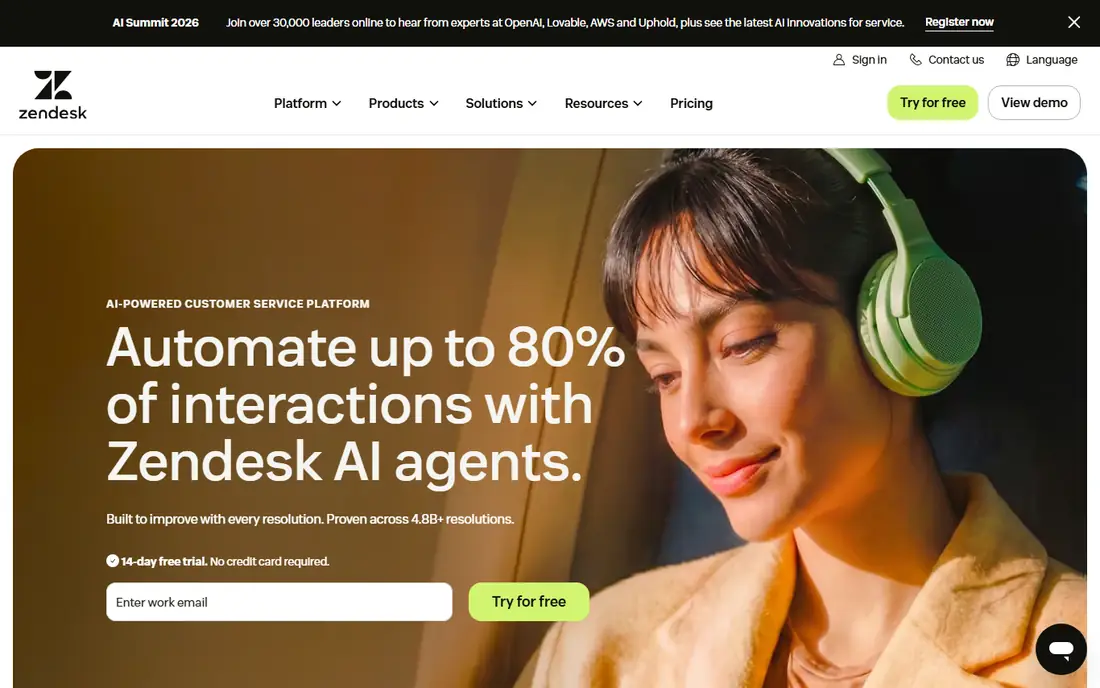
Zendesk AI layers copilots, autonomous bots, and quality assurance over the Zendesk suite, which makes it the natural pick for teams already running Zendesk. The AI agent resolves routine tickets from help center content, the copilot drafts replies and summarizes tickets for agents, and QA tools score conversations automatically. Admin controls cover answer sources, escalation rules, and audit trails.
The cost is the main drawback. AI features sit on higher tiers and add-on pricing, so the total bill for a mid-size team can be substantial, and setup takes real effort for large, multi-brand operations. Zendesk AI suits established Zendesk teams that want full-suite automation without adding another vendor.
What we like- Copilot, bots, and QA in one suite
- Deep ticket data
- Strong enterprise controls
Watch out for- AI features sit on higher tiers
- Pricing is complex
- Setup takes time for large teams

#2Intercom Fin
Best for: AI agent resolution4.5/5 on
G2 (2,900 reviews, checked Oct 2026)
Visit intercom.com
Starting priceSee website
Free planFree trial
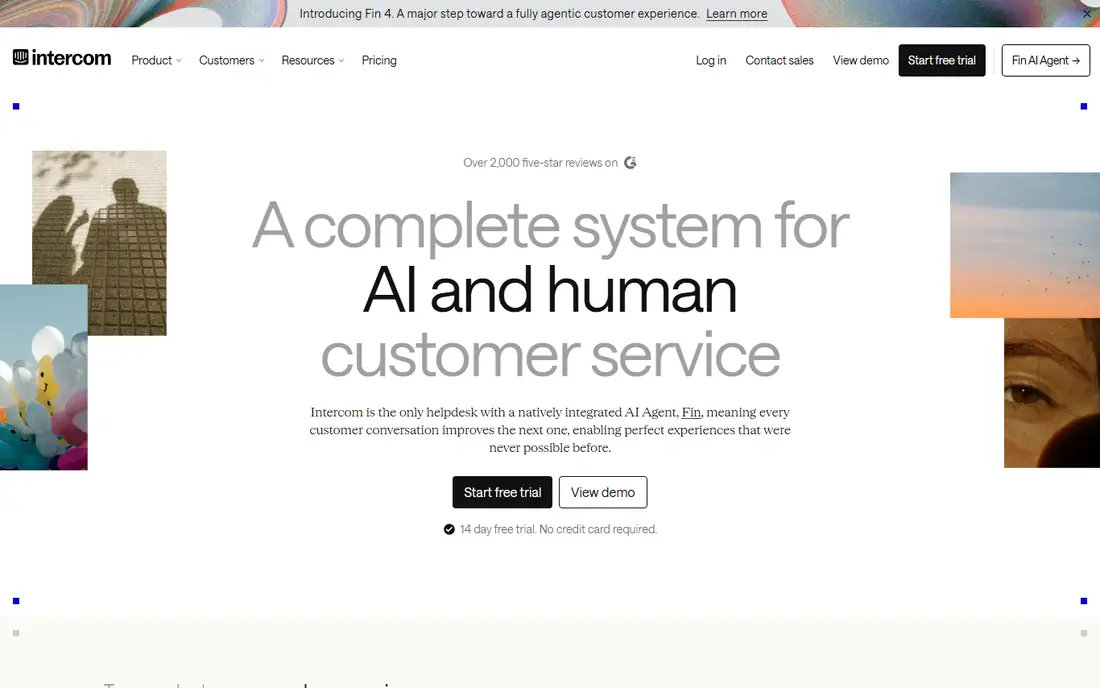
Intercom Fin is an AI agent built to resolve tickets, not just deflect them, answering from your help center, public content, and past conversation patterns. Its resolution analytics show which questions Fin answers, which it hands off, and where content gaps cause failures, which makes improvement a visible weekly job rather than guesswork.
Pricing is per resolution, which suits teams with high success rates but can grow quickly at very high volumes. Fin also works best inside Intercom, so teams on other helpdesks face a migration decision. Intercom Fin suits product-led and SaaS teams that want high-quality AI resolution with clear measurement.
What we like- Strong resolution quality
- Answers from help center plus past conversations
- Clear analytics
Watch out for- Per-resolution pricing adds up at volume
- Best inside Intercom
- Needs a good help center
Starting priceSee website
Free planFree plan
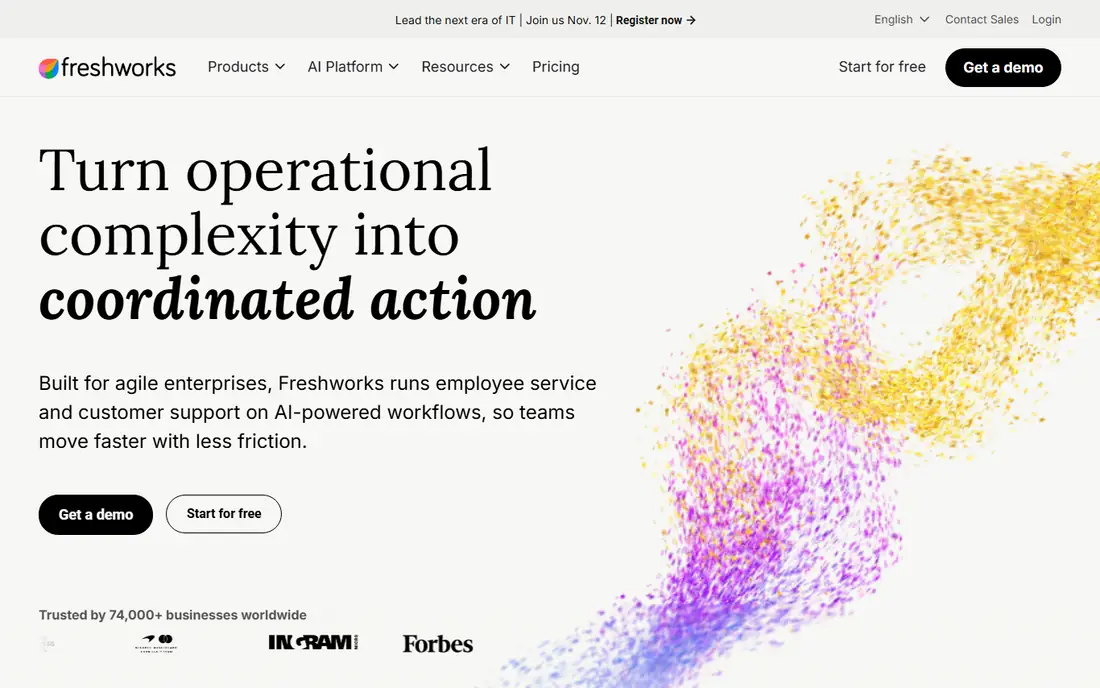
Freshdesk Freddy AI brings chatbots, agent assist, and ticket triage to small teams at a lower price than enterprise suites. Setup is quick, the free tier lets tiny teams start without cost, and Freddy handles routine questions, ticket classification, and reply suggestions from day one. That value positioning makes it the most accessible AI service tool on this list.
AI depth trails the enterprise leaders: resolution quality, customization, and analytics are thinner, and the strongest automation features sit on higher tiers. Freshdesk Freddy AI suits small and mid-size teams that want built-in AI without enterprise pricing or a long implementation.
What we like- Built-in AI at lower cost
- Easy setup
- Good for small and mid-size teams
Watch out for- AI depth trails Zendesk and Intercom
- Advanced automation needs higher tiers
- Reporting is thinner

#4HubSpot Service Hub
Best for: CRM-wide service4.4/5 on
G2 (2,922 reviews, checked Oct 2026)
Visit hubspot.com
Starting priceSee website
Free planFree plan
HubSpot Service Hub appeals to teams that already run HubSpot for sales and marketing, since service tickets, customer records, and marketing data live in one CRM. AI features cover chatbots, conversation summaries, and knowledge base search, while automation workflows route, assign, and escalate tickets without code.
AI depth is thinner than specialist tools, and the strongest AI features need higher tiers. Pricing also grows with marketing contacts, which can surprise teams that bought Service Hub for service alone. HubSpot Service Hub suits HubSpot-centered businesses that want one customer record across sales, marketing, and service.
What we like- Service data joins sales and marketing
- Free tier available
- Good automation workflows
Watch out for- AI features need higher tiers
- Less specialized than Zendesk
- Pricing grows with contacts

#5Drift
Best for: B2B chat and routing4.4/5 on
G2 (1,255 reviews, checked Oct 2026)
Visit drift.com
Starting priceSee website
Free planNo
Drift built its name on B2B website chat that qualifies visitors and routes them to sales, and its AI tools extend that strength to service conversations. Playbooks handle common questions, route high-value visitors to humans fast, and connect chat with meeting booking and CRM records. For B2B companies where chat drives pipeline, that sales-service blend is valuable.
Pure service depth trails Zendesk and Intercom, and pricing is sales-led, which makes small-team costs unclear. Drift suits B2B companies that treat website chat as a revenue channel first and a service channel second.
What we like- Strong B2B playbooks
- Intelligent routing to sales
- Good for website conversion
Watch out for- Service depth is thinner than Zendesk
- Pricing is sales-led
- Small teams may overpay
Starting priceSee website
Free planFree plan
Tidio Lyro is the small business pick for chat AI. Lyro answers visitor questions from your help content and FAQs, hands off to humans when needed, and installs on most websites in minutes. The free tier covers basic chat, and paid plans add Lyro conversations at a price small stores can afford.
The scope is chat, not full ticketing: teams with complex ticket workflows, SLAs, and multi-channel queues will outgrow it. Knowledge features are also simpler than enterprise tools. Tidio Lyro suits small stores and startups that want chat AI live this week without a helpdesk migration.
What we like- Easy setup for small stores
- Lyro AI answers from your content
- Affordable entry
Watch out for- Best for chat, not full ticketing
- Smaller knowledge features
- Scales less far

#7Ada
Best for: No-code automation4.6/5 on
G2 (173 reviews, checked Oct 2026)
Visit ada.cx
Starting priceSee website
Free planNo
Ada focuses on no-code AI agents that resolve tickets across chat, voice, and messaging without developer help. Teams build flows visually, test answers against real conversations, and track automation rates by topic. For companies with a high share of repetitive questions, Ada reports some of the highest automation rates in the category.
Pricing is quote-only, and results depend heavily on content quality, as with every AI agent. Ada is also an automation layer rather than a full helpdesk, so teams need a ticketing system alongside it. Ada suits mid-size and enterprise teams that want high automation without engineering effort.
What we like- No-code bot building
- High automation rates for suitable ticket mixes
- Strong analytics
Watch out for- Quote-only pricing
- Needs good content to perform
- Less of a full helpdesk

#8Kustomer
Best for: Unified agent workspace4.4/5 on
G2 (565 reviews, checked Oct 2026)
Visit kustomer.com
Starting priceSee website
Free planNo
Kustomer gives agents a unified timeline that joins chat, email, social, and phone conversations for each customer, with AI triage, suggested replies, and automation layered on top. That timeline view helps e-commerce and service teams that handle the same customer across many channels, since agents see full context instead of separate tickets.
Pricing is quote-only and implementation takes time, especially for teams migrating from another helpdesk. The app ecosystem is also smaller than Zendesk. Kustomer suits service teams that value a unified customer view and AI assist in one workspace, particularly in e-commerce.
What we like- Unified timeline across channels
- AI triage and assist
- Good for e-commerce service
Watch out for- Quote-only pricing
- Implementation takes time
- Smaller ecosystem than Zendesk
Is your product missing or out of date?
We review this list regularly. Vendors can request a listing, send updated pricing or ask about featured placement.

Shihab Mia · Founder, Rankite
Shihab has 5+ years in B2B and SaaS SEO. He writes Rankite's software buying guides from pricing pages, documentation and public user reviews. More about Shihab.
 Zendesk AI
 Freshdesk Freddy AI
 Tidio Lyro