How we make this list: we compare pricing pages, product documentation and public user reviews. Ratings come from G2, Capterra or Trustpilot, with the date we checked them.
Key takeaways
- Most creators need only two or three tools: one for editing, one for repurposing, and one for writing or planning.
- Descript leads for transcript-based editing, while Opus Clip leads for turning long videos into shorts.
- Credit-based tools such as Runway and Midjourney reward careful prompts, because failed generations still use credits.
- Free plans are useful for testing, but watermarks, credit caps, and export limits usually push regular creators to a paid plan.
- Check commercial use terms before using AI voice, images, or video in client work or ads.
Quick comparison
| Tool | Best for | Starting price | Free plan |
|---|
 Descript Descript | Transcript-based video and audio editing | Free | Yes |
 Opus Clip Opus Clip | Long video to shorts | Free | Yes |
 Runway Runway | Generative video and effects | Free | Yes |
 Canva Canva | Design, thumbnails, and social posts | Free | Yes |
 CapCut CapCut | Mobile-first social editing | Free | Yes |
 ElevenLabs ElevenLabs | AI voice and dubbing | Free | Yes |
 Midjourney Midjourney | AI images and thumbnails | $10 per month | No |
 Notion Notion | Planning, scripts, and content hubs | Free | Yes |
Is your product missing or out of date?
We review this list regularly. Vendors can request a listing, send updated pricing or ask about featured placement.
#1Descript
Best for: Transcript-based video and audio editing4.6/5 on
G2 (928 reviews, checked Oct 2026)
Visit descript.com
Starting priceFree
Free planYes
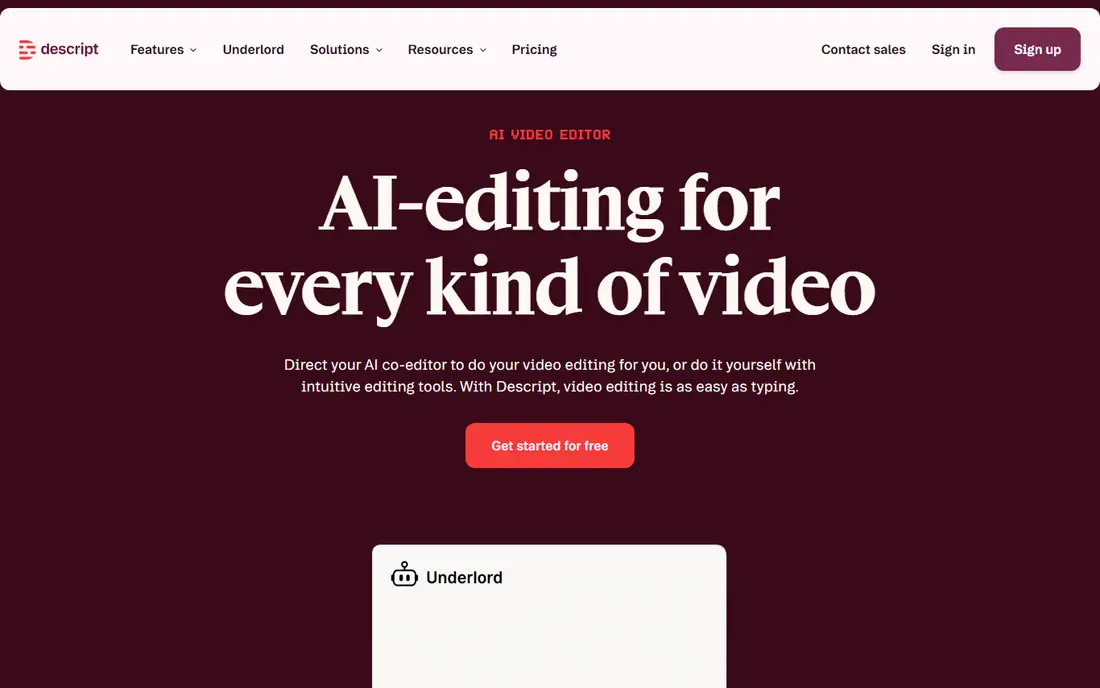
Descript changes editing for people who think in words rather than timelines. Record or upload a video or podcast, get a transcript, and cut the media by deleting or moving text. Filler word removal, Studio Sound cleanup, and the Underlord AI co-editor help turn a rough recording into a tighter cut without learning a traditional editor first.
The free plan is a real starting point, with Hobbyist reported at $16 per month on annual billing and Creator at $24 per month, though prices should be checked on the Descript pricing page. Descript is less suited to complex visual effects or fast-paced music videos, where a timeline editor still wins. For podcasts, courses, and talking-head YouTube videos, it is the most time-saving tool on this list.
What we like- Edit video by editing text
- Filler removal and Studio Sound
- Strong podcast and talking-head workflow
Watch out for- Paid plans start at $16 per month on annual billing for Hobbyist
- Heavy projects need a capable computer
#2Opus Clip
Best for: Long video to shorts4.6/5 on
G2 (7 reviews, checked Oct 2026)
Visit opus.pro
Starting priceFree
Free planYes
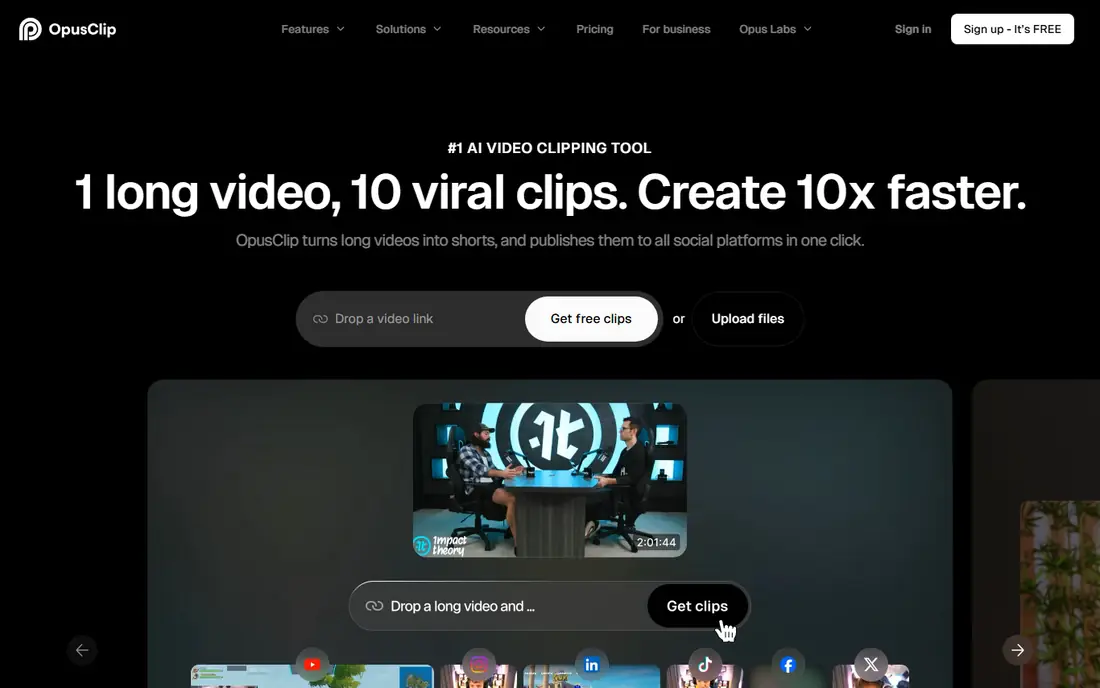
Opus Clip solves a specific creator problem: a long video that should also become ten shorts. Upload a podcast, webinar, or vlog, and the tool finds engaging moments, reframes them for vertical video, adds captions, and ranks clips by likely impact. That pipeline helps creators who post daily on short-form platforms without hiring an editor for every clip.
The free plan gives a small monthly credit allowance with a watermark, and paid plans start at $15 per month for Starter, with Pro at $29 per month in public comparisons. Check the current credit counts, since they matter more than the headline price. Opus Clip is best as a repurposing engine, not a full editor, so keep Descript or CapCut for the main edit.
What we like- Finds strong moments and scores clips
- Auto-reframing and captions
- Scheduling and publishing help
Watch out for- Free clips carry a watermark and limited credits
- Cuts can feel abrupt on complex conversations
#3Runway
Best for: Generative video and effects4.1/5 on
G2 (105 reviews, checked Oct 2026)
Visit runwayml.com
Starting priceFree
Free planYes
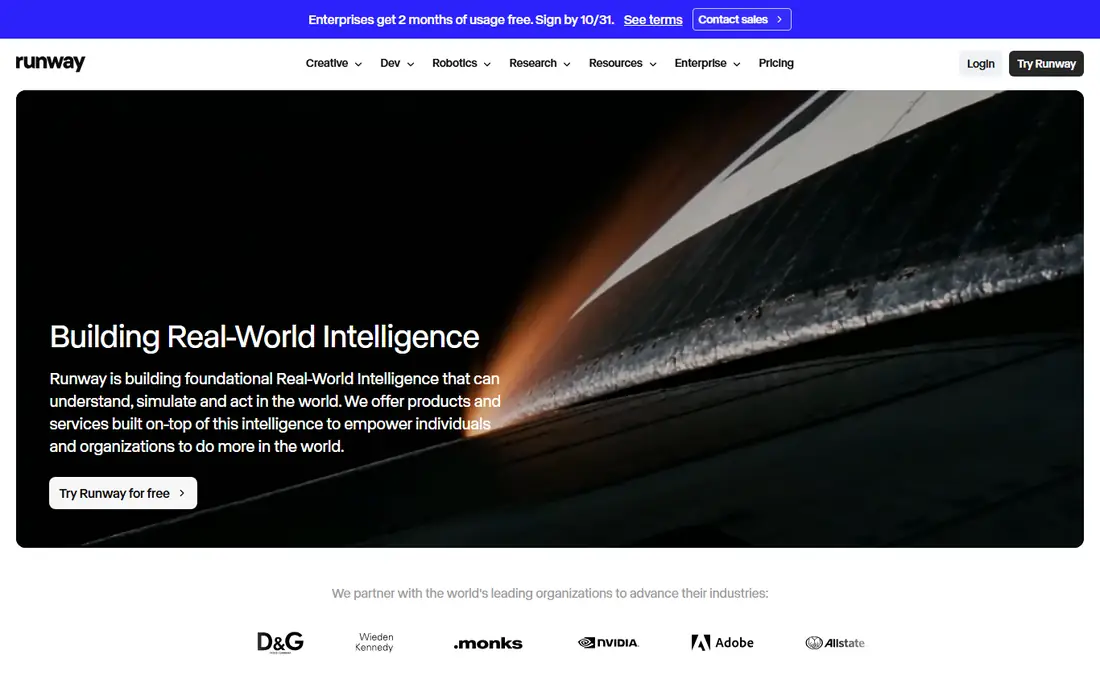
Runway is for creators who want shots they did not film. Generate B-roll, extend a clip, remove an object, or create a stylised sequence from a prompt or an image. That creative range makes it popular for music videos, ads, and experimental shorts, where a normal shoot would cost far more time and money.
The cost model needs care. You pay in credits, and discarded generations still use them, so a loose prompt habit gets expensive. The free tier gives a small one-time credit allowance, and Standard starts at $15 per month. Runway is a strong second tool for a creator who already has footage and editing covered, not a replacement for a camera or a main editor.
What we like- Generative video models and AI effects in one place
- Useful for B-roll, transitions, and creative shots
Watch out for- Credits burn fast at scale
- Standard is $15 per month, or $12 per month on annual billing, with higher tiers for heavy use
#4Canva
Best for: Design, thumbnails, and social posts4.7/5 on
G2 (7,678 reviews, checked Oct 2026)
Visit canva.com
Starting priceFree
Free planYes
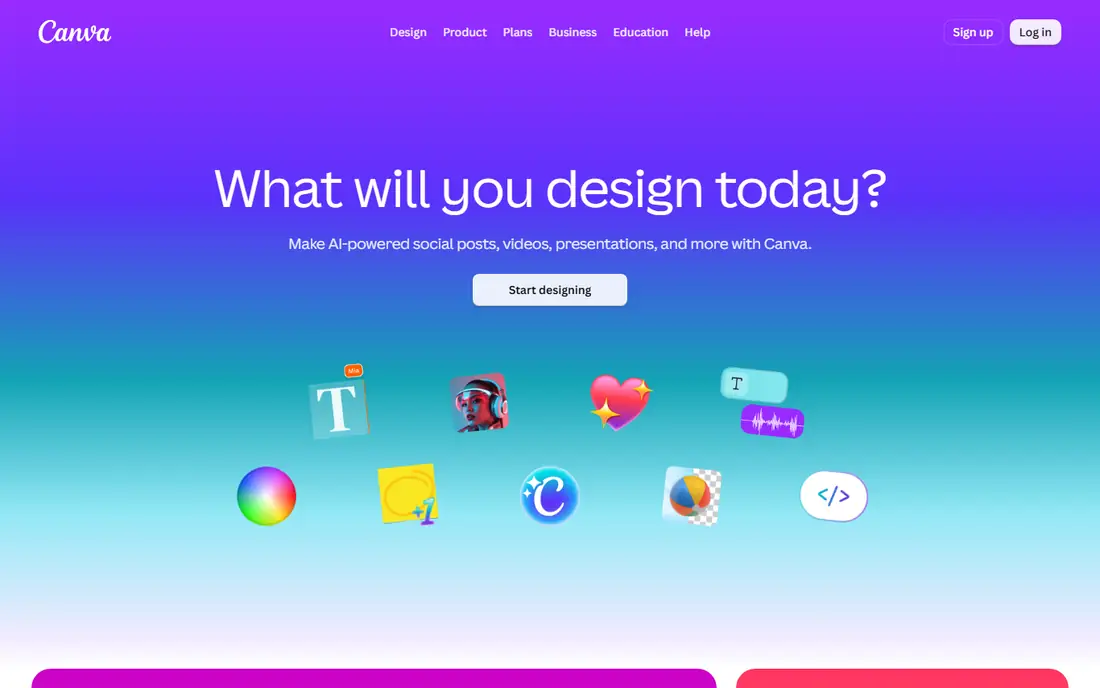
Canva is the design backbone for many small creator teams. Thumbnails, channel art, carousels, and short social videos can be built from templates, then kept consistent with a brand kit. AI tools help with background removal, image generation, and text ideas, but the real value is speed: a thumbnail that takes an hour in a design app often takes minutes in Canva.
Canva will not match Midjourney for a highly specific, cinematic thumbnail image, and its AI image control is more limited than a specialist tool. Use Canva for the bulk of channel design and social posts, and use Midjourney or Runway when a single hero image or shot needs more creative control.
What we like- Templates for thumbnails, posts, and decks
- AI design and image tools
- Brand kits for consistent channels
Watch out for- Less prompt control than a specialist image generator
- Some AI and premium assets need a paid plan
Starting priceFree
Free planYes
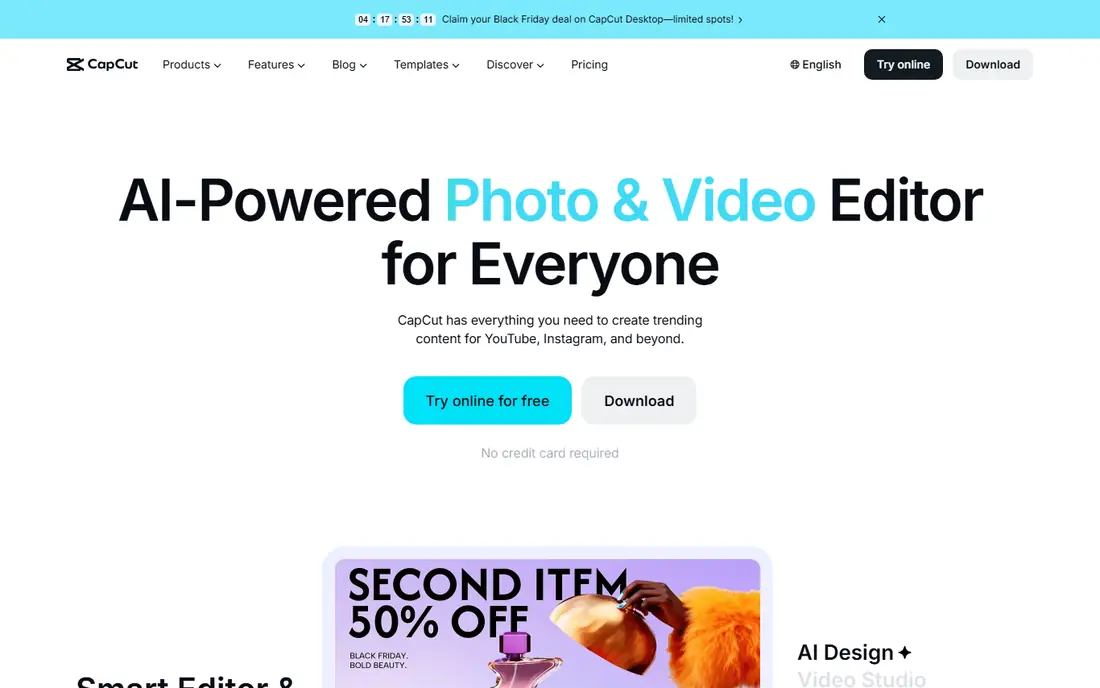
CapCut is the fastest editor for creators who shoot and post from a phone. Auto captions, templates, effects, and reframing help turn a raw clip into a platform-ready short in minutes. The web version extends that workflow to a desktop, which helps when a project needs a larger screen or a keyboard.
Pricing is less clear than a simple monthly page, with Pro reported at around $9.99 per month in many comparisons, and annual equivalents lower. Availability also needs checking, since US app store access has been disrupted at times. If CapCut is available to you, it is a strong main editor for short-form creators. If not, Kapwing or Canva cover much of the same ground in a browser.
What we like- Strong mobile and web editing
- Auto captions and templates
- Large effects and music library
Watch out for- Paid Pro pricing varies by region and platform
- US availability has faced app store disruption, so check access first
#6ElevenLabs
Best for: AI voice and dubbing4.5/5 on
G2 (1,239 reviews, checked Oct 2026)
Visit elevenlabs.io
Starting priceFree
Free planYes
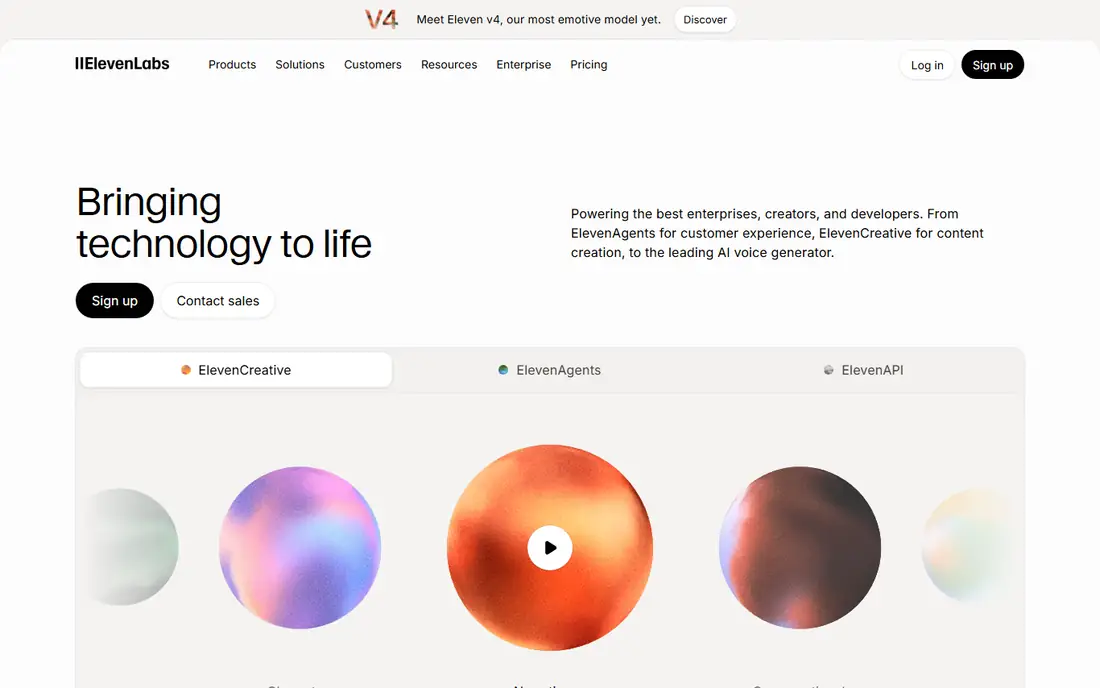
ElevenLabs is the voice tool most creators reach for when they need narration, dubbing, or a consistent voice across videos. Generate a voiceover from a script, clone a voice with proper consent where the tool requires it, or dub a video into another language. That range helps faceless channels, course creators, and teams that localise content.
Long-form use is where cost bites. A full audiobook or a long course will use credits quickly, so test voice and pacing on a short script before committing to a large project. The free plan is useful for that test, and Starter at around $6 per month suits short weekly videos. For client voice work, also check the commercial terms and consent rules for any cloned voice.
What we like- Natural-sounding voices and voice cloning with consent controls
- Dubbing and long-form narration
- API for larger projects
Watch out for- Credits run out fast on long narration
- Starter reported at $6 per month, with higher tiers for heavy use
#7Midjourney
Best for: AI images and thumbnails4.4/5 on
G2 (102 reviews, checked Oct 2026)
Visit midjourney.com
Starting price$10 per month
Free planNo
Midjourney remains the image pick for creators who want a striking thumbnail or cover. Its strength is style: cinematic lighting, detailed scenes, and consistent looks that are hard to get from a template library. Many YouTube creators use it for thumbnails, book covers, and concept art, then finish the design in Canva with text and branding.
There is no free tier, with Basic reported at $10 per month and Standard at $30 per month, so it is a paid commitment from day one. The Discord-based workflow also takes a little learning, though the web editor has made it easier. If you need only occasional images, Canva's AI tools may be enough. If thumbnails drive your clicks, Midjourney often pays for itself in look alone.
What we like- Strong cinematic and stylised image quality
- Good for thumbnails, covers, and concept art
- Active community for prompt ideas
Watch out for- No free tier
- Discord-based workflow can confuse beginners
- Commercial terms depend on plan
#8Notion
Best for: Planning, scripts, and content hubs4.6/5 on
G2 (13,834 reviews, checked Oct 2026)
Visit notion.so
Starting priceFree
Free planYes
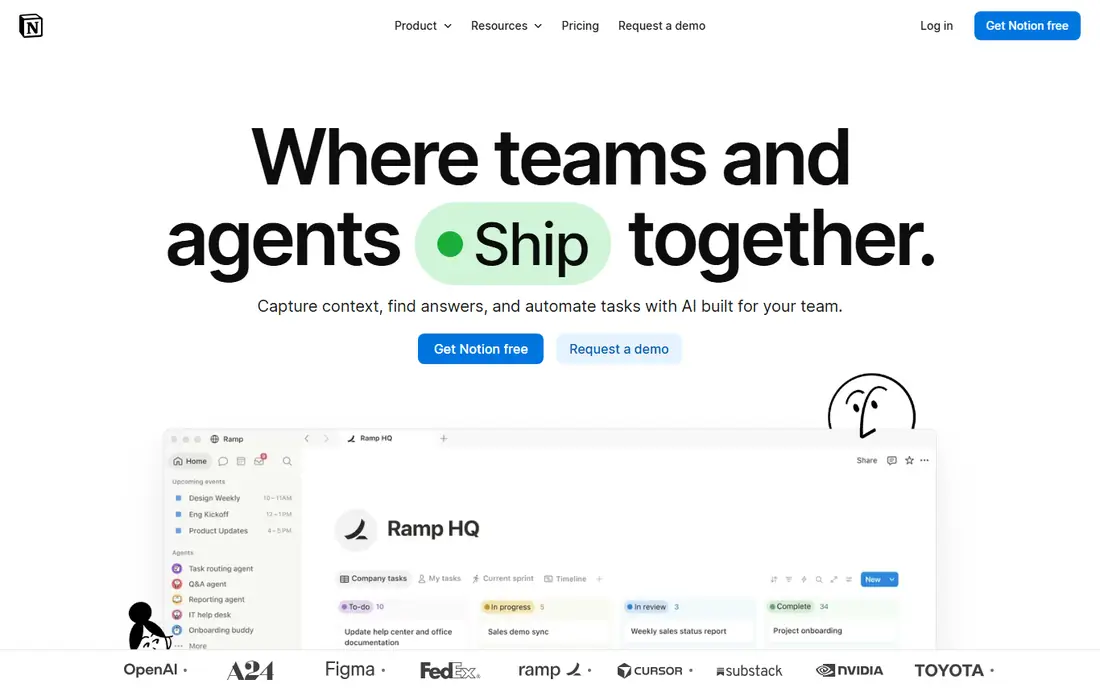
Notion is the planning tool that keeps the other seven from turning into chaos. Track video ideas, scripts, publishing dates, sponsors, and repurposing tasks in one hub, and use Notion AI to draft outlines, summarise research, or turn notes into a script structure. Solo creators can run a whole channel calendar on the free plan, and small teams can share the same workspace.
Notion does not edit video, audio, or images, so it complements rather than replaces the other tools here. The Plus plan at around $10 per user per month adds more AI and collaboration features, but many creators start free and upgrade only when a team needs it. If your bottleneck is organisation rather than editing, fix Notion first.
What we like- Databases for content calendars, scripts, and ideas
- AI help for drafting and summaries
- Free plan for individuals
Watch out for- Not a media editor
- AI features and team pricing add cost, with Plus reported at $10 per user per month
How we chose
We compared AI tools that creators actually use week to week, across editing, repurposing, generative video, design, voice, images, and planning. We checked vendor homepages and pricing pages, public documentation, and public reviews on G2, Capterra, and Reddit where available. We favoured tools with a clear free or low-cost start, a distinct job, and current availability in 2026, and we excluded tools that had shut down or that only offered a demo with no usable product. Prices are from public comparisons and vendor pages, and should be checked before purchase, since credit counts change often.
Building a creator stack without overspending
Start with the bottleneck. If editing takes most of your time, Descript or CapCut comes first. If you have long videos but no shorts, Opus Clip comes first. If thumbnails hold you back, Midjourney and Canva come first. Buying all eight at once is a fast way to pay for tools you barely open.
Watch credits, not just monthly prices
Credit tools look cheap until you count generations. Runway, Midjourney, and ElevenLabs all charge by use, so a month of testing prompts can cost more than the base plan suggests. Set a weekly credit budget, save prompts that work, and reuse successful settings instead of generating from scratch each time.
Keep a human check on AI output
AI captions can mishear names, AI voices can mispronounce brands, and AI images can add extra fingers or garbled text. Review every export before publishing, especially for client work, sponsors, and factual claims. A quick human pass protects your channel more than any extra feature.
Plan for commercial use
Check commercial terms for voice cloning, image generation, and video generation before using output in ads or client projects. Some plans limit commercial use, and voice cloning in particular needs consent and compliance with applicable rules. When in doubt, use a voice or image you have clear rights to, and keep records of the plan you used.
Frequently asked questions
What are the best ai tools for creators to start with?
Start with Descript for editing, Canva for design, and Notion for planning, then add Opus Clip if you repurpose long videos. That trio covers most weekly work without a large bill. Add Runway, ElevenLabs, or Midjourney only when a specific job, such as voice or thumbnails, becomes a bottleneck.
Is there a free AI tool for creators that is actually useful?
Yes. Descript, Opus Clip, Runway, Canva, CapCut, ElevenLabs, and Notion all offer free plans or free tiers that are useful for testing and light weekly work. Free limits, such as watermarks and credit caps, usually push regular creators to a paid plan, but they are enough to learn a tool before paying.
Do AI creator tools replace an editor or designer?
They reduce routine work, but they do not replace judgement on story, pacing, and brand. AI can cut filler words, find clip moments, and draft a thumbnail, yet a human still needs to check the story, the facts, and the final look. Treat AI as a fast assistant, not a finished product.
How much should a small creator budget for AI tools?
A small creator can start free, then budget roughly $15 to $30 per month for one main tool, such as Descript or Opus Clip, plus Canva or Notion as needed. Credit tools should be budgeted by expected generations per month, not by the base price alone. Review subscriptions quarterly and cancel tools you did not open in the last month.
Can I use AI-generated voice and images commercially?
It depends on the tool and plan, and on consent for any cloned voice. Check the vendor's commercial terms for your plan, keep consent records for voice cloning, and avoid using generated images that copy a living artist's distinctive style for commercial work without advice. When a client project is involved, confirm terms in writing before delivery.
Sources we checked (8)
- https://www.descript.com
- https://www.opus.pro
- https://runwayml.com
- https://www.canva.com
- https://www.capcut.com
- https://elevenlabs.io
- https://www.midjourney.com
- https://www.notion.so
Is your product missing or out of date?
We review this list regularly. Vendors can request a listing, send updated pricing or ask about featured placement.

Shihab Mia · Founder, Rankite
Shihab has 5+ years in B2B and SaaS SEO. He writes Rankite's software buying guides from pricing pages, documentation and public user reviews. More about Shihab.