How we make this list: we compare pricing pages, product documentation and public user reviews. Ratings come from G2, Capterra or Trustpilot, with the date we checked them.
What is the best accounting software for a small plumbing business in 2026?
Jobber is the best accounting software for most small plumbing businesses in 2026 because it combines scheduling, dispatch, quoting, invoicing and job costing with a clean sync to QuickBooks Online, so the field work and the books stay in step. It suits a one to ten truck shop that wants one system for the day-to-day job and the month-end numbers.
Key takeaways:
- Jobber leads for most small plumbing shops because it links dispatch, quoting, invoicing, job costing and QuickBooks Online in one workflow.
- Housecall Pro is the best pick if a flat-rate price book and per-job profit matter more than a full general ledger.
- QuickBooks Online is still the accounting core for most shops, and it works best when paired with a field service tool rather than used alone.
- ServiceTitan and FieldEdge are quote-only and built for larger crews, so small shops should get a written quote before they commit.
- Wave is the lowest cost starting point for a solo plumber, with free invoicing and a paid Pro plan at 19 dollars a month.
How should a small plumbing business choose accounting software?
A small plumbing business should choose accounting software by checking how it handles a real job from call to cash, not by counting generic accounting features. Start with dispatch and scheduling, because a missed slot or a double booked technician costs more than any report. Then check job costing, because parts, labour, truck stock and travel time decide whether a job made money. Invoicing and payment collection come next, because a job is only paid when the invoice is clear and easy to pay on site. A tool that covers the field work and syncs cleanly to QuickBooks Online or Xero will save more hours than a cheaper ledger that leaves dispatch in a separate system. Ask each vendor for a trial with your own jobs, your own price book items and your own parts list, and run at least ten real jobs through it before you sign a yearly plan.
Do plumbers need field service software and accounting software?
Most plumbers need both field service software and accounting software, because the two jobs are different and one tool rarely does both well. Field service software runs the day, with the dispatch board, technician routes, job forms, photos, signatures and the flat-rate price book. Accounting software runs the money, with the chart of accounts, bank reconciliation, bills, payroll, tax reports and the profit and loss statement. The practical answer for a small shop is to pick one field service tool as the daily system and one ledger as the books, then make sure the sync between them is two-way and tested. That pairing keeps the office from retyping invoices, keeps parts costs tied to the right job, and keeps the accountant working from the same numbers the owner sees. A solo plumber with very low volume can start with a ledger alone, but the moment there are two trucks, a dispatcher or a parts room, the field service layer pays for itself.
What does good job costing look like for a plumbing job?
Good job costing for a plumbing job starts before the truck leaves, with a quote that lists labour, parts, permits and travel as separate lines, and it ends after payment, with a report that shows the true margin on that job. The system should pull the part from truck stock or the warehouse, record the technician time on site, add the call-out fee and the permit cost, and compare the total cost with the price charged. That detail matters because plumbing margins hide in small items, such as a supply line, a wax ring, a trap, a valve or a length of copper, and a shop that does not track those items will underprice the next job. A good report shows profit by job type, by technician and by customer, so the owner can see which work pays and which work only fills the diary.
How much should a small plumbing business pay for accounting software?
A small plumbing business should expect to pay from zero to about 200 dollars a month for the accounting layer, plus 49 to 329 dollars a month for a field service tool, depending on crew size and features. A solo plumber can run Wave Starter for free for invoicing and basic books, or pay 19 dollars a month for Wave Pro for bank imports. A five truck shop may pay 85 to 140 dollars a month for QuickBooks Online Essentials or Plus, plus 149 to 199 dollars a month for a field service plan. Quote-only tools such as ServiceTitan and FieldEdge can cost far more, often hundreds of dollars per technician per month, plus implementation fees, so they suit larger shops with a clear return on that spend.
Comparison table
| Tool |
Starting price, checked 12 Nov 2026 |
Best for |
Job costing |
Flat-rate price book |
QuickBooks sync |
| Jobber |
29 dollars a month, annual, Core |
Small shops that want dispatch and books in step |
Yes, on Grow |
Yes |
Yes, QuickBooks Online and Xero |
| Housecall Pro |
59 dollars a month, annual, Basic |
Shops that want a price book early |
Yes |
Yes |
Yes, on Essentials and above |
| ServiceTitan |
Quote only, reported 245 to 500 dollars per technician |
Larger crews that want deep reporting |
Yes |
Yes, Pricebook Pro |
Yes |
| FieldEdge |
Quote only, reported 100 to 125 dollars per user |
Mid-size shops on QuickBooks Desktop |
Yes |
Yes |
Yes, QuickBooks Desktop sync |
| QuickBooks Online |
38 dollars a month, Simple Start |
The accounting core for most shops |
Yes, on Plus |
No, needs a field tool |
Native, it is the ledger |
| Xero |
27 dollars a month, Early |
Shops that want unlimited users |
Yes, on Established for projects |
No, needs a field tool |
Syncs with field tools |
| FreshBooks |
23 dollars a month, Lite |
Solo plumbers with a small client list |
Limited, on Premium |
No |
Syncs with field tools |
| Wave |
0 dollars, Starter |
Solo plumbers starting out |
Basic, no full job costing |
No |
Limited, export and third-party links |
How we picked: We compared tools that a small plumbing business can actually buy and run in 2026, with weight on dispatch, quoting, flat-rate pricing, job costing, invoicing and a clean link to a ledger. We checked vendor pricing pages and recent third-party pricing checks on 12 Nov 2026, and we flagged every price that came from a third-party source rather than the vendor page.
Last verified 12 Nov 2026.
Quick comparison
| Tool | Best for | Starting price | Free plan |
|---|
 Jobber | Small plumbing shops with one to ten trucks that want scheduling, dispatch, quoting, invoicing and job costing in one daily system | 29 dollars a month billed annually for Core, 1 user, or 49 dollars a month billed month to month, checked 12 Nov 2026 | No free plan, 14-day free trial |
 Housecall Pro | Plumbing shops that want a flat-rate price book, job costing and strong invoicing from an early plan | 59 dollars a month billed annually for Basic, 1 user, or 79 dollars a month billed month to month, checked 12 Nov 2026 | No free plan, 14-day free trial of Max |
 ServiceTitan | Larger plumbing businesses with ten or more technicians that want deep reporting, marketing attribution and a full operating system | Quote only, reported 245 to 500 dollars per technician, third-party reported, not a vendor published price, checked 12 Nov 2026 | No free plan and no free trial, demo only |
 FieldEdge | Mid-size plumbing shops that run QuickBooks Desktop and sell from a flat-rate price book | Quote only, reported 100 to 125 dollars per user, third-party reported, not a vendor published price, checked 12 Nov 2026 | No free plan and no free trial listed, demo only |
 QuickBooks Online | Plumbing shops that need a proper general ledger, bank reconciliation, bills, payroll links and tax-ready reports | 38 dollars a month for Simple Start, 1 user, checked 12 Nov 2026 | Free plan with limits, plus a 30-day free trial on paid plans |
 Xero | Plumbing shops that want unlimited users on every plan and a clean, simple ledger that syncs with field service tools | 27 dollars a month for Early, checked 12 Nov 2026, prices rose on 1 Oct 2026 from 25 dollars | No free plan, 30-day free trial |
 FreshBooks | Solo plumbers and very small shops that invoice a short client list and want simple, fast invoicing | 23 dollars a month for Lite, 5 billable clients, checked 12 Nov 2026 | No free plan, 30-day free trial |
 Wave | Solo plumbers starting out who need free invoicing and basic double-entry books with no monthly fee | 0 dollars for Starter, free, Pro is 19 dollars a month or 190 dollars a year, checked 12 Nov 2026 | Yes, Starter is free with unlimited invoices, estimates, bills and bookkeeping records |
Is your product missing or out of date?
We review this list regularly. Vendors can request a listing, send updated pricing or ask about featured placement.
Best accounting software for small plumbing business
#1Jobber
Best for: Small plumbing shops with one to ten trucks that want scheduling, dispatch, quoting, invoicing and job costing in one daily system4.6/5 on
G2 (530 reviews, checked Oct 2026)
Visit getjobber.com
Starting price29 dollars a month billed annually for Core, 1 user, or 49 dollars a month billed month to month, checked 12 Nov 2026
Free planNo free plan, 14-day free trial
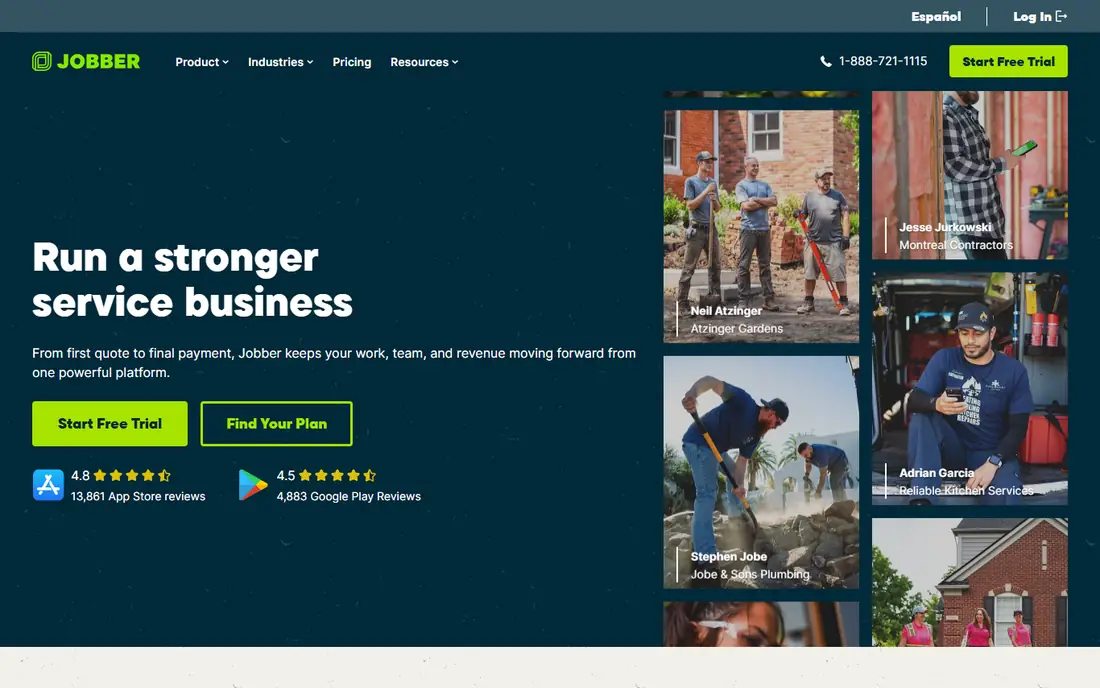
Jobber fits a plumbing shop because it follows the job from the first call to the final payment without forcing the office to retype the same details. A dispatcher can book the call, assign the nearest technician, send a reminder and attach the job form, and the technician can quote from the price book, take photos, collect a signature and invoice on site. The Grow plan adds job costing, so the owner can see labour, parts and travel against the price charged, and the QuickBooks Online sync moves invoices and payments into the ledger.
What we like- Clear dispatch board and routing, strong quoting and invoicing, job costing on Grow, syncs with QuickBooks Online and Xero
Watch out for- Job costing and two-way texting need the Grow plan, so the entry Core plan is too light
#2Housecall Pro
Best for: Plumbing shops that want a flat-rate price book, job costing and strong invoicing from an early plan4.3/5 on
G2 (205 reviews, checked Oct 2026)
Visit housecallpro.com
Starting price59 dollars a month billed annually for Basic, 1 user, or 79 dollars a month billed month to month, checked 12 Nov 2026
Free planNo free plan, 14-day free trial of Max
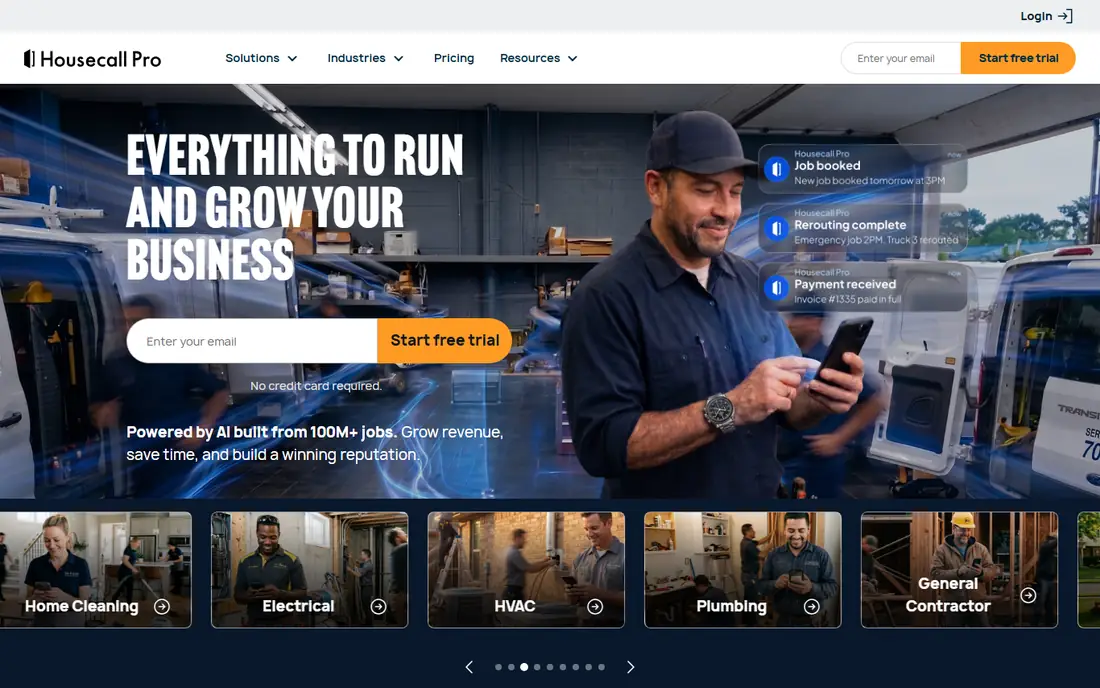
Housecall Pro suits a plumber who sells from a price book and wants to know the profit on every job without waiting for month-end reports. Basic includes scheduling, estimates, invoicing, a price book and job costing, which is a strong starting point for a solo plumber or a small crew. Essentials adds QuickBooks Online sync, flat-rate pricing controls, routes and employee GPS, which helps a dispatcher run a tight day.
What we like- Flat-rate price book and job costing on Basic, clear scheduling and dispatch, QuickBooks Online sync on Essentials
Watch out for- Many useful add-ons, such as CSR AI, payroll, VoIP and vehicle GPS, are priced separately , so the total bill can rise fast
#3ServiceTitan
Best for: Larger plumbing businesses with ten or more technicians that want deep reporting, marketing attribution and a full operating system4.4/5 on
G2 (375 reviews, checked Oct 2026)
Visit servicetitan.com
Starting priceQuote only, reported 245 to 500 dollars per technician, third-party reported, not a vendor published price, checked 12 Nov 2026
Free planNo free plan and no free trial, demo only
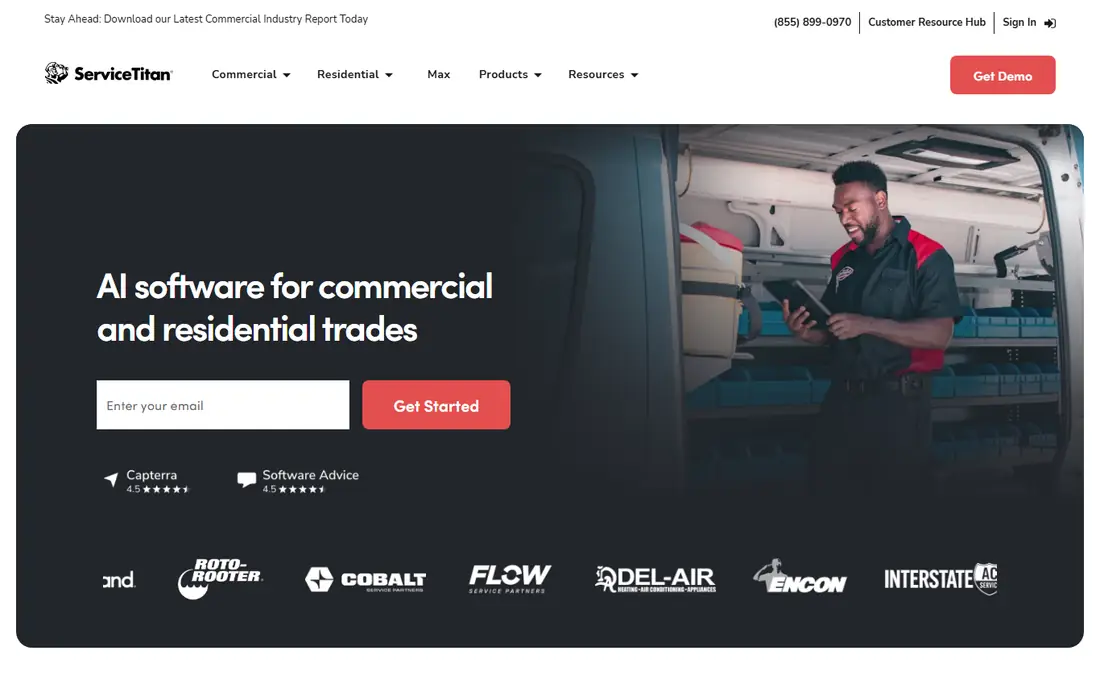
ServiceTitan is the heavyweight option in this list, and it is built for a plumbing business that has outgrown a simple scheduler. It handles dispatch, dynamic pricing, membership plans, financing, call booking, marketing attribution and detailed reporting in one platform, and its Pricebook Pro gives technicians a clear good, better, best presentation on a tablet. The trade-off is cost and complexity, because the price is quoted per technician, implementation can take months, and the contract locks the business in for a year.
What we like- Powerful dispatch, Pricebook Pro flat-rate pricing, memberships and financing, strong reporting and technician scorecards
Watch out for- Quote-only pricing implementation fees reported from 5,000 to 50,000 dollars, and a 12-month minimum contract with no month-to-month option
#4FieldEdge
Best for: Mid-size plumbing shops that run QuickBooks Desktop and sell from a flat-rate price book4.0/5 on
G2 (87 reviews, checked Oct 2026)
Visit fieldedge.com
Starting priceQuote only, reported 100 to 125 dollars per user, third-party reported, not a vendor published price, checked 12 Nov 2026
Free planNo free plan and no free trial listed, demo only
FieldEdge has served HVAC, plumbing and electrical shops for many years, and its strength is the link between the field and QuickBooks Desktop. Technicians can present repair and replacement options from the price book, record parts used, and send the job back to the office without retyping. The dispatch board shows the day at a glance, and the QuickBooks sync keeps invoices, payments and costs in the same ledger the accountant already uses.
What we like- Strong flat-rate price book, tight QuickBooks Desktop sync through Live Link, dispatch board built for trades
Watch out for- No published pricing, and the per-user model means the bill rises with every hire
#5QuickBooks Online
Best for: Plumbing shops that need a proper general ledger, bank reconciliation, bills, payroll links and tax-ready reports4.0/5 on
G2 (3,871 reviews, checked Oct 2026)
Visit quickbooks.intuit.com
Starting price38 dollars a month for Simple Start, 1 user, checked 12 Nov 2026
Free planFree plan with limits, plus a 30-day free trial on paid plans
QuickBooks Online is the accounting core that most plumbing shops end up with, even when they run a separate field service tool for the day-to-day work. It handles invoicing, expenses, bills, bank reconciliation, sales tax and the reports an accountant needs at year end. Plus adds project profitability, which lets a plumber track income and costs by job, and inventory tracking for parts held in the van or the warehouse.
What we like- The most widely used ledger for small trades, strong bank feeds, project profitability on Plus, inventory tracking on Plus
Watch out for- No dispatch, no price book and no technician scheduling, so it must be paired with a field service tool,
#6Xero
Best for: Plumbing shops that want unlimited users on every plan and a clean, simple ledger that syncs with field service tools4.4/5 on
G2 (1,832 reviews, checked Oct 2026)
Visit xero.com
Starting price27 dollars a month for Early, checked 12 Nov 2026, prices rose on 1 Oct 2026 from 25 dollars
Free planNo free plan, 30-day free trial
Xero suits a plumbing business that wants every office worker, technician and bookkeeper to see the books without paying per seat. Early is cheap, but the invoice cap makes it a poor fit for a busy shop, so most plumbers should budget for Growing at 59 dollars a month, which lifts the caps and adds automated bill entry. Established at 97 dollars a month adds multi-currency, projects and expense claims, which helps a shop that runs larger install jobs over several days.
What we like- Unlimited users with no per-user fee, clean bank reconciliation, strong app marketplace for field service sync
Watch out for- Early caps the shop at 20 invoices and 5 bills a month, so most active plumbing shops need Growing at 59 dollars a month,
#7FreshBooks
Best for: Solo plumbers and very small shops that invoice a short client list and want simple, fast invoicing4.5/5 on
G2 (981 reviews, checked Oct 2026)
Visit freshbooks.com
Starting price23 dollars a month for Lite, 5 billable clients, checked 12 Nov 2026
Free planNo free plan, 30-day free trial
FreshBooks is an invoicing-first tool that works well for a solo plumber who bills a small set of repeat customers and wants to get paid fast. Invoices look clean, clients can pay online, and late payment reminders chase the money without an awkward phone call. Time tracking helps a plumber who bills by the hour for diagnostics, and expense capture keeps receipts for parts and fuel in one place. Plus at 43 dollars a month raises the limit to 50 billable clients and adds accountant access, double-entry reports and bank reconciliation, which is the plan most working plumbers should start on.
What we like- Fast invoicing with payment links, time tracking and expense capture, double-entry reports start on Plus
Watch out for- Lite covers only 5 billable clients and lacks double-entry reports and bank reconciliation, so most plumbers need Plus at 43 dollars a month,
#8Wave
Best for: Solo plumbers starting out who need free invoicing and basic double-entry books with no monthly fee4.3/5 on
G2 (328 reviews, checked Oct 2026)
Visit waveapps.com
Starting price0 dollars for Starter, free, Pro is 19 dollars a month or 190 dollars a year, checked 12 Nov 2026
Free planYes, Starter is free with unlimited invoices, estimates, bills and bookkeeping records
Wave is the lowest cost way for a solo plumber to start with proper books. Starter is free and covers unlimited invoices, estimates, bills and bookkeeping records, which is enough to bill customers, track expenses and see a profit and loss report. Pro at 19 dollars a month adds automatic bank import, auto-categorisation, late payment reminders and extra user roles, which saves time once the job volume rises.
What we like- Genuine free plan with unlimited invoices, real double-entry bookkeeping, low cost Pro plan adds bank imports and receipt capture
Watch out for- Automatic bank imports, collaborator access and receipt scanning moved to Pro on 1 Jun 2026,
Frequently asked questions
What is the cheapest accounting software for a small plumbing business?
Wave is the cheapest option for a solo plumber, because Starter is free with unlimited invoices, estimates, bills and bookkeeping records, and Pro costs 19 dollars a month for bank imports. A shop that needs dispatch as well should look at Jobber Core at 29 dollars a month billed annually, which adds scheduling and invoicing for one user.
Can QuickBooks Online handle plumbing job costing on its own?
QuickBooks Online can handle job costing on Plus, which adds project profitability and lets a plumber track income and costs by job, plus inventory tracking for parts. It cannot dispatch technicians, hold a flat-rate price book or run a field schedule, so it works best when paired with Jobber, Housecall Pro or FieldEdge.
Is Housecall Pro or Jobber better for a plumbing business?
Jobber is better for most small plumbing shops that want a clean sync to QuickBooks Online, simple dispatch and a clear path from quoting to payment. Housecall Pro is better if a flat-rate price book and job costing from the first plan matter most, because Basic includes both.
Does ServiceTitan make sense for a small plumbing business?
ServiceTitan rarely makes sense for a small plumbing business with fewer than ten technicians, because pricing is quote-only and reported at about 245 to 500 dollars per technician a month, with a reported monthly minimum near 1,500 dollars and implementation fees reported from 5,000 to 50,000 dollars.
How do I move my plumbing books from spreadsheets to accounting software?
Start by listing every open job, every unpaid invoice and every supplier bill, then set up the chart of accounts with separate lines for labour, parts, permits, travel and truck costs. Run the new system beside the spreadsheet for one month, invoice every new job in the new tool, and reconcile the bank at month end.
Sources we checked (8)
- https://getjobber.com/pricing/
- https://www.housecallpro.com/pricing/
- https://www.servicetitan.com
- https://www.fieldedge.com/pricing/
- https://quickbooks.intuit.com/pricing/
- https://www.xero.com/us/pricing-plans/
- https://www.freshbooks.com/pricing
- https://www.waveapps.com/pricing
Is your product missing or out of date?
We review this list regularly. Vendors can request a listing, send updated pricing or ask about featured placement.

Shihab Mia · Founder, Rankite
Shihab has 5+ years in B2B and SaaS SEO. He writes Rankite's software buying guides from pricing pages, documentation and public user reviews. More about Shihab.