How we make this list: we compare pricing pages, product documentation and public user reviews. Ratings come from G2, Capterra or Trustpilot, with the date we checked them.
What Is the Best Bear Alternative in 2026?
Obsidian is the best Bear alternative for most people in 2026. It keeps the Markdown writing Bear users like, works on every major platform, and stores notes as plain files you own. Bear Pro costs $2.99 per month or $29.99 per year, while Obsidian is free. If you want a team workspace, Notion is the stronger alternative.
How Do Bear Alternatives Compare on Price?
Price is the first thing most Bear users check, because Bear Pro is cheap at $2.99 per month or $29.99 per year, and few paid notes apps match that price. Apple Notes is free with an Apple ID, and extra iCloud storage starts at $0.99 per month for 50 GB. Joplin is also free as an app, with optional Joplin Cloud Basic at 2.99 euros per month. Obsidian is free, with Sync Standard at $4 per user per month billed annually. Craft Plus costs $8 per month billed annually, Notion Plus costs $10 per member per month billed annually, Ulysses costs $39.99 per year, iA Writer is a one-time purchase of $49.99 for Mac, and Evernote Personal is the most expensive here at $14.99 per month. All prices were checked on 17 November 2026, and prices can vary by country, currency, and tax, so confirm the total at checkout before you pay.
| Tool |
Starting paid price |
Free plan |
| Obsidian |
$5 per user per month billed monthly, $4 per user per month billed annually |
Yes, full app free |
| Notion |
$12 per member per month billed monthly, $10 per member per month billed annually |
Yes |
| Apple Notes |
Free, iCloud+ 50 GB at $0.99 per month |
Yes, built in |
| Ulysses |
$5.99 per month, $39.99 per year |
No, free trial only |
| iA Writer |
$49.99 one-time for Mac |
No, 7-day free trial |
| Craft |
$10 per month billed monthly, $8 per month billed annually |
Yes, Starter |
| Evernote |
$14.99 per month, $129.99 per year |
Yes, limited to 50 notes |
| Joplin |
2.99 euros per month, 28.69 euros per year for Joplin Cloud Basic |
Yes, full app free |
Annual billing cuts Obsidian Sync Standard from $5 to $4 per month, Notion Plus from $12 to $10 per member per month, Craft Plus from $10 to $8 per month, and Joplin Cloud Basic from 2.99 euros to about 2.40 euros per month. Ulysses drops from $5.99 per month to $39.99 per year, and Evernote Personal drops from $14.99 per month to $129.99 per year. If you write every day, annual billing is usually worth it.
Which Bear Alternative Should You Choose If You Leave Apple?
Bear works only on Mac, iPhone, and iPad, so the main reason people leave is that they buy a Windows PC, switch to Android, or need a web version at work. If that is your situation, choose a tool that runs everywhere. Obsidian and Joplin both run on Windows, Mac, Linux, iOS, and Android, and both store notes as plain files you can move. Notion, Craft, and Evernote also run on every major platform, with web apps included. Apple Notes is the exception here, because it is still Apple only apart from iCloud on the web, and Ulysses is also Apple only, so neither helps if cross-platform access is the reason you are leaving Bear.
What Should You Check Before You Switch from Bear?
Before you switch, check four things. First, check your notes export. Bear Pro exports to Markdown, PDF, HTML, DOCX, and JPG, so export your notes as Markdown if your new tool supports it, and keep a backup copy in plain text before you cancel. Second, check your tags. Bear organises notes with nested tags instead of folders, so a tool with folders only, such as Apple Notes, will need a new structure, while Obsidian, Joplin, and Notion all support tags. Third, check your sync. Bear Pro syncs through iCloud, while the other tools each sync through their own service, so confirm the paid plan you need includes sync on every device you use. Fourth, check your writing habits. If you write long drafts in Markdown, Obsidian, Ulysses, and iA Writer will feel familiar, while Notion and Craft use blocks instead of plain Markdown files.
Quick comparison
| Tool | Best for | Starting price | Free plan |
|---|
 Obsidian | Bear users who want Markdown notes and apps on every platform | Free app, Sync Standard $5 per user per month billed monthly, or $4 per user per month billed annually, checked 17 November 2026 | Yes, full app free with no note limit |
 Notion | Teams who want shared notes, databases, wikis, and project pages | $12 per member per month billed monthly, or $10 per member per month billed annually for Plus, checked 17 November 2026 | Yes, free plan with unlimited pages and blocks |
 Apple Notes | Apple users who want a free, built-in notes app | Free with an Apple ID, iCloud+ 50 GB at $0.99 per month for extra storage, checked 17 November 2026 | Yes, free and built into every iPhone, iPad, and Mac |
 Ulysses | Apple writers who want a calm Markdown editor with project tools | $5.99 per month, or $39.99 per year, checked 17 November 2026 | No permanent free plan, free trial only |
 iA Writer | Writers who want a distraction-free Markdown editor they buy once | $49.99 one-time for Mac, checked 17 November 2026 | No permanent free plan, 7-day free trial |
 Craft | People who want beautiful documents they can share as web links | $10 per month billed monthly, or $8 per month billed annually ($96 per year) for Plus, checked 17 November 2026 | Yes, Starter plan with up to 1,500 blocks |
 Evernote | People with large archives of clipped articles and scanned documents | $14.99 per month, or $129.99 per year ($10.83 per month billed annually) for Personal, checked 17 November 2026 | Yes, limited to 50 notes and one notebook |
 Joplin | People who want a free, open-source notes app on every platform | Free app, Joplin Cloud Basic 2.99 euros per month, or 28.69 euros per year (2.40 euros per month billed annually), checked 17 November 2026 | Yes, full app free and open source with no note limit |
Is your product missing or out of date?
We review this list regularly. Vendors can request a listing, send updated pricing or ask about featured placement.
8 Best Bear Alternatives
These eight tools cover the main reasons people leave Bear: cross-platform access, team collaboration, a free plan with no subscription, a calmer writing editor, or a lower long-term cost.
#1Obsidian
Best for: Bear users who want Markdown notes and apps on every platform4.5/5 on
G2 (13 reviews, checked Oct 2026)
Visit obsidian.md
Starting priceFree app, Sync Standard $5 per user per month billed monthly, or $4 per user per month billed annually, checked 17 November 2026
Free planYes, full app free with no note limit
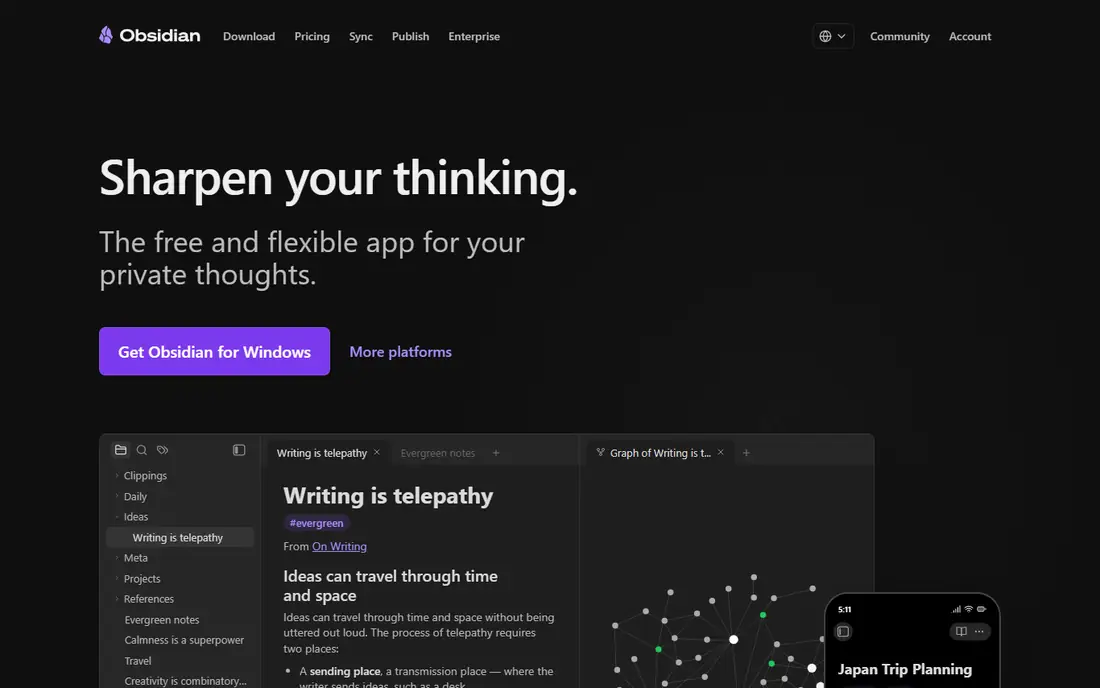
Obsidian is the closest like-for-like replacement for Bear, and it removes Bear's biggest limit in one move. Bear is Apple only, while Obsidian runs on Mac, Windows, Linux, iPhone, iPad, and Android, so your notes follow you to any device you buy next. Your notes are plain Markdown files stored in folders on your own device, which means you can open them in any text editor and leave Obsidian without losing your work. Links, backlinks, tags, and a graph view help you build a knowledge base from daily notes and research.
What we like- Plain Markdown files you own, apps on every platform, strong linking and backlinks, large plugin library
Watch out for- Sync costs extra, setup takes time, and there is no built-in web clipper or document scanner
#2Notion
Best for: Teams who want shared notes, databases, wikis, and project pages4.6/5 on
G2 (13,834 reviews, checked Oct 2026)
Visit notion.com
Starting price$12 per member per month billed monthly, or $10 per member per month billed annually for Plus, checked 17 November 2026
Free planYes, free plan with unlimited pages and blocks
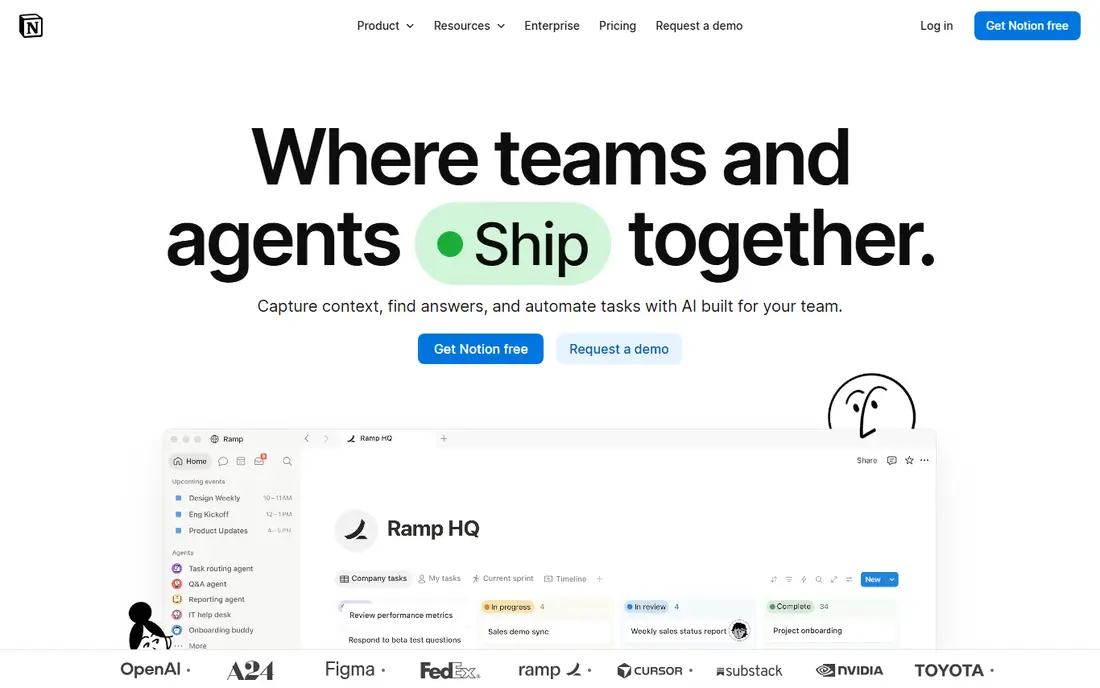
Notion is the best Bear alternative if your notes are shared work rather than private writing. Bear is built for one person writing on Apple devices, while Notion is built for pages that other people can read, comment on, and edit. You can turn a note into a database, a task list, a wiki, or a project tracker, and templates cover meeting notes, product docs, and content calendars. The free plan suits a solo user, with unlimited pages and blocks. The price is fair for a team tool, but your notes do not live as plain Markdown files on your device, and the block editor feels slower than Bear for plain long-form writing.
What we like- Strong collaboration, databases, templates, and wikis, apps on every platform plus a web app
Watch out for- Notes live in Notion rather than plain Markdown files, offline use is weaker, and full AI needs the Business plan
#3
Apple Notes
Best for: Apple users who want a free, built-in notes app
Visit apple.com
Starting priceFree with an Apple ID, iCloud+ 50 GB at $0.99 per month for extra storage, checked 17 November 2026
Free planYes, free and built into every iPhone, iPad, and Mac
Apple Notes is the simplest Bear alternative, because it is already on your device and costs nothing extra. It now handles folders, tags, Smart Folders, tables, checklists, document scanning, PDF annotation, and Apple Pencil handwriting on iPad, which covers most daily note taking without a subscription. Notes sync through iCloud, starting with 5 GB free, and extra storage comes with iCloud+ plans from $0.99 per month for 50 GB. The limits are clear. There is no Notes app for Windows or Android, only iCloud on the web, so it does not solve the cross-platform problem that drives many people away from Bear.
What we like- Free and already installed, document scanning, Apple Pencil handwriting, tags, Smart Folders, and locked notes
Watch out for- No Android app and only iCloud on the web elsewhere, no Markdown writing view, and 5 GB free iCloud storage is shared with photos and backups
#4Ulysses
Best for: Apple writers who want a calm Markdown editor with project tools4.5/5 on
G2 (25 reviews, checked Oct 2026)
Visit ulysses.app
Starting price$5.99 per month, or $39.99 per year, checked 17 November 2026
Free planNo permanent free plan, free trial only
Ulysses is the best Bear alternative for writers who stay on Apple and want more structure for long work. Bear organises notes with tags, while Ulysses keeps everything in one library of sheets that you group into chapters, books, or projects, which suits novels, essays, and long reports. Writing goals, deadlines, and word counts sit on every sheet, and the editor stays calm, with Markdown formatting and a focus on the text in front of you. One subscription covers Mac, iPad, and iPhone, with iCloud sync and Family Sharing for up to five other people. The hard limit is platform. Ulysses is Apple only, just like Bear, so it does not help if you need Windows or Android.
What we like- Clean Markdown editor, sheets grouped into projects, writing goals, iCloud sync, export to Word, PDF, and EPUB
Watch out for- Apple only, with no Windows, Android, or web version, subscription only, and no visual planning boards
#5
iA Writer
Best for: Writers who want a distraction-free Markdown editor they buy once
Visit ia.net
Starting price$49.99 one-time for Mac, checked 17 November 2026
Free planNo permanent free plan, 7-day free trial
iA Writer is the best Bear alternative if you dislike subscriptions and write long prose. You pay $49.99 once for Mac, with a 7-day free trial, and there is no monthly charge after that. Windows costs $29.99 once, and iPhone and iPad cost $49.99 once, but each platform is a separate purchase, so covering Mac and iOS costs about $99.98 in total. The editor is deliberately plain: a quiet page, a cursor, and Focus Mode, which highlights the sentence or paragraph you are writing and fades the rest. Your documents are plain Markdown files, so you own them and can open them anywhere. The trade-off is scope. iA Writer is a writing app, not a notes library, so it has no tag system like Bear and no collaboration.
What we like- One-time purchase with no subscription, Focus Mode, clean Markdown editing, plain text files you own
Watch out for- Each platform is a separate purchase, no note linking or graph view, and no collaboration
#6Craft
Best for: People who want beautiful documents they can share as web links4.6/5 on
G2 (22 reviews, checked Oct 2026)
Visit craft.do
Starting price$10 per month billed monthly, or $8 per month billed annually ($96 per year) for Plus, checked 17 November 2026
Free planYes, Starter plan with up to 1,500 blocks
Craft is the best Bear alternative if how your notes look matters as much as what they say. Bear is plain and quiet, while Craft builds documents from blocks with covers, fonts, page styles, and images, so a note can become a polished page you share as a web link. Plus removes the free plan's 1,500-block ceiling and adds 30 days of version history, 50 AI credits per month, and larger file uploads. Craft runs on Mac, iPhone, iPad, Windows, Android, and the web, so it solves the cross-platform problem that Bear leaves open. The free Starter plan is usable for light notes, but heavy users will hit the block limit fast.
What we like- Polished design, apps on every platform, documents can be published as web pages, 30 days of version history on Plus
Watch out for- Prices vary by country, shared Spaces need the Family plan, and offline use cannot create documents
#7Evernote
Best for: People with large archives of clipped articles and scanned documents4.3/5 on
G2 (2,034 reviews, checked Oct 2026)
Visit evernote.com
Starting price$14.99 per month, or $129.99 per year ($10.83 per month billed annually) for Personal, checked 17 November 2026
Free planYes, limited to 50 notes and one notebook
Evernote is the best Bear alternative if capture matters more than writing. Bear is a writing app first, while Evernote is a capture app first: clip a web article, photograph a receipt, scan a handwritten page, and the text inside becomes searchable later. That search inside scanned documents and PDFs is still its strongest feature, and it suits researchers, students, and anyone with years of reference material. Personal adds unlimited notes and notebooks, offline access, 10 GB of monthly uploads, and calendar features. The free plan is too limited for serious use, with only 50 notes and one notebook. The price is the main drawback. At $14.99 per month, Evernote costs about five times as much as Bear Pro.
What we like- Strong web clipper, document scanning, search inside images and PDFs, apps on every platform
Watch out for- Most expensive paid plan in this list, free plan allows only 50 notes, and the price has risen several times
#8Joplin
Best for: People who want a free, open-source notes app on every platform4.8/5 on
G2 (5 reviews, checked Oct 2026)
Visit joplinapp.org
Starting priceFree app, Joplin Cloud Basic 2.99 euros per month, or 28.69 euros per year (2.40 euros per month billed annually), checked 17 November 2026
Free planYes, full app free and open source with no note limit
Joplin is the best Bear alternative if you want to pay nothing and keep full control of your notes. The app is free and open source, with no note limit, and it runs on Windows, Mac, Linux, iOS, and Android, so it covers every platform Bear misses. Notes are Markdown, with checklists, tags, notebooks, and a web clipper for saving articles. You can sync for free through Dropbox, OneDrive, Nextcloud, WebDAV, or a local folder, or pay for Joplin Cloud Basic, which adds the web app, note publishing, and 2 GB of storage. End-to-end encryption is built in, which suits people who keep private notes. The trade-off is polish. Joplin looks and feels plainer than Bear, Craft, or Apple Notes, and setting up sync yourself takes more steps than signing into iCloud.
What we like- Free and open source, runs on every platform, Markdown notes, end-to-end encryption, web clipper included
Watch out for- Interface is plainer than Bear or Craft, notebook sharing needs the Pro plan, and Joplin Cloud prices are in euros
Frequently asked questions
Is there a free alternative to Bear?
Yes, several tools in this list are free. Obsidian and Joplin both offer the full app free with no note limit, and Apple Notes is free and built into every iPhone, iPad, and Mac. Notion and Craft also have free plans, though Craft limits free use to 1,500 blocks. Obsidian is the strongest free pick for Markdown writers, Joplin is the strongest free pick for privacy, and Apple Notes is the strongest free pick if you stay inside Apple.
Which Bear alternative is best for Windows and Android?
Obsidian is the best Bear alternative for Windows and Android, because it runs on Mac, Windows, Linux, iOS, and Android, and your notes are plain Markdown files you own. Joplin is a close second, with the same platform coverage and a free app, plus free sync through Dropbox, OneDrive, or Nextcloud. Notion, Craft, and Evernote also run on Windows and Android with web apps. Ulysses and Apple Notes do not solve this problem, because both are Apple only.
Can I move my notes from Bear to another app?
Yes, in most cases, but check the export and import steps before you cancel Bear Pro. Bear Pro exports notes as Markdown, PDF, HTML, DOCX, and JPG, so export your notes as Markdown if your new tool supports it. Obsidian, Joplin, and iA Writer all work with plain Markdown files, so the move is simple. Notion can import Markdown files, though tags and links may need tidying. Keep a backup copy of your exported notes before you cancel.
Is Obsidian better than Bear?
Obsidian is better than Bear if you need Windows, Android, or Linux, if you want your notes as plain files you own, or if you want linked notes, backlinks, and plugins. Bear is better if you want a polished Apple app with no setup and a calmer writing view out of the box. Bear Pro costs $2.99 per month or $29.99 per year, while Obsidian is free and Sync Standard costs $4 per month billed annually.
What is the cheapest Bear alternative?
Apple Notes is the cheapest Bear alternative, because it is free with an Apple ID, with extra iCloud storage from $0.99 per month for 50 GB if you need it. Joplin is next, with the full app free and optional Joplin Cloud Basic at 2.99 euros per month. Obsidian is also free, with optional Sync Standard at $4 per month billed annually. If you need a paid plan with sync, compare the yearly totals before you choose.
Sources we checked (10)
- https://bear.app/faq/features-and-price-of-bear-pro/
- https://obsidian.md/pricing
- https://www.notion.com/pricing
- https://www.apple.com/notes/
- https://www.apple.com/icloud/
- https://ulysses.app/pricing/
- https://ia.net/writer
- https://www.craft.do/pricing
- https://www.evernote.com/pricing
- https://joplinapp.org/plans
Is your product missing or out of date?
We review this list regularly. Vendors can request a listing, send updated pricing or ask about featured placement.

Shihab Mia · Founder, Rankite
Shihab has 5+ years in B2B and SaaS SEO. He writes Rankite's software buying guides from pricing pages, documentation and public user reviews. More about Shihab.