How we make this list: we compare pricing pages, product documentation and public user reviews. Ratings come from G2, Capterra or Trustpilot, with the date we checked them.
Key takeaways
- The best BandLab alternatives in 2026 split between browser studios for collaboration, free desktop DAWs, and one-time paid production suites.
- Soundtrap leads for live online collaboration, while GarageBand leads for free Apple beginners and Amped Studio leads for browser production on any device.
- FL Studio leads for hip-hop and electronic beat producers, while Ableton Live leads for electronic producers and live performers.
- Audiotool and LMMS lead for fully free production, while Cakewalk Sonar leads for free Windows production with unlimited tracks.
- This guide lists alternatives only. BandLab itself is not listed, since the question is what to use instead of it.
Quick comparison
| Tool | Best for | Starting price | Free plan |
|---|
 Soundtrap Soundtrap | Collaborating online | $9.99 per month | Yes |
 GarageBand GarageBand | Apple beginners | Free | Yes |
 FL Studio FL Studio | Hip-hop and electronic beats | $99 one-time | Free trial |
 Ableton Live Ableton Live | Electronic production and live sets | $99 one-time | Free trial |
 Amped Studio Amped Studio | Browser production | $6.99 per month | Yes |
 Audiotool Audiotool | Free browser synthesis | Free | Yes |
 LMMS LMMS | Free open source production | Free | Yes |
 Cakewalk Sonar Cakewalk Sonar | Free Windows production | Free | Yes |
Is your product missing or out of date?
We review this list regularly. Vendors can request a listing, send updated pricing or ask about featured placement.
The best BandLab alternatives
Starting price$9.99 per month
Free planYes
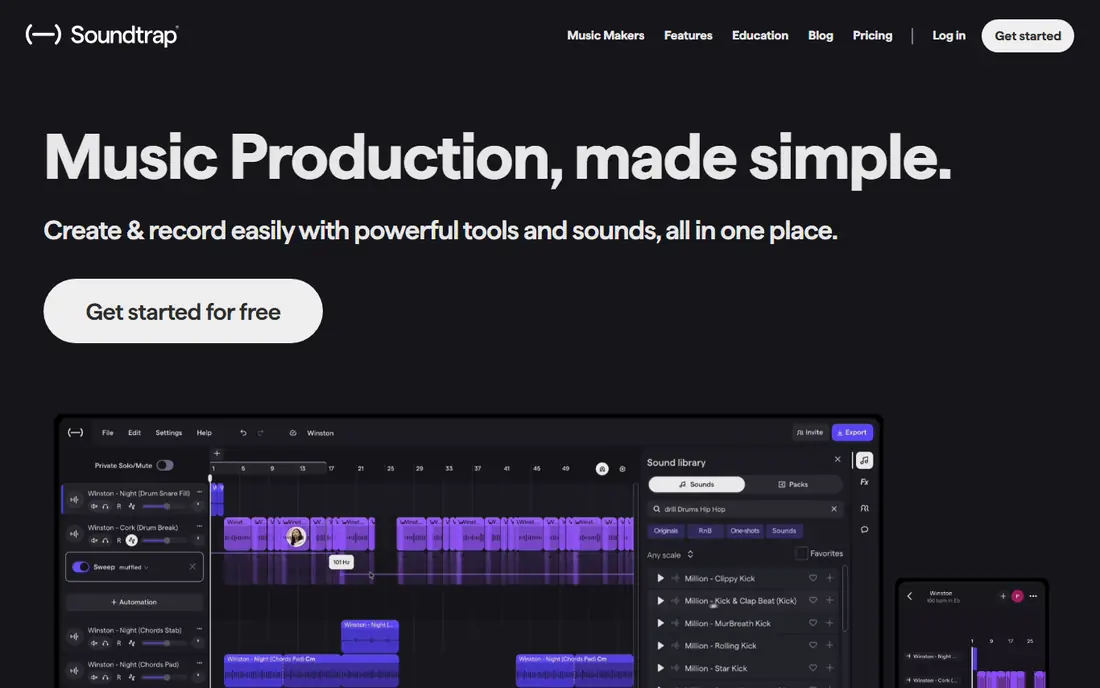
Soundtrap is the closest alternative to BandLab for online collaboration. Several people can work in one project live from different cities, and even the free plan gives unlimited projects with over 7,600 loops. Spotify sold Soundtrap back to its founders in 2023, and it remains a browser-first studio with mobile apps.
The trade is premium gating. The free plan covers basics, but premium sounds and advanced features need Music Makers Premium from 9.99 dollars per month, with higher tiers at 14.99 and 17.99 dollars. For a musician who wants to collaborate live online, Soundtrap leads.
What we like- Live collaboration in one project
- Free plan with unlimited projects
- Over 7,600 loops
Watch out for- Paid plan starts near 9.99 dollars per month
- Advanced sounds need premium
- Browser performance depends on connection
#2GarageBand
Best for: Apple beginners4.3/5 on
G2 (277 reviews, checked Oct 2026)
Visit apple.com
Starting priceFree
Free planYes
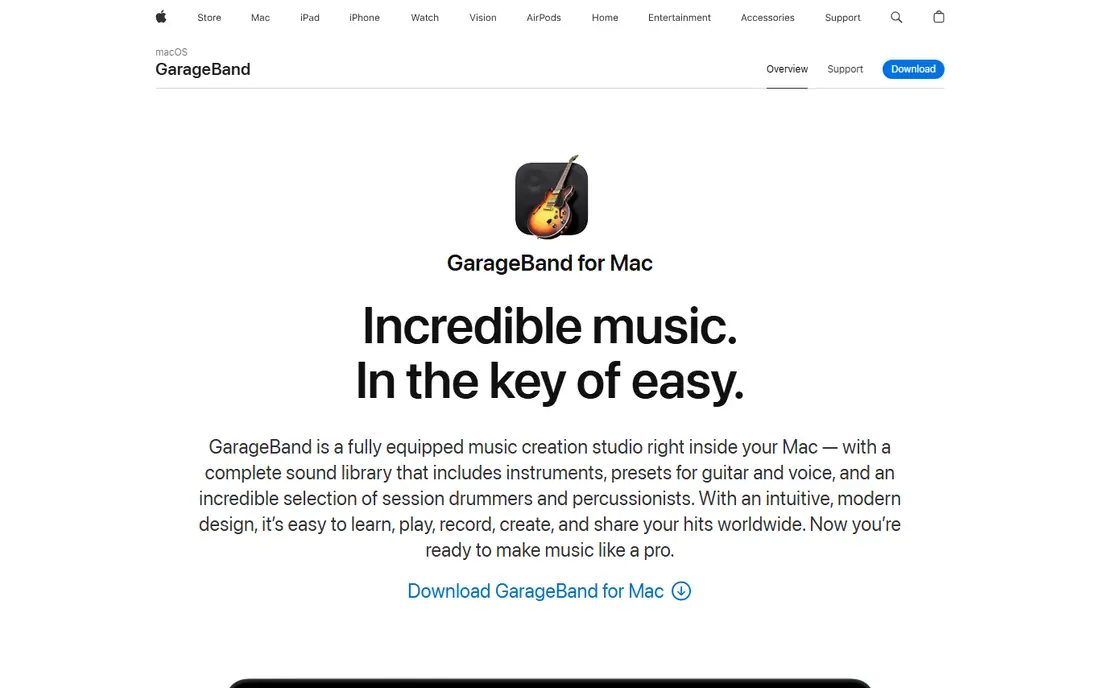
GarageBand suits Apple beginners making their first tracks. It is free with every Mac, iPhone, and iPad, ships curated loops and instruments that sound good immediately, and offers a clear upgrade path to Logic Pro when skills outgrow it. Beginners finish a first song faster here than in any other tool in this list.
The limits are platform and depth. GarageBand runs on Apple devices only, so Windows and Android users need another tool, and advanced mixing is limited compared with full DAWs. For an Apple user starting music production, GarageBand is the obvious free pick.
What we like- Free with Mac, iPhone, and iPad
- Curated loops and instruments
- Easy upgrade path to Logic Pro
Watch out for- Apple devices only
- No Windows or Android version
- Advanced mixing is limited
#3FL Studio
Best for: Hip-hop and electronic beats4.6/5 on
G2 (103 reviews, checked Oct 2026)
Visit image-line.com
Starting price$99 one-time
Free planFree trial
FL Studio suits hip-hop and electronic beat producers who want a one-time purchase. Its step sequencer and piano roll are built for beats, the Fruity Edition starts at 99 dollars one-time, and Image-Line includes lifetime free updates, which makes the three-year cost far lower than a subscription. A demo with unlimited time covers evaluation, though saved projects need a license to reopen.
The trade is platform and depth. FL Studio is desktop only, so mobile sketching needs a separate app, and mixing depth takes learning. For a beat producer who wants to own the tool outright, FL Studio leads.
What we like- One-time purchase, not a subscription
- Step sequencer built for beats
- Lifetime free updates
Watch out for- Saved demo projects need a license to reopen
- Desktop only
- Learning curve for mixing
#4Ableton Live
Best for: Electronic production and live sets4.7/5 on
G2 (159 reviews, checked Oct 2026)
Visit ableton.com
Starting price$99 one-time
Free planFree trial
Ableton Live suits electronic producers and live performers. Its session view launches clips live, which makes it the standard for performance as well as production, and the Intro edition starts at 99 dollars one-time with a 30-day full Suite trial for evaluation. Electronic workflows from sketch to stage run in one tool.
The limits are price ladder and trial length. Full Suite costs far more than Intro, and the trial lasts 30 days, so buyers should test thoroughly. For a producer who performs live or works in electronic styles, Ableton Live leads.
What we like- Session view built for live performance
- Strong electronic workflow
- Intro starts at 99 dollars one-time
Watch out for- Full Suite costs far more than Intro
- 30-day trial only
- Learning curve for arrangement view
Starting price$6.99 per month
Free planYes
Amped Studio suits producers who want a browser studio on any device. It runs in Chrome and other browsers without installation, so a Chromebook or borrowed laptop becomes a studio, and paid plans add unlimited cloud storage. Premium costs 6.99 dollars per month, with a Premium plus AI tier at 12.99 dollars.
The trade is connection and plugins. Amped Studio needs an active connection, and professional plugin support is limited compared with desktop DAWs. For a producer who works across devices and wants browser access everywhere, Amped Studio fits.
What we like- Runs in any browser
- Unlimited cloud storage on paid plans
- AI features on higher tier
Watch out for- Needs a connection
- Premium starts at 6.99 dollars per month
- Plugin support is limited
Starting priceFree
Free planYes
Audiotool suits producers who love modular synthesis in a browser. Its studio looks like a table of hardware, with drum machines and synths wired together using virtual cables, and it is free with no ads. Live jamming in the same session with other people adds a social edge that desktop DAWs lack.
The limits are access and performance. A free account is needed to open the studio, and browser performance depends on device and connection. For a producer who wants free modular synthesis without installing anything, Audiotool is the sharpest pick.
What we like- Fully free with no ads
- Modular synths with virtual cables
- Live jamming with others
Watch out for- Needs a free account to open the studio
- Browser performance depends on device
- No desktop app
#7LMMS
Best for: Free open source production3.3/5 on
G2 (6 reviews, checked Oct 2026)
Visit lmms.io
Starting priceFree
Free planYes
LMMS suits producers who want a fully free open source DAW on any desktop. It runs on Windows, Mac, and Linux, handles MIDI well, and costs nothing with no subscription or ads. Beginners and budget producers get a complete studio without paying.
The trade is recording and library. LMMS is better for MIDI than for recording live audio, and its default sound library is smaller than commercial rivals, so third-party samples fill the gap. For a desktop producer who wants free and open source, LMMS leads.
What we like- Fully free and open source
- Windows, Mac, and Linux
- Strong MIDI support
Watch out for- Weaker for recording live audio
- Smaller sound library than commercial DAWs
- Interface feels dated
Starting priceFree
Free planYes
Cakewalk Sonar suits Windows producers who want a free professional DAW. It offers unlimited tracks, professional mixing, and a mature feature set that once cost hundreds of dollars, now free. Windows users get full production without a subscription.
The limits are platform and onboarding. Cakewalk runs on Windows only, so Mac and mobile users need another tool, and the learning curve is steeper than GarageBand. For a Windows producer who wants free professional depth, Cakewalk Sonar leads.
What we like- Free with unlimited tracks
- Professional mixing
- Mature Windows DAW
Watch out for- Windows only
- No mobile app
- Learning curve for beginners
How we chose
We ranked studios by collaboration, loop libraries, platform coverage, learning curve, and cost model. We favored browser studios for collaboration, since that is the core BandLab strength, and we gave extra weight to free tiers, since most BandLab users start free. We gave one-time purchases credit for long-term value, since a 9.99 dollar monthly subscription costs about 360 dollars over three years against 99 dollars one-time for FL Studio or Ableton Intro.
We also weighed platform honestly. Apple-only and Windows-only tools lose points for reach, but win for depth on their platform, so the ranking balances both. All prices here reflect commonly listed figures, and readers should confirm current terms on the vendor pricing page.
Buying guide
Start by naming your device and collaboration needs. Browser studios suit collaboration across devices, GarageBand suits Apple beginners, and desktop DAWs suit solo producers who want depth. If you collaborate live, Soundtrap or Audiotool lead, while solo producers should weigh FL Studio, Ableton Live, LMMS, or Cakewalk.
Next, test the cost model over three years, not one month. Subscriptions suit educators, teams, or producers who need regular feature updates, while one-time purchases suit everyone else. Start free, then pay only when a specific limit blocks you, since that rule saves most beginners 100 dollars or more.
Finally, check sample licenses before releasing music. Royalty-free loops from a studio library are safe to use in released tracks under the library terms, but copyrighted samples, melodies, or vocals from other artists are not. Read the license for every sample pack you use, and keep records of where each sound came from.
Also back up projects outside the studio. Browser studios store work in the cloud, which is convenient until an account issue or service change locks you out, so export stems and project files regularly. Desktop DAWs need the same habit, since a single drive failure can erase years of work without a backup.
Frequently asked questions
What is the best BandLab alternative?
Soundtrap leads for live online collaboration, GarageBand leads for free Apple beginners, and FL Studio leads for beat producers who want a one-time purchase. The best pick follows device, budget, and collaboration needs.
Is BandLab itself listed here?
No. This guide lists alternatives only, so BandLab is not listed as its own alternative. The comparison covers what to use instead of it.
Which alternative is fully free?
GarageBand, Audiotool, LMMS, and Cakewalk Sonar are fully free, while Soundtrap and Amped Studio offer free plans with paid upgrades. FL Studio and Ableton Live offer trials, not free plans.
Which alternative suits collaboration?
Soundtrap suits live collaboration in one project, while Audiotool suits live jamming in a shared session. Desktop DAWs suit solo work better than live collaboration.
Should I choose a subscription or a one-time purchase?
Subscriptions suit teams and educators who need updates, while one-time purchases suit solo producers. Compare three-year cost, not monthly price, before deciding.
Sources we checked (0)
Is your product missing or out of date?
We review this list regularly. Vendors can request a listing, send updated pricing or ask about featured placement.

Shihab Mia · Founder, Rankite
Shihab has 5+ years in B2B and SaaS SEO. He writes Rankite's software buying guides from pricing pages, documentation and public user reviews. More about Shihab.