How we make this list: we compare pricing pages, product documentation and public user reviews. Ratings come from G2, Capterra or Trustpilot, with the date we checked them.
Key takeaways
- Midjourney still leads on pure visual quality, but it has no free tier and its cheaper plans limit commercial use for large companies.
- Ideogram is the strongest pick when images must carry readable text, such as posters, logos, and social graphics.
- Leonardo AI offers the most generous free tier for creators who generate game assets and product mockups daily.
- Recraft stands out for designers who need editable vector output rather than flat raster images.
- ChatGPT Images suits people who already pay for ChatGPT and want image generation inside a chat workflow.
Quick comparison
| Tool | Best for | Starting price | Free plan |
|---|
 Midjourney Midjourney | Art-directed image quality | $10 per month | No |
 ChatGPT Images ChatGPT Images | Chat-based image iteration | $8 per month | Yes |
 Ideogram Ideogram | Readable text in images | $20 per month | Yes |
 Leonardo AI Leonardo AI | Game assets and mockups | $12 per month | Yes |
 Recraft Recraft | Editable vector graphics | $10 per month | Yes |
 Canva AI Canva AI | Finished social and marketing assets | $15 per month | Yes |
 Stability AI Stability AI | High-volume API pipelines | See website | Yes |
 FLUX FLUX | Photorealistic pay-per-image generation | See website | Yes |
Is your product missing or out of date?
We review this list regularly. Vendors can request a listing, send updated pricing or ask about featured placement.
The best Adobe Firefly alternatives
#1Midjourney
Best for: Art-directed image quality4.4/5 on
G2 (102 reviews, checked Oct 2026)
Visit midjourney.com
Starting price$10 per month
Free planNo
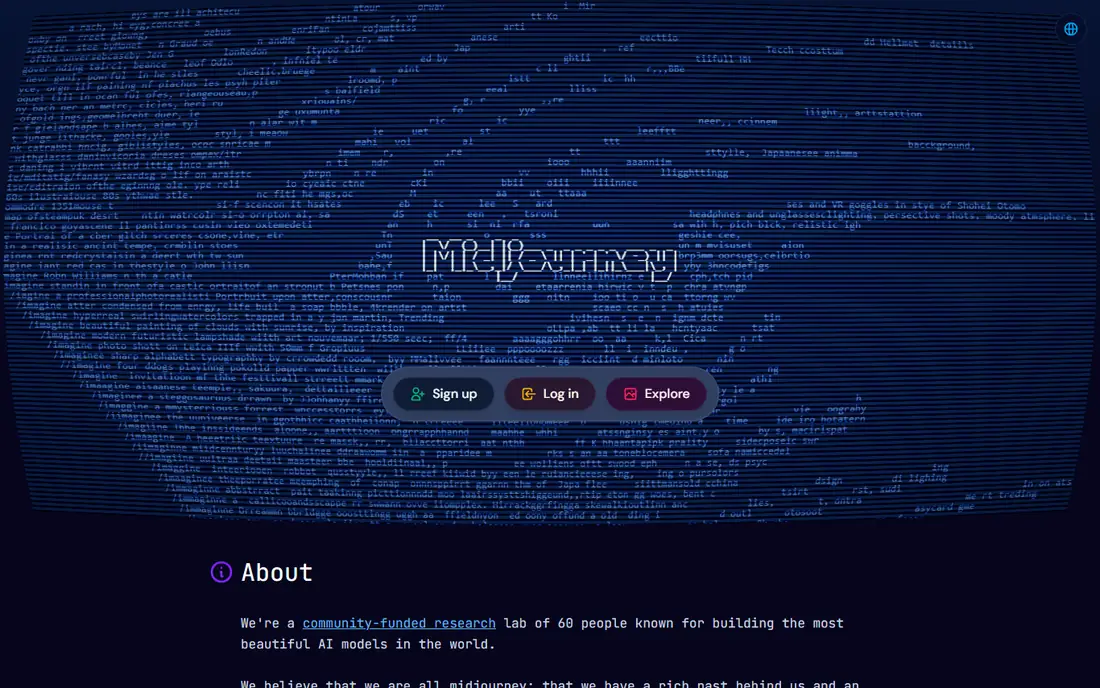
Midjourney remains the default pick when the look of the image matters more than anything else. Its models produce cinematic lighting, coherent style, and rich detail with short prompts, and its style tuning tools let a team lock a consistent visual voice across a campaign. For concept art, mood boards, and hero imagery, few tools match its output on the first attempt, which saves rounds of editing for art directors.
The limits are practical. There is no free tier, so every test costs money, and the workflow lives in Discord and on the Midjourney web app rather than inside a design tool. Commercial rules also matter: companies earning over $1 million a year must subscribe to the Pro plan at $60 a month or higher. Midjourney fits best for creators and studios where image quality is the headline requirement and the budget covers a paid plan from day one.
What we like- Highest aesthetic quality in this list
- Strong community and style controls
- Fast iteration on a look
Watch out for- No free tier
- Discord or web-only workflow
- Companies over $1M revenue must use Pro or Mega plans
Starting price$8 per month
Free planYes
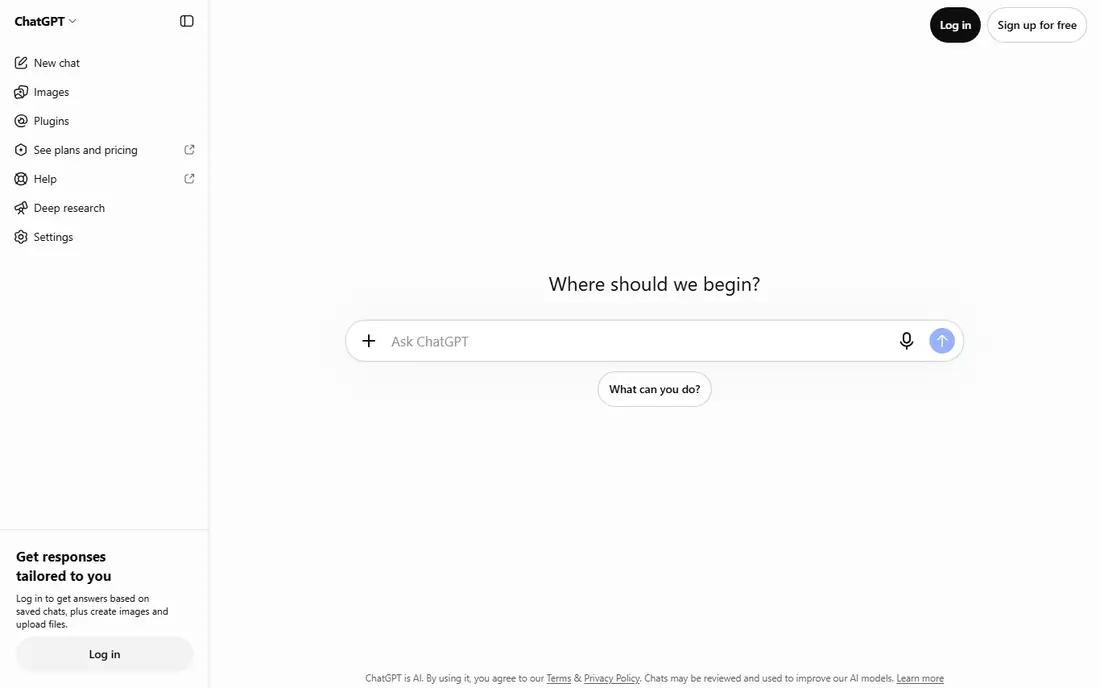
ChatGPT Images turns image generation into a conversation. You describe a change in plain words, such as moving a subject, changing a background, or restyling a scene, and the model revises the image rather than starting over. That back-and-forth suits marketing teams that refine an asset through several rounds, since each round stays in the same chat thread with full context. For teams already paying for ChatGPT, image generation arrives at no extra cost beyond the plan.
The trade is control. ChatGPT Images does not offer the fine style tuning or parameter depth that Midjourney and Leonardo provide, and its default look can feel familiar across many users. Heavy users also hit plan limits faster than they expect, since image generation shares the plan with text work. It fits best for everyday assets, internal mockups, and social posts where speed beats a highly specific art direction.
What we like- Iterate in plain words
- Strong at editing an existing image
- Already inside a tool many teams pay for
Watch out for- Less art-directed control than Midjourney
- Output style can feel generic
- Usage limits vary by plan
Starting price$20 per month
Free planYes
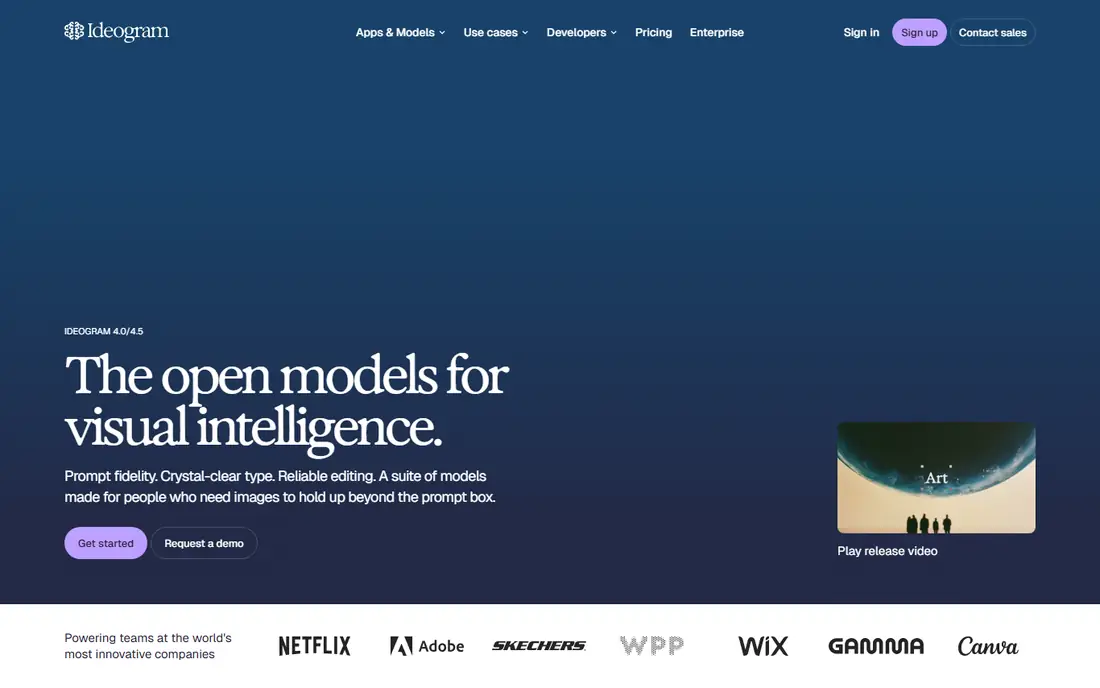
Ideogram earns its place on one strength: text inside images comes out readable far more often than with other generators. Posters, book covers, social graphics, and logo concepts that include a brand name or a tagline survive generation without garbled letters, which removes a common reason to redo an image in a separate editor. Recent versions add layout control and multilingual text, so designers can place words with intent rather than hoping the model guesses well.
The entry price is higher than Midjourney and Leonardo, and Ideogram is a narrower tool, focused on still images rather than a full creative suite. Teams that rarely need text in images may not feel the premium is worth it. For anyone whose work lives or dies on a readable headline inside the image, Ideogram is the safest pick, and its free tier is enough to prove that claim before paying.
What we like- Best text rendering in this list
- Good for posters and logos
- Multilingual text support
Watch out for- Higher entry price than rivals
- Smaller model ecosystem
- Limited video features
#4Leonardo AI
Best for: Game assets and mockups4.5/5 on
G2 (32 reviews, checked Oct 2026)
Visit leonardo.ai
Starting price$12 per month
Free planYes
Leonardo AI is the most forgiving starting point for creators who generate images every day. Its free tier gives a real daily allowance, and its model library covers photorealism, illustration, game assets, and product shots, with custom model training for teams that want a consistent style. Game developers use it for characters, environments, and item art, while product teams use it for fast mockups before a photo shoot exists.
The breadth can confuse at first. New users face many models, settings, and modes, and picking the wrong model gives a weaker result than a simpler tool would. Some advanced features also need higher tiers. Leonardo fits best for creators who generate in volume and are willing to learn which model suits each job, since the free tier lets that learning happen without a subscription.
What we like- Generous free tier
- Custom model training
- Strong for game art and product visuals
Watch out for- Interface has many options for beginners
- Some features sit behind higher tiers
- Output quality varies by model
#5Recraft
Best for: Editable vector graphics4.7/5 on
G2 (456 reviews, checked Oct 2026)
Visit recraft.ai
Starting price$10 per month
Free planYes
Recraft is the pick for designers who need output they can edit after generation. Where most generators return a flat image, Recraft can return vector graphics, so a logo, icon, or illustration can be resized, recolored, and adjusted in a vector editor without losing sharpness. That difference matters for brand work, print, and packaging, where a raster image at the wrong size is a dead end. Its illustration style is clean and consistent, which suits icon sets and marketing graphics.
The trade is photorealism. Recraft is not the tool for lifelike photography-style scenes, and its community and tutorial base is smaller than Midjourney's. Designers who live in raster photography should look elsewhere. For brand and product design teams that need editable output, Recraft fills a gap that no other tool on this list fills as cleanly.
What we like- True vector output for logos and icons
- Sharp, clean illustration style
- Brand-friendly controls
Watch out for- Less suited to photorealistic scenes
- Smaller community than Midjourney
- Raster features are thinner
Starting price$15 per month
Free planYes
Canva AI suits teams that need a finished asset, not just a raw image. Generation sits inside a design suite with templates, text tools, and brand kits, so a social post can go from prompt to published graphic without leaving the app. That end-to-end flow is why small marketing teams adopt Canva even when a dedicated generator makes a prettier single image. Sharing, commenting, and scheduling also live in the same workspace.
The catch is depth. Canva's image models are good for everyday marketing, but they lack the fine control and model choice of Midjourney, Leonardo, or Ideogram. Serious brand control, such as locked fonts and colors, needs the Pro plan. Canva fits best for social and content teams that value a finished post over a perfect image, and that already design in Canva for other work.
What we like- Full design suite around generation
- Templates for every social format
- Easy team sharing
Watch out for- Generation is one feature inside a larger product
- Less model depth
- Brand controls need the Pro plan
Starting priceSee website
Free planYes
Stability AI is the infrastructure pick in this list. Its models, including the Stable Diffusion family, run through an API priced per image, which suits teams that generate thousands of images inside an automated pipeline rather than by hand. Open weights also let technical teams self-host a model, which gives control over cost, latency, and data handling that a subscription cannot match. For apps that generate images on behalf of users, that model is often cheaper than per-seat subscriptions.
The trade is that Stability AI is a platform, not a polished studio. Teams need developer time to build the pipeline, choose models, and handle quality control, and pricing varies by model and access route, so the per-image cost needs a real calculation. It fits best for product teams and agencies that generate at volume and have engineers to run the system, not for a solo designer who wants a simple app.
What we like- Pay-per-image API pricing
- Open weights for self-hosting
- Strong for automated pipelines
Watch out for- Pricing varies by model and route
- Hosted studio features are thinner
- Needs developer setup for pipelines
#8
FLUX
Best for: Photorealistic pay-per-image generation
Visit bfl.ai
Starting priceSee website
Free planYes
FLUX, from Black Forest Labs, is the photorealism pick for teams that want to pay per image rather than per month. Its models produce lifelike people, products, and scenes with natural light and detail, and API access means a team can generate exactly as many images as a project needs, with no monthly seat to justify. Open weights give technical teams a self-hosting route as well, which keeps long-term options open.
The workflow is the limit. FLUX is API-first for serious use, so non-technical users will want a third-party app or a wrapper rather than the raw service. There is no design suite, template library, or brand kit around it. FLUX fits best for developers, agencies, and studios that need photorealistic output on demand and can wire an API into their own tools.
What we like- Excellent photorealism
- Pay-per-image with no subscription required
- Open weights available
Watch out for- API-first workflow for serious use
- No full design suite
- Costs scale directly with volume
How we chose
We compared these tools on output quality, text rendering, licensing safety, pricing model, and how the generated image fits into real design work. Pricing figures come from vendor pricing pages and current comparison guides checked in October 2026, and any figure we could not confirm is marked as See website. We did not claim hands-on testing. Instead we weighed public documentation, pricing pages, and user reviews on sites such as G2 and Capterra, plus the practical difference between a subscription, a credit pack, and pay-per-image billing.
What to check before you pick
Start with the job the image must do. A hero image for a campaign needs a different tool than a product mockup, a social graphic with a headline, or a logo that must scale to print. Check licensing next, since commercial use, indemnity, and training data rules differ sharply between vendors, and a cheap tool can become expensive if its output cannot be used for client work. Finally, test text rendering with your real headlines, not sample words, since garbled text is the most common reason an image gets rejected.
Subscription, credits, or pay per image
Subscriptions suit steady daily use, since the monthly cost stays flat while volume stays within the plan. Credit packs suit uneven work, where a busy month follows a quiet one. Pay-per-image API pricing suits apps and pipelines that generate on behalf of users, since cost tracks usage exactly. Estimate a month of real volume in each model before you commit, and watch for credit expiry and rollover rules.
Licensing and commercial use
Adobe Firefly built its name on commercially safe training data, so any alternative needs a licensing check before client work. Read the terms for your plan, not just the marketing page, and confirm whether output can be used commercially, whether indemnity applies, and whether the vendor claims any rights over generated images. When in doubt, keep a record of the terms for the plan you actually bought.
Frequently asked questions
Which Adobe Firefly alternative is best for commercial client work?
Ideogram and Recraft are strong for client work where text and vector output matter, while Midjourney suits art-led campaigns. Always read the license terms for your exact plan, since commercial rights and indemnity vary by tier and by vendor.
Do any of these tools have a free plan?
Yes. ChatGPT Images, Ideogram, Leonardo AI, Recraft, Canva AI, Stability AI, and FLUX all offer a free tier or free access of some kind. Midjourney is the exception, with no free tier, so budget for a paid plan from the start if Midjourney is your pick.
Can AI images include readable text?
Ideogram handles text in images most reliably, followed by ChatGPT Images and Recraft for short phrases. Midjourney has improved but still struggles with long strings, so test your real headlines before committing to a tool for poster work.
Is vector output available from AI image generators?
Recraft is the strongest vector option in this list, returning editable vector graphics for logos and icons. Most other generators return raster images only, which cannot be resized for print without losing sharpness.
How do I control cost with credit-based tools?
Track credits per image for your typical prompts, since video and premium features can cost far more than a standard image. Set a monthly credit budget, review usage weekly, and prefer plans where unused credits roll over if your volume varies.
Can I use these images for a logo?
You can generate logo concepts with Ideogram or Recraft, but a final logo still needs a designer to refine it, check trademark conflicts, and deliver proper vector files. Treat AI output as a starting concept, not a finished brand mark, for serious brand work.
Sources we checked (8)
- https://www.midjourney.com
- https://chatgpt.com
- https://ideogram.ai
- https://leonardo.ai
- https://www.recraft.ai
- https://www.canva.com
- https://stability.ai
- https://bfl.ai
Is your product missing or out of date?
We review this list regularly. Vendors can request a listing, send updated pricing or ask about featured placement.

Shihab Mia · Founder, Rankite
Shihab has 5+ years in B2B and SaaS SEO. He writes Rankite's software buying guides from pricing pages, documentation and public user reviews. More about Shihab.