How we make this list: we compare pricing pages, product documentation and public user reviews. Ratings come from G2, Capterra or Trustpilot, with the date we checked them.
Key takeaways
- Take Control is N-able's remote support tool, built for IT teams and MSPs that manage endpoints through the N-able platform.
- Splashtop is the closest drop-in replacement at roughly half the price, with SOS support plans from $259 per concurrent technician a year.
- TeamViewer is the best-known all-rounder, with Remote Access from $24.90 per user per month and a free personal tier.
- Zoho Assist and ConnectWise ScreenConnect are the helpdesk picks, with per-technician pricing built for support teams.
- RemotePC and Chrome Remote Desktop cover the budget ends: RemotePC from $2.95 a month for unattended access, Chrome Remote Desktop free for personal use.
Quick comparison
Is your product missing or out of date?
We review this list regularly. Vendors can request a listing, send updated pricing or ask about featured placement.
The best Take Control alternatives

#1TeamViewer
Best for: General remote access with compliance4.5/5 on
G2 (4,203 reviews, checked Oct 2026)
Visit teamviewer.com
Starting price$24.90 per user per month
Free planYes
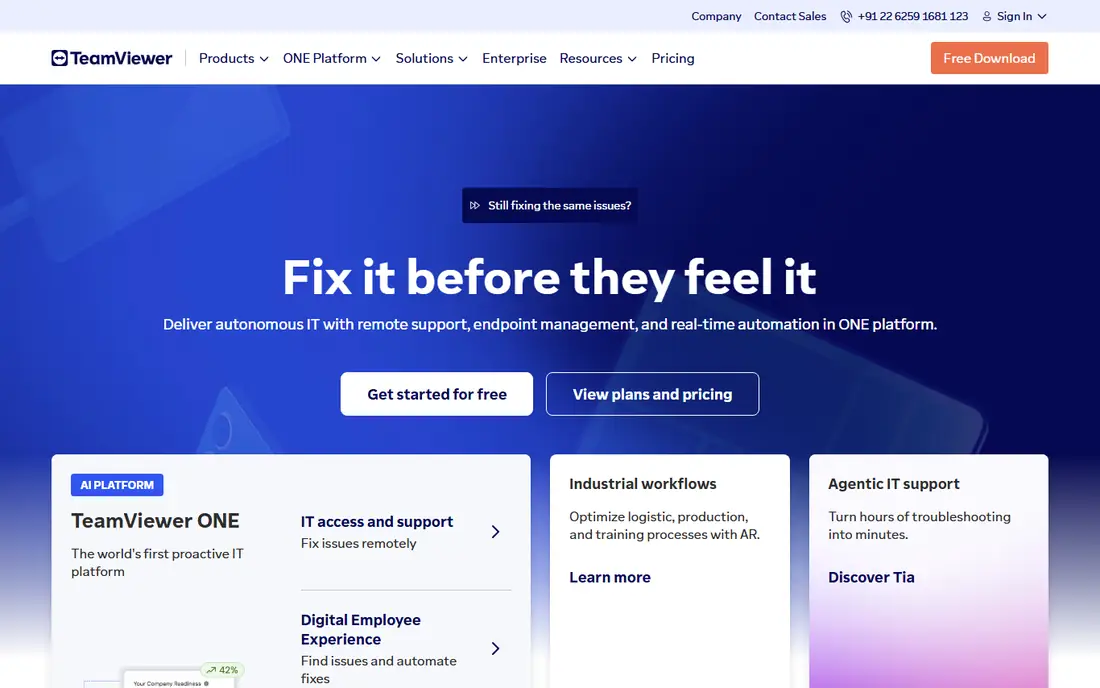
TeamViewer is the best-known remote desktop software and the default choice for many IT teams. Its Remote Access plan starts at $24.90 per user per month billed annually, covering 1 licensed user, 1 concurrent connection, and 3 managed devices, with unlimited devices to connect from. Compliance and security features, including audit logs and access controls, suit regulated environments.
The limits are tier boundaries: 3 managed devices and 1 channel feel tight for a growing team, and Corporate plans for multiple channels cost far more, with a 3-channel Corporate plan near $2,758.80 a year. Commercial-use detection can also flag personal use, requiring a support case to clear. For a team that needs a well-known, compliant, widely supported tool, TeamViewer remains the safe pick.
What we like- Best-known remote desktop software
- Compliance and security features
- Free personal tier
- Available in over 30 languages
Watch out for- Remote Access plan covers 1 licensed user, 1 concurrent connection, and 3 managed devices
- Higher tiers cost far more
- Commercial-use detection can flag personal use

#2AnyDesk
Best for: Speed-first remote sessions4.5/5 on
G2 (1,104 reviews, checked Oct 2026)
Visit anydesk.com
Starting price$28.90 per month
Free planNo
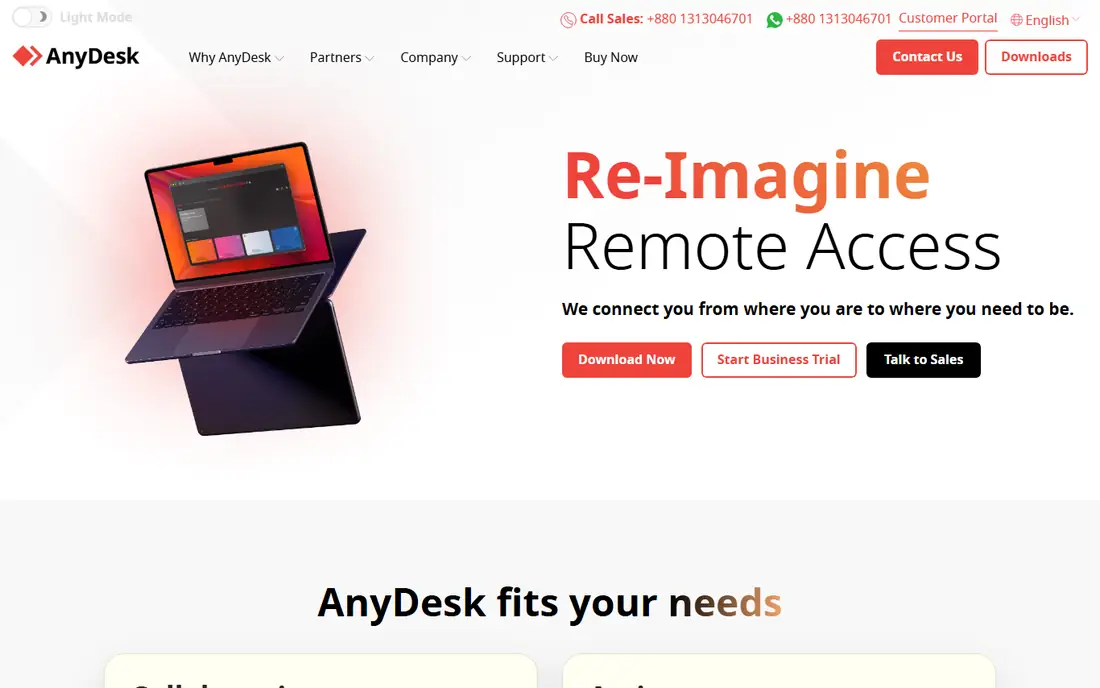
AnyDesk wins on speed. Its lightweight client and efficient codec deliver low-latency sessions even on weaker connections, which matters for CAD, video editing, and other demanding remote workloads. Session codes make ad hoc support simple, and the client runs on Windows, Mac, Linux, and mobile.
The Solo plan near $28.90 a month billed annually is the entry point, with no free plan beyond a trial, and its helpdesk features are thinner than at ScreenConnect or Zoho Assist. For a team that prioritizes session speed and responsiveness over deep helpdesk workflows, AnyDesk is the performance pick.
What we like- Fast, low-latency sessions
- Lightweight client
- Strong for demanding remote workloads
- Simple session codes
Watch out for- Solo plan near $28.90 a month billed annually
- No free plan, only a free trial
- Support features are thinner than ScreenConnect or Zoho Assist

#3Splashtop
Best for: Affordable IT team remote access4.8/5 on
G2 (534 reviews, checked Oct 2026)
Visit splashtop.com
Starting price$5 per user per month
Free planNo
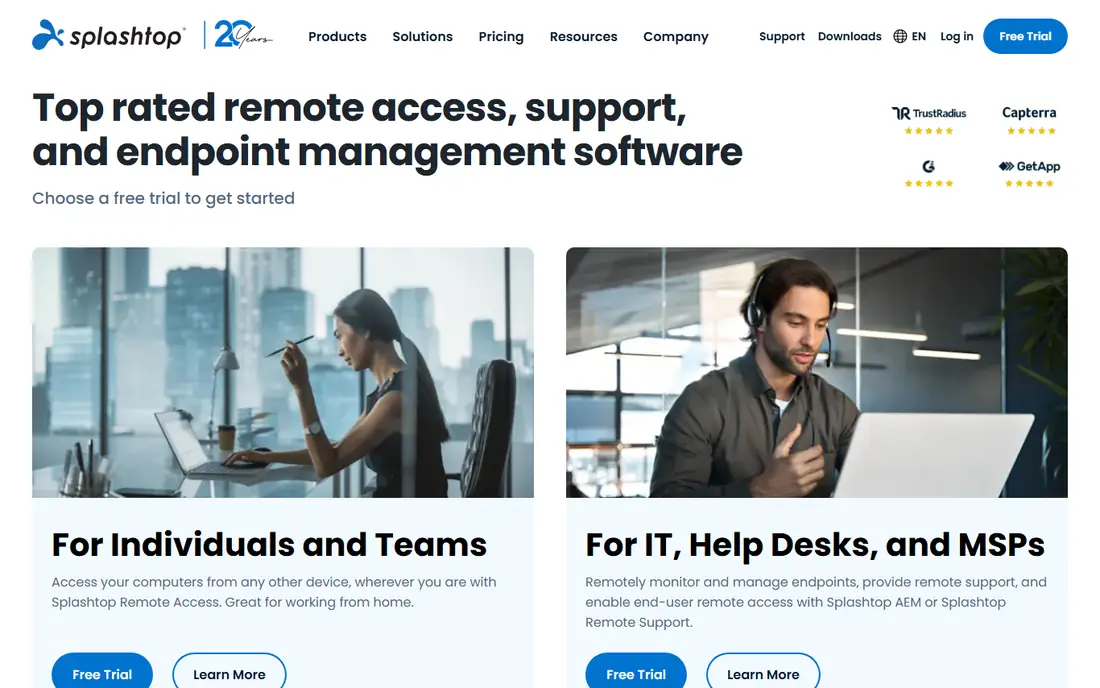
Splashtop is the closest drop-in replacement for Take Control at roughly half the price. Its Business Access plan starts near $5 per user per month for employee remote access, while SOS plans serve helpdesks: SOS Base at $259 per concurrent technician a year with 10 unattended computers, and SOS Advanced at $399 with 300 unattended computers and unlimited attended sessions. For a 3-technician team, SOS Advanced at $1,197 a year undercuts TeamViewer Corporate's $2,758.80 a year for 3 channels.
Session quality is comparable to TeamViewer for standard office workloads, with multi-monitor support, file transfer, session recording, and remote wake. SOS client setup can take time, and Mac deployment is less smooth than Windows. For most SMBs switching from Take Control or TeamViewer, Splashtop is the most direct, transparent replacement.
What we like- Business Access from $5 per user per month
- SOS Base $259 per concurrent technician a year with 10 unattended computers
- SOS Advanced $399 with 300 unattended computers
- Session quality comparable to TeamViewer for office work
Watch out for- SOS client setup can take time
- Mac deployment is less smooth than Windows
- No free plan, only a free trial

#4Zoho Assist
Best for: Helpdesk-style remote support4.7/5 on
G2 (719 reviews, checked Oct 2026)
Visit zoho.com
Starting price$12 per technician per month
Free planYes
Zoho Assist is the budget helpdesk pick. Its per-technician pricing fits support teams: the Standard plan near $12 per technician per month covers unattended access, file transfer, and multi-monitor support, with a free plan for light use. Integration with Zoho's wider suite, including Desk and CRM, suits teams already on Zoho.
Advanced features such as mass deployment and deeper reporting sit on higher tiers, and session quality trails AnyDesk for demanding workloads. For a small helpdesk that wants per-technician pricing without Splashtop's per-computer math or TeamViewer's channel limits, Zoho Assist is the budget choice.
What we like- Per-technician pricing built for helpdesks
- Standard plan near $12 per technician per month
- Free plan available
- Integrates with Zoho's wider suite
Watch out for- Advanced features sit on higher tiers
- Session quality trails AnyDesk for demanding workloads
- Smaller ecosystem than TeamViewer

#5ConnectWise ScreenConnect
Best for: MSPs and multi-tech teams4.7/5 on
G2 (513 reviews, checked Oct 2026)
Visit connectwise.com
Starting price$27 per month
Free planYes
ConnectWise ScreenConnect, formerly ConnectWise Control, is the MSP standard for remote support. Its ONE plan near $27 a month billed annually covers unattended access, session management, and multi-technician workflows, with a free plan for evaluation. Integration with ConnectWise's RMM and PSA tools makes it the natural choice for MSPs already on that stack.
Pricing varies by source, with some listings near $33 a month, so confirm on the pricing page. Setup and admin depth can overwhelm a small team that only needs basic support. For an MSP or multi-technician team that wants deep unattended access and session control, ScreenConnect is the professional pick.
What we like- Built for MSPs and multi-technician teams
- ONE plan near $27 a month billed annually
- Strong unattended access and session management
- Free plan available
Watch out for- Pricing varies by source, with some listings near $33 a month
- Setup and admin depth can overwhelm small teams
- Best value needs the full ConnectWise stack

#6RemotePC
Best for: Cheapest unattended access4.7/5 on
G2 (695 reviews, checked Oct 2026)
Visit remotepc.com
Starting price$2.95 per month
Free planNo
RemotePC is the cheapest way to reach your own computers unattended. Its entry plan near $2.95 a month for 1 computer billed annually covers remote access, file transfer, and multi-monitor support, which suits an individual or small team that needs to reach office machines from home.
Support features are thinner than at Splashtop SOS or ScreenConnect, since RemotePC is built for access rather than helpdesk workflows, and per-computer pricing scales with fleet size. For a user whose main need is reaching their own machines cheaply, RemotePC is the value leader. For a helpdesk supporting clients, Splashtop SOS or ScreenConnect fits better.
What we like- Cheapest unattended access to your own machines, from $2.95 a month for 1 computer billed annually
- Simple setup
- File transfer and multi-monitor support
Watch out for- Support features are thinner than Splashtop SOS or ScreenConnect
- Per-computer pricing scales with fleet size
- No free plan, only a free trial
#7BeyondTrust Remote Support
Best for: Enterprise security4.7/5 on
G2 (388 reviews, checked Oct 2026)
Visit beyondtrust.com
Starting price$2,097 per year
Free planNo
BeyondTrust Remote Support, formerly Bomgar, is the enterprise security pick. Its privileged access controls, audit trails, and session recording suit regulated industries such as finance, healthcare, and government, where every remote session must be logged and approved. Vaulting and credential injection keep technician credentials out of endpoints.
Entry pricing near $2,097 a year puts it far above Splashtop or Zoho Assist, and implementation needs planning. For a small team, it is overkill. For an enterprise where remote support must satisfy auditors and security teams, BeyondTrust is the compliance-first choice.
What we like- Enterprise security and compliance focus
- Privileged access controls
- Audit and session recording
- Suits regulated industries
Watch out for- Entry near $2,097 a year
- No free plan
- Overkill for small teams
- Implementation needs planning
Starting priceFree
Free planYes
Chrome Remote Desktop is the free baseline. It lets an individual reach their own computers from anywhere through a browser, with simple setup and no cost for personal use. That covers the most common personal need: reaching a home or office machine while traveling.
There are no helpdesk features, no unattended fleet management, and no session recording, and a Google account is required. It is not suitable for commercial support at scale. For a personal user or a tiny team testing remote access before buying, Chrome Remote Desktop is the zero-cost starting point.
What we like- Completely free for personal use
- Simple setup through a browser
- Works across Windows, Mac, Linux, and ChromeOS
Watch out for- No helpdesk features, no unattended fleet management, no session recording
- Google account required
- Not suitable for commercial support at scale
How we chose
We compared each tool against what Take Control actually sells: remote support for IT teams and MSPs, with unattended access, attended sessions, and endpoint management through N-able. Pricing figures come from vendor pages and published comparisons checked in 2026, and anything we could not confirm is written as "See website". We favored tools that serve US IT teams and MSPs, and we flagged where a tool is access-first, support-first, or enterprise-security-first, since that decides whether it replaces Take Control or only part of it.
What to check before you pick
Identify which bucket you are in before reading further, since it determines the right answer and prevents the most common mistake: buying a support tool for an access use case, or vice versa. If employees reach their own workstations, prioritize per-user pricing, multi-monitor support, file transfer, and simultaneous access. If requests come through a help desk, Zoho Assist and Splashtop SOS fit better than employee remote-access plans. If the office network is already secured, Microsoft Remote Desktop can work well when Windows Pro, VPN, and access controls are already in place. Then check four things on a trial: unattended computer limits, concurrent technician or channel limits, session recording and audit depth, and total cost at your real technician and computer counts. Run a pilot with one technician and a handful of endpoints before migrating, since session quality and unattended deployment vary more than feature lists suggest.
Frequently asked questions
What is Take Control?
Take Control is N-able's remote support tool for IT teams and MSPs, offering attended and unattended remote access to managed endpoints through the N-able platform.
Which Take Control alternative is cheapest?
Chrome Remote Desktop is free for personal use. For commercial use, RemotePC from $2.95 a month for 1 computer is cheapest for unattended access, while Splashtop SOS Base at $259 per technician a year is cheapest for helpdesk support.
Is Splashtop cheaper than TeamViewer?
Yes, for most SMBs. Splashtop SOS Advanced for 3 technicians costs $1,197 a year, versus TeamViewer Corporate near $2,758.80 a year for 3 channels. Business Access from $5 per user per month also undercuts TeamViewer's $24.90.
What is the difference between remote access and remote support?
Remote access lets employees reach their own workstations. Remote support lets technicians reach client or employee machines for helpdesk work, with attended sessions, unattended access, and session management.
Do I need a VPN for remote desktop?
Not with these tools, which use their own encrypted connections. A VPN is an alternative approach for reaching on-premises resources, but it solves a different problem than remote desktop software.
Which tool is best for MSPs?
ConnectWise ScreenConnect is the MSP standard, with deep unattended access and session management plus RMM and PSA integration. Splashtop SOS is the budget MSP alternative.
Sources we checked (8)
- https://www.teamviewer.com/
- https://anydesk.com/
- https://www.splashtop.com/
- https://www.zoho.com/assist/
- https://www.connectwise.com/software/screenconnect
- https://www.remotepc.com/
- https://www.beyondtrust.com/
- https://remotedesktop.google.com/
Is your product missing or out of date?
We review this list regularly. Vendors can request a listing, send updated pricing or ask about featured placement.

Shihab Mia · Founder, Rankite
Shihab has 5+ years in B2B and SaaS SEO. He writes Rankite's software buying guides from pricing pages, documentation and public user reviews. More about Shihab.
 Chrome Remote Desktop