How we make this list: we compare pricing pages, product documentation and public user reviews. Ratings come from G2, Capterra or Trustpilot, with the date we checked them.
Key takeaways
- The strongest programs combine code scanning, dependency checks, secrets handling, and running-app testing instead of relying on one scanner.
- Put checks in pull requests and CI pipelines, where a fix costs minutes, rather than waiting for a release review.
- Secrets belong in a vault with short-lived credentials, not in code, chat messages, or environment files shared by hand.
- Open source tools can carry a small team a long way, while larger teams usually need policy controls, audit trails, and support.
- Every tool below enforces a different practice, so pick the gap in your current process first, then buy for that gap.
Quick comparison
| Tool | Best for | Starting price | Free plan |
|---|
 Snyk Snyk | Dependency and code risk in one place | See website | Yes |
 SonarQube SonarQube | Code quality and security gates | See website | Yes |
 HashiCorp Vault HashiCorp Vault | Secrets and credential control | See website | Yes |
 GitGuardian GitGuardian | Finding leaked secrets fast | See website | Yes |
 Semgrep Semgrep | Custom SAST rules teams can write | See website | Yes |
 Checkmarx Checkmarx | Enterprise application security coverage | See website | No |
 Veracode Veracode | Governed enterprise scanning | See website | No |
 OWASP ZAP OWASP ZAP | Free dynamic testing of web apps | See website | Yes |
Is your product missing or out of date?
We review this list regularly. Vendors can request a listing, send updated pricing or ask about featured placement.
#1
Snyk
Best for: Dependency and code risk in one place
Visit snyk.io
Starting priceSee website
Free planYes
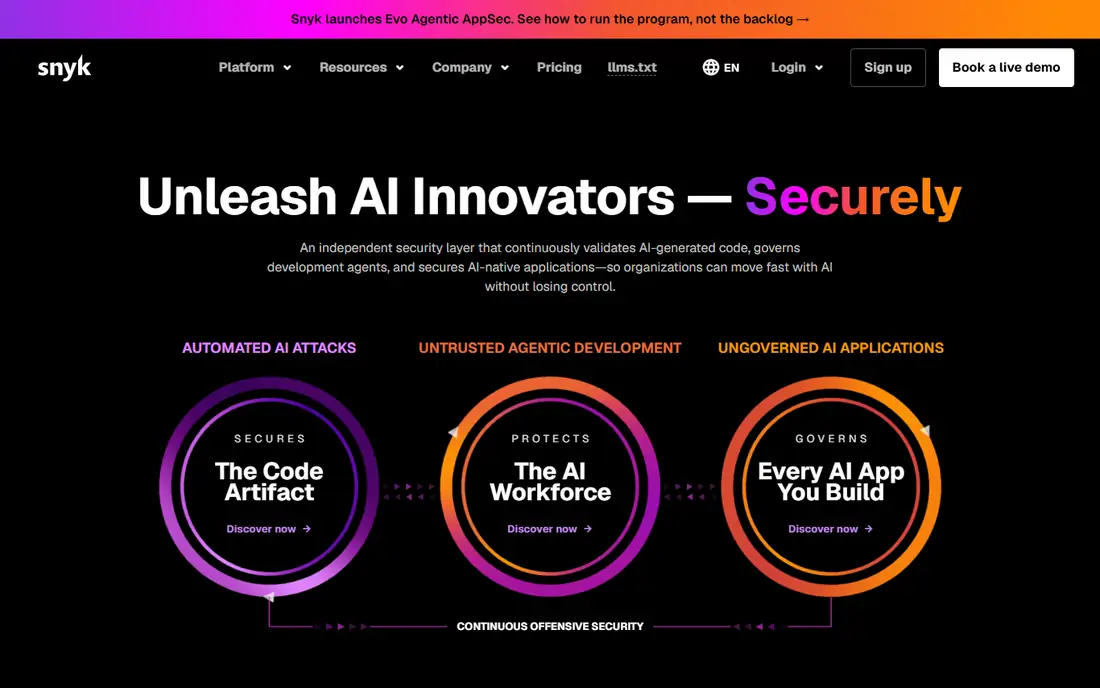
Snyk fits teams whose main worry is the code they did not write. Open source libraries, containers, and infrastructure templates bring in risk that is hard to see by reading your own code alone. Snyk scans those layers, flags known vulnerabilities, and points to a fixed version or a patch where one exists. That matters because dependency flaws are now one of the most common ways an otherwise careful application gets exposed.
The day to day value shows up in pull requests. A developer sees a flagged dependency before merge, with context about severity and reachability, and can act on it without opening a separate dashboard. The trade off is price discipline. Seat based pricing can surprise a growing team, and some of the deeper policy and reporting controls require a higher plan. Start with the free tier on a real repository, measure how many findings your team can fix each week, and only then commit to paid seats for the developers who merge code most often.
What we like- Broad coverage across code, dependencies, containers, and infrastructure as code
- Clear fix guidance in pull requests
- Large vulnerability database
Watch out for- Costs rise quickly as developer seats grow
- Enterprise features sit behind higher tiers
Starting priceSee website
Free planYes
SonarQube fits teams that want one clear rule at merge time: code must pass quality and security checks before it ships. Its quality gates turn that rule into an automatic decision, so reviewers spend less time debating style or basic flaws and more time on design. It also catches bugs and code smells alongside security issues, which helps teams that treat reliability and security as one job rather than two separate reviews.
The honest limit is scope. SonarQube is strongest on your own code, not on the full supply chain around it. Pair it with a dedicated dependency scanner if third party risk matters to you, which for most web applications it does. Self-hosting gives control over data residency, but it also means your team owns upgrades, storage, and availability. Cloud hosted SonarQube removes that burden and suits teams that want fast setup and automatic updates.
What we like- Quality gates that block risky merges
- Coverage across many languages
- Self-hosted option for strict data control
Watch out for- Dependency scanning is not its strongest area
- Self-hosted setup needs ongoing care
Starting priceSee website
Free planYes
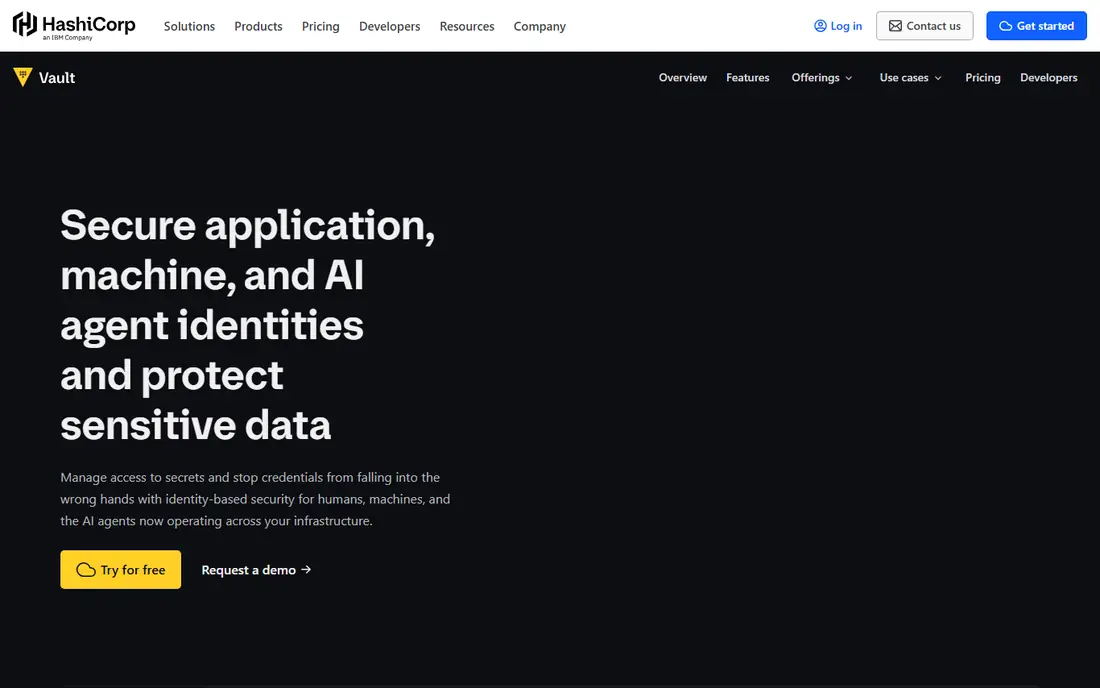
Vault fits the practice every security guide repeats and many teams still skip: never hardcode a secret. Vault stores API keys, passwords, certificates, and encryption keys in one place, then hands out short-lived credentials based on identity. When a credential expires automatically, a leaked value has a short useful life. That single change reduces the damage from the leaks that tools like GitGuardian are built to find.
The catch is that Vault is a platform, not a quick install. Policies, authentication methods, and rotation schedules need design, and a badly designed policy can lock out a service at the worst moment. Plan a pilot with one application and one environment first. Document who can read which secret, test rotation in staging, and keep a tested backup and recovery path before you move production credentials into it.
What we like- Central secrets storage with identity based access
- Short-lived, rotating credentials
- Broad integration with cloud and CI tools
Watch out for- Setup and policy design take real effort
- Small teams may find it heavier than a simpler store
Starting priceSee website
Free planYes
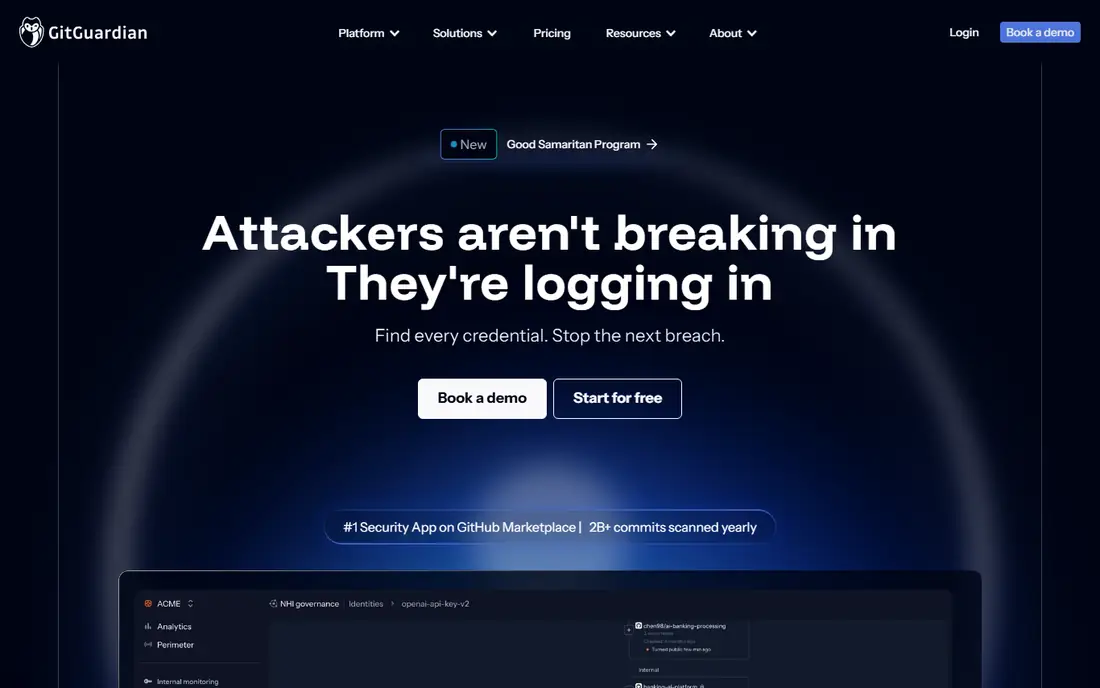
GitGuardian fits teams that know secrets will leak despite good intentions. A key pasted into a pull request, a token left in a chat thread, or a credential in a personal repository can sit unnoticed for months. GitGuardian watches those places, alerts the right owner quickly, and helps the team revoke and replace the secret instead of just closing a ticket. Speed matters here, because the window between a leak and misuse is often short.
The limit is worth stating plainly. Finding leaks is only half the practice. If developers keep pasting secrets by hand, alerts will keep coming. Use GitGuardian alongside a vault, pre-commit checks, and a short written rule for what to do in the first hour after a leak. That combination turns an alert into a routine fix rather than a crisis meeting.
What we like- Fast detection across code, chat, and collaboration tools
- Context on validity and ownership
- Remediation playbooks
Watch out for- Detection alone does not fix a weak secrets process
- Full coverage needs paid plans
#5Semgrep
Best for: Custom SAST rules teams can write4.6/5 on
G2 (56 reviews, checked Oct 2026)
Visit semgrep.dev
Starting priceSee website
Free planYes
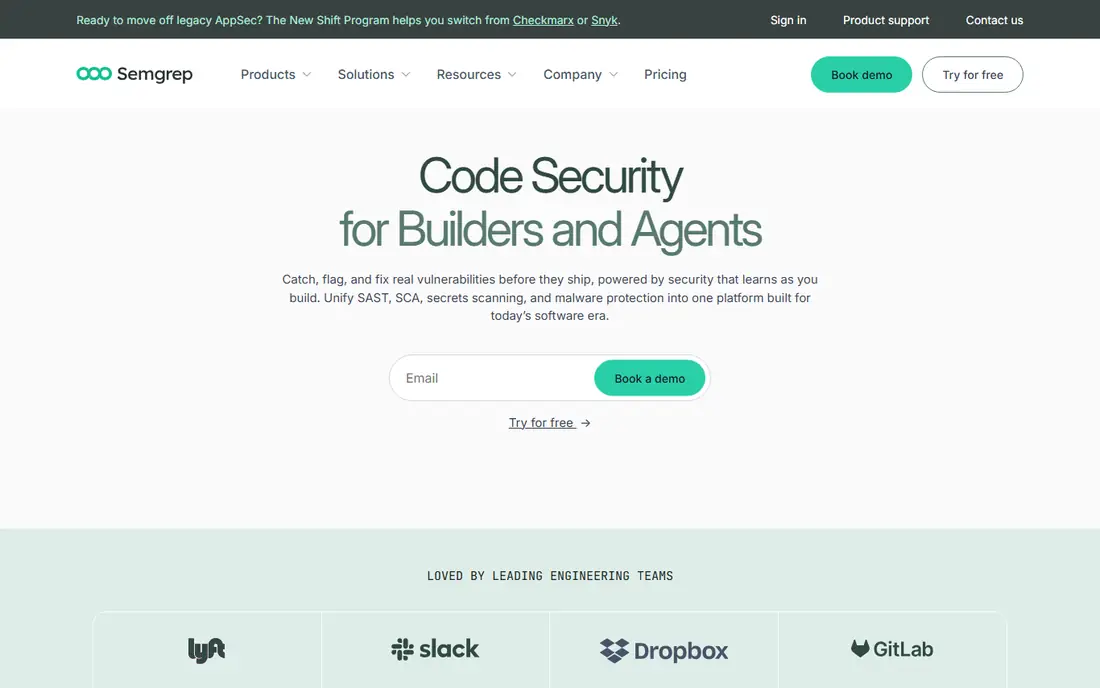
Semgrep fits teams that want to enforce their own rules, not only generic ones. A rule such as never calling a risky function with user input, or always using an approved authentication helper, can be written in a form that looks like the code itself. That makes custom rules accessible to developers who would never learn a specialist query language. The open source engine runs locally and in CI, and it is fast enough to run before push without slowing developers down.
The trade off is that breadth has a price. The paid platform adds supply chain scanning, cross-file analysis, and managed triage features that the free engine does not include. Small teams can start free and add paid seats as the codebase grows. Larger teams should budget time for rule maintenance too, since custom rules need owners, tests, and periodic review or they drift out of date.
What we like- Fast scans with rules that read like code
- Large community rule set
- Free open source engine
Watch out for- Supply chain scanning needs the paid platform
- Triage still needs someone who knows the codebase
#6Checkmarx
Best for: Enterprise application security coverage4.2/5 on
G2 (49 reviews, checked Oct 2026)
Visit checkmarx.com
Starting priceSee website
Free planNo
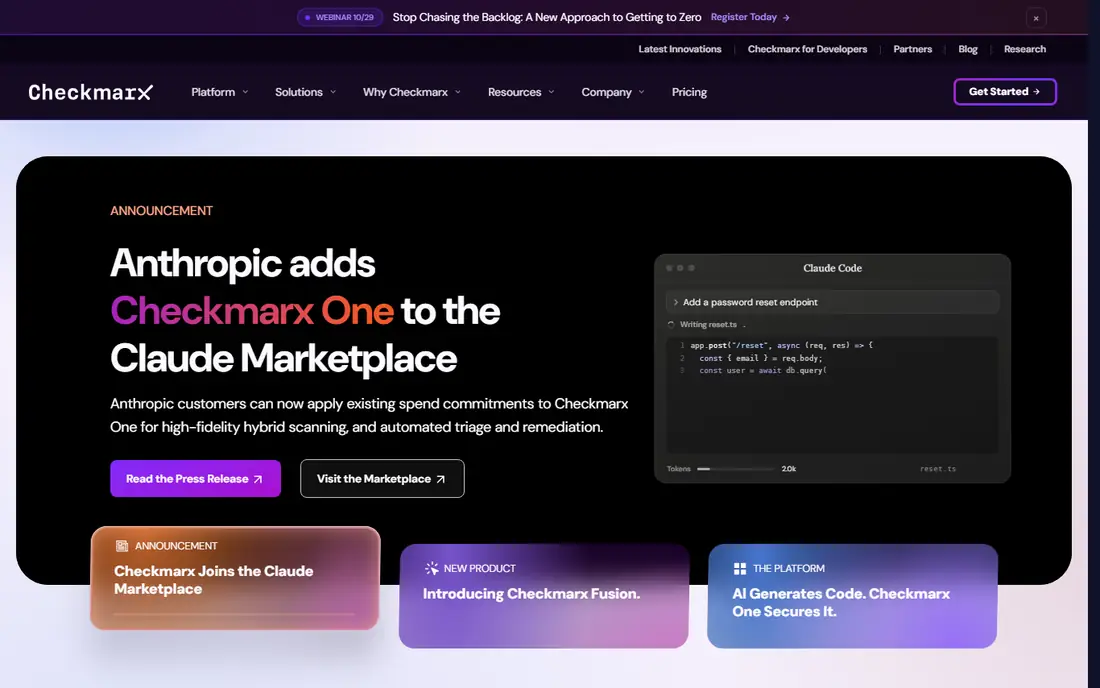
Checkmarx fits large organisations that need one governed program across many teams and applications. It covers static analysis, software composition, secrets detection, container checks, and dynamic testing, with policy controls and audit records that compliance teams ask for. For a company with dozens of repositories and formal audit duties, that breadth reduces the number of vendors to manage and gives security leaders one view of risk.
That breadth comes with weight. Pricing is quoted, onboarding takes planning, and teams need time to tune rules so developers are not flooded with low value findings. Checkmarx makes most sense when you already have an AppSec owner, a CI pipeline standard, and a triage process. Without those, a smaller, faster tool will deliver value sooner, and Checkmarx can wait until scale forces the question.
What we like- Wide coverage from code to runtime
- Strong enterprise policy and reporting
- AI assisted triage and fixes
Watch out for- Enterprise pricing and onboarding effort
- Smaller teams may find it more than they need
Starting priceSee website
Free planNo
Veracode fits enterprises that prize trusted, low noise results and clean audit evidence over the newest feature list. Its static, dynamic, and software composition tools have been used in large, regulated environments for years, and its reporting is built for the questions auditors actually ask. Teams that must show consistent scanning, remediation rates, and policy enforcement across a portfolio will find that maturity useful.
The honest catch is access. There is no free tier to test at production scale, and quote based pricing makes side by side comparison harder than with tools that publish a price. Ask for a proof of concept on your own code, with your own pipeline, and measure false positive rates and fix times before signing. If your team is small or early stage, a free or low cost scanner will usually teach you more, faster, for less money.
What we like- Low noise findings tuned for enterprise use
- Broad language and pipeline coverage
- Mature reporting for audits
Watch out for- No free tier for evaluation at scale
- Pricing is quote based and can be hard to compare
#8OWASP ZAP
Best for: Free dynamic testing of web apps4.7/5 on
G2 (14 reviews, checked Oct 2026)
Visit zaproxy.org
Starting priceSee website
Free planYes
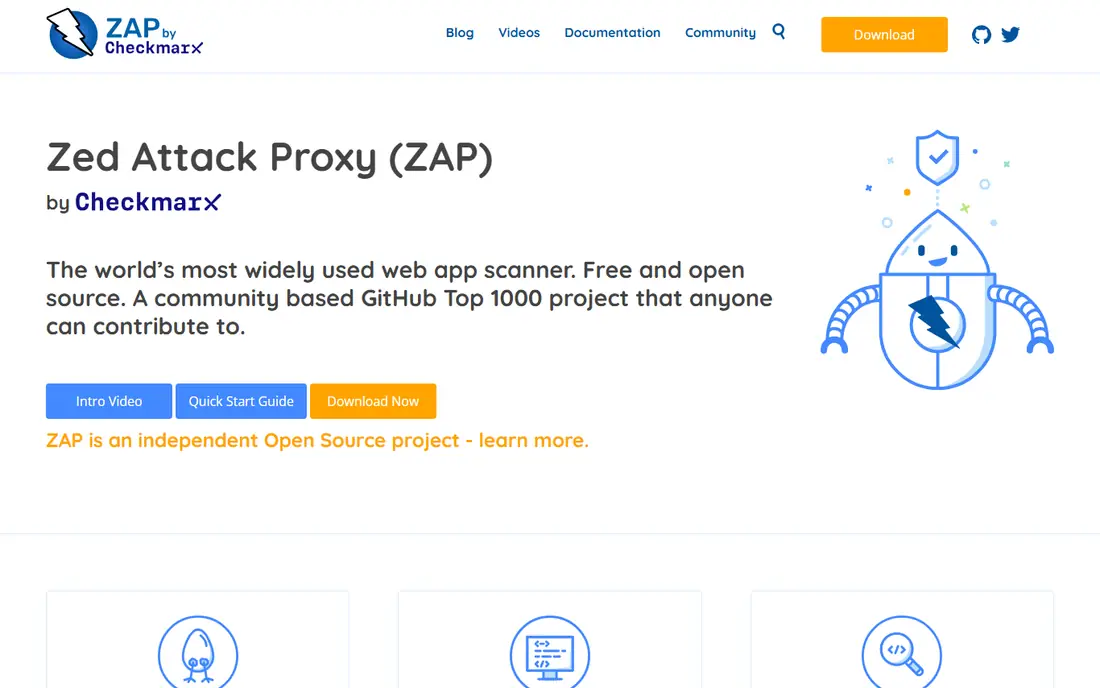
OWASP ZAP fits the practice that static tools cannot cover: testing the application while it runs. It probes a live web app for common flaws such as injection, broken authentication, and misconfiguration, and it can be automated in CI for staging environments. For teams with no budget for dynamic testing, ZAP is the honest starting point, and many paid tools still use the same basic idea at a higher price.
The catch is effort and interpretation. ZAP needs a configured target, authentication for logged in areas, and someone who can tell a real finding from a scanner artefact. Run it against staging, never against production without permission and a plan, and start with a baseline scan before adding it as a blocking gate. Used that way, it catches the runtime mistakes that code review alone tends to miss.
What we like- Free and open source
- Tests the running application, not just code
- Active community and scripting support
Watch out for- Needs skill to configure well
- Results need manual review to avoid noise
How we chose
We compared vendor pricing pages, documentation, and public reviews on G2, Capterra, and Reddit, and we checked each homepage to confirm the product exists and matches its category. We favoured tools that map to a distinct best practice, such as least privilege secrets, dependency hygiene, or runtime testing, rather than listing several tools that do the same job. Company size fit mattered too, so the list mixes free open source options with enterprise platforms and notes where each one starts to feel heavy or thin.
Building a security routine that holds up
Start with the practices, then add tools one at a time. A common order works for most teams: scan code and dependencies on every pull request, keep secrets out of code entirely, test the running app before release, and review findings on a fixed weekly cadence. If you add five tools in one week, nobody will triage the results, and developers will learn to ignore alerts. One tool, used well for a month, beats five tools that nobody owns.
Make pull requests the checkpoint
Put SAST and dependency scanning in the pull request, with a quality gate that blocks only high severity, reachable issues at first. A gate that blocks everything will be disabled within a week. Track how many findings are fixed without security team help, and widen the gate only when that number stays healthy. This keeps security work inside normal development instead of turning it into a separate queue.
Treat secrets as a lifecycle, not a file
Store secrets in a vault, issue short-lived credentials, rotate on a schedule, and scan for leaks in code and chat. When a leak is found, revoke first, then investigate, then replace the secret in every place it was used. Write that sequence down before you need it. Teams with a written leak response fix leaks in hours; teams without one spend the first hours arguing about who owns the fix.
Test what users actually touch
Static analysis reads code. Dynamic testing hits the running app the way an attacker would, including login flows, API endpoints, and error pages that leak detail. Schedule dynamic scans for staging on every release candidate, and add manual review for authentication and authorisation changes, where automated tools are weakest. Keep a short list of your most sensitive flows and test those first on every release.
Frequently asked questions
What are software security best practices in simple terms?
They are the habits that keep code, data, and credentials safe through the whole build and release cycle. The core set includes scanning code and dependencies, protecting secrets, limiting access to the minimum needed, testing the running app, and fixing high risk findings quickly. Tools help, but the habit of checking on every change matters more than any single product.
Which practice should a small team start with?
Start with dependency scanning and secrets handling, because those two gaps cause a large share of real incidents and both have free starting points. Add SAST in pull requests next, then dynamic testing on staging. This order gives visible risk reduction early without asking a small team to run an enterprise program it cannot staff.
Do I need both SAST and DAST?
Yes, for most web applications, because they see different things. SAST reads source code and finds flaws before the app runs, while DAST probes the running app and finds configuration and runtime issues that code review can miss. Using only one leaves a blind spot that the other is built to cover.
How often should security scans run?
Code and dependency scans should run on every pull request and on a nightly schedule for the main branch, so new vulnerabilities in old dependencies are caught. Dynamic scans should run for every release candidate and after major authentication or API changes. A scan that runs once a quarter will miss most of the risk between releases.
Are free security tools good enough?
Free tools such as Semgrep, SonarQube Community, and OWASP ZAP are strong for small and mid sized teams, and they are far better than no scanning at all. Paid tiers add policy control, prioritisation, support, and audit reporting that larger or regulated teams usually need. The right test is whether findings get fixed, not whether the tool was free.
What is the most common mistake teams make?
They buy a scanner, turn on every rule, and flood developers with findings nobody triages. Start narrow, fix the high severity issues first, tune out noise with the team that owns the code, and widen coverage as fix rates improve. A trusted, smaller set of findings beats a long list that everyone learns to ignore.
Sources we checked (8)
- https://www.snyk.io/pricing
- https://www.sonarsource.com/products/sonarqube/
- https://www.hashicorp.com/products/vault
- https://www.gitguardian.com
- https://semgrep.dev
- https://checkmarx.com
- https://www.veracode.com
- https://www.zaproxy.org
Is your product missing or out of date?
We review this list regularly. Vendors can request a listing, send updated pricing or ask about featured placement.

Shihab Mia · Founder, Rankite
Shihab has 5+ years in B2B and SaaS SEO. He writes Rankite's software buying guides from pricing pages, documentation and public user reviews. More about Shihab.