How we make this list: we compare pricing pages, product documentation and public user reviews. Ratings come from G2, Capterra or Trustpilot, with the date we checked them.
Key takeaways
- ShareX and Greenshot are the strongest free replacements, with ShareX offering the deepest feature set and Greenshot the simplest workflow.
- CleanShot X is the best paid pick for Mac users who want scrolling capture, OCR, and a polished editor for a one time price.
- PicPick and Screenpresso suit Windows users who want an all in one capture and editor without a subscription.
- Free tools differ most on scrolling capture, screen recording, and cloud sharing, so match the tool to the feature you actually use daily.
- Snagit moved to a subscription model in 2025, which makes one time purchases and free tools more attractive than before.
Quick comparison
Is your product missing or out of date?
We review this list regularly. Vendors can request a listing, send updated pricing or ask about featured placement.
The best Snagit alternatives
Starting priceFree
Free planYes
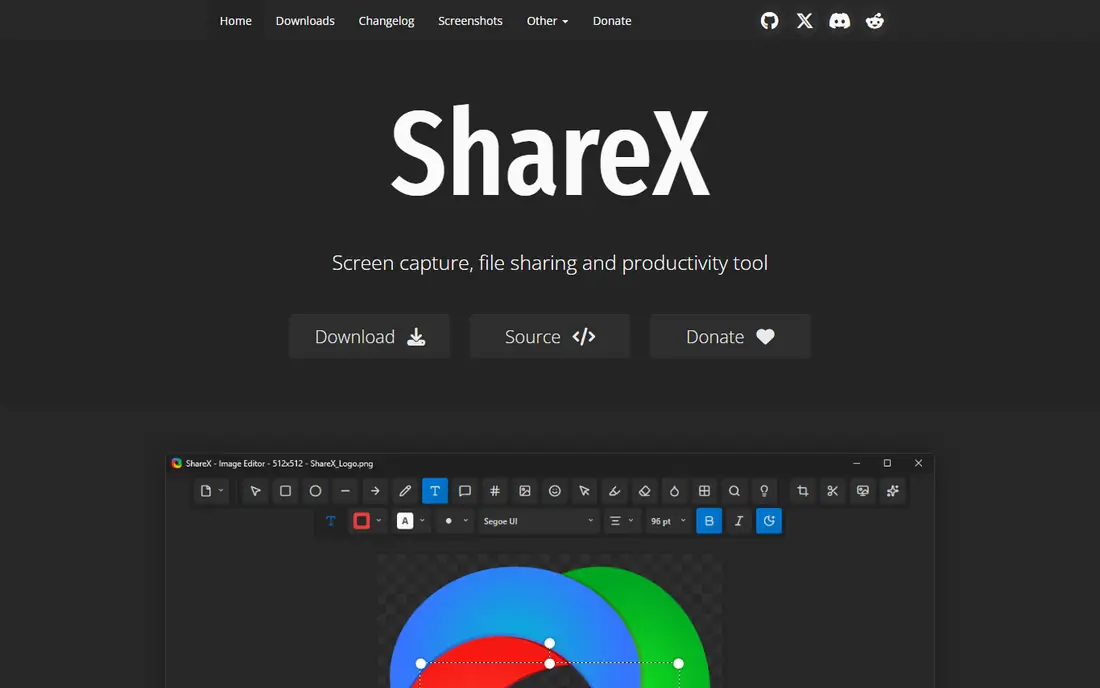
ShareX is the free tool that comes closest to matching Snagit feature for feature on Windows. It captures fullscreen, windows, regions, and scrolling pages, and it records video and GIFs. It includes OCR to pull text from images, a built in image editor with annotation, and uploads to Imgur, Google Drive, Dropbox, FTP, and many other destinations. It is open source and free, with no paid tier at all, which makes it the strongest value pick in this guide.
The trade off is polish against power. ShareX has more options than most users need, and the settings screens can feel crowded on first use. There is no official support team, so help comes from community docs and forums. ShareX fits Windows power users who want every capture mode, strong automation, and a zero price tag, and who do not mind spending an hour learning the settings.
What we like- Fullscreen, window, region, and scrolling capture
- GIF and video recording
- OCR
- Uploads to more than 70 destinations
- Open source
Watch out for- Windows only
- Interface looks dated
- Setup takes time
- No official support channel
Starting priceFree
Free planYes
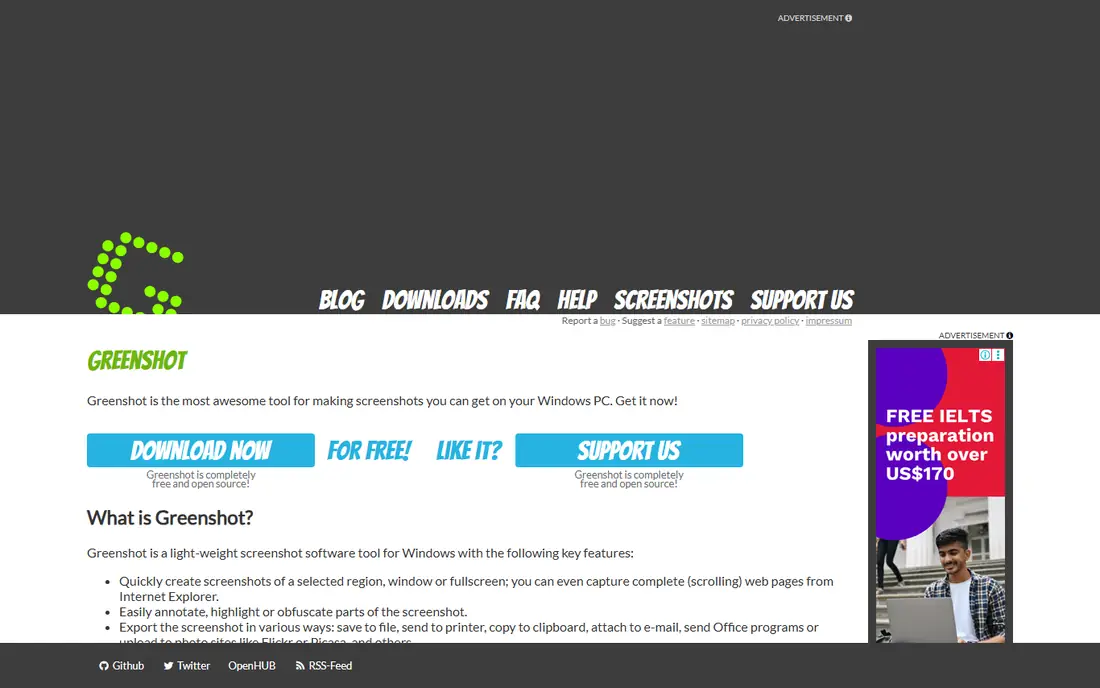
Greenshot is the light, fast alternative for users who found Snagit heavier than they needed. It captures regions, windows, and fullscreen shots, then opens a simple editor for arrows, text, highlights, and obfuscation. It can send captures straight to a file, the clipboard, a printer, or an upload service such as Imgur. It is open source and free on Windows, with a paid Mac version for users who want the same workflow on Apple hardware.
The trade off is simplicity against depth. Greenshot lacks video recording and its scrolling capture only works in Internet Explorer, so users who capture long web pages will need another tool. Greenshot fits Windows users who want quick captures and light annotation without menus, accounts, or subscriptions.
What we like- Light and fast
- Simple annotation
- Uploads to Imgur and other services
- Open source
- Low learning curve
Watch out for- Windows focused
- Scrolling capture is limited
- No video recording
- Editor is basic
Starting priceFree
Free planYes
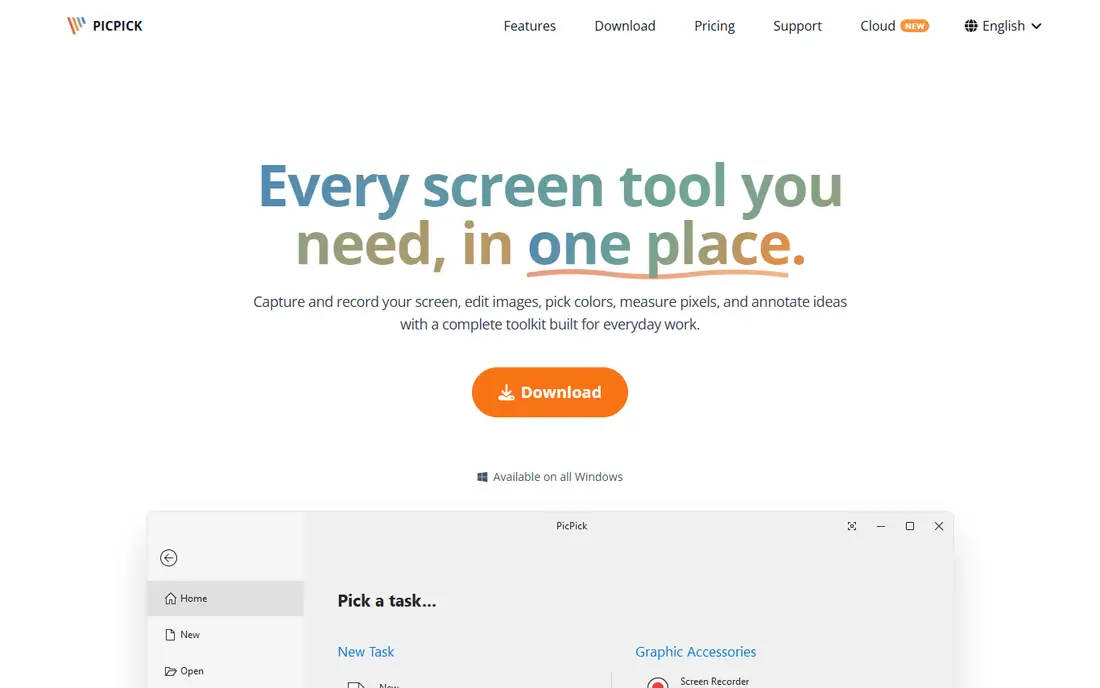
PicPick is the all in one capture tool that designers and developers on Windows tend to pick. It captures fullscreen, windows, regions, scrolling pages, and fixed regions, and its editor includes annotation, effects, and a full set of graphic tools such as a color picker, color palette, pixel ruler, magnifier, and whiteboard. The free version covers personal use, while the commercial license is reported at about $30 per user per year, so check the current price before buying for a team.
The trade off is breadth against platform. PicPick packs more design tools than any other free capture app here, but it runs on Windows only and the free license does not cover commercial work. PicPick fits Windows designers and developers who want capture plus color and measurement tools in one app.
What we like- All in one capture and editor
- Color picker and pixel ruler
- Scrolling capture
- Whiteboard and protractor tools
- Portable version available
Watch out for- Windows only
- Commercial use needs a paid license
- Free version is for personal use only
- Interface feels busy
Starting priceFree
Free planYes
Lightshot is the fastest way to grab a region of your screen and share it. Press the hotkey, drag a rectangle, annotate it with arrows or text, and upload it to get a share link in seconds. It runs on Windows and Mac, and the whole workflow takes less time than opening a full editor. The free version covers the core capture and sharing flow, which is why it stays popular with support teams and casual users.
The trade off is speed against control. Lightshot has no scrolling capture and no video recording, and links uploaded to its public service can be viewed by anyone with the link, so it is a poor fit for sensitive screenshots. Lightshot fits users who share quick captures all day and care more about speed than about advanced editing.
What we like- Very fast region capture
- Instant share links
- Simple editor
- Runs on Windows and Mac
- Tiny download
Watch out for- No scrolling capture
- No video recording
- Shared links are public by default
- Annotation is basic
Starting priceFree
Free planYes
Screenpresso is the Windows tool built for tutorials and documentation, which is the same job Snagit does best. It captures scrolling pages, records video, and turns a series of captures into a document with steps and notes, which saves real time when you write training material. It includes OCR, a workspace library for organizing captures, and annotation tools. The free version covers basic capture, while the Pro license is reported at about $29.99, so confirm the current price before buying.
The trade off is documentation strength against platform reach. Screenpresso has no Mac version, and its interface looks older than CleanShot X or PicPick. Screenpresso fits Windows users who write tutorials and how to guides and want a document builder built into their capture tool.
What we like- Scrolling capture
- Video and GIF recording
- Document builder for tutorials
- OCR
- Workspace library
Watch out for- Windows only
- Pro features need a paid license
- Interface feels dated
- Cloud sharing needs setup
Starting priceFree
Free planYes
Flameshot is the open source capture tool with the cleanest annotation experience in the free tier. It shows an on screen toolbar as soon as you drag a region, so you can draw arrows, boxes, highlights, and text without opening a separate editor. It can pin a screenshot to your desktop as a floating reference, which is handy when you work from a design or a ticket. It runs on Windows, Mac, and Linux, and it costs nothing.
The trade off is annotation quality against capture depth. Flameshot has no scrolling capture and no video recording, and its official builds dropped Imgur upload, so sharing means saving a file first. Flameshot fits developers and open source fans who want a light, good looking capture tool across platforms.
What we like- Clean on screen annotation
- Pin screenshots to the desktop
- Custom shortcuts
- Open source
- Runs on Windows, Mac, and Linux
Watch out for- No scrolling capture
- No video recording
- No cloud upload in official builds
- Some settings need config files
Starting priceFree
Free planYes
Snipaste is the capture tool built around pinning. After you capture a region, you can paste it back onto the screen as a floating window that stays on top while you work, which is useful for designers, translators, and analysts who compare images side by side. It includes annotation, color detection, and a sticker mode that turns any image into a floating reference. The free version covers capture and pinning, while the Pro version is reported at about $8.99 and adds features such as scrolling capture.
The trade off is reference workflow against breadth. Snipaste is weaker than ShareX or PicPick as a general capture tool, but no other tool here pins images as well. Snipaste fits users who work from reference images all day and want captures that stay visible while they work.
What we like- Pin screenshots to the screen
- Strong annotation
- Color detection
- Sticker mode for reference images
- Light on resources
Watch out for- No scrolling capture in the free version
- No video recording
- Pro features cost extra
- Windows and Mac only

#8CleanShot X
Best for: Mac users who want polish4.9/5 on
G2 (8 reviews, checked Oct 2026)
Visit cleanshot.com
Starting price$29 one time
Free planNo
CleanShot X is the best built screenshot tool for Mac, and the closest thing to a one time purchase replacement for Snagit on Apple hardware. It captures regions, windows, and scrolling pages, records video, and includes OCR, blur for sensitive data, annotation, and a scrollable history of past captures. Pricing is reported at $29 one time with a year of updates and 1 GB of cloud storage, with optional yearly renewals after that, while a subscription option is reported at about $8 per month, so confirm the current offer before buying.
The trade off is platform against price. CleanShot X runs on Mac only, so Windows users should pick ShareX or PicPick instead, and there is no permanent free tier. CleanShot X fits Mac users who capture and document daily and want a polished tool without a Snagit subscription.
What we like- Scrolling capture
- Built in OCR
- Blur and annotation
- Cloud sharing
- Screen recording
- Capture history
Watch out for- Mac only
- No permanent free plan
- Cloud storage is limited on the base license
- Windows users need another tool
How we chose
We compared published pricing and feature lists from 2026, favoring tools with distinct strengths: the deepest free feature set, the simplest workflow, the best design tools, the fastest sharing, the best tutorial builder, the best open source annotation, the best pinning workflow, and the best Mac experience. We recorded prices as reported by multiple sources and wrote See website where sources conflicted. We excluded Snagit itself, since this guide covers replacements, and we favored tools with a current release and an active user base over abandoned projects.
How to choose a Snagit alternative
Start with your platform: Mac users should shortlist CleanShot X first, while Windows users should shortlist ShareX, PicPick, and Screenpresso. Next, list the features you use every day: scrolling capture points to ShareX, PicPick, Screenpresso, or CleanShot X, while video recording points to ShareX, Screenpresso, or CleanShot X. Then check the license: ShareX, Greenshot, and Flameshot are free with no paid tier, while PicPick and Screenpresso are free for personal use with paid commercial licenses. Finally, try two tools for a week each, since capture speed and editor feel matter more than feature counts. A tool that fits your daily workflow will beat a tool with a longer feature list that you never open.
Frequently asked questions
What is the best free Snagit alternative?
ShareX is the best free alternative on Windows, with scrolling capture, recording, OCR, and uploads. Greenshot is the best free pick if you want something simpler and lighter.
Is there a good Snagit alternative for Mac?
Yes. CleanShot X is the best paid Mac alternative, with scrolling capture, OCR, and a polished editor. Flameshot and Lightshot are free cross platform options for Mac users on a budget.
Does any free tool capture scrolling pages?
Yes. ShareX, PicPick, and Screenpresso all capture scrolling pages on Windows, while CleanShot X does the same on Mac. Greenshot and Flameshot do not offer full scrolling capture.
Can I use PicPick for commercial work for free?
No. PicPick is free for personal use only, and commercial use needs a paid license, so check the current commercial price before installing it on work machines.
Which alternative is best for tutorials?
Screenpresso is built for tutorials, with a document builder that turns captures into step guides. ShareX and CleanShot X also work well for tutorials, with recording and annotation included.
Do these tools record video too?
ShareX, Screenpresso, and CleanShot X record video, and ShareX and Screenpresso also export GIFs. Greenshot, Lightshot, Flameshot, and Snipaste focus on still captures rather than video.
Sources we checked (0)
Is your product missing or out of date?
We review this list regularly. Vendors can request a listing, send updated pricing or ask about featured placement.

Shihab Mia · Founder, Rankite
Shihab has 5+ years in B2B and SaaS SEO. He writes Rankite's software buying guides from pricing pages, documentation and public user reviews. More about Shihab.
 ShareX
 Greenshot
 PicPick
 Lightshot
 Screenpresso
 Flameshot
 Snipaste