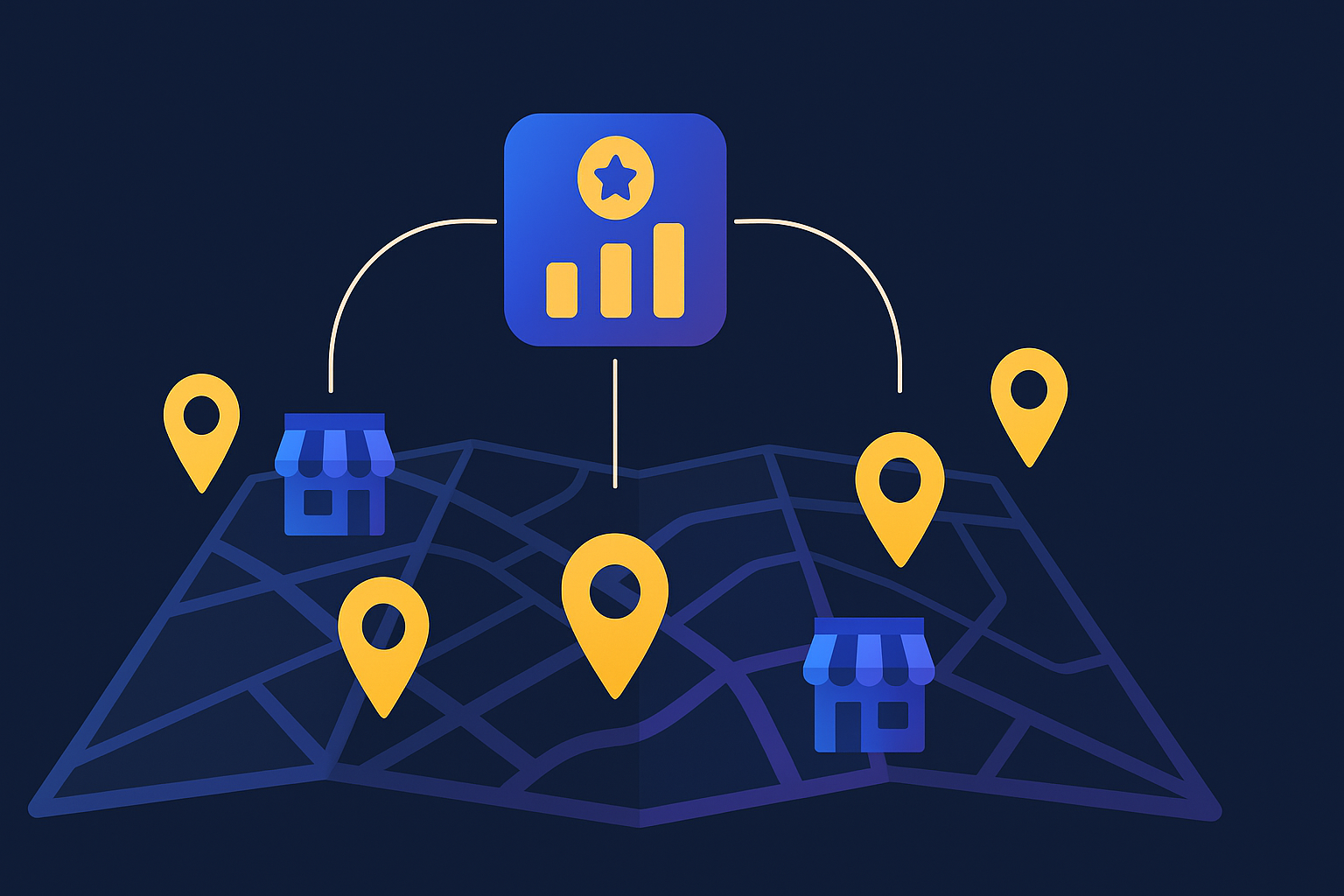
An SEO strategy for multiple locations is a coordinated plan to rank every branch in local search at once. It rests on a scalable URL structure, a unique page for each location, a verified Google Business Profile per branch, consistent citations, reviews collected location by location, and rank tracking split by city so no single dashboard hides a branch that is quietly losing.
An SEO strategy for multiple locations is the work of making a single business rank in local search for every place it operates, without those locations cannibalizing each other. Google treats each town as a separate contest. A florist with shops in Austin, Dallas, and Houston is really competing in three local packs, and each one is judged mostly on the profile, page, and reviews tied to that specific address.
That is why the tactics that work for a single-location business do not simply scale by copy and paste. You need a system: one clear structure that adds a location page and a profile in the same repeatable way each time, so the tenth location gets the same care as the first. If you want the concept behind local ranking before you scale it, our guide to local SEO keywords covers how to find the exact city terms each branch should target.
For most multi-location businesses, the safest structure is a subfolder path on one domain, such as yoursite.com/locations/austin, with a dedicated page for every branch. Subfolders keep all of your link authority under a single domain, while subdomains and separate domains split that authority across properties and make each one harder to rank. Reserve separate domains only for genuinely distinct brands.
Under a clean structure, three page types do the heavy lifting. A locations hub links out to every branch. Each location page targets one city. Broad service and informational content lives once at the corporate level so it is not duplicated across every branch. Search Engine Land, drawing on agency experience at Amsive, notes that the fastest way to sabotage a multi-location site is to let each location publish the same generic blog posts, which forces your own pages to compete for the same query. Keep city terms on location pages and shared education on corporate pages.
| Content type | Where it lives | Why |
|---|---|---|
| City and service-in-city terms | Individual location pages | Each branch owns its own geography |
| Broad how-to and informational topics | One corporate-level page | Avoids duplicate pages competing |
| Brand story, pricing, core service | Corporate pages, linked from locations | Boilerplate does not need a version per branch |
Most multi-location SEO advice is a long unordered checklist, which is hard to run across dozens of branches. We organize the work into four layers instead, from the foundation up, so a new location is never launched with a gap. Fix the lower layers before you spend on the higher ones, because reviews and rank tracking cannot save a branch with no page and no profile. Once the site grows past a few dozen locations and templates, this work starts to overlap with a full enterprise SEO strategy for large, complex sites.
The rest of this playbook works through those four layers in order, starting with the profiles that decide most of your map visibility.
Every physical location needs its own verified Google Business Profile with an accurate address, a local phone number, the right primary category, real hours, and current photos. This matters more than any other single factor: Whitespark's Local Search Ranking Factors study attributes roughly 32% of local pack ranking weight to Google Business Profile signals, ahead of on-page signals at about 19% and reviews at about 16%. An incomplete or missing profile simply hands the map results in that area to a competitor.
At scale, manage all profiles from a single Business Profile organization account, or use the API for chains, so you can update hours and posts in bulk. Completeness pays off directly. Google reports that businesses with complete profiles are about 70% more likely to earn a visit and 50% more likely to be considered for a purchase, so filling every field on every profile is one of the highest-return tasks in the whole strategy. Our Google Business Profile optimization service handles this branch by branch when the volume gets unwieldy.
A citation is any online mention of a location's name, address, and phone number, on directories like Apple Maps, Bing Places, Yelp, and industry sites. Google uses these to confirm a location is real and where it says it is, so the details must match your Google Business Profile exactly. Inconsistent NAP data, an old suite number here, a tracking phone number there, sends a confusing signal that can suppress your local pack rankings.
Doing this by hand across dozens of branches invites errors. Keep one master record per location and push it everywhere through one of the best multi-location local SEO tools, such as Yext, Uberall, or BrightLocal, then audit quarterly for duplicate listings and mismatches. Whitespark places citation signals at about 7% of local pack weight, so treat clean citations as a foundation you get right once rather than a growth lever you keep pulling. When the operational load gets heavy, our local SEO services team runs the audits and de-duplication so the data stays clean as you add locations.
Give each location its own review request flow that links to that branch's Google review page, triggered right after service by SMS or email, and reply to reviews per location. Reviews are not just social proof: Whitespark attributes about 16% of local pack ranking weight to review signals, and recency and response rate both feed into how that weight is applied. A branch with a strong old rating can lose to one earning fresh reviews every week.
Two mistakes wreck review strategy at scale. The first is a single company-wide review link, which sends every customer to headquarters and starves the branches of their own ratings. The second is uneven quality, where one location sits at 3.2 stars and quietly drags trust down while the aggregate still looks fine. Watch each location's rating and velocity separately, and route each customer to the branch that actually served them. Businesses that reply to reviews consistently also signal an active, trustworthy profile, which supports both rankings and conversions.
A location page earns its ranking by being unmistakably about one place. Pages that only change the city name in a template tend to get treated as thin, near-duplicate content and filtered out. The fix is genuine local substance on every page. Franchise brands hit this harder than most, because corporate and franchisees often publish competing pages, and our franchise SEO strategy guide covers who should control what.
Boilerplate you can reuse, such as your core service description, brand story, and standard trust badges, does not need a unique version per branch. Save your writing effort for the parts that are genuinely local, since those are what make the page rank and what an AI answer engine will quote when someone asks for a provider in that town.
Track rankings with a geo-grid or local rank tracker that reports positions from within each city, such as BrightLocal, Local Falcon, or Semrush, rather than one national average that blends every branch together. Local rankings vary block by block, so a tool that samples results from multiple points around each location shows you the true picture. Then segment Google Search Console and Google Business Profile insights by location page and profile.
Reporting per location changes what you can act on. Instead of a flat site-wide number, you see that Austin ranks in the top three while Houston sits on page two, so budget and content go where they move the needle. This per-branch view is also how you catch a new competitor or a listing error early, before it costs a location a quarter of traffic. For branches chasing proximity-driven queries, pair this with the tactics in our guide on how to rank for near me searches.
Run this list for every location, in order, when you launch a branch or audit an existing one. It maps directly to the four layers of the location authority stack above. If those locations sit in different countries, layer an international SEO strategy on top to handle language targeting and regional URL structure.
What is an SEO strategy for multiple locations? It is a coordinated plan to rank each of your business locations in local search at the same time. It combines a scalable URL structure, a unique page for every branch, a verified Google Business Profile per location, consistent citations, per-location reviews, and rank tracking split by location so each one competes on its own terms.
Should each location have its own page? Yes. Every location needs its own indexable page with a unique URL, its own name, address, phone number, hours, staff, photos, and locally written copy. A single page listing all locations rarely ranks in the towns you do not physically sit in, and thin template pages that only swap the city name tend to get filtered out.
Is a subfolder or subdomain better for multiple locations? For most businesses, subfolders on one domain (site.com/locations/austin) are the safer default because they keep all authority under a single domain. Subdomains and separate domains split your link equity across properties, which usually makes each one harder to rank. Reserve separate domains for genuinely distinct brands.
Do I need a separate Google Business Profile for each location? Yes. Each physical location that serves customers needs its own verified Google Business Profile with an accurate address, local phone number, categories, hours, and photos. Google Business Profile signals carry roughly 32% of local pack ranking weight according to Whitespark, so a missing or incomplete profile costs you the map results for that area.
How do I keep NAP consistent across dozens of locations? Store one master record of each location's name, address, and phone number, then push it everywhere through a listings management platform such as Yext, Uberall, or BrightLocal instead of editing directories one by one. Audit quarterly for duplicates and mismatches, because inconsistent NAP data suppresses local pack rankings.
How do I get reviews for every location? Give each location its own review request flow that points to that branch's Google review link, triggered right after service by SMS or email. Aim for a steady stream rather than a one-time push, since recency and response rate matter, and reply to reviews at each location. Review signals account for about 16% of local pack weight per Whitespark.
How do I stop my location pages from competing with each other? Give each location page a distinct geographic focus in its title, URL, and copy, and move broad informational topics to a single corporate-level page instead of repeating them per branch. Keyword cannibalization happens when several pages chase the same query, so let each location own its own city terms and consolidate shared content.
How do I track rankings for each location separately? Use a geo-grid or local rank tracker (such as BrightLocal, Local Falcon, or Semrush) that reports positions from each city, not a single national average. Segment Google Search Console and Google Business Profile insights by location page and profile so you can see which branches are winning and which need work.
Is SEO for multiple locations the same as running multiple SEO campaigns? Not exactly. A multi-location SEO strategy is usually one coordinated campaign with a shared technical foundation, a location page template, and a consistent link building and content plan, applied across every city. Running separate, disconnected SEO campaigns per location instead means duplicating effort, diluting authority across unrelated tactics, and losing the ranking benefit that comes from one strong domain backing every location page.
Pick your weakest location, run it through the eight-step checklist, and fix the lowest layer first. A branch with no dedicated page or an incomplete profile will not benefit from reviews or rank tracking until that foundation is in place. Work up the stack, one location at a time, and the map results follow. Franchised businesses carry an extra layer on top of this checklist, since budget and control are split between the franchisor and every individual franchisee rather than run by one marketing team, and our franchise digital marketing guide breaks down how to split that budget and decide who controls which channel. If you would rather have this built and monitored for every branch, talk to our local SEO team and we will map your locations against the competition first.
Get a free, no-obligation SEO audit and a 30-minute strategy session. We'll show you exactly where the growth is hiding.
Fill out the form and we'll get back to you within one business day. Prefer email? Write to us directly at contact@rankite.com.