How we make this list: we compare pricing pages, product documentation and public user reviews. Ratings come from G2, Capterra or Trustpilot, with the date we checked them.
Sage vs Wave: The Short Answer
Wave is the better pick for a solo operator who wants to pay nothing for accounting and invoicing. Sage is the better pick for a small business with staff, because its Plus plan covers unlimited users for $50 per month and adds inventory and multi-currency tools that Wave does not have. If you work alone and want free software, choose Wave. If you have a team or sell products, Sage is the stronger long-term choice.
Key takeaways
- Wave Starter is free with no revenue cap, while Sage has no free plan and starts at $20 per month.
- Sage Plus covers unlimited users for $50 per month, while Wave has no multi-user plan at the same scale.
- Wave payroll starts at $40 per month plus $6 per person in the US and Canada, while Sage has no built-in payroll.
- Sage Plus includes inventory, multi-currency and budgeting, which Wave does not offer.
- Both tools handle invoicing, expenses and bank feeds, so the decision comes down to free solo use or paid team use.
Sage vs Wave at a Glance
| Tool |
Starting price |
Free plan |
Best for |
| Sage Accounting |
$20 per month |
No, 30-day trial |
Small teams that want simple per-user pricing |
| Wave |
$0 free |
Yes, no revenue cap |
Solo operators who want free invoicing and accounting |
| QuickBooks Online |
$20 per month |
No, 30-day trial |
Businesses that want the widest accountant support |
| Xero |
$27 per month |
No, 30-day trial |
Small businesses that want unlimited users on every plan |
| FreshBooks |
$23 per month |
No, 30-day trial |
Freelancers and service businesses that invoice clients |
| Zoho Books |
$0 free, then $20 per month |
Yes, under $50,000 revenue |
Small businesses that need full accounting and inventory |
| ZipBooks |
$0 free |
Yes |
Freelancers who want free invoicing with paid upgrades |
| Kashoo |
$30 per month |
No, 14-day trial |
Very small businesses that want one flat price |
Prices checked 20 Nov 2026. Monthly prices shown; annual billing lowers most of them.
When Does Paying for Sage Beat Free Wave?
Paying for Sage beats free Wave as soon as a second person needs access or the business starts selling products. Sage Start at $20 per month covers one user with unlimited sales invoices, and Standard at $40 covers two users with quotes, purchase invoices and cash flow forecasting. Plus at $50 covers unlimited users and adds inventory, multi-currency and budgeting. A three-person team pays $50 a month on Sage and gets a system that can track stock and handle foreign currency. On Wave, the same team gets free accounting but no inventory, no multi-currency invoicing and no proper multi-user access, so the business will need extra tools that cost more than the Sage subscription. The break-even point is simple. If the business is one person selling services, Wave costs nothing and wins. If the business has staff, sells products or invoices in more than one currency, Sage at $50 a month is cheaper than the workarounds Wave would require.
Which One Is Easier to Set Up?
Wave is easier to set up. A solo operator can create an account, connect a bank, send a first invoice and start tracking expenses in under an hour, because there are few settings to configure and the interface uses plain language. Sage is also straightforward, but it asks more questions during setup, because it is built for businesses with staff, inventory and tax settings to configure. The extra setup pays off later, since Sage reports, inventory and user permissions are ready when the business grows. Wave setup stays simple because the product stays simple, which is a strength for a one-person business and a limit for a growing one. A business owner who wants to start today with no learning curve should pick Wave. An owner who is willing to spend an afternoon on setup to get a system that lasts for years should pick Sage.
We picked tools that a small business can buy and run without an accountant on staff. Every tool on this list offers invoicing, expense tracking, bank feeds and tax-ready reports. Prices come from vendor pricing pages and reputable review sources checked on 20 Nov 2026. Where sources disagree, we note the conflict rather than picking one number silently. We did not invent ratings, user counts or test results.
Quick comparison
| Tool | Best for | Starting price | Free plan |
|---|
 Sage Accounting | Small teams that want simple per-user pricing and a long-established vendor | Start $20 per month for one user; Standard $40 for two users; Plus $50 for unlimited users | No free plan; 30-day free trial |
 Wave | Solo operators and micro-businesses that want free accounting and invoicing | Starter $0; Pro $19 per month or $190 per year; Payroll $40 per month plus $6 per person | Yes, Starter includes free invoicing, accounting and receipt scanning with no revenue cap |
 QuickBooks Online | Businesses that want the widest choice of accountants and integrations | Solopreneur $20 per month; Simple Start $38; Essentials $85; Plus $140; Advanced $340; 70 percent off for three months until 29 Nov 2026 | No free plan; 30-day free trial |
 Xero | Small businesses that want unlimited users and clean bank reconciliation | Early $27 per month; Growing $59; Established $97 | No free plan; 30-day free trial |
 FreshBooks | Freelancers, consultants and agencies that bill clients by the hour or by the project | Lite $23 per month; Plus $43; Premium $70; annual billing $248.40, $464.40 and $756 per year | No free plan; 30-day free trial |
 Zoho Books | Small businesses that need full accounting, inventory and multi-user access at a low price | $0 free plan; Standard $20 per month ($15 billed annually); Professional $50 ($40); Premium $70 ($60); Elite $150 ($120); Ultimate $275 ($240) | Yes, free for businesses with less than $50,000 in annual revenue, one user and up to 1,000 invoices a year |
 ZipBooks | Freelancers who want free invoicing and a low-cost upgrade path | Starter $0; Smarter $15 per month; Sophisticated $35 per month | Yes, Starter includes invoicing, expense tracking and basic reports |
 Kashoo | Very small businesses that want one flat monthly price with no tiers to compare | $30 per month flat, unlimited users | No free plan; 14-day free trial |
Is your product missing or out of date?
We review this list regularly. Vendors can request a listing, send updated pricing or ask about featured placement.
#1Sage Accounting
Best for: Small teams that want simple per-user pricing and a long-established vendor4.2/5 on
G2 (76 reviews, checked Oct 2026)
Visit sage.com
Starting priceStart $20 per month for one user; Standard $40 for two users; Plus $50 for unlimited users
Free planNo free plan; 30-day free trial
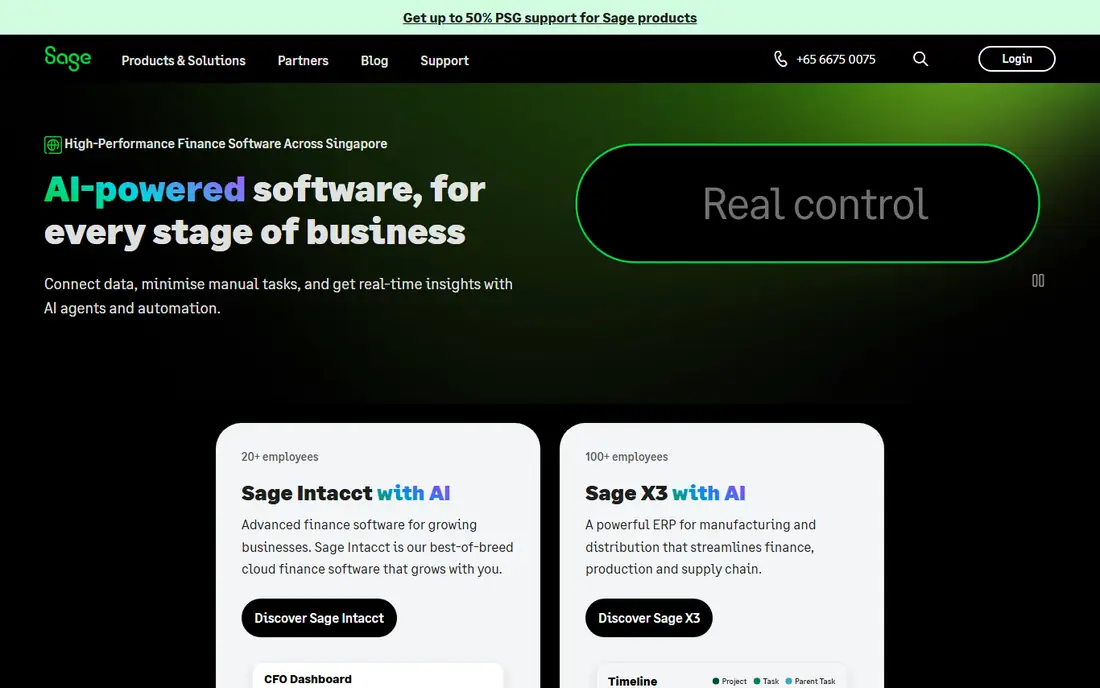
Sage Accounting is a straightforward cloud accounting tool from a vendor that has served small businesses for decades. Start at $20 per month covers one user with unlimited sales invoices, bank reconciliation and expense tracking, which is enough for a solo operator. Standard at $40 adds two users, quotes, purchase invoices and cash flow forecasting, with extra users at $4 each per month. Plus at $50 covers unlimited users and adds inventory, multi-currency and budgeting, which makes it one of the cheapest unlimited-user plans in this list. The interface is clean and the reports cover profit and loss, balance sheet and tax summaries. The main drawback is the lack of a free plan, so a new business must pay from day one. Buyers should also be careful with third-party price listings, because some sites still show older figures such as $24, $53 and $80 per month or much lower legacy prices, while the vendor page and GetApp both list $20, $40 and $50.
What we like- Clear per-user pricing
- Plus covers unlimited users for $50
- Long track record in small business accounting
Watch out for- No free plan
- No published annual billing discount
- Some third-party listings show conflicting prices, so confirm on the vendor page
#2Wave
Best for: Solo operators and micro-businesses that want free accounting and invoicing4.3/5 on
G2 (328 reviews, checked Oct 2026)
Visit waveapps.com
Starting priceStarter $0; Pro $19 per month or $190 per year; Payroll $40 per month plus $6 per person
Free planYes, Starter includes free invoicing, accounting and receipt scanning with no revenue cap
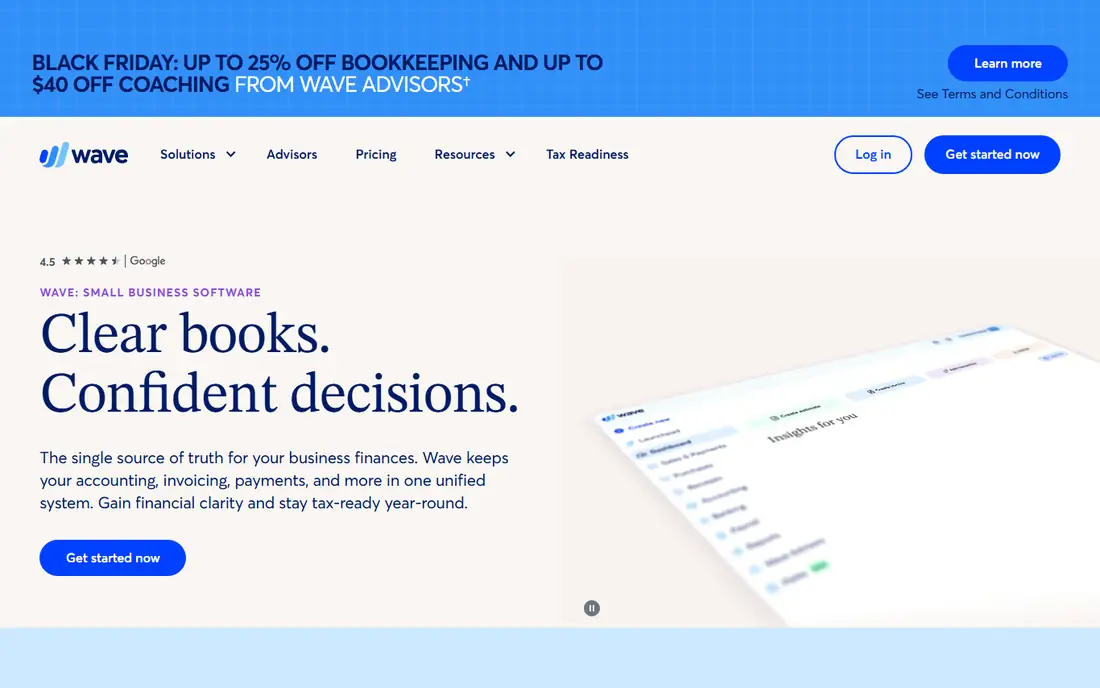
Wave gives a solo business free invoicing and double-entry accounting with no revenue limit, which makes it the cheapest real option on this list. Invoices look professional, customers can pay by card, and expenses and receipts are tracked without a subscription. Bank connections and receipt scanning are included, so the daily bookkeeping workflow works without paying anything. Pro at $19 per month adds unlimited bank and credit card connections, automatic receipt data entry and faster support. Payroll starts at $40 per month plus $6 per person, and bookkeeping services start at $149 per month for owners who want to hand the books to a person. The limits are real. There is no inventory module, reporting is lighter than QuickBooks or Xero, and payroll does not cover every country, so a growing business with staff outside the US and Canada will need another payroll tool.
What we like- Free invoicing and accounting with no revenue cap
- Simple to set up
- Receipt scanning included
Watch out for- Pro is needed for unlimited bank connections and priority support
- Payroll is only available in the US and Canada
- Fewer advanced reports than paid rivals
#3QuickBooks Online
Best for: Businesses that want the widest choice of accountants and integrations4.0/5 on
G2 (3,871 reviews, checked Oct 2026)
Visit quickbooks.intuit.com
Starting priceSolopreneur $20 per month; Simple Start $38; Essentials $85; Plus $140; Advanced $340; 70 percent off for three months until 29 Nov 2026
Free planNo free plan; 30-day free trial
QuickBooks Online is the default choice for many small businesses because almost every accountant knows it and almost every business app connects to it. The range of plans covers a solo operator on Solopreneur through to a mid-size business on Advanced, and the reporting is deeper than most rivals, with budgeting, class tracking and custom reports on higher tiers. Payroll, payments and time tracking are available as add-ons, so a business can build a complete back office around one login. Bank feeds and receipt capture are reliable, and the mobile app handles invoicing and expenses well. The main drawback is cost. The 1 Aug 2026 price rise moved Simple Start to $38, Essentials to $85 and Plus to $140 per month, and the 70 percent introductory discount ends after three months, so the long-term price is higher than the headline offer suggests. Businesses that only need simple invoicing and expense tracking may find cheaper tools do the same job.
What we like- The largest ecosystem of accountants, apps and integrations
- Strong reporting and payroll add-ons
- Reliable bank feeds
Watch out for- Prices rose on 1 Aug 2026, so older comparison pages understate the cost
- The interface can feel crowded
- Support quality varies by plan
#4Xero
Best for: Small businesses that want unlimited users and clean bank reconciliation4.4/5 on
G2 (1,832 reviews, checked Oct 2026)
Visit xero.com
Starting priceEarly $27 per month; Growing $59; Established $97
Free planNo free plan; 30-day free trial
Xero is a cloud accounting platform that is popular with small businesses and their accountants because it keeps the daily workflow simple. Bank reconciliation is its strongest feature, with a dashboard that shows cash flow, outstanding invoices and bills at a glance. Every plan includes unlimited users, which makes it cheap for a team, since adding a bookkeeper or a second staff member costs nothing extra. The app marketplace is large, with hundreds of connected tools for payments, inventory, payroll and reporting. Growing at $59 per month removes the invoice and bill limits of Early and adds bulk reconciliation and expense claims, which suits most established small businesses. Established at $97 adds multi-currency, project tracking and expense management. The Early plan is the weak point, because 20 invoices and 20 bills a month is tight for an active business, so many buyers should budget for Growing from the start.
What we like- No per-user fees on any plan
- Strong bank reconciliation and dashboard
- Large app marketplace
Watch out for- Early limits invoices and bills to 20 each per month
- Payroll costs extra in some regions
- No built-in free plan
#5FreshBooks
Best for: Freelancers, consultants and agencies that bill clients by the hour or by the project4.5/5 on
G2 (981 reviews, checked Oct 2026)
Visit freshbooks.com
Starting priceLite $23 per month; Plus $43; Premium $70; annual billing $248.40, $464.40 and $756 per year
Free planNo free plan; 30-day free trial
FreshBooks is built for people who sell their time. Creating an invoice takes minutes, the invoice looks professional without custom design work, and clients can pay by card or bank transfer from the invoice itself. Time tracking ties directly into billing, so hours logged on a project become line items on the next invoice with no retyping. Expenses can be photographed and attached to a client or project, and automatic reminders chase overdue invoices without the owner having to send awkward follow-up emails. The accounting side covers profit and loss, tax summaries and expense reports, which is enough for most service businesses and their accountants. The limits are clear. There is no free plan, Lite allows only five billable clients, and there is no inventory module, so a business that sells stock will outgrow FreshBooks or need a second tool.
What we like- The cleanest invoicing workflow in this list
- Strong time tracking and client portal
- Automatic payment reminders and late fees
Watch out for- No free plan
- Lite covers only five billable clients and one user
- No inventory management for product sellers
#6Zoho Books
Best for: Small businesses that need full accounting, inventory and multi-user access at a low price4.4/5 on
G2 (329 reviews, checked Oct 2026)
Visit zoho.com
Starting price$0 free plan; Standard $20 per month ($15 billed annually); Professional $50 ($40); Premium $70 ($60); Elite $150 ($120); Ultimate $275 ($240)
Free planYes, free for businesses with less than $50,000 in annual revenue, one user and up to 1,000 invoices a year
Zoho Books is a full double-entry accounting system that covers invoicing, bills, expenses, bank reconciliation, sales tax and reporting in one place. The free plan suits a new business with modest revenue, and the paid tiers add real capability at each step rather than just raising limits. Professional adds inventory tracking, sales and purchase orders, multi-currency invoicing and vendor management, which makes it a practical choice for a business that sells physical products. Premium adds workflow automation, cashflow forecasting and a vendor portal. Because Zoho Books is part of the Zoho suite, it connects cleanly with Zoho CRM, Zoho Inventory and Zoho Expense. The main weakness is complexity, with many menus and settings to learn.
What we like- Free plan is genuinely usable
- Inventory and purchase orders from Professional
- Three users included on Standard
- Deep integration with the rest of Zoho
Watch out for- The free plan ends at $50,000 in annual revenue
- The interface packs in many features, so new users face a learning curve
- Phone support is limited on lower plans
#7ZipBooks
Best for: Freelancers who want free invoicing and a low-cost upgrade path4.7/5 on
G2 (86 reviews, checked Oct 2026)
Visit zipbooks.com
Starting priceStarter $0; Smarter $15 per month; Sophisticated $35 per month
Free planYes, Starter includes invoicing, expense tracking and basic reports
ZipBooks is a simple accounting tool aimed at freelancers and very small businesses. The free Starter plan covers invoicing, expense tracking and basic reporting, which is enough for a solo operator who is just starting to bill clients. Smarter at $15 per month adds recurring billing, time tracking and more reports, while Sophisticated at $35 adds advanced reporting and priority support. The interface is clean and the learning curve is short, so an owner can send a first invoice within minutes of signing up. The weakness is scale. ZipBooks has fewer integrations and a narrower feature set than QuickBooks, Xero or Zoho Books, so a business that needs inventory, payroll or deep reporting will outgrow it. As a free or low-cost starting point for a freelancer, though, it is a practical choice.
What we like- Free starter plan
- Smarter is cheap at $15 per month
- Simple interface for freelancers
Watch out for- Smaller company with a narrower feature set
- Fewer integrations than the big platforms
- Advanced reporting needs the top plan
#8Kashoo
Best for: Very small businesses that want one flat monthly price with no tiers to compare4.6/5 on
G2 (55 reviews, checked Oct 2026)
Visit kashoo.com
Starting price$30 per month flat, unlimited users
Free planNo free plan; 14-day free trial
Kashoo keeps the decision simple by offering a single plan at $30 per month with unlimited users, invoicing, expenses, bank reconciliation and basic reports. There are no tiers to compare and no per-user charges, so a two-person or five-person business pays the same flat amount. Setup is quick and the interface is aimed at owners rather than accountants, with plain language and a short learning curve. Invoicing, payments and expense tracking cover the daily needs of a small service business, and the mobile app handles receipts and invoices on the go. The trade-off is depth. Kashoo does not match the reporting, inventory or integration range of the bigger platforms, so a business that needs multi-currency, project costing or a large app ecosystem will feel the limits. It is best suited to a very small business that wants honest bookkeeping without paying for features it will never use.
What we like- One simple price with no plan tiers
- Unlimited users included
- Easy setup for non-accountants
Watch out for- Fewer features than QuickBooks, Xero or Zoho Books
- Limited third-party integrations
- No free plan
Frequently asked questions
Is Wave really free?
Yes, Wave Starter is free with no revenue cap and no time limit. It includes invoicing, accounting, receipt scanning and bank connections. Wave charges for payroll, bookkeeping services and payment processing fees, and Pro at $19 per month adds unlimited bank connections and faster support, but the core accounting product costs nothing.
Does Sage have a free plan?
No, Sage Accounting has no free plan. It offers a 30-day free trial, then Start costs $20 per month for one user, Standard costs $40 for two users, and Plus costs $50 for unlimited users. There is no published annual billing discount, so the monthly price is the price.
Can I run payroll with Sage?
Sage Accounting does not include payroll in its plans, so a business that needs payroll must use a separate payroll tool or an add-on. Wave offers its own payroll from $40 per month plus $6 per person in the US and Canada, which is an advantage for a small employer in those countries.
Which tool handles inventory?
Sage Plus at $50 per month includes inventory management, along with multi-currency support and budgeting tools. Wave has no inventory module, so a business that sells physical products and needs stock tracking should choose Sage or another tool with inventory, such as Zoho Books Professional at $50 per month.
Can I switch from Wave to Sage later?
Yes, both tools support importing customers, invoices and chart of accounts data. Plan the move at a month end, export your client and invoice history first, and check that open invoices and unpaid balances carry across correctly before cancelling the old subscription.
Sources we checked (8)
- https://www.sage.com/
- https://www.waveapps.com/
- https://quickbooks.intuit.com/
- https://www.xero.com/
- https://www.freshbooks.com/
- https://www.zoho.com/books/
- https://www.zipbooks.com/
- https://www.kashoo.com/
Is your product missing or out of date?
We review this list regularly. Vendors can request a listing, send updated pricing or ask about featured placement.

Shihab Mia · Founder, Rankite
Shihab has 5+ years in B2B and SaaS SEO. He writes Rankite's software buying guides from pricing pages, documentation and public user reviews. More about Shihab.