How we make this list: we compare pricing pages, product documentation and public user reviews. Ratings come from G2, Capterra or Trustpilot, with the date we checked them.
Key takeaways
- Xero is the closest like for like replacement for most small businesses, since every plan includes unlimited users and full double entry accounting.
- Wave and Zoho Books both offer a genuinely free starting point, though each free tier carries limits that growing businesses will hit.
- FreshBooks suits service businesses that bill by time or project, while Sage 50 suits inventory heavy firms that want desktop depth.
- Prices below are regular list prices, not first year promotions, and this guide is general information, not accounting advice for your specific tax situation.
Quick comparison
| Tool | Best for | Starting price | Free plan |
|---|
 Xero Xero | Growing businesses with an accountant | $25 per month | No |
 FreshBooks FreshBooks | Freelancers and service businesses | $23 per month | No |
 Wave Wave | Solo owners on a tight budget | Free | Yes |
 Zoho Books Zoho Books | Businesses already using Zoho apps | Free | Yes |
 ZipBooks ZipBooks | Very small businesses that invoice | Free | Yes |
 FreeAgent FreeAgent | UK rooted freelancers and contractors | See website | No |
 AccountEdge AccountEdge | Desktop accounting with remote access | $20 per month | No |
 Sage 50 Sage 50 | Inventory heavy established firms | $128.67 per month | No |
Is your product missing or out of date?
We review this list regularly. Vendors can request a listing, send updated pricing or ask about featured placement.
The best QuickBooks alternatives
#1Xero
Best for: Growing businesses with an accountant4.4/5 on
G2 (1,832 reviews, checked Oct 2026)
Visit xero.com
Starting price$25 per month
Free planNo
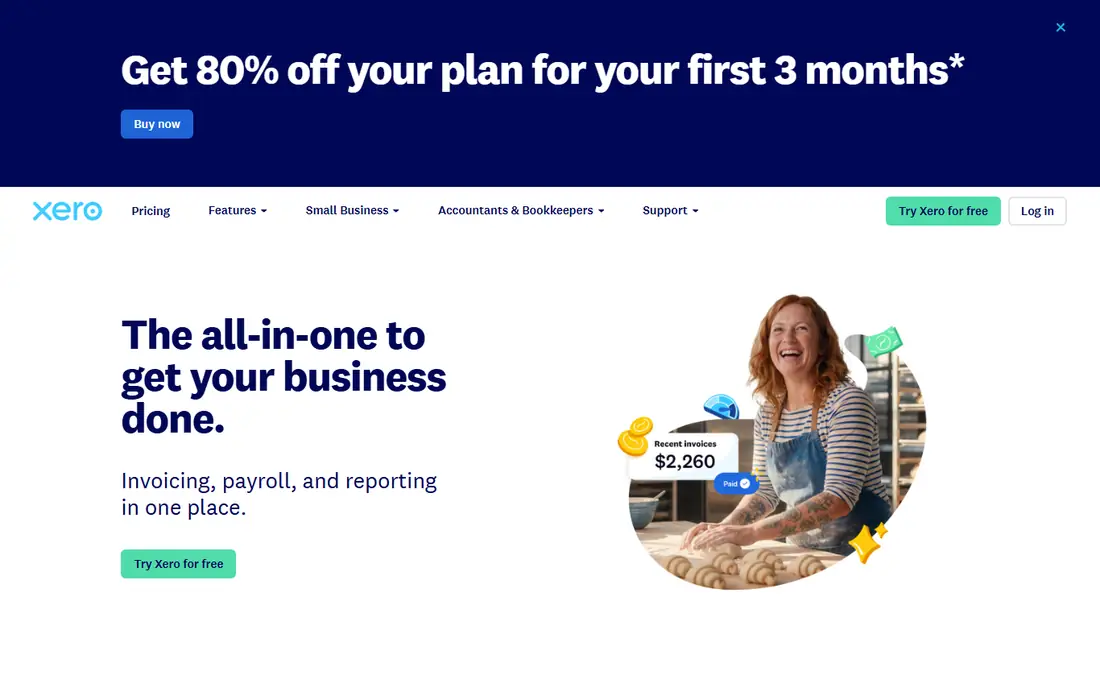
What we like- Xero covers the full accounting job, with invoicing, bank reconciliation, bill payment, and reporting in a clean interface that non accountants can learn. Every plan includes unlimited users, which removes the per seat maths that makes QuickBooks expensive for teams. Its app marketplace is one of the largest in this category, connecting payments, payroll, and inventory tools, and most accountants know the platform well.
Watch out for- The entry Early plan caps you at 20 invoices and 5 bills a month, which very small limits force an early upgrade. Multi currency support sits on the top Established plan only. There is no free plan, only a trial, and phone support is not offered, since help runs through online channels.
#2FreshBooks
Best for: Freelancers and service businesses4.5/5 on
G2 (981 reviews, checked Oct 2026)
Visit freshbooks.com
Starting price$23 per month
Free planNo
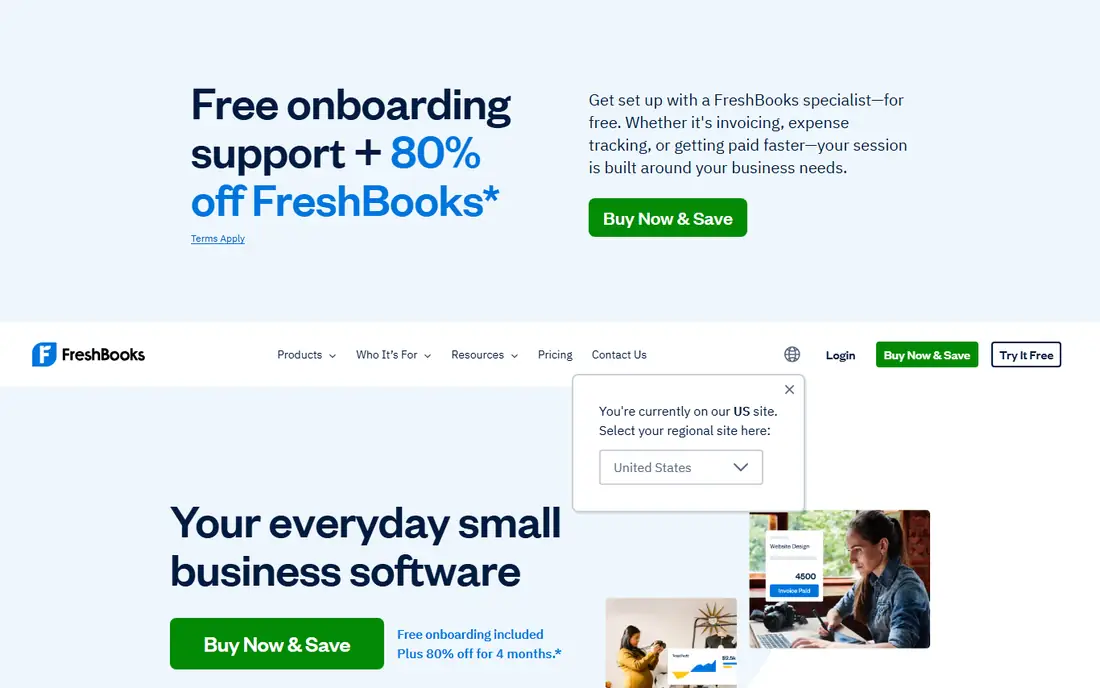
What we like- FreshBooks began as invoicing software and still leads on that job, with polished invoices, payment links, time tracking, and project based billing. Expense capture and automatic tax summaries suit people who sell their time rather than stock. The interface is the friendliest on this list for owners with no bookkeeping background, and client counts rather than feature gates define the plans.
Watch out for- The Lite plan covers only five billable clients, and each extra team member costs about 11 dollars a month. FreshBooks has historically lacked full double entry accounting and bank reconciliation depth, so growing firms can outgrow it. Inventory handling is basic item and quantity tracking, which makes it a poor fit for product businesses.
#3Wave
Best for: Solo owners on a tight budget4.3/5 on
G2 (328 reviews, checked Oct 2026)
Visit waveapps.com
Starting priceFree
Free planYes
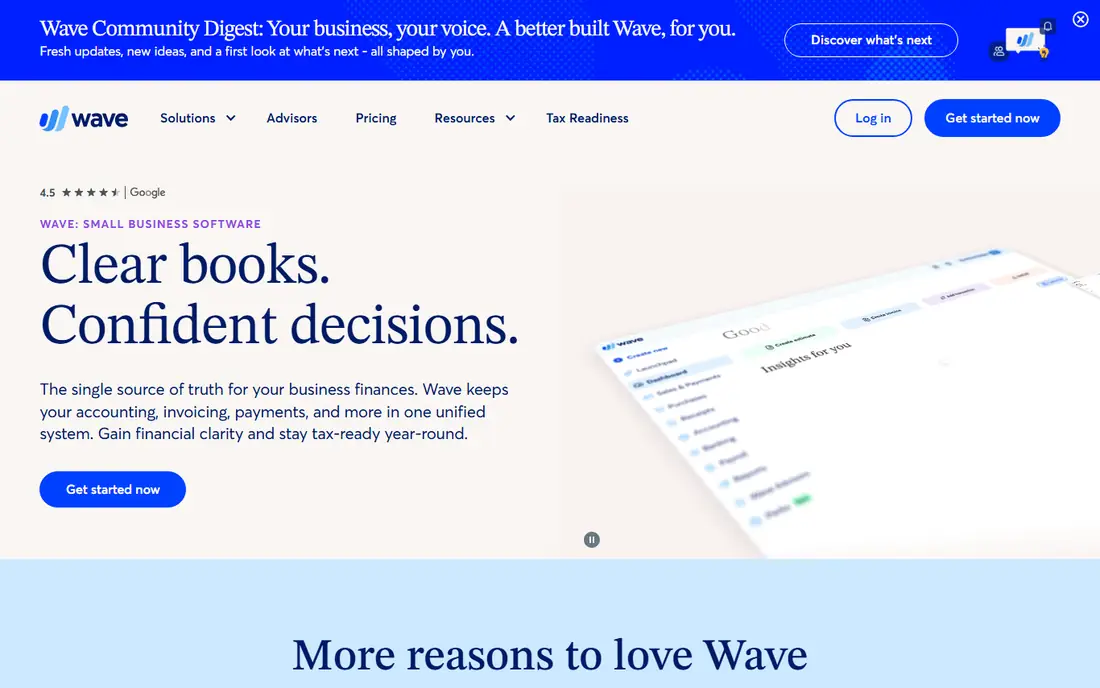
What we like- Wave's Starter plan is free and covers invoicing, receipt scanning, and basic accounting for one person businesses in the US and Canada. There are no transaction caps on the free tier, and the company also sells bookkeeping and tax coaching services for owners who want help. For a pre revenue or side business, it removes cost from the decision entirely.
Watch out for- Automatic bank imports and receipt capture automation sit on the paid Pro plan at 19 dollars a month, so the free tier involves manual work. Wave has no built in migration path from QuickBooks, so history moves across by CSV export, one data type at a time. Support options are thinner than the paid rivals, and it only serves the US and Canada.
#4Zoho Books
Best for: Businesses already using Zoho apps4.4/5 on
G2 (329 reviews, checked Oct 2026)
Visit zoho.com
Starting priceFree
Free planYes
What we like- Zoho Books is free for businesses under 50,000 dollars of annual revenue, and paid plans start at 20 dollars a month with automation that rivals tools costing far more. It handles invoicing, expenses, projects, and a client portal, and it connects tightly with the wider Zoho suite of CRM, inventory, and payroll apps. Approval workflows and custom functions give it depth unusual at this price.
Watch out for- The free plan caps annual invoices, and each paid tier adds its own usage limits, so volume is the thing to check first. Included user counts are lower than Xero's unlimited policy, and extra users cost more. If you do not use other Zoho products, some of its best workflow features matter less.
#5ZipBooks
Best for: Very small businesses that invoice4.7/5 on
G2 (86 reviews, checked Oct 2026)
Visit zipbooks.com
Starting priceFree
Free planYes
What we like- ZipBooks keeps accounting simple, with a free Starter plan covering invoicing, expense tracking, and basic reports. Paid tiers add recurring billing, time tracking, and a neat invoice quality score that suggests improvements before you send. The company also offers bookkeeping services, so a growing business can hand the work over without changing platforms.
Watch out for- ZipBooks is a smaller vendor than the leaders here, with a smaller integration library and a smaller accountant community around it. Inventory and multi entity features are limited, so product businesses and groups will outgrow it. Reporting depth is modest compared with Xero or Sage.
#6FreeAgent
Best for: UK rooted freelancers and contractors4.3/5 on
G2 (45 reviews, checked Oct 2026)
Visit freeagent.com
Starting priceSee website
Free planNo
What we like- FreeAgent was built for freelancers and contractors, with time tracking, project invoicing, and a tax timeline that shows what you owe and when. It handles self assessment and Making Tax Digital filing in the UK, and some UK bank accounts include it free. Its dashboard gives a clear cash position without accounting jargon.
Watch out for- FreeAgent's strengths are UK centred, so US based businesses get less of its tax filing value and should compare carefully. Published US pricing is limited, which is why this guide lists its price as see website. It is not built for inventory heavy or multi entity businesses.
#7AccountEdge
Best for: Desktop accounting with remote access3.9/5 on
G2 (31 reviews, checked Oct 2026)
Visit accountedge.com
Starting price$20 per month
Free planNo
What we like- AccountEdge suits owners who liked desktop accounting but need remote access, since its Hosted option adds cloud access to a mature desktop feature set. It covers invoicing, inventory, time billing, and payroll options with a one company focus. Pricing starts lower than Sage 50, its main desktop rival.
Watch out for- The base plan is single user, and the product's heritage shows in an interface that feels older than the cloud natives here. It serves the US and Canada only, and the app ecosystem around it is small. Cloud first teams will find the browser based tools simpler.
#8Sage 50
Best for: Inventory heavy established firms3.9/5 on
G2 (163 reviews, checked Oct 2026)
Visit sage.com
Starting price$128.67 per month
Free planNo
What we like- Sage 50 offers the deepest inventory handling on this list, including serialized tracking, plus strong job costing and reporting for established firms. It suits businesses that have outgrown entry tools but are not ready for mid market systems like Sage Intacct or NetSuite. Quantum tier adds role based workflow controls and capacity for up to 40 users.
Watch out for- Sage 50 is by far the most expensive option here, with Pro at about 128.67 dollars a month billed annually and a one year minimum commitment. Its desktop roots mean a steeper learning curve, and it is more software than a young business needs. Cloud collaboration is weaker than the cloud native rivals.
How we chose
We compared these tools on coverage of the core accounting jobs, published pricing, user and transaction limits, free tier honesty, and how easily an outside accountant can work in each system. We favoured tools with pricing published on the vendor's own pages and penalised hidden limits that force upgrades. We excluded pure bookkeeping services, since they sell labour rather than software, and we excluded mid market finance systems that price by quote for larger companies. Prices were checked against vendor pages and October 2026 comparison reporting, and where sources conflicted we have said see website rather than guess.
How to choose the right QuickBooks alternative
Start by naming the job that is failing. If the problem is price, Wave or Zoho Books can cut the bill to zero while you are small, and Xero often costs less than QuickBooks once you add users. If the problem is invoicing, FreshBooks and ZipBooks put billing first. If the problem is inventory or job costing, Sage 50 and Zoho Books go deeper than the rest.
Then check the limits, not the headline price. Entry plans restrict invoices, bills, clients, or users, and the limit is what forces the upgrade. Ask your accountant before you move: many firms standardise on one or two platforms, and a tool your accountant knows saves real money at year end. Finally, plan the migration. Export your chart of accounts, open invoices, and bank history, run both systems in parallel for one month, and switch at a clean month end. Accounting records are a legal record of your business, so keep read only access to the old system for the full retention period your tax authority requires. This is general information only, not accounting advice for your situation.
Frequently asked questions
Is Xero really cheaper than QuickBooks?
For many teams, yes. Xero's plans run from 25 to 90 dollars a month and include unlimited users, while QuickBooks Online runs from 38 to 340 dollars with strict user caps by plan. A one person business may pay less on a low QuickBooks tier, so compare your user count first.
Can I move my QuickBooks data to another program?
Mostly yes. Xero offers a supported import covering the current and prior fiscal year, Zoho Books has a built in importer, and FreshBooks uses a partner run switch service. Wave has no importer, so data moves by CSV. Historical detail can be lost in any move, which is why a parallel run month is wise.
Is free accounting software good enough?
For a solo business with simple needs, yes. Wave's free Starter and Zoho Books' free tier under 50,000 dollars of revenue cover invoicing and basic books. You give up automation such as bank imports on the free tiers, and you will likely pay once volume or staff grow.
Which alternative is best for invoicing only?
FreshBooks is the strongest pure invoicing tool here, with ZipBooks close behind on simplicity. Both were built around billing clients rather than running a full general ledger, and both add time tracking for service work.
When should a business consider NetSuite or Sage Intacct instead?
When you run several entities, several currencies, or approval chains that small business tools cannot model. Those systems price by quote and cost far more, so they suit funded or mid sized companies rather than the small firms this guide covers.
Sources we checked (0)
Is your product missing or out of date?
We review this list regularly. Vendors can request a listing, send updated pricing or ask about featured placement.

Shihab Mia · Founder, Rankite
Shihab has 5+ years in B2B and SaaS SEO. He writes Rankite's software buying guides from pricing pages, documentation and public user reviews. More about Shihab.