How we make this list: we compare pricing pages, product documentation and public user reviews. Ratings come from G2, Capterra or Trustpilot, with the date we checked them.
Key takeaways
- This is a category guide, stated plainly: privacy is not one product. Each entry below replaces one mainstream service, search, mail, browser, messaging, VPN, passwords, or files.
- DuckDuckGo, Brave, Firefox, and Signal are free and take minutes to adopt. They cover the leaks most people actually have.
- Proton Mail is the email swap, with a free tier and end to end encryption between Proton users.
- Mullvad is the VPN pick: a flat 5 euros a month, no email to sign up, and cash accepted, with an audited no logs policy.
- No tool makes you anonymous. These alternatives reduce tracking and data collection. Your habits and the services you cannot leave still shape your real privacy.
Quick comparison
| Tool | Best for | Starting price | Free plan |
|---|
 DuckDuckGo DuckDuckGo | Private search instead of Google | Free | Yes |
 Proton Mail Proton Mail | Encrypted email instead of Gmail | Free | Yes |
 Brave Brave | A private browser with little setup | Free | Yes |
 Firefox Firefox | A customisable, non Chromium browser | Free | Yes |
 Signal Signal | Private messaging instead of standard SMS and group chats | Free | Yes |
 Mullvad VPN Mullvad VPN | A VPN that asks for no identity | 5 euros per month | No |
 Bitwarden Bitwarden | A password manager you control | Free | Yes |
 Nextcloud Nextcloud | Files and docs on your own server | Free | Yes |
Is your product missing or out of date?
We review this list regularly. Vendors can request a listing, send updated pricing or ask about featured placement.
The best privacy alternatives
Starting priceFree
Free planYes
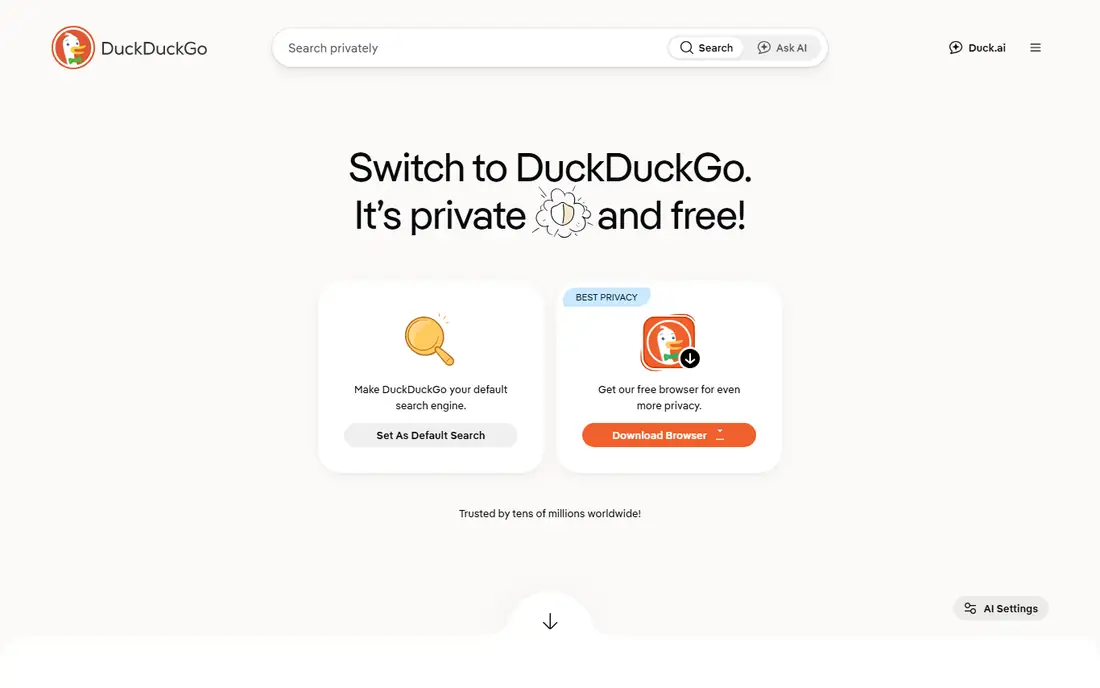
DuckDuckGo is the easiest privacy change there is: set it as your search engine and your queries stop feeding an advertising profile. It makes money from adverts tied to the search you just typed, not from a history of you. Its own browser adds tracker blocking on top.
The trade off is depth. Obscure and very local queries sometimes return less than Google, so many people keep Google for the hard ten percent. DuckDuckGo fits everyone as a default search engine, at zero cost and zero learning curve.
What we like- Search results without a personal profile or search history
- Tracker blocking built into its browser and extension
- Free, with one paid Privacy Pro bundle for extras such as a VPN
- Simple enough for anyone to adopt today
Watch out for- Results lean on partner indexes, so niche queries can be thinner than Google
- No personalisation, which some people miss
- The company still serves contextual adverts on results pages
Starting priceFree
Free planYes
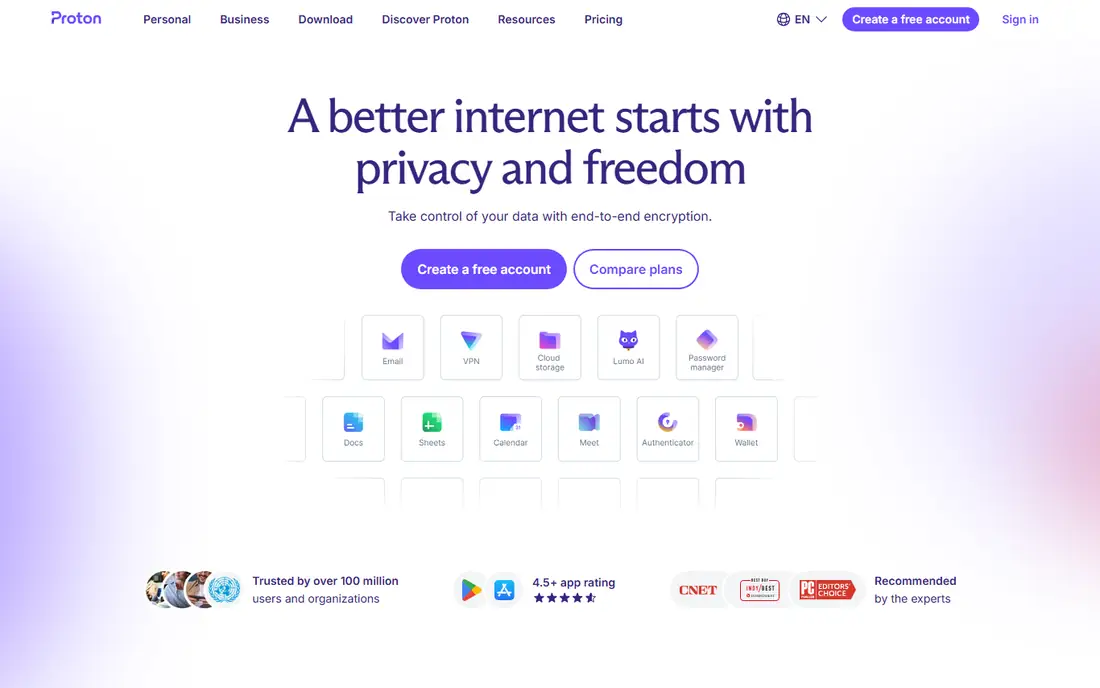
Proton Mail is the standard Gmail exit. Your mailbox is encrypted so Proton cannot read it, the company sits in Switzerland, and the free tier covers everyday personal mail. Paid plans add storage, addresses, and the rest of the Proton suite.
The trade off is convenience. Server side search and smart features are weaker when the provider cannot read your mail, and encryption only fully applies when the other side uses Proton or PGP. Proton Mail fits people moving their personal email away from ad funded scanning, one account at a time.
What we like- End to end encryption for mail between Proton users, and encryption at rest for the rest
- Swiss jurisdiction
- Free tier is genuinely usable
- Part of a wider suite with calendar, drive, and a VPN
Watch out for- Search inside old mail is limited by the encryption model
- Free tier storage is modest
- Contacts outside Proton do not get end to end encryption by default
Starting priceFree
Free planYes
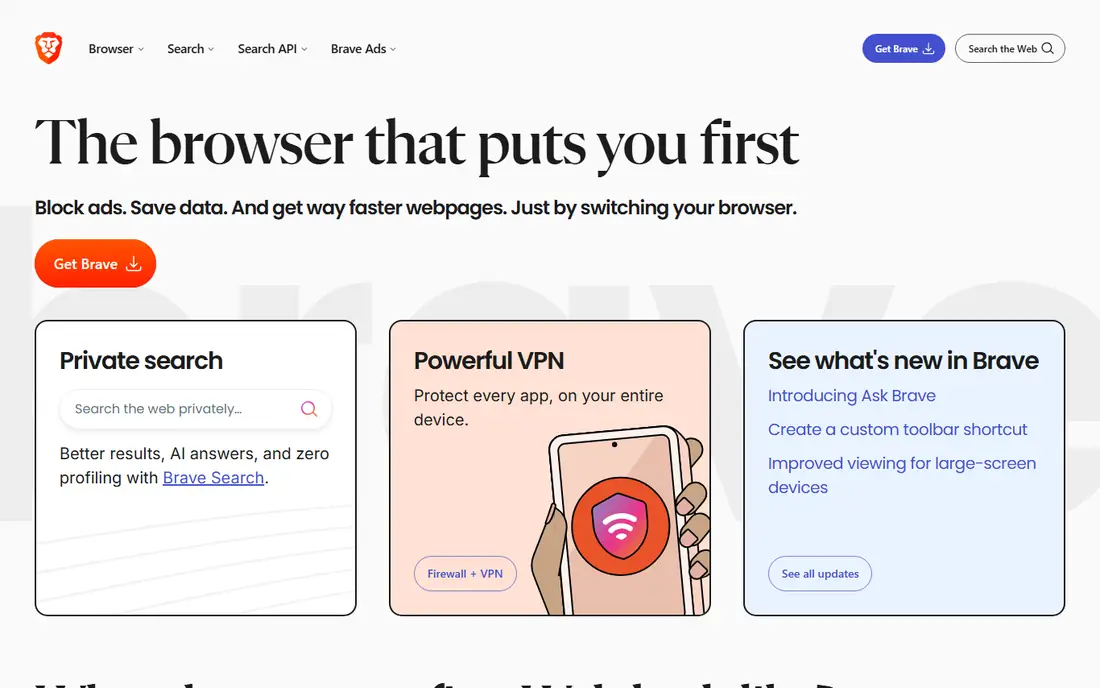
Brave is the pragmatic browser swap. It behaves like Chrome, imports your bookmarks and extensions, and blocks the tracking layer by default rather than by configuration. For most people it is the largest privacy gain available for the least effort.
The trade off is taste. Brave ships extra features around rewards and crypto that privacy purists find noisy, though they switch off. Brave fits anyone who wants Chrome's compatibility without Chrome's data collection.
What we like- Shields block trackers, fingerprinting attempts, and most adverts by default
- Built on Chromium, so sites and extensions just work
- Free, with optional paid extras such as its VPN
- Private search built in
Watch out for- Optional crypto and rewards features add clutter some users dislike
- A smaller company than Mozilla or Google behind it
- Some sites complain about the ad blocking
Starting priceFree
Free planYes
Firefox is the control option. Its tracking protection is strong out of the box, and its settings, extensions, and container tabs let you shape exactly how much each site sees. In a web where nearly every rival browser shares Google's engine, Firefox's independence is itself a privacy feature.
The trade off is polish in places. A few sites behave oddly, and the strongest settings need turning on. Firefox fits users who want a mainstream, nonprofit backed browser they can tune, and anyone uneasy about a one engine web.
What we like- Enhanced Tracking Protection built in, with deep settings for people who want control
- The only major browser not built on Chromium, which matters for web diversity
- Run by the nonprofit Mozilla Foundation
- Containers and profiles separate work, shopping, and personal browsing
Watch out for- Smaller market share means the odd site tests against it last
- Some hardening is manual rather than default
- Mozilla's own funding comes largely from search placement deals
#5Signal
Best for: Private messaging instead of standard SMS and group chats4.4/5 on
G2 (453 reviews, checked Oct 2026)
Visit signal.org
Starting priceFree
Free planYes
Signal is the messaging answer the security community gives without hesitation. The app is free, the encryption is the reference implementation, and the organisation is structured to know as little about you as the technology allows. Its protocol also underpins WhatsApp's encryption, with the difference that Signal holds almost no surrounding metadata.
The trade off is network effect. An encrypted chat with nobody in it protects nothing, so the work is persuading your circle. Signal fits families, teams, and anyone whose conversations deserve better than SMS or ad funded group chats.
What we like- End to end encryption by default for messages, calls, and groups
- The Signal protocol is the open standard other messengers borrow
- Collects almost no metadata and is run by a nonprofit
- Disappearing messages and sealed sender reduce what any server could hand over
Watch out for- Your contacts must install it too, which is the eternal messenger problem
- Phone number based identity, even with usernames added
- No web only account without a phone
Starting price5 euros per month
Free planNo
Mullvad is what a VPN looks like when privacy is the product instead of the pitch. You generate an account number, pay a flat five euros a month, and connect. There is no identity database to breach or subpoena, a point Swedish authorities demonstrated in 2023 when a search of Mullvad's offices found no customer data to seize.
The trade off is entertainment. Mullvad does not chase streaming libraries, and its network is modest. A VPN also only hides your traffic from your network and ISP; it hands that visibility to the VPN instead, so the provider's design matters. Mullvad fits journalists, activists, and anyone who wants a VPN with the least possible identity attached.
What we like- Flat 5 euros a month at any term length, no discount games
- Account is a random number, no email or name required
- Accepts cash and crypto as well as cards
- No logs policy independently audited, and Swedish police left a 2023 office search with nothing because there was nothing to take
Watch out for- No free plan or trial
- Weaker for streaming than the entertainment VPNs
- Five device limit and a smaller server network than the giants
#7Bitwarden
Best for: A password manager you control4.6/5 on
G2 (1,475 reviews, checked Oct 2026)
Visit bitwarden.com
Starting priceFree
Free planYes
A password manager is a privacy tool because reused passwords are how accounts actually fall. Bitwarden's free tier is the most generous in the category, its code is open to inspection, and technical users can run the server themselves, which removes the provider from the trust equation entirely.
The trade off is finish. 1Password feels smoother, and Bitwarden's extras sit behind premium. Bitwarden fits anyone who has not yet adopted a password manager, and technical users who want the self host option nobody else here offers.
What we like- Free tier covers unlimited passwords on unlimited devices, which rivals charge for
- Open source, with the option to self host your own vault server
- Apps for every platform plus browser extensions
- Paid premium adds extras such as an authenticator and file storage
Watch out for- Interface is plainer than the premium rivals
- Self hosting means you maintain the server
- Family and business plans add cost quickly per seat
#8Nextcloud
Best for: Files and docs on your own server4.4/5 on
G2 (199 reviews, checked Oct 2026)
Visit nextcloud.com
Starting priceFree
Free planYes
Nextcloud is the deepest cut: your own cloud. Run it on a small server at home or rent an instance, and files, photos, calendars, and documents live on infrastructure you choose rather than inside an advertising or data mining business. It is free and open source; costs are the server and your time.
The trade off is responsibility. A badly maintained private cloud is less safe than a well run commercial one, so be honest about your capacity. Nextcloud fits technical households, small organisations with data residency needs, and anyone completing a serious move away from the big platforms.
What we like- Self hosted files, calendar, contacts, and office docs that replace a cloud drive
- Open source, with a large app ecosystem
- Hosting providers also rent ready made instances if you do not want to run a server
- Your data sits under your law and your keys
Watch out for- Self hosting means updates, backups, and security are your job
- Mobile and sync polish trails the big cloud drives
- A rented instance still means trusting that host
How we chose
We picked one established alternative per job a mainstream service does with your data: search, email, browsing, messaging, network traffic, passwords, and files. We checked each project's current pricing, governance, and public audits or reporting, and we favoured open source and nonprofit options where they are genuinely competitive. Prices for paid items come from the providers' own pages. We did not claim hands on testing, and we deliberately avoided absolute privacy claims anywhere in this guide, because no consumer tool can honestly make them.
How to build a private setup in the right order
Start where the exposure is biggest and the effort is smallest. A password manager and a private browser with a private search engine take an afternoon and close most everyday tracking and account risk. Messaging comes next, and it is a social project: move your closest circles to Signal first, not your whole address book.
Email and files are the slow moves, because addresses and archives take time to migrate; run old and new in parallel for months. Add a VPN last and for the right reason, public networks and ISP visibility, not as a magic cloak. At every step, remember the limit: these tools reduce what companies collect about you. They do not make you anonymous, and anyone who sells you that word is selling.
Frequently asked questions
Can these tools make me anonymous online?
No. They reduce tracking, targeted advertising, and data collection, which is worth having, but your ISP, your accounts, your device fingerprints, and your own posts still identify you in different places. True anonymity needs tools like Tor Browser and very disciplined habits, at a real cost to convenience. Anyone who promises anonymity in an app is overstating.
What is the single best first step for privacy?
Adopt a password manager such as Bitwarden and turn on two factor authentication for your email and banking. Account takeover causes more real harm than advertising tracking. The second step is a private browser and search engine, Brave or Firefox with DuckDuckGo, which cuts the everyday tracking layer for free.
Is a VPN worth paying for?
For public Wi-Fi, travel, and keeping your browsing from your ISP, yes, from a provider designed to hold little data, such as Mullvad at a flat 5 euros a month. A VPN does not make you anonymous, does not stop trackers inside your browser, and does nothing about accounts you log into. Buy it for the network job, not as general invisibility.
Are the free privacy tools really free?
Mostly, yes. DuckDuckGo earns from contextual adverts, Signal is nonprofit funded, Firefox is backed by the Mozilla Foundation, and Bitwarden and Nextcloud sell paid tiers and hosting around free open source cores. Free here means the business model is visible and does not depend on selling your data, which is the point of choosing them.
Should I move my email to Proton Mail all at once?
No. Open the account, move your most sensitive correspondents and your account recovery addresses first, and forward the old mailbox while you update logins over a few months. Email addresses are woven into every account you own, so a rushed cutover locks people out. A staged move is the difference between a private mailbox and a lost one.
Sources we checked (0)
Is your product missing or out of date?
We review this list regularly. Vendors can request a listing, send updated pricing or ask about featured placement.

Shihab Mia · Founder, Rankite
Shihab has 5+ years in B2B and SaaS SEO. He writes Rankite's software buying guides from pricing pages, documentation and public user reviews. More about Shihab.