How we make this list: we compare pricing pages, product documentation and public user reviews. Ratings come from G2, Capterra or Trustpilot, with the date we checked them.
Key takeaways
- When I Work and Deputy are the like for like upgrades, with scheduling, time clocks, and team messaging from about 2.50 and 4.50 dollars per user a month.
- Sling and Connecteam lead with genuinely useful free tiers, Connecteam pricing its paid plans per company rather than per head for small teams.
- 7shifts is the restaurant specialist and the obvious pick if your Homebase use was a kitchen and dining room rather than a shop floor.
- Homebase's own bundle includes hiring and payroll; several alternatives here are scheduling only, so list what you use before choosing on price.
Quick comparison
| Tool | Best for | Starting price | Free plan |
|---|
 When I Work When I Work | Scheduling and time clock for hourly teams | $2.50 per user per month | No |
 Deputy Deputy | Compliance heavy scheduling | $4.50 per user per month | No |
 Sling Sling | Free scheduling for small teams | Free | Yes |
 Connecteam Connecteam | Deskless teams, flat small team pricing | Free | Yes |
 7shifts 7shifts | Restaurants specifically | $29.99 per location per month | Yes |
 ZoomShift ZoomShift | Simple scheduling at low cost | $2 per user per month | No |
 Workforce.com Workforce.com | Larger hourly workforces | See website | No |
 Agendrix Agendrix | Scheduling with a friendly interface | $2.75 per user per month | No |
Is your product missing or out of date?
We review this list regularly. Vendors can request a listing, send updated pricing or ask about featured placement.
The best Homebase alternatives
#1When I Work
Best for: Scheduling and time clock for hourly teams4.4/5 on
G2 (404 reviews, checked Oct 2026)
Visit wheniwork.com
Starting price$2.50 per user per month
Free planNo
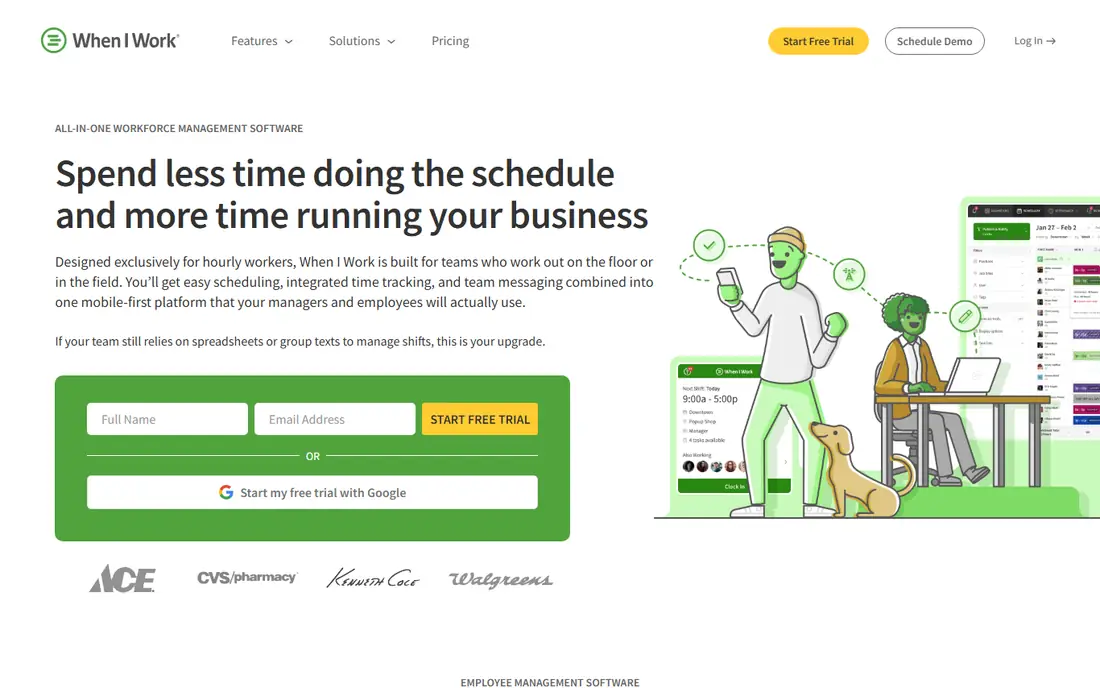
What we like- When I Work is the mainstream direct rival: drag and drop scheduling, a GPS aware time clock app, shift swapping with manager approval, and team messaging, from 2.50 dollars per user a month for scheduling essentials. Retail, hospitality, healthcare, and field services form its base, and its scheduling depth, availability, time off, shift bids, exceeds Homebase's at the tiers where multi location businesses operate. Onboarding is self serve and staff generally need no training on the app.
Watch out for- There is no free plan, only a trial, and features are split between Essentials and Pro tiers in ways that push growing teams upward. Payroll is handled through partners and add ons rather than as a native centre of the product. Hiring tools are thinner than Homebase's built in job posting and applicant tracking.
#2Deputy
Best for: Compliance heavy scheduling4.6/5 on
G2 (666 reviews, checked Oct 2026)
Visit deputy.com
Starting price$4.50 per user per month
Free planNo
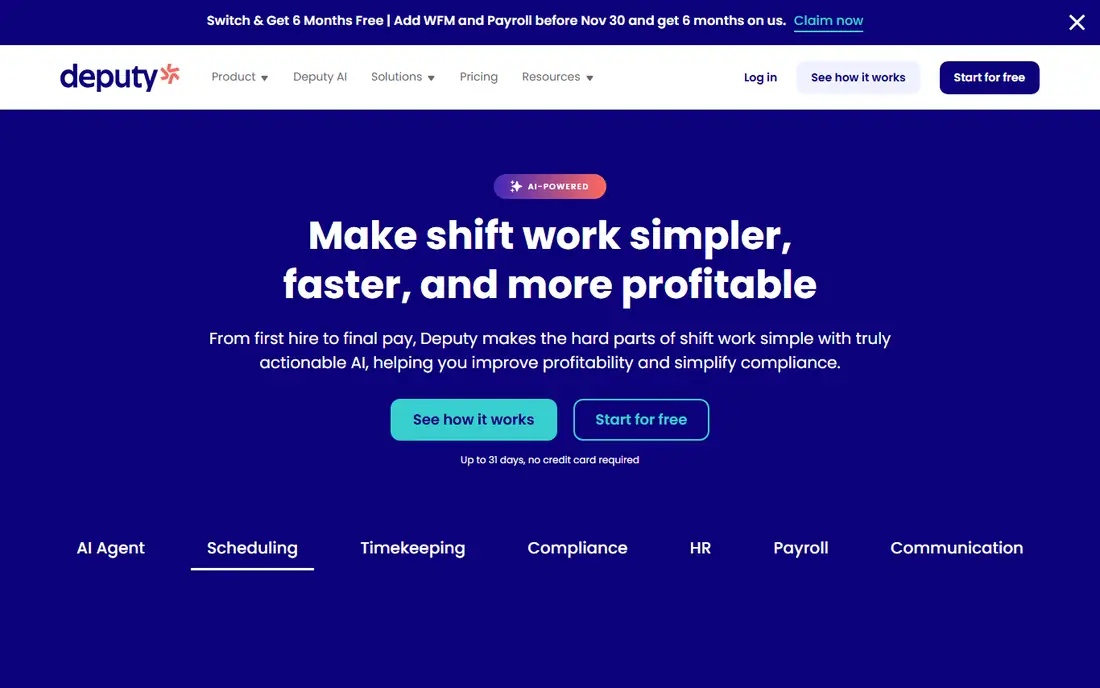
What we like- Deputy aims at the regulated end of hourly work: scheduling with built in attention to meal and rest break rules, overtime, and fair workweek ordinances, a time clock with face recognition options to stop buddy punching, and demand based auto scheduling for businesses with predictable peaks. It starts at 4.50 dollars per user a month for scheduling, with a fuller per user bundle above it. Multi location chains and healthcare and hospitality groups form its heartland, and its reporting suits businesses that answer to auditors.
Watch out for- At 4.50 dollars and up per user it is the priciest mainstream scheduling tool here, and the compliance machinery is wasted on a five person café. Payroll runs through integrations rather than natively in the US. The interface rewards training
- Casual managers find it heavier than Homebase in the first month.
#3Sling
Best for: Free scheduling for small teams4.4/5 on
G2 (88 reviews, checked Oct 2026)
Visit getsling.com
Starting priceFree
Free planYes
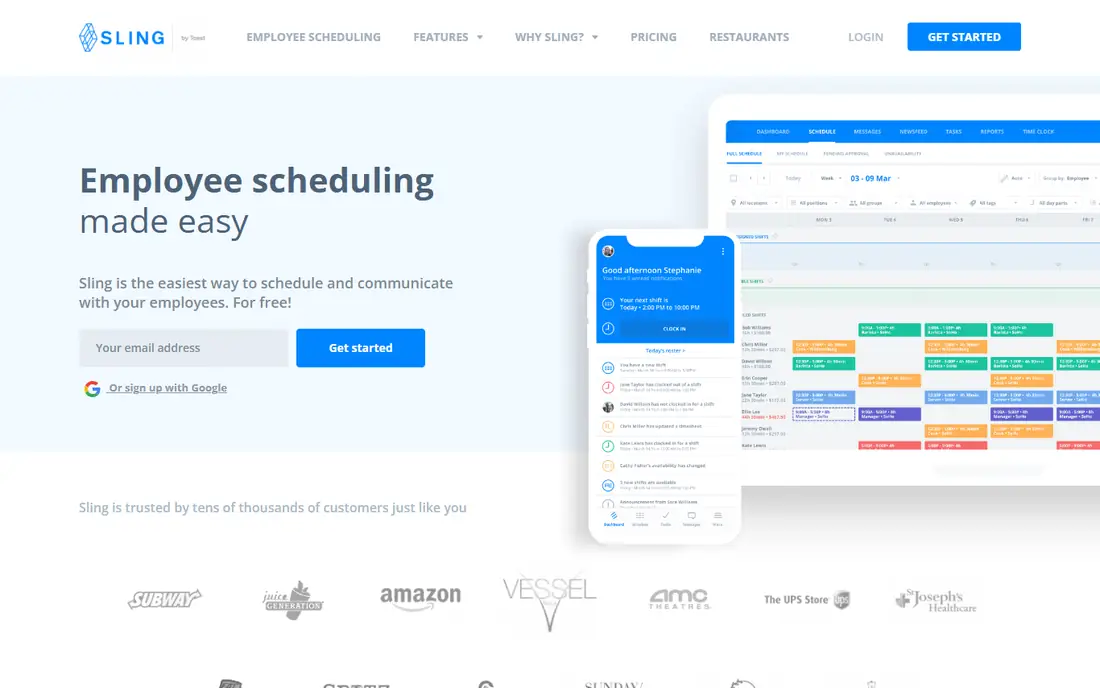
What we like- Sling's free plan is the most capable free scheduler in this list: unlimited employees and locations for scheduling itself, shift templates, availability, and time off requests at no cost, with paid plans from about 1.70 dollars per user a month adding the time clock, labour cost tracking, and messaging extras. Restaurants, retail, and healthcare teams form its user base. For a business that used Homebase free for the rota alone, Sling replaces it without a bill arriving.
Watch out for- The free tier excludes the time clock, which is the feature many Homebase users relied on, so the practical entry price for a full replacement is the paid plan. Payroll is not part of the product at all. Reporting and compliance features are basic next to Deputy, and support on the free plan is community grade.
#4Connecteam
Best for: Deskless teams, flat small team pricing4.6/5 on
G2 (3,506 reviews, checked Oct 2026)
Visit connecteam.com
Starting priceFree
Free planYes
What we like- Connecteam is an all in one app for deskless workers: scheduling, GPS time clock, forms and checklists, training, and team chat in one employee app, with a genuinely free plan for up to 10 users and paid plans priced flat for the first 10 users rather than per head, which changes the maths for small crews. Construction, cleaning, security, and field service companies form its base, and its forms and checklist tools do work no pure scheduler attempts.
Watch out for- The breadth makes the app busier than a single purpose scheduler, and staff who only need shifts wade through more product. Beyond the small team tiers, per user pricing returns and needs modelling at your real headcount. Payroll is handled outside the app, and US specific compliance depth trails Deputy.
#57shifts
Best for: Restaurants specifically4.5/5 on
G2 (129 reviews, checked Oct 2026)
Visit 7shifts.com
Starting price$29.99 per location per month
Free planYes
What we like- 7shifts does one industry completely: restaurant scheduling with tip management, POS integrations that pull sales into labour forecasting, manager log books, and team communication shaped around kitchens and dining rooms. Pricing is per location, from 29.99 dollars a month with a free tier for single small locations, which for a restaurant group can undercut per head rivals badly. If your Homebase account scheduled servers and line cooks, 7shifts speaks your language in a way general tools never will.
Watch out for- It is restaurants only, so a mixed business or a retailer gets nothing here. Per location pricing flips against you if your locations are small and numerous. Payroll is a newer add on and an integration story rather than the product's foundation, and non restaurant features such as hiring are scoped to the industry too.
#6ZoomShift
Best for: Simple scheduling at low cost4.8/5 on
G2 (46 reviews, checked Oct 2026)
Visit zoomshift.com
Starting price$2 per user per month
Free planNo
What we like- ZoomShift is the minimalist scheduler: drag and drop rotas, a time clock, shift reminders, overtime reporting, and payroll reports, at 2 dollars per user a month for its essentials tier, aimed at small businesses that found Homebase's bundle more than they needed. Setup is quick, the interface asks little of managers or staff, and the pricing page is admirably blunt. For a single location business watching costs, it covers the scheduling core for the price of a coffee per employee each month.
Watch out for- The simplicity is the ceiling: no hiring suite, no native payroll, messaging basics only, and multi location and compliance features are thin. A growing business may treat it as a phase rather than a destination. There is no free plan, only a trial.
#7Workforce.com
Best for: Larger hourly workforces4.5/5 on
G2 (134 reviews, checked Oct 2026)
Visit workforce.com
Starting priceSee website
Free planNo
What we like- Workforce.com, the platform long known as Tanda in its home markets, serves the larger end: scheduling with demand forecasting, time and attendance with award and rule interpretation for complex pay rules, and HR and payroll connections for organizations with hundreds of hourly staff. Healthcare, hospitality groups, and retail chains use it where consumer grade schedulers run out of rules engine. Its labour analytics answer questions, why Tuesdays overrun, that smaller tools cannot phrase.
Watch out for- Pricing is quote led and the platform's shape assumes a workforce of a size where implementation help makes sense, so a small business will find no checkout page and little patience for ten users. The depth that justifies it is overhead below a hundred or so hourly staff. US market presence is growing but younger than its Australian and UK base.
Starting price$2.75 per user per month
Free planNo
What we like- Agendrix wins users on feel: a scheduling and time clock app, from 2.75 dollars per user a month, whose interface managers and staff consistently describe as the most pleasant in the category, with shift swaps, availability, time off, and team messaging handled gracefully. It serves retail, pharmacies, restaurants, and care settings, and its bilingual English and French support serves Canadian businesses the US centric tools overlook. Onboarding materials and support quality are a stated part of its pitch, and users back the claim.
Watch out for- The ecosystem around it, payroll and point of sale integrations, is smaller than When I Work's or Deputy's. Compliance machinery for US fair workweek cities is lighter than Deputy's. Hiring and payroll are not part of the product, so it replaces Homebase's scheduling layer only.
How we chose
We compared scheduling platforms on rota building, time clock options, team communication, labour cost and compliance features, and pricing honesty, including how users are counted. We favoured tools with published prices and real free tiers where they exist, and included one industry specialist and one enterprise platform to mark the category's edges. Homebase's own bundle, scheduling plus hiring plus payroll, is the baseline; where an alternative covers only part of it, the entry says so.
How to choose the right Homebase alternative
List what you actually use in Homebase before you shop. Many accounts run scheduling and time clock daily, messaging weekly, and hiring and payroll as separate rhythms; a scheduling specialist plus your existing payroll may reproduce that better than another bundle. If hiring and payroll inside one tool is the real loyalty, the shortlist narrows to the platforms with those modules or strong partners, and the comparison should be run on the whole bundle's price.
Count users the way the vendor does, at your peak season roster, not your quiet Tuesday team, because per user pricing bills the Christmas crew too. Then test the staff experience, not just the manager's: put the app in front of two employees for shift swaps and availability, since adoption by the hourly team decides whether any scheduler survives contact with reality. Finally, check your local rules, predictive scheduling ordinances, minor work limits, and break requirements are legal inputs to this choice, and while tools like Deputy help you comply, the duty is yours; this guide is software information, not legal advice.
Frequently asked questions
Why do businesses leave Homebase?
The usual reasons are the free plan's single location and feature limits as a business grows, scheduling complexity across locations and departments, a wish for industry specific tools such as 7shifts for restaurants, or pricing as the roster scales. Some leave over payroll and move scheduling to a specialist while taking payroll to a dedicated provider.
Which alternative is best for a very small team?
Sling's free scheduling or Connecteam's free plan for up to 10 users, depending on whether you need the time clock: Sling charges for it, Connecteam includes its clock in the free small team tier alongside forms and chat. ZoomShift at 2 dollars per user is the cheapest simple paid route when free tiers pinch.
Do these tools include payroll like Homebase does?
Mostly no. When I Work, 7shifts, and others offer payroll as an add on or through partners, while Deputy, Connecteam, Sling, ZoomShift, and Agendrix expect an external payroll service and provide the hours export to feed it. If one login for scheduling and payroll is your requirement, price Homebase's own paid bundle against pairing a scheduler here with a payroll provider before assuming a switch saves money.
How does per user pricing add up in practice?
A 25 person roster at 2.50 dollars costs 62.50 a month; the same roster on Deputy's fuller bundle can pass 150 dollars. The variables that matter are your peak headcount, whether the vendor bills enrolled or only active users, and which tier holds the time clock and messaging you need. 7shifts' per location model breaks the pattern and can be cheapest of all for staff heavy single sites.
Can staff really use these apps without training?
For the core acts, viewing a schedule, requesting time off, swapping a shift, clocking in, yes: every app here is designed for hourly workers with no patience for manuals. The training burden sits on managers, building templates, setting rules, approving swaps. Choosing the tool your least technical supervisor can run is a better predictor of success than any feature comparison.
Sources we checked (0)
Is your product missing or out of date?
We review this list regularly. Vendors can request a listing, send updated pricing or ask about featured placement.

Shihab Mia · Founder, Rankite
Shihab has 5+ years in B2B and SaaS SEO. He writes Rankite's software buying guides from pricing pages, documentation and public user reviews. More about Shihab.