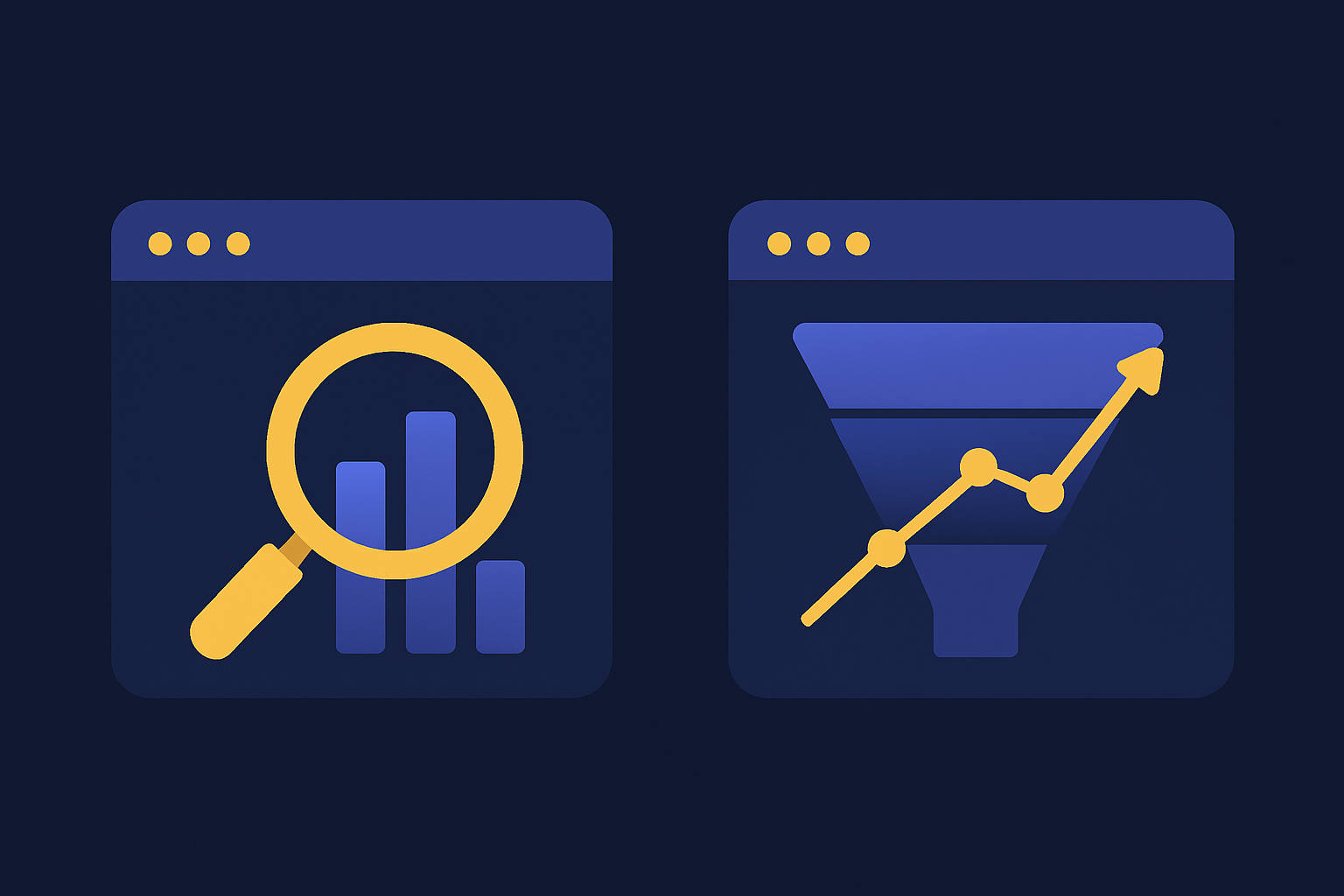
Google Search Console shows you how your site appears in Google search, while Google Analytics shows you what visitors do once they land on it. Search Console lives before the click: impressions, clicks, average position, and indexing. Google Analytics lives after the click: sessions, engagement, and conversions. They answer different questions, so most sites run both. This guide shows exactly where each one fits.
If you only ever open one tab, the two tools can feel like they overlap. They do not. One is your view from inside Google's search results. The other is your view from inside your own website. Read on and the split gets obvious fast.
Google Search Console is a free Google tool that reports how your website performs inside Google search results. It shows the queries people typed to find you, how many times you appeared (impressions), how many clicked (clicks), your click-through rate, and your average position. It also reports whether Google can crawl and index your pages, and it flags technical problems like coverage errors, mobile usability issues, and Core Web Vitals.
Because Search Console pulls straight from Google's own index and crawl logs, it does not need any tracking script on your site. You verify ownership once and Google supplies the data. That is why it is the first place SEOs look to answer questions like "which keywords am I ranking for" and "did Google actually index my new page." Google's Performance report keeps 16 months of history, which is long enough to spot seasonal patterns and slow decay.
Google Analytics is a free web analytics platform that reports what people do once they are on your website. The current version, Google Analytics 4, tracks users and sessions, where they came from (organic, paid, social, email, direct, referral), which pages they view, how engaged they are, and which actions count as conversions. It works across every traffic channel, not just Google search.
Analytics runs on a JavaScript tag that fires on each page load, so it captures behavior in real time and can attribute a purchase or sign-up back to the channel that drove it. According to W3Techs, Google Analytics is used by roughly 78% of all websites that use a traffic-analysis tool, which makes it the default behavior tracker on the web. The trade-off is that anything blocking the tag, such as an ad blocker or a fast bounce, goes uncounted.
The core difference is timing and vantage point. Search Console measures the moment before and during the click inside Google's results, so it owns metrics like impressions, position, and CTR. Analytics measures everything after the click on your own site, so it owns sessions, engagement, and conversions. Put simply, Search Console is how Google sees you, and Analytics is how your visitors behave once Google sends them over.
Here is the same split across the dimensions that actually matter when you decide which tool to open.
| Dimension | Google Search Console | Google Analytics (GA4) |
|---|---|---|
| Data source | Google's search index and crawl logs (no code needed) | A JavaScript tag on your pages (client-side) |
| What it measures | How your site appears in Google search (pre-click) | What visitors do on your site (post-click) |
| Key metrics | Impressions, clicks, CTR, average position, index coverage, Core Web Vitals | Users, sessions, engagement rate, events, conversions, revenue |
| Traffic covered | Organic Google search only | Every channel: organic, paid, social, email, direct, referral |
| Best for | SEO, keyword and ranking analysis, indexing and technical health | User behavior, conversion tracking, multi-channel attribution |
| Real-time data | No (data lags about two days; 16 months of history) | Yes (real-time report) |
| Cost | Free | Free (Analytics 360 is the paid enterprise tier) |
Search Console answers questions about search demand and technical health, while Analytics answers questions about audience and outcomes. If your question starts with "in Google," it is a Search Console question. If it starts with "on my site," it is an Analytics question. That single test resolves most confusion about which tool to use. Actions that change how a page appears in results also live on the Search Console side, including removing a URL from Google search with the Removals tool.
Concretely, Search Console shows you the search queries and pages that earn impressions, your ranking position for each, index coverage status, sitemaps, manual actions, and page experience signals. Analytics shows you traffic by source and medium, landing and exit pages, engagement time, events, funnels, conversions, and revenue. Search visibility matters because the top three organic results capture more than half of all clicks, according to Sistrix, so a small move up in position (a Search Console metric) can change how much traffic Analytics later records.
Use Search Console when your job is to be found: keyword research from real query data, tracking rankings, fixing indexing problems, submitting sitemaps, and checking Core Web Vitals. Use Analytics when your job is to understand and convert the people who arrive: measuring which pages drive sign-ups, comparing channels, and following the path to a purchase. In practice, SEO and technical work start in Search Console, and marketing and conversion work start in Analytics.
A quick way to route yourself: pick the tool by the verb in your question. "Rank," "index," "appear," and "impression" point to Search Console. "Convert," "engage," "bounce," and "attribute" point to Analytics. For a deeper walkthrough of pulling the traffic side together, see our guide on how to monitor website traffic. If you report on this monthly, our guide on building SEO reports in Google Analytics covers which GA4 metrics to pair with Search Console data.
Yes, for almost every site. Neither tool sees the full journey on its own. Search Console shows the query that brought someone in but goes dark the instant they land. Analytics shows what they did after landing but never sees the query or the position that earned the click. Run both and you can trace a path from "ranked position 4 for this keyword" all the way to "completed a purchase," which is exactly the loop you need to grow.
Think of them as two halves of one funnel. Search Console owns acquisition from Google; Analytics owns behavior and conversion once they arrive.
You link them inside GA4 under Admin, in the Search Console links section of Product Links. Once connected, GA4 gains Search Console reports that place organic queries, clicks, and average position next to on-site behavior like engagement and conversions. That is the payoff of running both: you stop guessing which keywords actually lead to revenue and start seeing it in one interface.
Linking is free and takes a few minutes, but you must own both properties with the same Google account and have the Search Console property verified first. For the ranking side of this picture, our guide on how to track Google ranking covers what to watch once the two are talking to each other.
They rarely match because a click and a session are not the same event. Search Console logs a click the moment someone taps your result in Google. Google Analytics only records a session if the page loads and its tracking tag fires. When a visitor bounces before the script runs, uses an ad blocker, or loses connection, Search Console still counts the click while Analytics never counts the session. Bot filtering, time-zone differences, and Search Console's own reporting limits widen the gap further.
This is normal, and it is not a sign either tool is broken. Search Console also caps many reports at 1,000 rows and only counts organic Google traffic, while Analytics counts every channel, so the two were never meant to reconcile to the exact same figure. Use each for what it measures well rather than trying to force the totals to agree.
No, not by default. Google Analytics 4 sets data retention for event and user-level data to two months out of the box, and you can extend it to 14 months at most in GA4's Admin panel under Data Collection and Modification, according to Google's own Analytics Help documentation. That limit only affects Explore reports and custom explorations; standard GA4 reports keep working past the cutoff. Search Console works differently: its Performance report holds a fixed 16 months of query and click history for every property, with nothing to configure.
The gap matters if you lean on GA4's Explore tool to study landing pages or user paths from more than a year back. Once the retention window closes, the underlying event data is gone even though the summary charts still render. If you want a second pass at your GA4 setup before that happens, our Google Analytics audit guide walks through the settings worth checking early, including retention. And if your Search Console query data has thinned out because of Google's "(not provided)" search term, see our guide on recovering not-provided keywords in Google Analytics.
Google Analytics 4 replaced Universal Analytics, and the switch was not optional. Google stopped processing new data in standard Universal Analytics properties on July 1, 2023, so GA4 is now the only version that collects data. The biggest change is the data model: GA4 is event-based, where every interaction is an event, instead of the old session-and-pageview model Universal Analytics used.
That shift is why old habits break. Bounce rate was replaced by engagement rate, "goals" became "conversions," and reporting is now built around users and events rather than sessions. If a tutorial tells you to find a metric that no longer exists, it was almost certainly written for Universal Analytics. Search Console, for its part, did not go through this reset; its metrics have stayed consistent throughout.
Both are free. Google Search Console has no paid tier at all, and Google Analytics 4 is free for standard use. The only paid option is Analytics 360, Google's enterprise product with higher data limits and service-level agreements, which is priced for large organizations. For the vast majority of websites, running Search Console and GA4 together costs nothing. If you want the fuller breakdown of the Analytics side, we cover it in is Google Analytics free, and how it stacks up against paid suites in Semrush vs Google Analytics.
What is the difference between Google Search Console and Google Analytics? Google Search Console measures how your site appears in Google search before the click: impressions, clicks, click-through rate, average position, and indexing. Google Analytics measures what visitors do after they land: sessions, engagement, events, and conversions. Search Console is search-facing and SEO-focused, while Analytics is site-facing and behavior-focused. Most sites run both because each answers a question the other cannot.
Do I need both Google Search Console and Google Analytics? Yes, for most websites. Search Console tells you which queries bring people to your site and whether Google can crawl and index your pages, which Analytics does not report. Analytics tells you what those visitors do once they arrive and whether they convert, which Search Console does not track. Running both, and linking them, gives you the full path from a Google query to a completed goal.
Is Google Search Console the same as Google Analytics? No. They are separate free Google products with different data sources. Search Console pulls from Google's own search index and crawl logs, so it needs no tracking code beyond site verification. Analytics pulls from a JavaScript tag you place on every page, so it can miss visits when scripts are blocked. One is about search visibility, the other is about on-site behavior.
Why don't Google Search Console clicks match Google Analytics sessions? The numbers rarely match because the tools count different things. A Search Console click is registered by Google the moment someone clicks your result, while a Google Analytics session only starts if the page loads and its tracking tag fires. If a visitor bounces before the tag runs, blocks the script, or loses connection, Search Console still logs the click but Analytics never records the session. Bot filtering and time-zone handling add further gaps.
Can Google Search Console track conversions or revenue? No. Search Console has no concept of a conversion, a goal, or revenue. It stops at the click, reporting impressions, clicks, CTR, and position for organic Google search. To measure sign-ups, purchases, or leads you need Google Analytics, which records events and conversions across every traffic source, not just organic search.
Does Google Analytics show keyword rankings? Not on its own. GA4 reports the channels and landing pages that bring traffic, but it does not show the search queries or average position behind organic visits. That data lives in Search Console. Linking Search Console to GA4 pulls query, click, and position data into Analytics so you can see keywords and behavior in one place.
Is Google Search Console free? Yes. Google Search Console is completely free with no paid tier. Google Analytics 4 is also free for standard use; only the enterprise product, Analytics 360, carries a fee. Both tools are free to set up, and running the pair costs nothing for the vast majority of websites.
What replaced Universal Analytics? Google Analytics 4 (GA4) replaced Universal Analytics. Google stopped processing new data in standard Universal Analytics properties on July 1, 2023, so GA4 is now the only current version. GA4 uses an event-based data model instead of the old session-and-pageview model, which is why familiar metrics like bounce rate were replaced by engagement rate.
How do I connect Google Search Console to Google Analytics? In GA4, open Admin, find the Search Console links section under Product Links, and follow the prompts to associate your verified Search Console property with your GA4 property. Once linked, GA4 gains Search Console reports that show organic queries, clicks, and position next to on-site behavior, so you can trace a query all the way to a conversion in one interface.
How do I extend Google Analytics 4 data retention beyond two months? In GA4, open Admin, go to Data Collection and Modification, and select Data Retention. Change the setting from the default two months to 14 months, the longest window available outside the paid Analytics 360 tier. The setting only affects Explore reports and funnel explorations, not standard reports, so set it as soon as you create a new property if you plan to run deeper analysis later.
Can I get more than 1,000 rows of data out of Search Console? Yes. The Search Console UI caps every report table at 1,000 rows, but the Search Console API returns up to 50,000 rows per day per property, per Google's own documentation. Pulling data through the API, or a reporting tool built on it, is the only way to see the long tail of queries and pages the UI leaves out.
Set up both if you have not already: verify your site in Search Console, add the GA4 tag, then link the two so query data and behavior data sit side by side. From there, use Search Console to find keywords where you rank on page two, and use Analytics to confirm those pages actually convert once the traffic arrives. If you want the technical side checked at the same time, work through our SEO audit checklist. And if you would rather have a team read the data and tell you which pages to fix first, request a free SEO audit from Rankite.
Get a free, no-obligation SEO audit and a 30-minute strategy session. We'll show you exactly where the growth is hiding.
Fill out the form and we'll get back to you within one business day. Prefer email? Write to us directly at contact@rankite.com.