How we make this list: we compare pricing pages, product documentation and public user reviews. Ratings come from G2, Capterra or Trustpilot, with the date we checked them.
What Is Conga and Who Should Look for an Alternative
Conga is a document generation and contract lifecycle management platform built around Salesforce. Its best known products, Conga Composer and Conga CLM, pull Salesforce data into quotes, contracts, proposals and invoices, then manage approvals, signatures and renewals. Teams still look for an alternative for a few clear reasons. Conga is sold by quote, so budgeting is hard before a sales call, and its Salesforce focus is a strength for Salesforce shops and a limit for everyone else. Some teams also want simpler pricing, a faster setup, or stronger e-signature and proposal tools. This guide covers eight tools that replace Conga for document generation, contract management, or both. Prices were checked on 16 November 2026. In short, PandaDoc is the best all round pick, S-Docs fits teams that want to stay fully inside Salesforce, and Docupilot is the cheapest way to start.
How Much Do Conga Alternatives Cost
Prices run from 8 to 200 dollars per user per month, with two tools sold by quote or by flat company fee. The cheapest per seat options are airSlate at 8 dollars and PandaDoc at 19 dollars, while Salesforce Revenue Cloud sits at the top at 150 to 200 dollars. A per user price looks cheap until you multiply it across a 20 person team, while a flat fee can suit a large team better. Credit based tools such as Docupilot charge by document instead of by seat, which suits high volume teams with few senders. All prices are in US dollars and were checked on 16 November 2026.
| Tool | Best for | Starting price | Free plan |
| PandaDoc | Sales teams that need proposals and e-signature | $19 per user per month, billed annually | Yes, limited free plan |
| DocuSign CLM | Large teams already on DocuSign eSignature | Quote only | No |
| Nintex DocGen | Large Salesforce teams that want flat pricing | $5,000 per company per year, up to 100 users | No, 30-day free trial |
| Formstack Documents | Teams that generate documents from forms and CRM data | $250 per month, billed annually (Suite plan) | No, free trial available |
| S-Docs | Salesforce teams that want native document generation | $25 per user per month, billed annually | No, free trial available |
| airSlate | Teams that need e-signature plus workflow automation | $8 per user per month, billed annually (signNow Business) | Free plan for altaFlow; signNow trial only |
| Salesforce Revenue Cloud | Companies already running Salesforce Sales Cloud | $150 per user per month, billed annually (Growth) | No |
| Docupilot | Small teams with high document volume | $29 per month (100 credits) | No, 14-day free trial |
Which Conga Alternative Is Best for Salesforce Users
If your team lives in Salesforce, the closest replacements are the tools built to run inside it. S-Docs is fully native to Salesforce, so document data never leaves the platform, and it starts at 25 dollars per user per month with a 3,000 dollar minimum annual contract. Nintex DocGen also runs inside Salesforce and charges a flat 5,000 dollars per company per year for up to 100 users, which beats per seat pricing once your team passes 15 users. Salesforce Revenue Cloud is the native answer for quote to cash, with CPQ, contracts and billing on one data model, but it needs a Sales Cloud license on top of its own 150 to 200 dollar fee. Teams outside Salesforce should skip the native tools and look at PandaDoc, Docupilot or airSlate instead.
What Should You Check Before You Switch from Conga
Switching document tools is more work than switching a simple app, because templates, fields and approval rules all move with you. Start by counting your live templates and the Salesforce fields each one pulls in, since a tool that cannot map them will cost weeks of rebuild work. Next, check approvals, since Conga CLM users often rely on multi-step chains a simpler tool may lack. Then look at e-signature, since some tools include signing in the price while others need a separate DocuSign or signNow subscription. Ask each vendor for a trial with your real templates, not a demo with sample data. Finally, read the contract terms, since annual contracts, minimum spends and per document caps change the real cost, so get the first year total in writing before you sign.
How Do You Choose the Right Conga Alternative
Choose in five steps. First, list the document types you generate most, such as quotes, contracts, proposals or invoices, and the monthly volume. Second, note your CRM. Salesforce teams get the most from native tools, while HubSpot or Pipedrive teams need a strong integration for theirs. Third, set a budget range and count seats honestly, since per seat pricing scales fast. Fourth, decide whether you need contract lifecycle management or only document generation. Full CLM suits legal heavy teams, while generation alone suits sales teams that only need quotes and proposals. Fifth, trial two finalists with your own templates and data, and score setup time, rebuild effort and output quality before you commit.
Quick comparison
| Tool | Best for | Starting price | Free plan |
|---|
 PandaDoc | Sales teams that need proposals, quotes and e-signature in one tool | $19 per user per month billed annually (Starter); Business $49 per user per month | Yes, limited free eSignature plan |
 DocuSign CLM | Large teams already standardized on DocuSign eSignature | Quote only (eSignature Personal starts at $10 per user per month, but CLM itself is quoted) | No free plan |
 Nintex DocGen | Large Salesforce teams that want flat company pricing | $5,000 per company per year for up to 100 users (Salesforce AppExchange listing) | No free plan; 30-day free trial |
 Formstack Documents | Teams that generate documents from forms and CRM data | $250 per month billed annually (Suite plan, which includes Documents) | No free plan; free trial available |
 S-Docs | Salesforce teams that want fully native document generation | $25 per user per month billed annually (minimum contract $3,000 per year) | No free plan; free trial available |
 airSlate | Teams that need e-signature plus document workflow automation | $8 per user per month billed annually (signNow Business, the entry point into airSlate) | Free plan for altaFlow (10 credits per month); signNow offers a 7-day trial only |
 Salesforce Revenue Cloud | Companies already running Salesforce Sales Cloud | $150 per user per month billed annually (Growth); Advanced $200 per user per month | No free plan and no free trial |
 Docupilot | Small teams with high document volume and few senders | $29 per month (Starter, 100 credits) | No free plan; 14-day free trial |
Is your product missing or out of date?
We review this list regularly. Vendors can request a listing, send updated pricing or ask about featured placement.
8 Best Conga Alternatives
#1PandaDoc
Best for: Sales teams that need proposals, quotes and e-signature in one tool4.7/5 on
G2 (3,621 reviews, checked Oct 2026)
Visit pandadoc.com
Starting price$19 per user per month billed annually (Starter); Business $49 per user per month
Free planYes, limited free eSignature plan
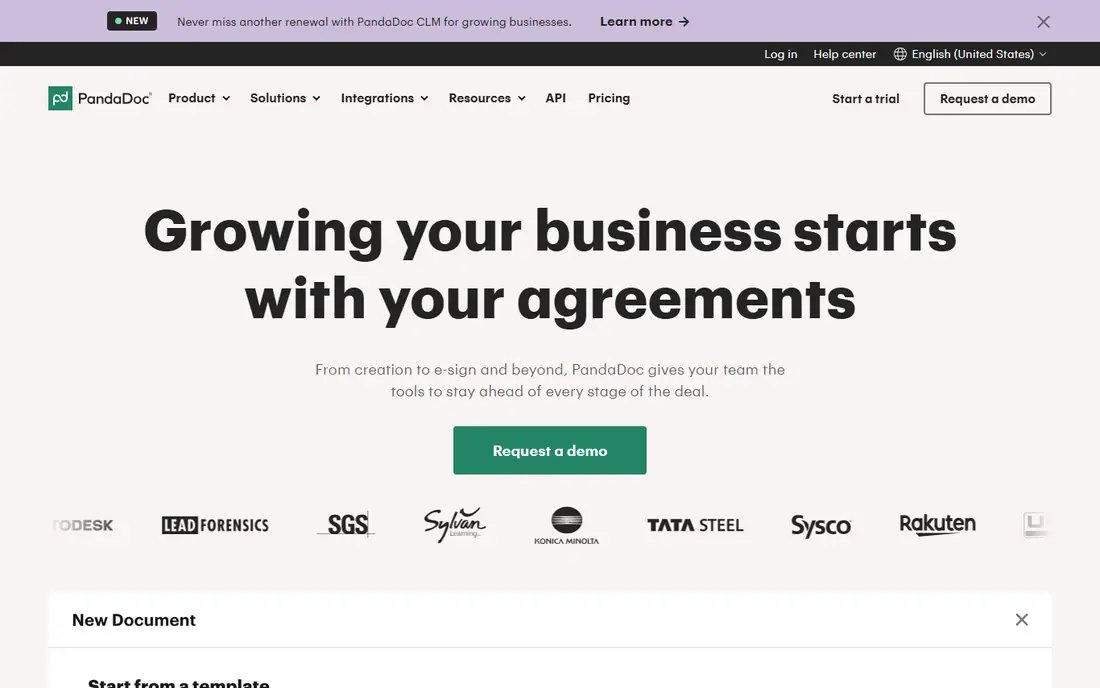
PandaDoc is the most complete all round replacement for Conga for teams that sell with proposals. It covers document creation, approvals, e-signature, payments and tracking in one place, with an editor that is easier to learn than Conga Composer. Starter at 19 dollars per user per month billed annually unlocks unlimited documents, while Business at 49 dollars adds the CRM integrations and approval routing sales teams usually need. It also works with HubSpot, Pipedrive and Salesforce, so it fits teams that do not run Salesforce at all. The trade off is that the entry plan is thin, and the plan most teams end up on costs more than twice as much per seat.
What we like- Unlimited documents and e-signatures on paid plans
- Strong proposal templates and pricing tables
- CRM integrations on Business
Watch out for- Starter limits you to 5 templates and leaves out CRM integrations, so most sales teams need the $49 Business plan
#2DocuSign CLM
Best for: Large teams already standardized on DocuSign eSignature4.5/5 on
Capterra (128 reviews, checked Oct 2026)
Visit docusign.com
Starting priceQuote only (eSignature Personal starts at $10 per user per month, but CLM itself is quoted)
Free planNo free plan
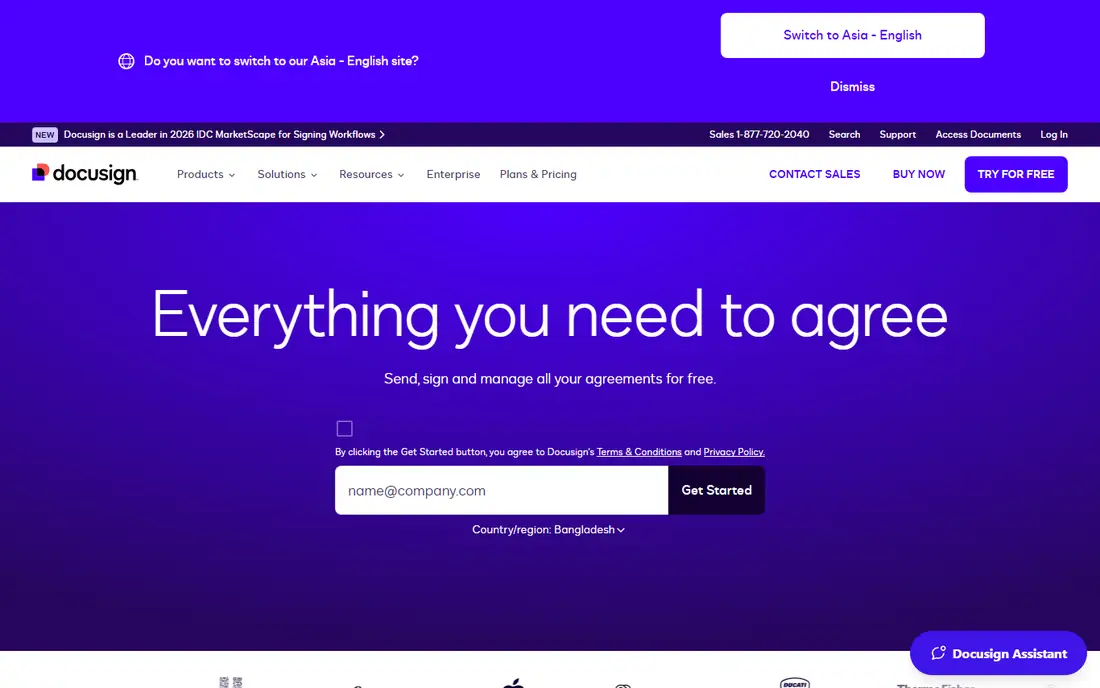
DocuSign CLM is the enterprise grade answer for teams whose contracts already pass through DocuSign. It manages drafting, redlining, negotiation, approvals, repository search and renewal tracking, and it routes finished contracts into DocuSign eSignature. Its Intelligent Agreement Management platform adds AI assisted review and a Navigator tool for searching signed agreements. The drawback is cost and setup effort. There is no public price list, reported mid-market deals run from 20,000 to 60,000 dollars a year, and implementation is quoted separately. Buy it when DocuSign is already your standard, not when you only need document generation.
What we like- Full contract lifecycle from drafting to renewal
- Native eSignature built in
- Strong AI tools for contract review and repository search
Watch out for- Quote-only pricing with reported implementation fees of $10,000 to $30,000, so the first year cost is high and hard to predict before a sales process
#3
Nintex DocGen
Best for: Large Salesforce teams that want flat company pricing
Visit nintex.com
Starting price$5,000 per company per year for up to 100 users (Salesforce AppExchange listing)
Free planNo free plan; 30-day free trial
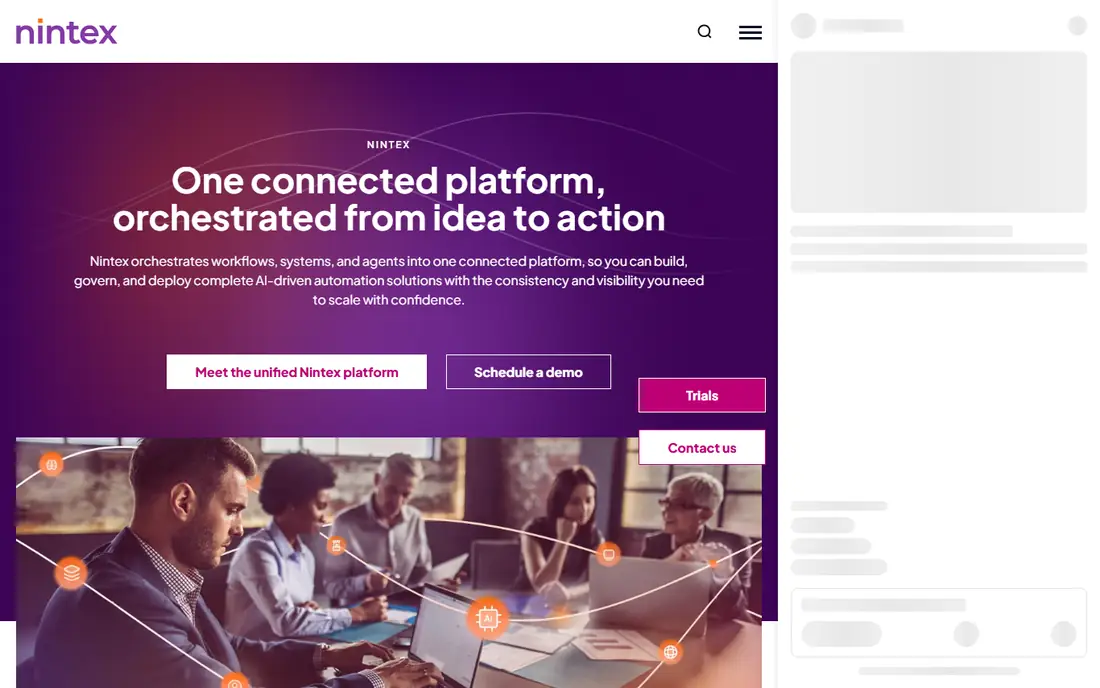
Nintex DocGen generates documents from Salesforce or Microsoft 365 data without code, using drag and drop templates with conditional logic. Its flat pricing is the key difference from per seat rivals. A company pays 5,000 dollars a year for up to 100 users, so the per user cost falls as the team grows, and a 50 person team pays about 8 dollars per user per month in effect. DocGen also ties into Nintex workflows, forms and apps, which suits companies that want one automation platform, not a single point tool. Small teams should look elsewhere, since the minimum fee buys more capacity than a five person team needs.
What we like- Flat company fee covers up to 100 users
- Word, Excel, PowerPoint and PDF templates
- Bulk document automation with conditional logic
Watch out for- The $5,000 annual minimum is steep for small teams, and it works best inside the wider Nintex automation platform, which adds learning time
#4Formstack Documents
Best for: Teams that generate documents from forms and CRM data4.5/5 on
G2 (153 reviews, checked Oct 2026)
Visit formstack.com
Starting price$250 per month billed annually (Suite plan, which includes Documents)
Free planNo free plan; free trial available
Formstack Documents turns form responses and CRM records into finished PDFs and Word files with no code. It fits teams that collect data through Formstack Forms and need contracts, order forms or reports from them. The Salesforce integration is a real strength, and the wider suite adds Sign for e-signature, so one vendor can run the whole flow. The catch is pricing structure. Older listings show a 92 dollar Documents Starter plan, but the current page puts document generation in the Suite plan at 299 dollars per month, or 250 dollars billed annually. Check the current page before budgeting, and confirm merge limits with sales.
What we like- No-code document builder with data routing
- Strong Salesforce integration
- Combines forms, documents and e-signature in one suite
Watch out for- Document generation now sits in the Suite plan at $250 per month billed annually, so the entry cost is high, and merge limits are not fully published on the pricing page
#5
S-Docs
Best for: Salesforce teams that want fully native document generation
Visit sdocs.com
Starting price$25 per user per month billed annually (minimum contract $3,000 per year)
Free planNo free plan; free trial available
S-Docs is the closest like for like replacement for Conga Composer for teams that want to stay fully inside Salesforce. It merges Salesforce data into PDF, Word, Excel and PowerPoint documents, automates generation, and captures e-signatures without data leaving Salesforce, which matters for regulated teams. Pricing starts at 25 dollars per user per month billed annually, with e-signature at 40 dollars in a bundle. The 3,000 dollar yearly minimum means a team needs at least 10 seats at list price. If your whole workflow already lives in Salesforce and compliance matters, S-Docs is the simplest switch.
What we like- 100 percent native to Salesforce, so data never leaves the platform
- Built-in e-signature option
- Strong fit for regulated industries
Watch out for- The $3,000 minimum annual contract prices out very small teams, and it only works inside Salesforce, so it is no use to teams on other CRMs
#6airSlate
Best for: Teams that need e-signature plus document workflow automation4.6/5 on
G2 (49 reviews, checked Oct 2026)
Visit airslate.com
Starting price$8 per user per month billed annually (signNow Business, the entry point into airSlate)
Free planFree plan for altaFlow (10 credits per month); signNow offers a 7-day trial only
airSlate is a family of products rather than a single tool, which shapes how you buy it. signNow handles e-signature from 8 dollars per user per month billed annually, while altaFlow automates the full document process from web forms through approvals, signatures and system updates. A team that only needs signing can start cheap with signNow, while a team that needs end to end automation will look at altaFlow, where Growth starts at about 399 dollars per month. The free altaFlow plan covers only 10 credits a month, so treat it as a trial, not a working tier. airSlate suits teams that want signing and automation from one vendor and will learn which product does what.
What we like- SignNow signing starts at $8 per user per month
- AltaFlow automates full document workflows with no code
- Broad integration library
Watch out for- Two products with separate pricing can confuse buyers, altaFlow jumps from a free plan straight to about $399 per month for Growth, and signNow caps signature invites at 100 per user per year
#7Salesforce Revenue Cloud
Best for: Companies already running Salesforce Sales Cloud4.2/5 on
G2 (1,513 reviews, checked Oct 2026)
Visit salesforce.com
Starting price$150 per user per month billed annually (Growth); Advanced $200 per user per month
Free planNo free plan and no free trial
Salesforce Revenue Cloud is the native successor to the old Salesforce CPQ, and the natural Conga replacement for companies standardized on Salesforce. Growth at 150 dollars per user per month billed annually covers catalog, pricing, configuration, quoting and subscription management. Advanced at 200 dollars adds contracts, orders, consumption billing, invoicing and AI analytics. It runs on the same data model as your CRM, so there is no integration layer to maintain or data sync to break. The cost is the catch. Revenue Cloud is an add-on, so you pay for the CRM license plus 150 to 200 dollars per user per month, and Advanced needs an annual contract. It fits large Salesforce shops, not small teams.
What we like- Native Salesforce quote to cash on one data model
- CPQ, contracts, orders and billing in one platform
- AI analytics on Advanced
Watch out for- It requires a Sales Cloud, Service Cloud or CRM license on top of its own fee, needs an annual contract, and there is no free trial to test it first
#8Docupilot
Best for: Small teams with high document volume and few senders4.6/5 on
G2 (73 reviews, checked Oct 2026)
Visit docupilot.com
Starting price$29 per month (Starter, 100 credits)
Free planNo free plan; 14-day free trial
Docupilot is the cheapest starting point here for teams that generate a lot of documents with few senders. It charges per document instead of per user, with one credit equal to one generated document. Starter at 29 dollars a month includes 100 credits, and higher plans scale to 10,000 credits at 699 dollars. Every plan includes unlimited templates, API access and built-in e-signature, with no feature gating. Docupilot pulls data from CRMs, spreadsheets and databases, and it works with Zapier, Salesforce and Google Sheets. It suits back office teams that batch generate contracts, invoices or letters, less so teams that need deep contract lifecycle management.
What we like- Credit based pricing, so a small team pays by document not by seat
- Unlimited templates and API access on every plan
- Built-in e-signature
Watch out for- Costs rise with document volume, so a busy team can outgrow the Starter plan fast, and there is no permanent free plan, only a 14-day trial
We picked tools that cover the same jobs as Conga: document generation from CRM data, contract lifecycle management, or both. We checked each vendor pricing page or a dated pricing source on 16 November 2026, and we opened each vendor website to confirm it loads. We favored tools with published prices and a real weakness we could name. Prices change, so confirm the current figure on the vendor pricing page before you buy.
Last verified: 16 November 2026
Frequently asked questions
Is there a free Conga alternative
Yes, but free options are limited. PandaDoc has a free eSignature plan with caps on documents and templates, and airSlate offers a free altaFlow plan with 10 credits per month. Most tools on this list need a paid plan. Docupilot has no free plan but offers a 14-day trial, and S-Docs and Nintex DocGen offer trials rather than free tiers.
What is the cheapest Conga alternative
Docupilot is the cheapest way to start at 29 dollars per month for 100 documents, and airSlate signNow starts at 8 dollars per user per month for signing. PandaDoc Starter at 19 dollars per user per month is the cheapest full proposal tool. The cheapest option depends on team size and volume, since per seat pricing grows with headcount while credit pricing grows with documents.
Which Conga alternative is best for Salesforce
S-Docs is the best pick for Salesforce teams that want document generation to stay fully inside Salesforce, with data never leaving the platform. Nintex DocGen suits larger Salesforce teams that prefer a flat company fee. Salesforce Revenue Cloud is the best native option for full quote to cash, but it costs 150 to 200 dollars per user per month on top of a CRM license.
Does DocuSign CLM replace Conga completely
DocuSign CLM replaces the contract lifecycle side of Conga, including drafting, redlining, approvals, repository and renewals, and it adds native e-signature. It is less direct as a document generation replacement, since its strength is managing contracts rather than merging CRM data into quotes. Teams that need both often pair CLM with DocuSign Gen for Salesforce.
How long does it take to switch from Conga to an alternative
A simple switch with under 20 templates can take one to two weeks, including template rebuilds and testing. A larger move with approval workflows, conditional logic and CLM data migration can take one to three months. The biggest time cost is usually rebuilding templates and mapping fields, so trial your real templates before you set a go live date.
Sources we checked (8)
- https://www.pandadoc.com/blog/pandadoc-pricing-value/
- https://www.docusign.com
- https://www.nintex.com
- https://www.formstack.com
- https://www.sdocs.com
- https://www.airslate.com
- https://www.salesforce.com/in/sales/revenue-lifecycle-management/pricing/?bc=OTH
- https://www.docupilot.com/blog/document-generation-software
Is your product missing or out of date?
We review this list regularly. Vendors can request a listing, send updated pricing or ask about featured placement.

Shihab Mia · Founder, Rankite
Shihab has 5+ years in B2B and SaaS SEO. He writes Rankite's software buying guides from pricing pages, documentation and public user reviews. More about Shihab.