How we make this list: we compare pricing pages, product documentation and public user reviews. Ratings come from G2, Capterra or Trustpilot, with the date we checked them.
Key takeaways
- This guide lists legal download tools only: platform-sanctioned offline features, your own content, Creative Commons video, and licensed stock footage.
- No tool here downloads copyrighted videos from YouTube or other platforms, and no tool whose purpose is ripping copyrighted video is listed.
- YouTube Premium suits sanctioned offline YouTube viewing at $15.99 per month, while Netflix and Prime Video downloads suit offline viewing inside their apps.
- Vimeo suits creators downloading their own videos where the creator enables downloads, while Pexels, Pixabay, and Videvo suit free licensed stock footage.
- The Internet Archive suits public domain and Creative Commons downloads free, with clear rights labels per item.
Quick comparison
Is your product missing or out of date?
We review this list regularly. Vendors can request a listing, send updated pricing or ask about featured placement.
The best legal ClipGrab alternatives
Starting price$15.99 per month
Free planNo
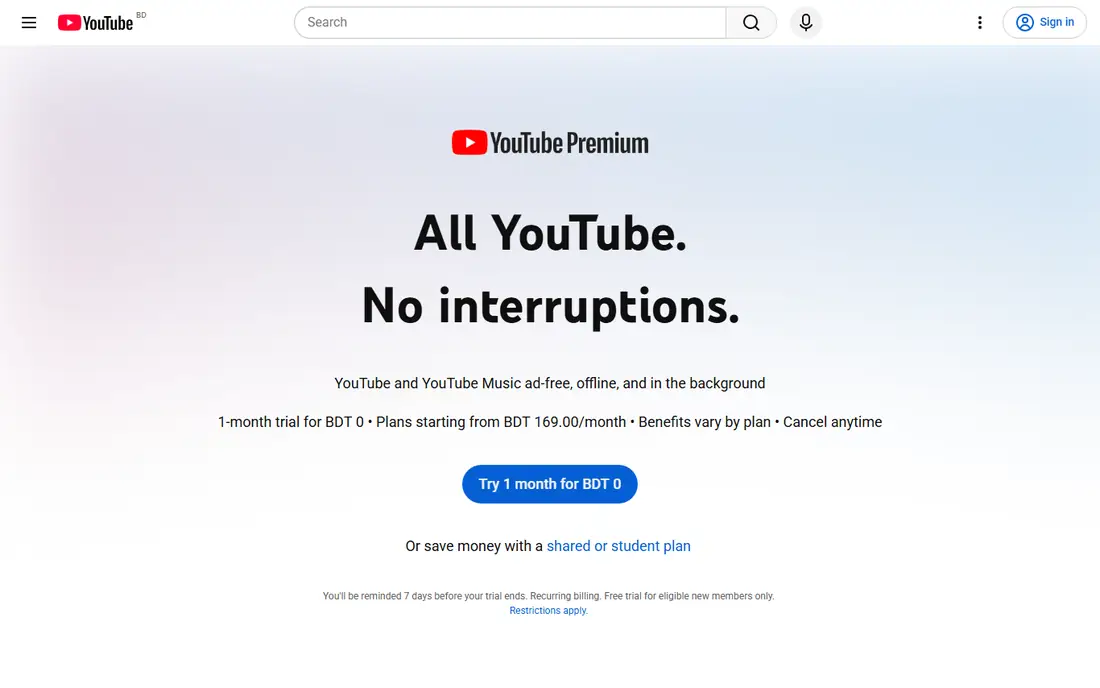
YouTube Premium is the sanctioned way to save YouTube videos offline, letting subscribers download videos inside the YouTube app for offline playback, with quality settings from 144p to Full HD 1080p. The Individual plan costs $15.99 per month in the US after the 2026 price rise, or $159.99 per year, with Family at $26.99 per month and Student at $8.99 per month. Premium also adds ad-free viewing, background play, and YouTube Music Premium.
The trade off is legality against file access. Premium downloads are fully sanctioned, but they stay inside the app and cannot be exported as standalone files. YouTube Premium fits viewers who want lawful offline YouTube viewing while traveling or offline.
What we like- Official offline downloads inside the YouTube app
- Ad-free viewing
- Background play
- YouTube Music Premium included
- Downloads at 144p to 1080p quality settings
Watch out for- Downloads stay inside the app and cannot be exported as files
- Premium Lite at $8.99 per month lacks downloads in the US in most reports
- Price rose to $15.99 per month in 2026
- IOS billing costs $20.99 per month
Starting priceSee website
Free planNo
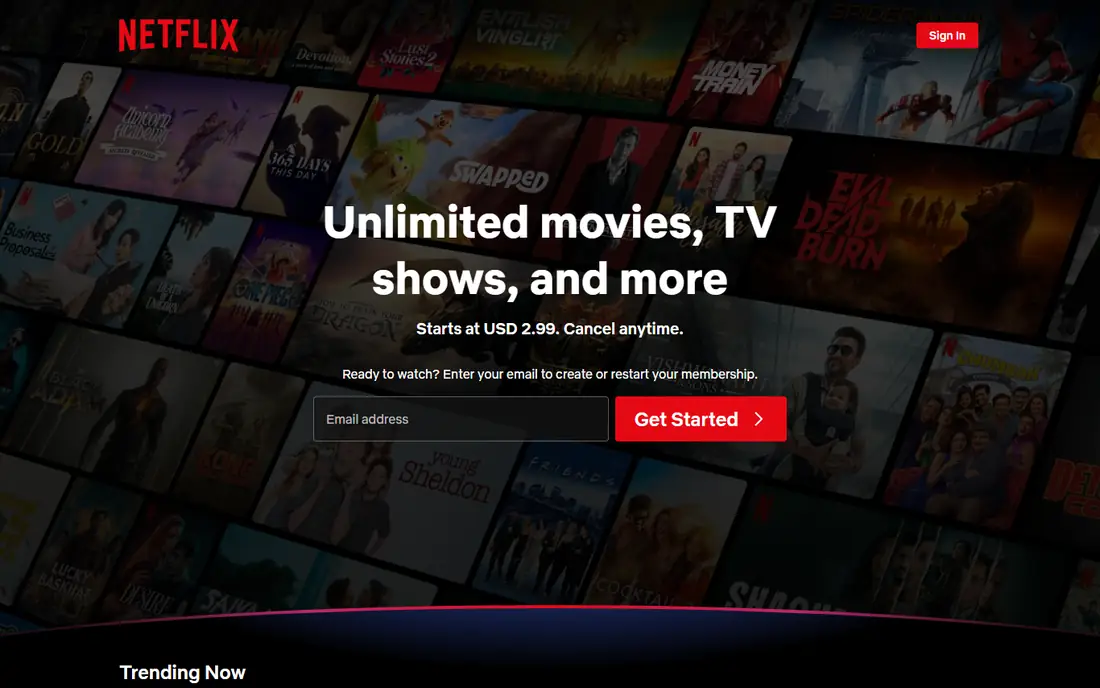
Netflix Downloads is the sanctioned offline option for Netflix subscribers, letting users download many movies and shows inside the Netflix app for offline viewing on phones and tablets. Downloads carry no extra fee beyond the subscription, though not every title is downloadable and downloads expire after a period or after playback starts on some titles. Pricing is listed as See website because plans and prices vary by region and tier.
The trade off is convenience against export limits. Netflix downloads work well for travel, but they cannot be moved out of the app. Netflix Downloads fits subscribers who want lawful offline viewing of Netflix catalog titles.
What we like- Official offline downloads inside the Netflix app
- Wide movie and show catalog
- Downloads on phones and tablets
- No extra download fee beyond subscription
Watch out for- Downloads stay inside the app and expire
- Not all titles are downloadable
- Device limits apply
- Subscription price varies by plan and region
Starting price$14.99 per month
Free planNo
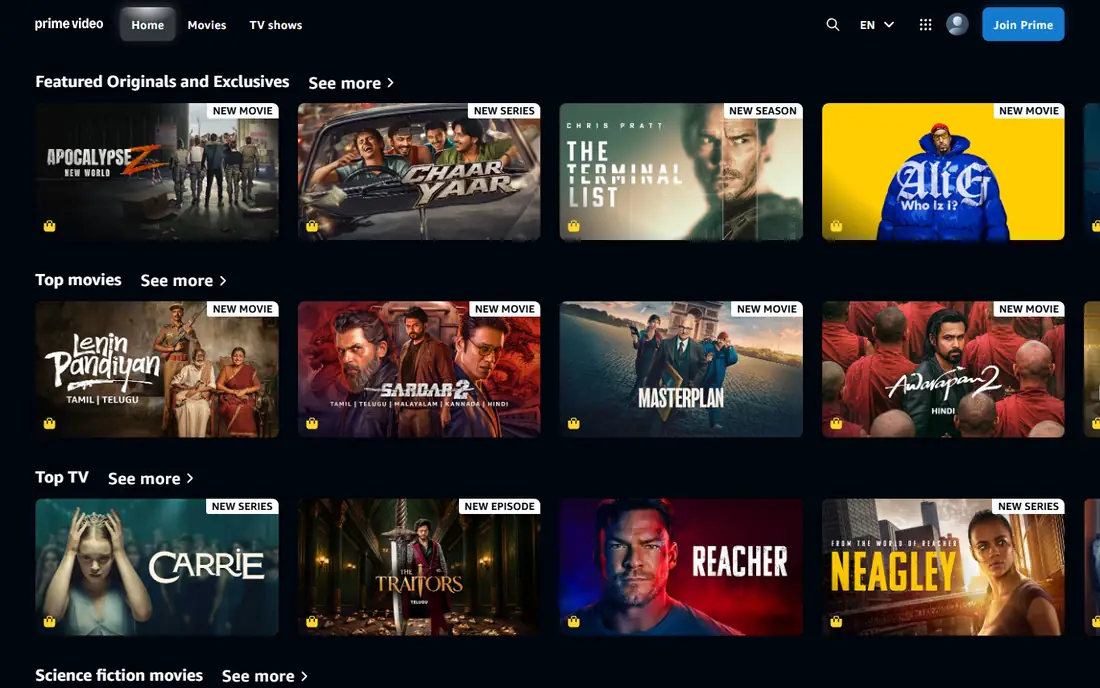
Prime Video Downloads is the sanctioned offline option for Amazon Prime members, letting users download many movies and shows inside the Prime Video app for offline viewing. Prime membership costs $14.99 per month in the US, bundling video with shipping, music, and other benefits, while standalone Prime Video pricing varies by region. Downloads carry no extra fee beyond membership, though not every title is downloadable.
The trade off is bundle value against app limits. Prime Video downloads are lawful and convenient, but they stay inside the app. Prime Video Downloads fits Prime members who want offline viewing plus bundle benefits.
What we like- Official offline downloads inside the Prime Video app
- Prime membership bundles shipping and music
- Wide movie and show catalog
- Downloads on phones and tablets
Watch out for- Downloads stay inside the app
- Not all titles are downloadable
- Prime price covers a bundle, not video alone
- Standalone Prime Video pricing varies

#4Vimeo
Best for: Creator-enabled own-video downloads4.3/5 on
G2 (722 reviews, checked Oct 2026)
Visit vimeo.com
Starting priceFree
Free planYes
Vimeo is the creator download pick, letting video creators enable downloads on their own uploads so clients, collaborators, or audiences can save lawful copies. The free Basic plan covers basic hosting and playback, with paid plans adding storage, customization, and business features. Vimeo suits creators sharing their own work, since downloads depend on the creator permission setting, not on ripping.
The trade off is permission against breadth. Vimeo downloads are lawful because the creator allows them, but most videos on the platform are not downloadable. Vimeo fits creators and clients exchanging their own video files lawfully.
What we like- Creators can enable downloads on their own videos
- Free Basic plan
- High-quality playback
- Creator-friendly licensing
- Good for portfolios and client review
Watch out for- Downloads only where the creator enables them
- Most commercial videos are not downloadable
- Paid plans needed for advanced features
- Not a general video downloader
Starting priceFree
Free planYes
Pexels is the free stock video pick, offering a large library of stock videos under the Pexels license, which allows commercial use without attribution in most cases, though license terms must still be checked per clip. Downloads are free with no account needed for many clips, and the library covers b-roll, nature, city, people, and business footage. Pexels suits creators who need lawful footage without filming it themselves.
The trade off is free breadth against uniqueness. Pexels footage is free and lawful, but popular clips appear in many projects. Pexels fits creators, marketers, and editors who need free licensed stock video.
What we like- Free stock video downloads
- Pexels license allows commercial use without attribution in most cases
- Large library
- Easy search
- No account needed for many downloads
Watch out for- License terms still apply and must be checked per clip
- Model and trademark limits apply for sensitive uses
- Popular clips are widely used
- No offline platform features
Starting priceFree
Free planYes
Pixabay is the second free stock video pick, offering a large community library of stock videos and images under the Pixabay license, which allows broad use including commercial projects. Downloads are free with no subscription, and search and filtering make it easy to find b-roll, nature, and lifestyle footage. Pixabay suits creators who want a second free source alongside Pexels.
The trade off is free access against quality variance. Pixabay is free and broad, but quality varies by contributor. Pixabay fits creators who need free licensed stock video from a large community library.
What we like- Free stock video and image downloads
- Pixabay license allows broad use
- Large community library
- Easy search and filtering
- No subscription needed
Watch out for- License terms must be checked per clip
- Sensitive uses need extra care for people and trademarks
- Quality varies by contributor
- Popular clips are widely used
Starting priceFree
Free planYes
The Internet Archive is the public domain pick, hosting historic films, newsreels, educational material, and Creative Commons video that users can download free, with rights labels per item. It suits documentaries, educators, and creators who need lawful historic footage, since public domain items carry no copyright restriction in the US. Users must still read each item rights label, since not every archive item is public domain.
The trade off is historic depth against modern polish. The Archive offers unique lawful footage free, but its interface and quality vary. The Internet Archive fits creators and educators who need public domain and Creative Commons video.
What we like- Free downloads of public domain and Creative Commons video
- Clear rights labels per item
- Historic films, newsreels, and educational material
- No subscription
Watch out for- Interface is utilitarian
- Quality varies by item age and source
- Rights labels must be read per item
- Not suited to modern commercial footage
Starting priceFree
Free planYes
Videvo is the free and paid stock video pick, offering free stock video downloads plus premium plans that add more clips and broader licensing, alongside motion graphics and sound effects for editors. Free clips suit small projects, while premium tiers suit commercial work that needs cleaner licensing. Videvo suits editors who want video plus motion assets in one library.
The trade off is free access against license tiers. Videvo is free to start, but free clip licenses carry limits that premium tiers remove. Videvo fits editors who need stock video plus motion graphics with clear license tiers.
What we like- Free stock video downloads
- Premium plans add more clips and licensing
- Motion graphics and sound effects alongside video
- Good for editors
- Clear license tiers
Watch out for- Free clips carry Videvo attribution or license limits in some cases
- Premium pricing varies
- Popular clips are widely used
- License tiers must be checked per clip
How we chose
We compared lawful download options only, excluding any tool whose purpose is downloading copyrighted videos from YouTube or other platforms, since those tools fail the legal-use test for this guide. We favored options with distinct lawful strengths, sanctioned YouTube offline viewing, sanctioned Netflix offline viewing, sanctioned Prime Video offline viewing, creator-enabled downloads, free licensed stock, community stock, public domain archives, and free plus paid stock, and we listed Netflix pricing as See website because plans vary by region. We weighed legality, download freedom, and catalog breadth separately, since no single lawful option leads on all three.
How to choose a legal video download option
Start with goal: offline viewing of a subscription catalog should use YouTube Premium, Netflix Downloads, or Prime Video Downloads inside their apps, while footage for your own projects should use Pexels, Pixabay, Videvo, or the Internet Archive. Next, check the license per clip: stock licenses allow broad use but still limit sensitive uses involving people and trademarks, and archive items must be read individually. Then confirm download freedom: app downloads stay inside the app, while stock and archive downloads give real files you can edit. Finally, never use a ripper for copyrighted video, even if it works technically, since technical ability does not make a download lawful. A lawful option that fits your goal and license needs will give you video you can actually use.
Frequently asked questions
What is the best legal way to download YouTube videos offline?
YouTube Premium at $15.99 per month is the sanctioned option, with downloads inside the YouTube app for offline playback, though files cannot be exported.
Can I download copyrighted videos with these tools?
No. No tool here downloads copyrighted videos from YouTube or other platforms, and this guide lists only sanctioned offline features, own content, Creative Commons, and licensed stock.
Is stock video from Pexels really free to use commercially?
In most cases yes under the Pexels license, but license terms must still be checked per clip, especially for sensitive uses involving people and trademarks.
Why do app downloads stay inside the app?
Subscription downloads are licensed for offline viewing inside the service, not for file export, which is how platforms keep downloads lawful for subscribers.
What is the best free stock video source?
Pexels and Pixabay both offer large free libraries, while Videvo adds motion graphics, and the Internet Archive adds public domain historic footage.
Can creators let others download their Vimeo videos?
Yes. Creators can enable downloads on their own Vimeo uploads, which is the lawful path for sharing video files with clients and collaborators.
Sources we checked (0)
Is your product missing or out of date?
We review this list regularly. Vendors can request a listing, send updated pricing or ask about featured placement.

Shihab Mia · Founder, Rankite
Shihab has 5+ years in B2B and SaaS SEO. He writes Rankite's software buying guides from pricing pages, documentation and public user reviews. More about Shihab.
 YouTube Premium
 Netflix Downloads
 Prime Video Downloads
 Pexels
 Pixabay
 Internet Archive
 Videvo