How we make this list: we compare pricing pages, product documentation and public user reviews. Ratings come from G2, Capterra or Trustpilot, with the date we checked them.
Calendly is the best scheduling tool for most buyers, because its Standard plan costs $10 per seat a month on annual billing, it covers unlimited event types, and its booking pages are the most widely recognised by invitees. Cal.com is the best alternative for a solo user who wants a free plan with unlimited event types. Its free plan covers one user with no booking limits, and its Teams plan costs $12 per user a month on annual billing. Pick Calendly for the largest integration list. Pick Cal.com if you want a free plan that does not cap event types.
Key takeaways
- Calendly Standard is $10 per seat a month on annual billing, Teams is $16. Cal.com Teams is $12 per user a month.
- Cal.com has the stronger free plan: unlimited event types, calendars and payments for one user. Calendly Free gives one event type and one calendar.
- Setmore is the cheapest paid option here for a small team. Its free plan covers up to four users, and Pro costs $5 per user a month on annual billing.
- Acuity Scheduling is the best pick in this list for client appointments that need intake forms and payments, not sales meetings.
- Square Appointments only makes sense if you also take card payments through Square.
Both charge per seat, and both start free. Calendly Free covers one event type and one calendar connection. Cal.com Free covers one user with unlimited event types, unlimited calendars, Stripe and PayPal payments, and Salesforce and HubSpot sync. That makes Cal.com the better free plan.
On paid plans, Calendly Standard is $10 per seat a month on annual billing, or $12 billed monthly. Cal.com Teams is $12 per user a month on annual billing, or about $16 billed monthly. So Calendly is $2 a seat a month cheaper at the first paid tier. The gap flips with round robin. Calendly puts round robin on Teams at $16 a seat a month on annual billing. Cal.com puts round robin on Teams at $12 a user a month. A five person team pays $80 a month on Calendly Teams or $60 a month on Cal.com Teams, both on annual billing, a $240 a year difference.
Prices below use annual billing where the vendor lists both rates. All prices were checked 19 November 2026.
| Tool | Free plan | Starting paid price | Best for |
| Calendly | Yes, 1 event type | $10 per seat a month | Most buyers, sales teams |
| Cal.com | Yes, 1 user, unlimited event types | $12 per user a month | Solo users, open source fans |
| Acuity Scheduling | No, 7-day trial | $16 a month | Client appointments with forms |
| Doodle | Yes, 1 group poll | $11 per seat a month | Group polls, finding a shared time |
| Square Appointments | Yes, $0 a location | $49 a location a month | Salons that use Square payments |
| YouCanBookMe | Yes, 1 booking page | $9 a month | Solo consultants on a budget |
| OnceHub | Yes, 1 user, 1 booking link | $10 per seat a month | Lead routing and qualification |
| Setmore | Yes, up to 4 users | $5 per user a month | Small teams that want a free start |
What a five person team pays in a year
Take a five person team that needs round robin booking. On annual billing, Calendly Teams costs $960 a year. Cal.com Teams costs $720 a year. OnceHub Schedule costs $600 a year, but routing rules need Route at $1,140 a year. Setmore Pro costs $300 a year. Acuity Growing costs $324 a year, but it is priced per account, not per seat, and it covers up to six calendars.
Quick comparison
| Tool | Best for | Starting price | Free plan |
|---|
 Calendly | Sales teams and solo professionals who want the most recognised booking pages | Free; Standard $10 per seat a month billed annually ($12 billed monthly); Teams $16 billed annually ($20 billed monthly); Enterprise from $15,000 a year | Yes, one event type and one calendar connection |
 Cal.com | Solo users and small teams that want a generous free plan and team scheduling without a high per seat price | Free for one user; Teams $12 per user a month billed annually (about $16 billed monthly); Organizations $28 billed annually (about $37 billed monthly); Enterprise by quote | Yes, one user with unlimited event types, unlimited calendars, payments and Salesforce and HubSpot sync |
 Acuity Scheduling | Coaches, clinics, salons and consultants who book client appointments with intake forms and payments | Emerging $16 a month billed annually ($20 billed monthly); Growing $27 billed annually ($34 billed monthly); Powerhouse $49 billed annually ($61 billed monthly) | No free plan, 7-day trial |
 Doodle | Finding one time that works for a group, with polls rather than a booking page | Free; Pro $11 per seat a month billed annually ($15 billed monthly); Team $16 per seat a month billed annually ($21 billed monthly, two seat minimum); Enterprise from $15,000 a year | Yes, one group poll, one booking page, one 1:1 and one sign up sheet |
 Square Appointments | Salons, barbers and spas that already take card payments through Square | Free $0 a location; Plus $49 a location a month; Premium $149 a location a month | Yes, free plan with booking website, unlimited staff calendars, reminders, deposits and invoices |
 YouCanBookMe | Solo consultants and freelancers who want the lowest paid price for one person | Free; Individual $9 a month ($8.10 billed annually); Professional $13 a month ($11.70 billed annually); Teams $18 per member a month ($16.20 billed annually) | Yes, one booking page, one calendar connection, 30 bookings a month |
 OnceHub | Sales and marketing teams that need lead routing and qualification before the meeting is booked | Basic free; Schedule $10 per seat a month billed annually ($12 billed monthly); Route $19 billed annually ($23 billed monthly); Engage $39 billed annually ($47 billed monthly) | Yes, Basic is free for one user, one calendar and one booking link |
 Setmore | Small service businesses that want a free plan for up to four users and the cheapest paid plan here | Free for up to 4 users; Pro $5 per user a month billed annually ($12 billed monthly) | Yes, up to 4 users with a booking page, email reminders and online payments |
Is your product missing or out of date?
We review this list regularly. Vendors can request a listing, send updated pricing or ask about featured placement.
#1Calendly
Best for: Sales teams and solo professionals who want the most recognised booking pages4.7/5 on
G2 (2,674 reviews, checked Oct 2026)
Visit calendly.com
Starting priceFree; Standard $10 per seat a month billed annually ($12 billed monthly); Teams $16 billed annually ($20 billed monthly); Enterprise from $15,000 a year
Free planYes, one event type and one calendar connection
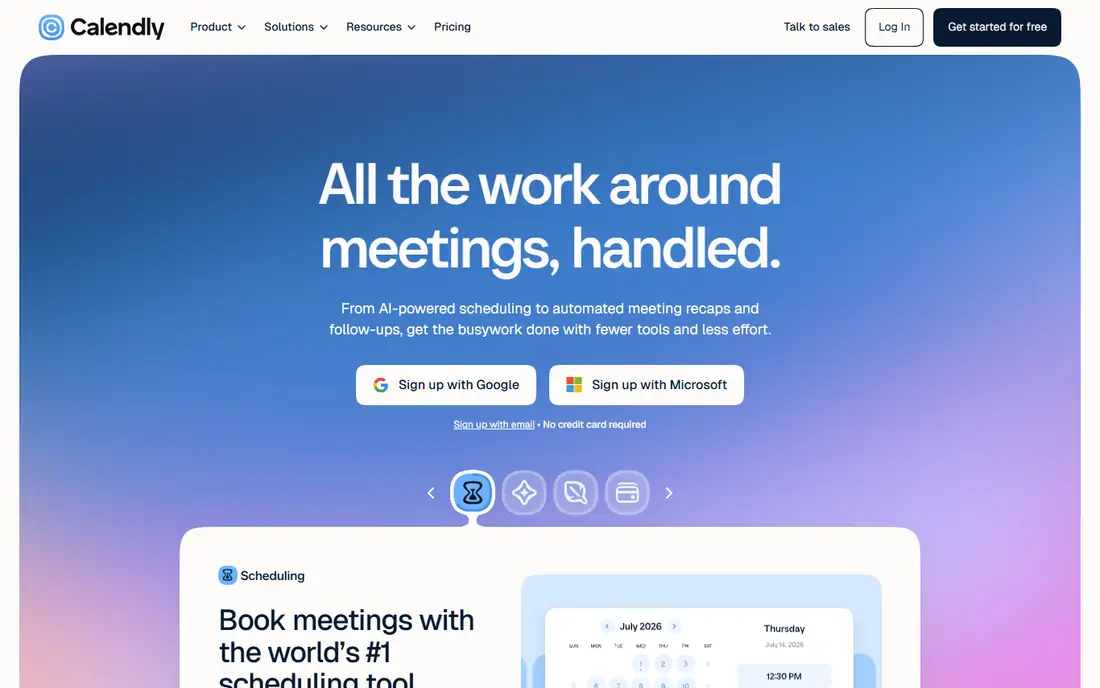
Calendly is the default scheduling tool for a reason. A Standard seat at $10 a month on annual billing buys unlimited event types, up to six calendar connections, automations and reminders, and Stripe and PayPal payments. Teams at $16 adds round robin, team scheduling, lead routing and Salesforce sync. The booking page is familiar to most invitees, which cuts no shows. The weak spots are the thin free plan and the steep jump from Teams to Enterprise for a team that needs SSO.
What we like- Largest integration list in this group, unlimited event types from Standard, simple setup, round robin and lead routing on Teams
Watch out for- The free plan is thin, with one event type only, and Enterprise pricing starts at $15,000 a year with a 50 seat minimum, which shuts out mid size teams that need SSO
#2Cal.com
Best for: Solo users and small teams that want a generous free plan and team scheduling without a high per seat price4.6/5 on
G2 (153 reviews, checked Oct 2026)
Visit cal.com
Starting priceFree for one user; Teams $12 per user a month billed annually (about $16 billed monthly); Organizations $28 billed annually (about $37 billed monthly); Enterprise by quote
Free planYes, one user with unlimited event types, unlimited calendars, payments and Salesforce and HubSpot sync
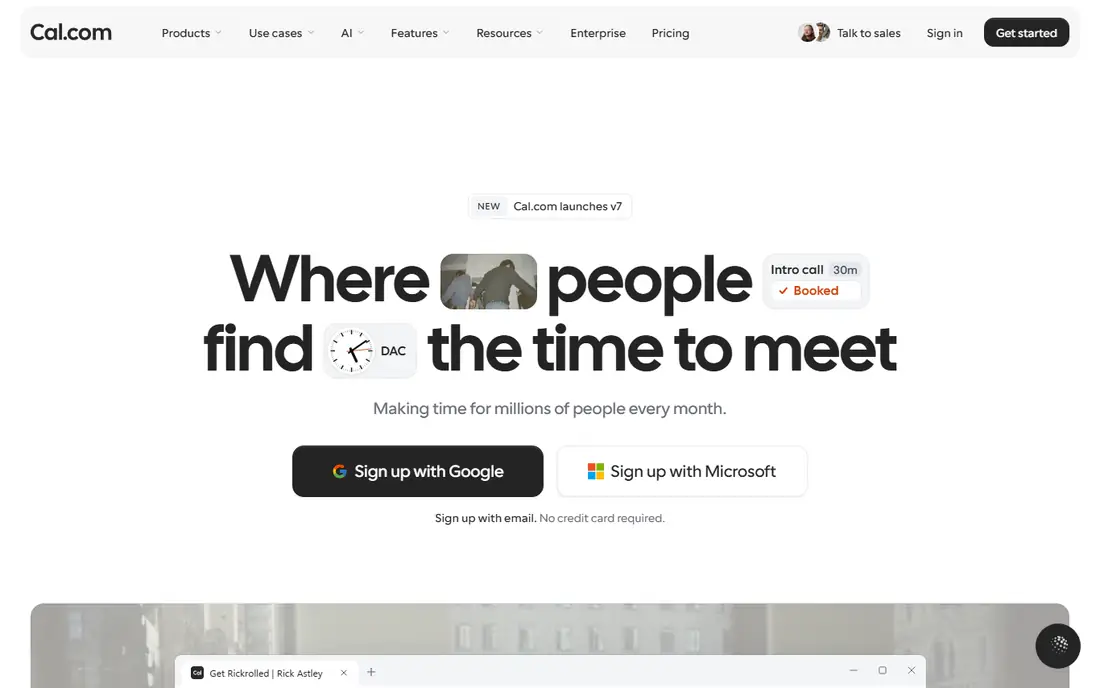
Cal.com gives one user more for free than any other tool here. Unlimited event types, unlimited calendars, email and SMS notifications, Stripe and PayPal payments, and two way Salesforce and HubSpot sync all sit on the free plan. The catch is the one user limit. Anything shared needs Teams at $12 a user a month on annual billing, which adds round robin, routing forms, booking analytics and removal of Cal.com branding. Organizations at $28 adds sub teams, a company subdomain, SAML SSO and SCIM, plus SOC 2, HIPAA and ISO 27001 compliance. The trade off is a smaller ecosystem and a product that is no longer open source in its commercial form.
What we like- Best free plan in this list, round robin on the $12 Teams plan, no booking limits, 14-day trial on paid plans
Watch out for- Smaller integration list than Calendly, and the commercial product went closed source in April 2026, so buyers who chose it for open source should check the current licence before committing
#3
Acuity Scheduling
Best for: Coaches, clinics, salons and consultants who book client appointments with intake forms and payments
Visit acuityscheduling.com
Starting priceEmerging $16 a month billed annually ($20 billed monthly); Growing $27 billed annually ($34 billed monthly); Powerhouse $49 billed annually ($61 billed monthly)
Free planNo free plan, 7-day trial
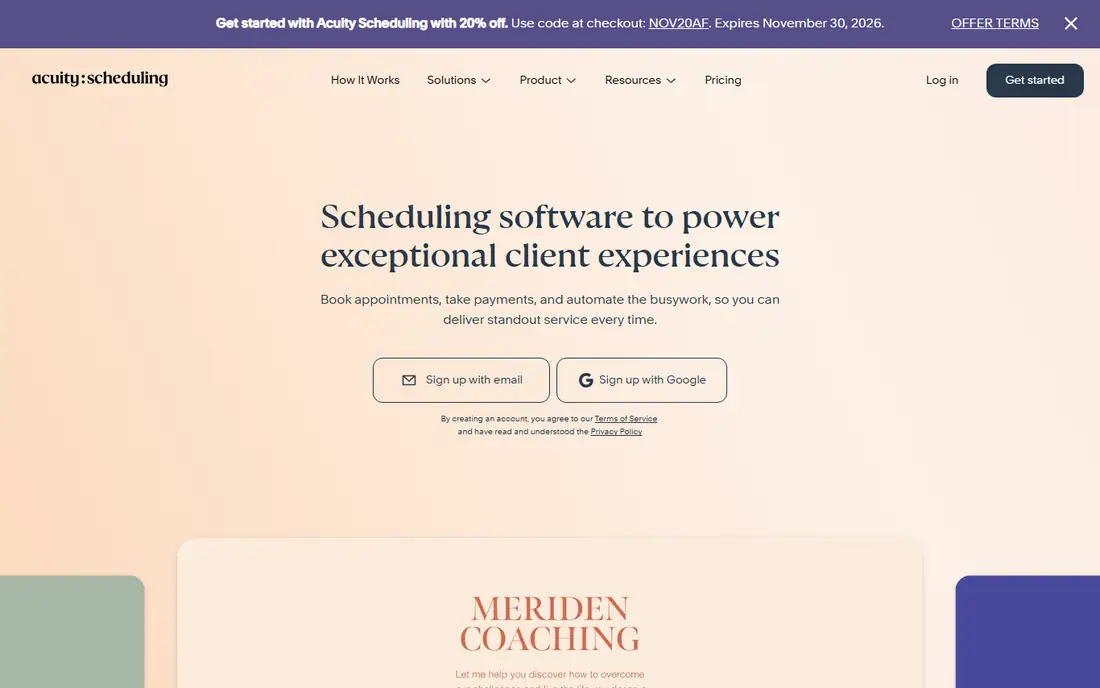
Acuity Scheduling, now called Squarespace Scheduling, is built for people who sell time as a product. Emerging at $16 a month on annual billing covers one calendar and one staff member, with payments and custom forms. Growing at $27 covers up to six calendars and adds SMS reminders and packages. Powerhouse at $49 covers up to 36 calendars and adds subscriptions, multiple time zones and HIPAA compliance. A six person practice pays $27 a month on Growing, against $60 to $96 a month on per seat tools. Acuity has intake forms, coupons, packages and gift certificates. It is a poor fit for sales teams, since it has no round robin or lead routing.
What we like- Intake forms and custom fields built in, clients can pay when they book, priced per account rather than per seat
Watch out for- No free plan, and some early 2026 reads list Growing at $40 and Powerhouse at $80, so the current vendor page should be checked before purchase
#4Doodle
Best for: Finding one time that works for a group, with polls rather than a booking page4.4/5 on
G2 (2,071 reviews, checked Oct 2026)
Visit doodle.com
Starting priceFree; Pro $11 per seat a month billed annually ($15 billed monthly); Team $16 per seat a month billed annually ($21 billed monthly, two seat minimum); Enterprise from $15,000 a year
Free planYes, one group poll, one booking page, one 1:1 and one sign up sheet
Doodle starts from a different question than the rest of this list. Instead of a booking page, you propose several slots and participants vote. Pro at $11 a seat a month on annual billing removes ads and unlocks unlimited group polls, booking pages, 1:1s and sign up sheets. Team at $16 adds an admin console, roles, co hosting, booking on behalf of a colleague, custom branding and Stripe payments, with a two seat minimum. Doodle is the right pick when the problem is ten people finding one hour, not one person taking bookings all day. It is the wrong pick for a salon or clinic, since it has no class scheduling, no deposits and no client records.
What we like- Group polls are the easiest way to settle a shared time, no account needed for voters, Zoom, Teams and Webex links included on Pro
Watch out for- No round robin, no classes or deposits, and the free plan shows ads to participants
#5Square Appointments
Best for: Salons, barbers and spas that already take card payments through Square4.5/5 on
Capterra (258 reviews, checked Oct 2026)
Visit squareup.com
Starting priceFree $0 a location; Plus $49 a location a month; Premium $149 a location a month
Free planYes, free plan with booking website, unlimited staff calendars, reminders, deposits and invoices
Square Appointments runs inside Square Free, Plus and Premium. Free costs $0 a location and includes a booking website, unlimited staff calendars, text and email reminders, deposits and invoices. Processing is 2.6 percent plus 15 cents in person and 3.3 percent plus 30 cents online. Plus at $49 a location a month adds no show fees, multi staff booking, the waitlist, classes and packages, Google Calendar sync and the Bookings API, with in person processing at 2.5 percent plus 15 cents. Premium at $149 adds room and chair booking, more reports and 2.4 percent plus 15 cents in person. Plus and Premium include a 30 day trial. Per location pricing suits one large salon and punishes a business with five small locations.
What we like- Free plan is genuinely usable, priced per location so large teams at one site pay once, payments and booking live in one system
Watch out for- Card processing fees apply on every plan, and Plus and Premium are per location, so a second location doubles the subscription
#6YouCanBookMe
Best for: Solo consultants and freelancers who want the lowest paid price for one person4.7/5 on
G2 (1,922 reviews, checked Oct 2026)
Visit youcanbook.me
Starting priceFree; Individual $9 a month ($8.10 billed annually); Professional $13 a month ($11.70 billed annually); Teams $18 per member a month ($16.20 billed annually)
Free planYes, one booking page, one calendar connection, 30 bookings a month
YouCanBookMe is the budget pick for a single person. Individual at $9 a month, or $8.10 on annual billing, buys two calendar connections, two booking pages, reminder emails and SMS, group sessions and password protected pages. Professional at $13, or $11.70 on annual billing, raises that to six calendars and ten booking pages, and adds workflows with reminders and no show management, promotion codes, analytics, Zapier and HubSpot. Teams at $18 per member a month adds team members and roles, round robin, centralised billing and API access. The free plan covers one person with one booking page and 30 bookings a month, which is enough to test but not to run a business.
What we like- Lowest paid price for one person in this list, Stripe payments on every plan including free, 14-day trial on paid plans
Watch out for- Free plan is capped at one booking page and 30 bookings a month, team scheduling needs the Teams plan, and payments carry a 1 percent YouCanBookMe fee on top of Stripe fees according to one pricing read
#7OnceHub
Best for: Sales and marketing teams that need lead routing and qualification before the meeting is booked4.4/5 on
G2 (58 reviews, checked Oct 2026)
Visit oncehub.com
Starting priceBasic free; Schedule $10 per seat a month billed annually ($12 billed monthly); Route $19 billed annually ($23 billed monthly); Engage $39 billed annually ($47 billed monthly)
Free planYes, Basic is free for one user, one calendar and one booking link
OnceHub, formerly ScheduleOnce, is a routing engine that also books meetings. Basic is free for one user, one calendar and one booking link. Schedule at $10 a seat a month on annual billing lifts every limit and adds unlimited booking links and calendars, group sessions, text notifications, CRM and payment integrations and a dedicated booking phone number. Route at $19 adds screening forms, routing rules and a second phone number. Engage at $39 adds chatbots and conversational engagement. A 14 day trial covers paid features. The catch is the add on. Security and compliance, including SSO and a HIPAA BAA, costs $5 to $6 per seat a month on top of the plan price.
What we like- Routing forms and lead qualification built in, dedicated booking phone numbers from Schedule, Stripe payments and CRM connections
Watch out for- SSO and HIPAA compliance need a Security and Compliance add on at $5 to $6 per seat a month extra, and the full routing and engagement stack gets expensive fast
#8Setmore
Best for: Small service businesses that want a free plan for up to four users and the cheapest paid plan here4.5/5 on
G2 (270 reviews, checked Oct 2026)
Visit setmore.com
Starting priceFree for up to 4 users; Pro $5 per user a month billed annually ($12 billed monthly)
Free planYes, up to 4 users with a booking page, email reminders and online payments
Setmore is the value pick. The free plan covers up to four users with a branded booking page, email reminders and payments through Stripe, Square or PayPal, with no commission taken by Setmore. Pro at $5 per user a month on annual billing, or $12 billed monthly, adds SMS reminders with 500 credits a month, deposits, two way calendar sync, recurring appointments and API access. A five person team pays $25 a month on Pro with annual billing, against $50 on Calendly Standard and $60 on Cal.com Teams. Setmore is built for salons, clinics and coaching practices, not sales teams. It has no round robin or lead routing, and its reporting is thin.
What we like- Most generous free plan in this list, Pro is the cheapest paid plan here, no commission on payments
Watch out for- Two way calendar sync, SMS reminders, deposits and recurring appointments need Pro, and reporting is basic
How to choose between Calendly and Cal.com
Use these steps in order.
- Count your hosts. One person who needs unlimited event types should start with Cal.com Free. Two or more hosts should compare per seat prices.
- List the features you need. Round robin pushes Calendly buyers to Teams at $16 and Cal.com buyers to Teams at $12.
- Check SSO needs. Cal.com includes SAML SSO on Organizations at $28. Calendly needs Enterprise from $15,000 a year. OnceHub sells it as a $5 to $6 add on.
- Check whether you book clients or meetings. Client appointments with intake forms and payments point to Acuity at $16 a month per account. Sales meetings point to Calendly or Cal.com.
- Price a full year, not a month. Annual billing cuts 17 to 25 percent on most tools here.
Frequently asked questions
Is Calendly or Cal.com cheaper for a small team?
Cal.com is cheaper once you need round robin. Calendly Standard is $10 per seat a month on annual billing, against Cal.com Teams at $12, so Calendly wins at the first paid tier. But round robin needs Calendly Teams at $16, while Cal.com includes it on Teams at $12. A five person team pays $960 a year on Calendly Teams and $720 a year on Cal.com Teams.
Does Cal.com have a free plan?
Yes. Cal.com Free covers one user with unlimited event types and calendars, notifications, Stripe and PayPal payments, and Salesforce and HubSpot sync. Anything shared needs Teams at $12 per user a month on annual billing.
Which tool is best for a salon or clinic?
Acuity Scheduling is the best pick here for client appointments. Its intake forms, packages and payment collection fit clinics, coaches and salons. Square Appointments is better if you also take card payments through Square. Setmore is the cheapest route for a small salon, with a free plan for up to four users.
Can I use Doodle instead of Calendly?
Yes, if your problem is finding one time for a group. Doodle polls let participants vote on slots without an account, which Calendly cannot do. For one to one client booking, Calendly is better, because Doodle has no deposits, no classes and no client records, and its free plan shows ads to participants.
What is the cheapest paid scheduling tool here?
Setmore Pro at $5 per user a month on annual billing is the cheapest paid plan here, and its free plan covers up to four users. YouCanBookMe Individual at $8.10 a month on annual billing is the cheapest paid plan for a single person.
Prices were checked 19 November 2026 against vendor pricing pages and pricing reads, with annual billing shown where both annual and monthly prices exist. The eight tools cover the two named products plus the closest alternatives for sales scheduling, client appointments, group polls and salon booking. Last verified 19 November 2026.
Sources we checked (8)
- https://calendly.com/pricing
- https://cal.com/pricing
- https://www.acuityscheduling.com/pricing
- https://doodle.com/en/premium
- https://squareup.com/us/en/appointments
- https://youcanbook.me/pricing
- https://oncehub.com
- https://setmore.com
Is your product missing or out of date?
We review this list regularly. Vendors can request a listing, send updated pricing or ask about featured placement.

Shihab Mia · Founder, Rankite
Shihab has 5+ years in B2B and SaaS SEO. He writes Rankite's software buying guides from pricing pages, documentation and public user reviews. More about Shihab.