How we make this list: we compare pricing pages, product documentation and public user reviews. Ratings come from G2, Capterra or Trustpilot, with the date we checked them.
Key takeaways
- For a single domain check, ICANN Lookup is the most authoritative free starting point because it queries registry data through RDAP.
- Registrar tools from GoDaddy and Namecheap are fast and free, but their results pages push you toward buying or transferring the domain.
- DomainTools and WhoisXML API are the serious options for historical records, reverse lookup, and bulk checks, and both sit behind paid plans.
- Privacy protection and GDPR redaction mean most lookups now hide personal contact details, even on the best tools.
- If you need an API, pick a tool with published rate limits and JSON output, not a web page you have to scrape.
Quick comparison
| Tool | Best for | Starting price | Free plan |
|---|
 ICANN Lookup ICANN Lookup | Authoritative single-domain checks | $0 per user/month | Yes |
 Whois.com Whois.com | Quick free lookups with DNS detail | $0 per user/month | Yes |
 Who.is Who.is | Simple, readable domain reports | $0 per user/month | Yes |
 DomainTools DomainTools | Historical and reverse Whois research | See website | Free trial |
 GoDaddy WHOIS GoDaddy WHOIS | Fast checks tied to registration | $0 per user/month | Yes |
 Namecheap WHOIS Namecheap WHOIS | Clean free checks for buyers | $0 per user/month | Yes |
 MXToolbox MXToolbox | Whois plus DNS and blacklist checks | $0 per user/month | Yes |
 WhoisXML API WhoisXML API | Bulk and automated lookups | See website | Free trial |
 ViewDNS.info ViewDNS.info | Extra network tools in one place | $0 per user/month | Yes |
Is your product missing or out of date?
We review this list regularly. Vendors can request a listing, send updated pricing or ask about featured placement.
The best whois lookup tools for domain research
Starting price$0 per user/month
Free planYes
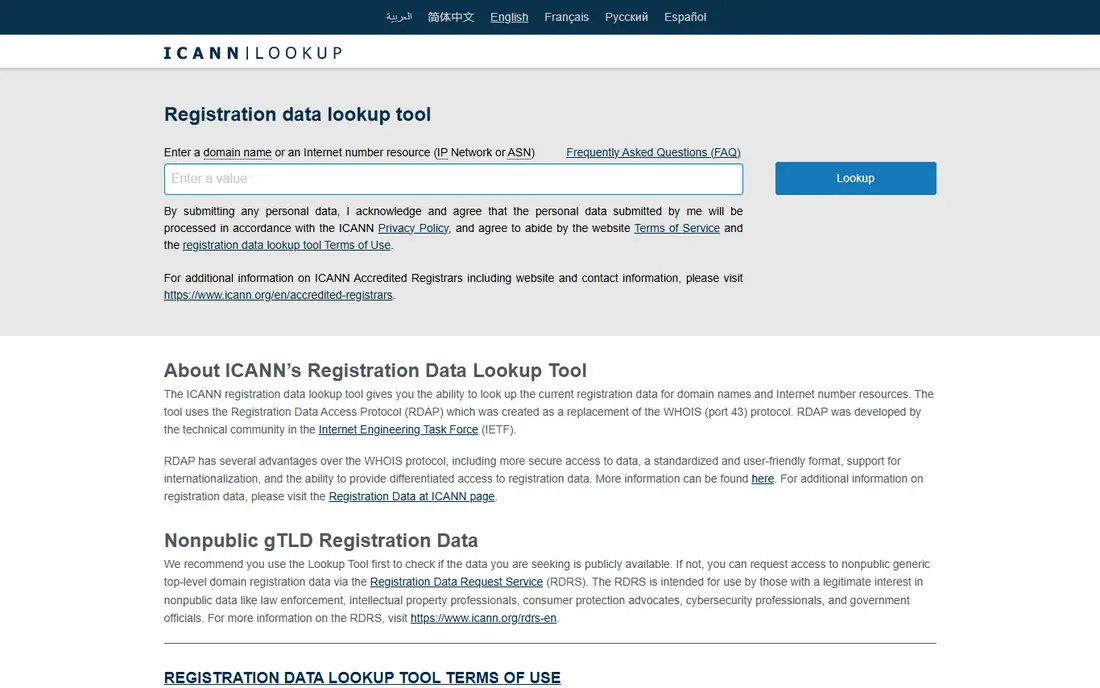
ICANN Lookup is the tool to use when accuracy matters more than presentation. It returns the current registration record from the registry, including registrar, creation date, expiry date, status codes, and name servers, in a structured RDAP format. Because it comes from the source rather than a cached copy, it is the best place to settle a dispute about whether a domain is registered or when it expires.
The limits are clear. You check one domain at a time, there is no history, and you cannot search by registrant name or email. For brand protection work or portfolio research, you will need a paid tool alongside it. For a quick ownership or expiry check before a purchase or renewal, start here and trust the result.
What we like- Registry-sourced RDAP data
- No account needed
- Covers many generic and country domains
Watch out for- No historical records
- No bulk lookup
- Plain interface with little extra context
Starting price$0 per user/month
Free planYes
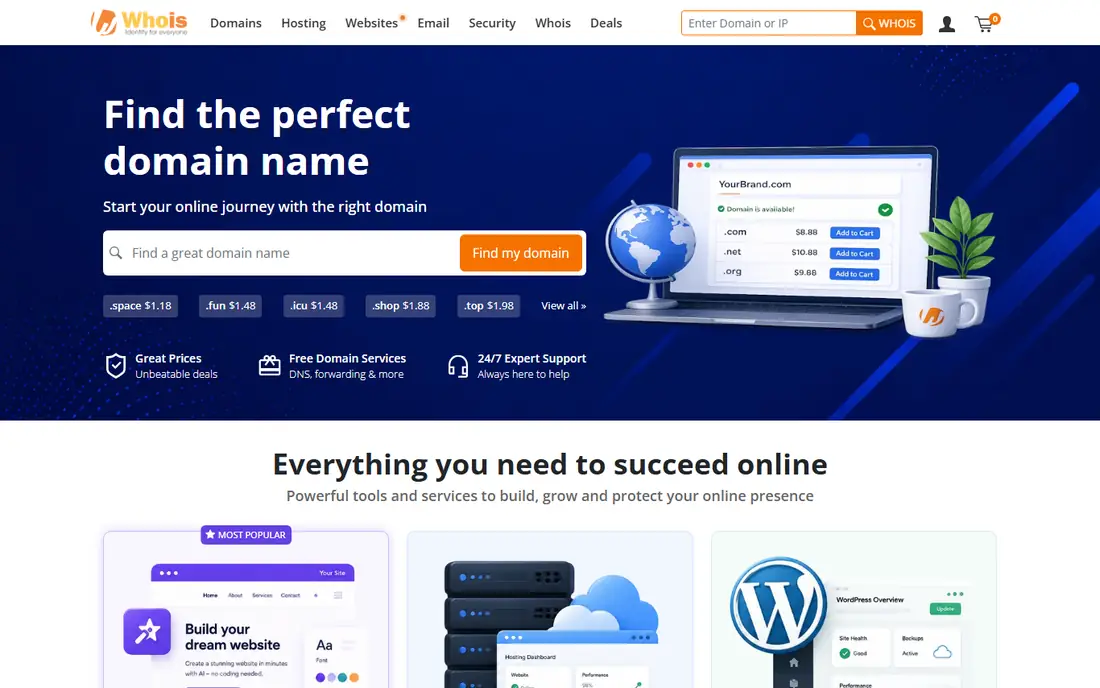
Whois.com has been a default free lookup for years because it does the basic job without an account. Type a domain, get the registrar, creation and expiry dates, name servers, and status, plus some DNS context. The layout is easy to read for a non-technical buyer checking a domain before making an offer.
Advertising and registration upsells are the price of free here. Pages carry promos, and related-domain suggestions steer toward a purchase. It also will not show you who owned a domain three years ago. Use it for fast checks, and move to ICANN Lookup when you need an authoritative record for a legal or compliance note.
What we like- Fast single-domain search
- Shows registrar and dates clearly
- Related domain suggestions
Watch out for- Ad-heavy pages
- No history on free lookups
- Upsells registration services
#3
Who.is
Best for: Simple, readable domain reports
Visit who.is
Starting price$0 per user/month
Free planYes
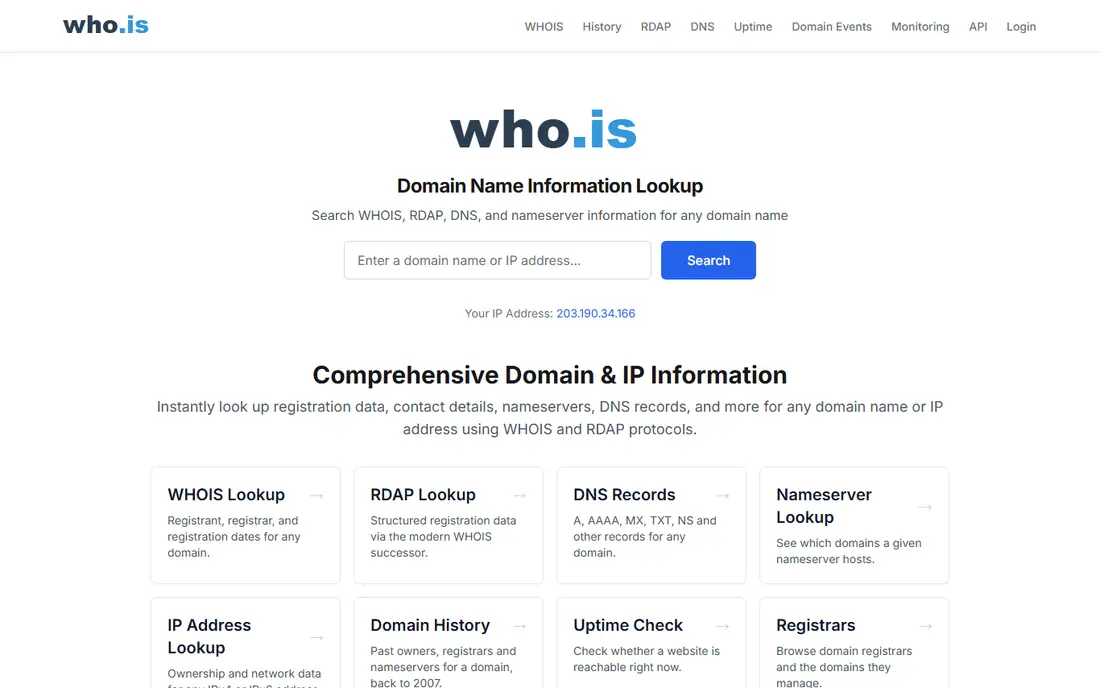
Who.is presents a domain report in a way that a beginner can follow: owner details where available, registrar, dates, name servers, and IP information on one page. That combined view saves a second lookup when you are checking whether a domain points to the right host or shares infrastructure with another site. It also covers IP lookups, which helps when a domain check leads to a server question.
Freshness is the main weakness. Third-party caches can trail the registry by hours or days, so a just-transferred domain may show old name servers. For time-sensitive checks, confirm against ICANN Lookup. For everyday research, Who.is is one of the easiest free tools to read.
What we like- Clean result layout
- IP and DNS info alongside Whois
- No account for basic lookups
Watch out for- Data can lag registry updates
- Limited bulk options
- Extra features sit behind paid tiers
Starting priceSee website
Free planFree trial
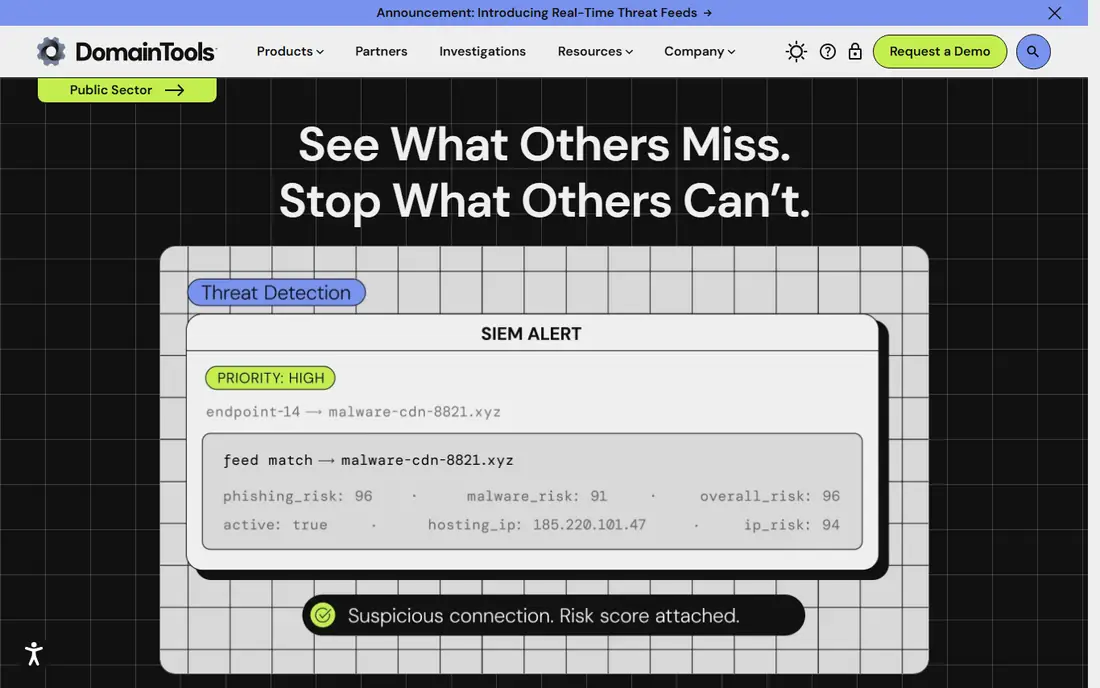
DomainTools is the research suite in this list, not just a lookup box. Its archive lets investigators see past registrants, name server changes, and IP history, and its reverse tools can find other domains tied to the same registrant details or infrastructure. Security teams and brand protection teams use it to connect a suspicious domain to a wider portfolio.
That depth comes with a subscription. Free lookups show only a partial record, and full history, reverse search, and API access require paid plans with pricing that varies by use. A casual buyer does not need it. An analyst tracking squatting, phishing infrastructure, or a domain dispute will find it hard to replace.
What we like- Deep historical Whois archive
- Reverse lookup by registrant or IP
- Hosting and DNS history
Watch out for- Paid access for full records
- Pricing is quote-based for many plans
- Overkill for one-off checks
Starting price$0 per user/month
Free planYes
GoDaddy's WHOIS search is built for people who may buy the domain next. It returns registrar, dates, and status quickly, and it immediately shows whether related names are available. That flow suits a founder checking a shortlist of names: look up one, see if it is taken, and check alternatives in the same session.
The sales focus is also the drawback. Every result nudges toward registration, transfer, or an appraisal, which can distract from a pure research task. There is no history and no bulk mode for free users. Use GoDaddy when speed and availability matter, and use ICANN Lookup when you need a neutral record.
What we like- Very fast results
- Clear availability and expiry detail
- Large registrar database
Watch out for- Strong buy and transfer prompts
- No historical data
- Results page is sales-focused
Starting price$0 per user/month
Free planYes
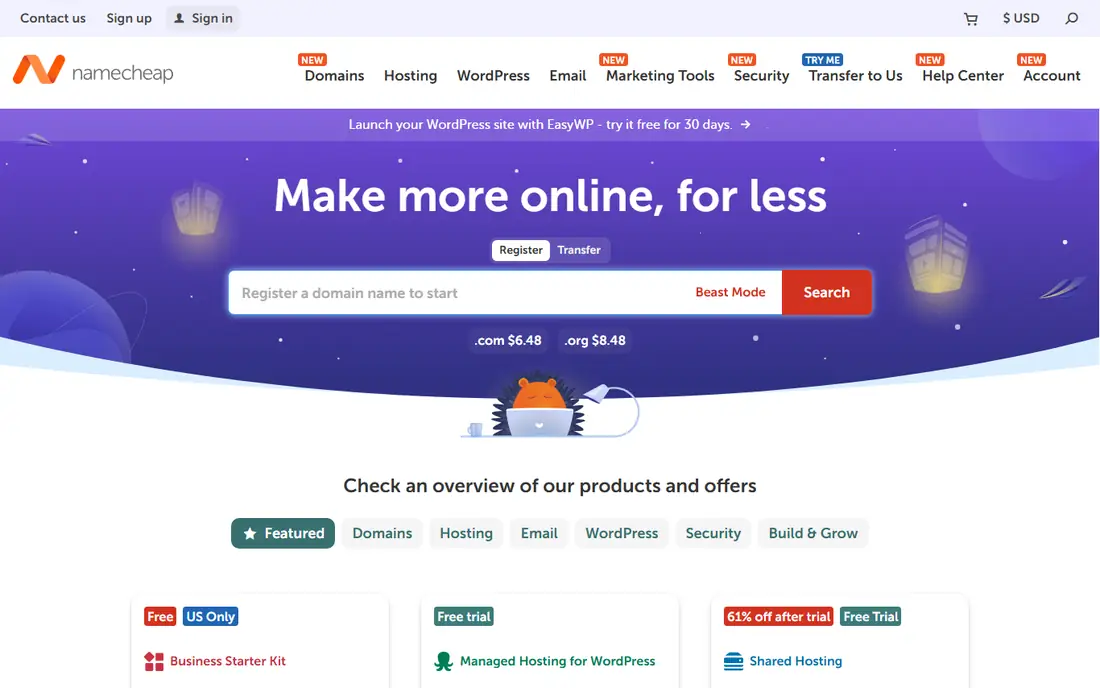
Namecheap offers a straightforward WHOIS lookup that covers the essentials: registrar, registration and expiry dates, name servers, and status codes. The page is less cluttered than some free rivals, which makes it a good choice for someone checking a handful of domains while comparing registrars. It also handles common extensions well, including newer generic domains.
It is still a registrar tool, so the result page includes purchase options, and it does not replace a research suite for history or reverse search. For a buyer comparing two or three names, Namecheap is fast and readable. For an investigator, it is a starting point, not the full file.
What we like- Simple lookup without an account
- Shows key dates and registrar
- Less cluttered than some rivals
Watch out for- No historical records
- No API on free tier
- Tied to a registration upsell
Starting price$0 per user/month
Free planYes
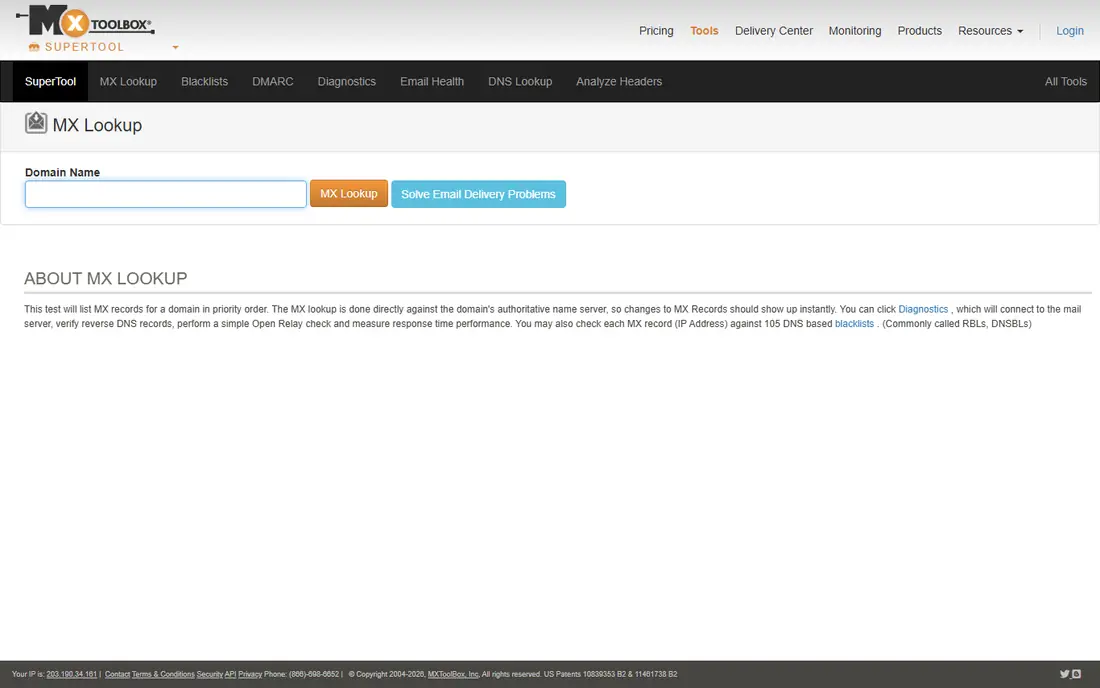
MXToolbox earns its place because domain problems are rarely only a Whois problem. After a lookup, you can run DNS, mail server, and blacklist checks from the same site, which helps an IT admin work out why mail bounces or why a domain is flagged. The Whois result itself covers registrar, dates, and name servers in a compact format.
Newcomers may find the tool list busy, and free lookups are rate-limited compared with a pure Whois site. Paid plans add monitoring and higher limits. If your job is troubleshooting rather than buying, MXToolbox saves you from opening four separate tools.
What we like- Whois alongside DNS, MX, and blacklist tools
- Useful for troubleshooting
- No account for basic checks
Watch out for- Interface is technical
- Free use has lookup limits
- Paid plans needed for monitoring
Starting priceSee website
Free planFree trial
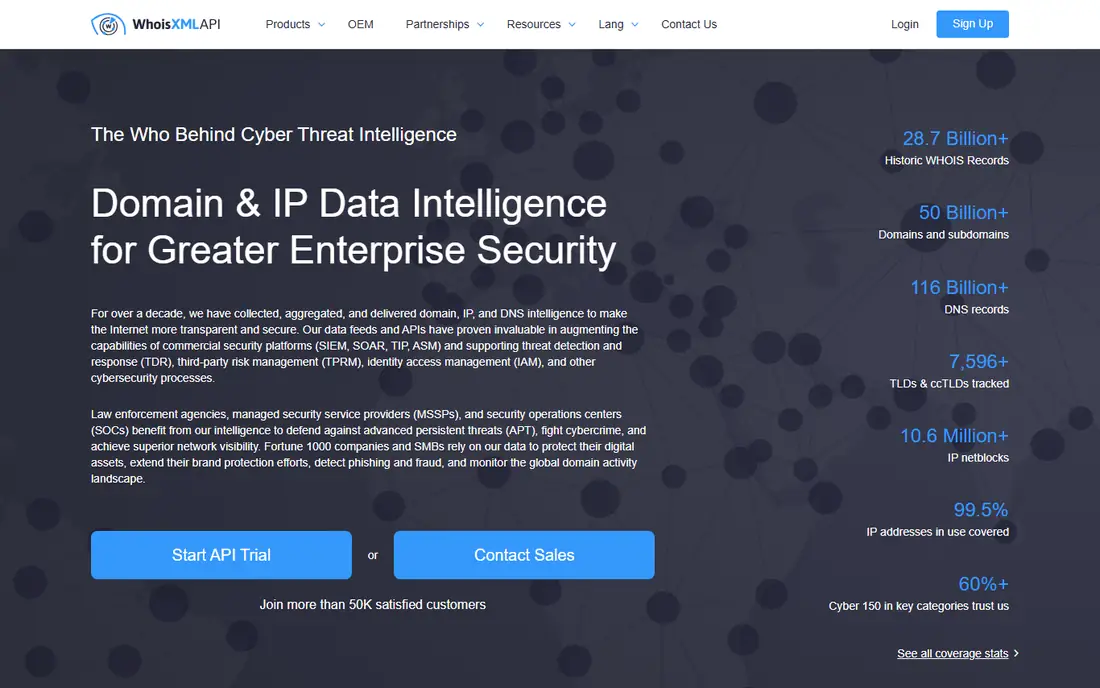
WhoisXML API is for teams that need Whois data inside software, not in a browser tab. Its APIs return parsed fields such as registrar, creation date, expiry date, and name servers in JSON, which a script or application can store and compare. Related products cover bulk lookup, domain monitoring, and historical records, so a security or sales team can track thousands of domains on a schedule.
The trade-off is complexity and cost. You need a developer to integrate it, and pricing varies by query volume, so a small project should test with free credits before committing. For a one-off check, this tool is the wrong choice. For automated research, lead enrichment, or threat monitoring, it is one of the most practical APIs in the category.
What we like- JSON API for automation
- Bulk lookup and monitoring products
- Parsed fields for databases
Watch out for- Pricing depends on volume and product
- Needs developer setup
- Free credits are limited
Starting price$0 per user/month
Free planYes
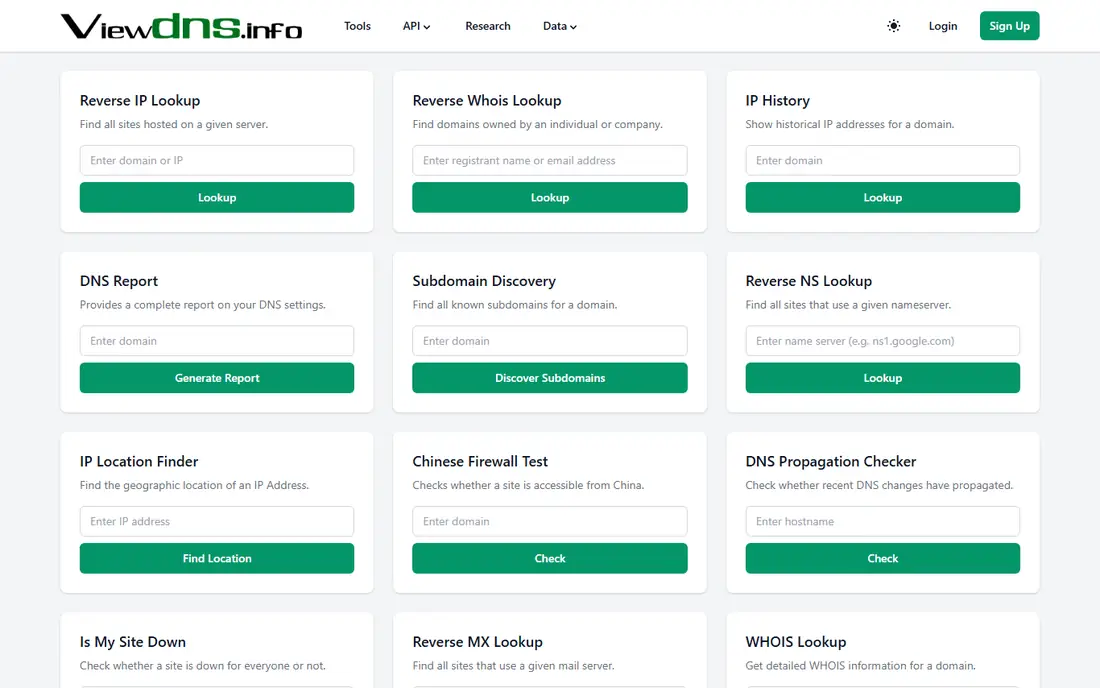
ViewDNS.info bundles a Whois lookup with a set of network utilities, including reverse IP lookup, DNS records, and port checks. That mix suits a security hobbyist or IT generalist who wants to see what else shares an IP address or which DNS records a domain publishes. Basic lookups are free and need no account.
The site looks older than its rivals, and result freshness can vary by tool, so confirm important dates against ICANN Lookup. There is no serious bulk or API offering. As a free companion tool for infrastructure curiosity, though, it covers more ground than a single-purpose lookup page.
What we like- Whois plus reverse IP and DNS tools
- Free without an account
- Good for quick infrastructure checks
Watch out for- Dated interface
- Data freshness varies
- No bulk or API focus
How we chose
We checked vendor sites and public documentation for each tool, favoring tools that return a live, working Whois or RDAP result for common extensions in 2026. We separated free web utilities from paid research suites and API products, because they answer different questions, and we noted where personal data is redacted under privacy rules. We also weighed extra value, such as DNS and blacklist checks, against clutter, upsells, and data freshness, so a free tool that misleads on dates did not outrank a plain but accurate one.
Choosing the right lookup for your task
A single check and a portfolio investigation need different tools, and using the wrong one wastes time or money. Start with the question you need answered, then pick the tier that answers it.
For buying or renewing one domain
Use ICANN Lookup for the authoritative dates, then a registrar tool such as GoDaddy or Namecheap to check availability of alternatives. That pair covers accuracy and next steps without a subscription. Watch the expiry date and the status codes: clientTransferProhibited is normal for a locked domain, while pendingDelete or redemptionPeriod signals a domain in the drop process.
For brand protection or security research
Free lookups will not show history or link domains together. Budget for DomainTools or a WhoisXML API plan, and keep ICANN Lookup as your verification source. Save full records with dates, since historical data changes as privacy services rotate details. If a record is redacted, note that too, because redaction itself is a finding for a dispute file.
For developers and bulk work
Pick an API with parsed JSON, documented rate limits, and a monitoring option if you need alerts on expiry or name server changes. Test with a small set of known domains first, including a privacy-protected domain and a country-code domain, to see how the API handles redaction and extension differences. Avoid scraping free web pages, which break often and may violate terms of use.
Frequently asked questions
What does a Whois lookup show?
It shows the domain registrar, registration and expiry dates, name servers, and status codes. It may also show registrant contact details, but privacy protection and GDPR rules mean those fields are often redacted or replaced with proxy details. DNS and IP data come from separate lookups, though some tools bundle them together.
Why is the owner name often hidden?
Registrars must protect personal data under privacy laws, and many owners pay for privacy protection on top of that. The public record then shows the registrar or a privacy service instead of the person. Companies sometimes still list an organization name, but individuals rarely appear in full.
Is Whois the same as RDAP?
They answer the same question through different protocols. Whois is the older text-based system, while RDAP returns structured data in JSON and is now the standard behind ICANN Lookup. Most web tools hide this difference, but RDAP results are easier for software to parse and tend to be more consistent across registries.
Can I find expired domains with a Whois tool?
Yes, for a domain you already know. A lookup shows the expiry date and status, which tells you if it is expired, in redemption, or pending deletion. Finding lists of expiring domains in a niche is a different job, and usually needs a drop-catching service or a bulk data product rather than a single lookup.
Are free Whois tools reliable?
For current registration dates and registrar details, the best free tools are reliable, especially ICANN Lookup. They are weaker on history, reverse search, and bulk work, and third-party caches can lag behind the registry. Confirm any high-stakes result, such as a purchase or a legal notice, against the registry source.
What is reverse Whois?
Reverse Whois searches for other domains tied to the same registrant detail, email, phone, or name server. It helps investigators link a portfolio of domains to one owner or one infrastructure setup. It is almost always a paid feature, because it requires a large historical database, and redaction limits what it can find today.
Sources we checked (9)
- https://lookup.icann.org
- https://www.whois.com
- https://who.is
- https://www.domaintools.com
- https://www.godaddy.com
- https://www.namecheap.com
- https://mxtoolbox.com
- https://whoisxmlapi.com
- https://viewdns.info
Is your product missing or out of date?
We review this list regularly. Vendors can request a listing, send updated pricing or ask about featured placement.

Shihab Mia · Founder, Rankite
Shihab has 5+ years in B2B and SaaS SEO. He writes Rankite's software buying guides from pricing pages, documentation and public user reviews. More about Shihab.