How we make this list: we compare pricing pages, product documentation and public user reviews. Rankite is independent; if a vendor ever pays for a featured spot, that listing is clearly labeled Partner.
Key takeaways
- No single app runs a whole business. The best software for running a small business is a small stack: accounting, client management, payments and payroll that talk to each other.
- QuickBooks ($38/mo, free plan) is the default for finances; Xero ($27/mo) is the modern alternative; Wave ($19/mo, free Starter) is the free option that works.
- For client-facing service businesses, HoneyBook ($29/mo annual) and Thryv ($99/mo) bundle the whole client lifecycle.
- Zoho One is the value play (50-plus apps, one price); Square ($0) is the free toolkit for businesses that sell in person.
Quick comparison
| Tool | Best for | Starting price | Free plan |
|---|
 QuickBooks Online QuickBooks Online | the default small business accounting platform | $38/mo | Yes |
 Xero Xero | modern accounting that accountants enjoy | $27/mo | No |
 Zoho One Zoho One | 50-plus business apps for one price | See website | No |
 FreshBooks FreshBooks | invoicing-first accounting for service businesses | $23/mo | No |
 Wave Wave | free accounting and invoicing that works | $19/mo | Yes |
 HoneyBook HoneyBook | client experience for service professionals | $29/mo (billed annually) | No |
 Thryv Thryv | all-in-one for local service businesses | $99/mo | No |
 Keap Keap | CRM and automation for follow-up-driven businesses | See website | No |
 Square Square | free toolkit for businesses that sell in person | $0 | Yes |
 Gusto Gusto | payroll and HR that makes hiring less scary | See website | No |
Is your product missing or out of date?
We review this list regularly. Vendors can request a listing, send updated pricing or ask about featured placement.
The best software for running a small business
Starting price$38/mo
Free planYes
QuickBooks is the default answer for small business finances, and defaults exist for a reason. The platform handles accounting, invoicing, expenses, payroll, inventory and reporting in one place, with pricing published on the site: a Free plan at $0 per month, Simple Start at $38 per month, Essentials at $85, Plus at $140 and Advanced at $340.
The real advantage is the ecosystem. Your accountant already works in it. More than 800 integrations connect it to everything else you use. Bank feeds, automated bookkeeping and the new Intuit Intelligence features reduce the manual work that used to require a bookkeeper. Trusted by 10 million businesses worldwide.
The complaints are real too: pricing has risen steadily, and the interface carries the weight of decades of features. But for the financial core of a small business, QuickBooks remains the safest choice and the best software for running a small business's books.
What we like- The industry standard your accountant already knows
- Published pricing from $38/mo with a free plan
- 800-plus integrations
Watch out for- Price increases have annoyed long-time users
- The interface can feel bloated
#2
Xero
Best for: modern accounting that accountants enjoy
Visit xero.com
Starting price$27/mo
Free planNo
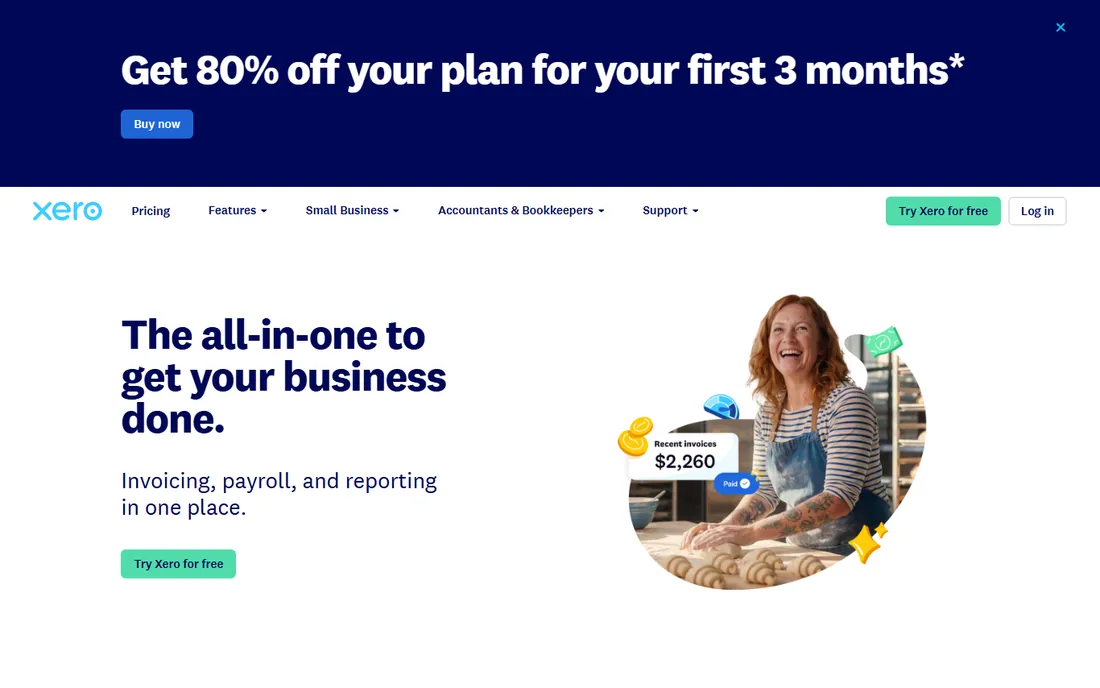
Xero is the modern alternative that accountants actually enjoy using. Founded in New Zealand in 2006, it built cloud accounting right while QuickBooks was still transitioning from desktop, and the design shows it: clean dashboards, real-time bank feeds and genuinely pleasant invoicing.
Pricing is straightforward: Early at $27 per month, Growing at $59 and Established at $97, all in USD. Multi-currency support is stronger than QuickBooks, which matters for businesses with international clients. The automation and reporting are solid, and the interface does not punish you for checking your finances on a phone.
The US app ecosystem is smaller than QuickBooks, and there is no free tier. For startups, agencies and international businesses that want modern accounting without the Intuit baggage, Xero is the pick.
What we like- Clean, modern interface
- Strong multi-currency and bank feeds
- Pricing from $27/mo
Watch out for- Smaller US app ecosystem than QuickBooks
- No free plan
#3
Zoho One
Best for: 50-plus business apps for one price
Visit zoho.com
Starting priceSee website
Free planNo
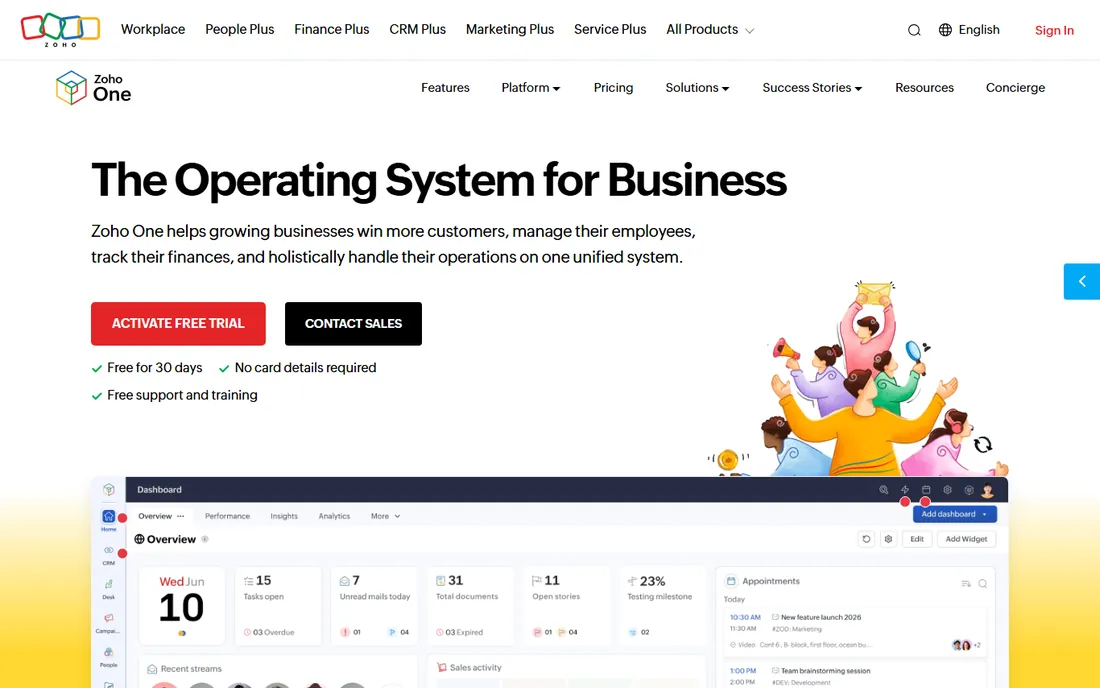
Zoho One is the value play: 50-plus business apps for one price. Instead of buying a CRM from one vendor, accounting from another and HR from a third, Zoho One bundles them all, CRM, Books, Projects, People, Marketing and dozens more, under a single per-user license with one invoice.
For a small business, the math is compelling. The Essentials plan covers sales, customer service, marketing, project management, collaboration and finance. The Standard plan adds the full 50-plus apps with advanced features, AI analytics and a customization platform. Everything shares data and single sign-on.
The catch is depth. No single Zoho app is best-in-class; the CRM is good but not Salesforce, the accounting is good but not QuickBooks. And pricing is not clearly published on the site. For businesses that want one vendor and one bill, Zoho One is unmatched value.
What we like- 50-plus unified apps (CRM, accounting, HR, marketing) for one per-user price
- Incredible value
- Single invoice
Watch out for- Pricing not clearly published
- The breadth means some apps are shallow
Starting price$23/mo
Free planNo
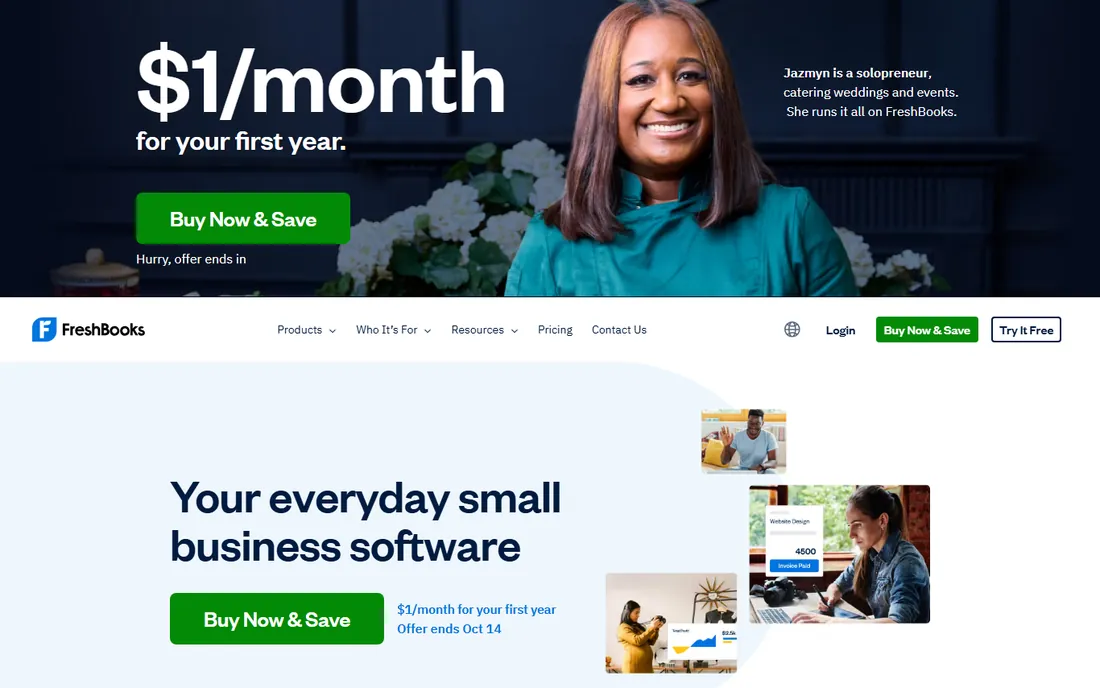
FreshBooks is the invoicing-first option for service businesses. Pricing is transparent: Lite at $23 per month, Plus at $43, Premium at $70, with a 30-day free trial and a money-back guarantee. The Lite plan covers 5 billable clients; Plus covers 50.
The product shines at the client-facing side of money: beautiful customizable invoices, automated late payment reminders, time tracking that flows into invoices, expense tracking and client portals. For freelancers, consultants and agencies that bill by the hour or the project, the workflow from time to invoice to payment is the smoothest here.
The accounting underneath is lighter than QuickBooks or Xero, double-entry reports and bank reconciliation live on higher plans. For service businesses where invoicing speed matters more than accounting depth, FreshBooks is the best fit.
What we like- Published pricing from $23/mo
- The easiest invoicing in the business
- Great for freelancers and agencies
Watch out for- Lighter accounting than QuickBooks or Xero
- No free plan
Starting price$19/mo
Free planYes
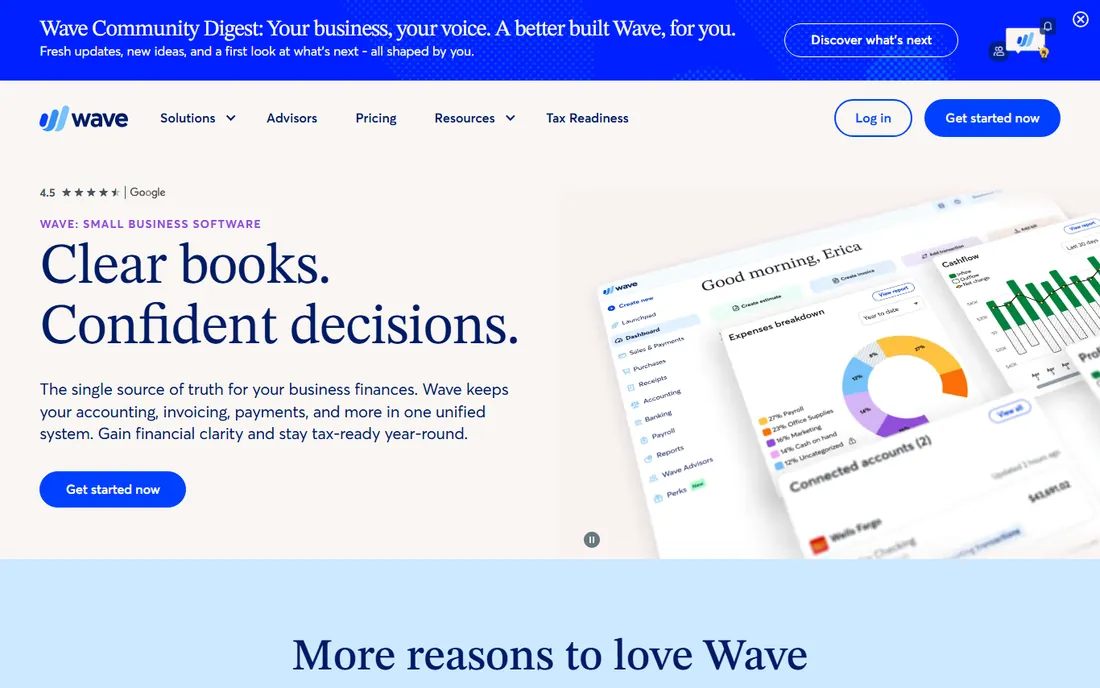
Wave is the free option that is actually good. The Starter plan includes unlimited estimates, invoices, bills and bookkeeping records for free. The Pro plan, at $19 per month per business, adds auto-imported bank transactions, receipt capture, late payment reminders and discounted payment processing.
For a solo owner or tiny business, Wave covers the essentials honestly. Invoicing looks professional, bookkeeping is straightforward, and the mobile app handles invoicing on the go. Wave Advisors, from $149 per month, adds a dedicated bookkeeper for businesses that want hands-off books.
The limitations are the paid add-ons: payroll from $25 per month, payment processing fees per transaction. And Wave is US and Canada focused. For businesses that need real accounting at zero cost, Wave is the answer.
What we like- Genuinely free accounting and invoicing
- Pro plan only $19/mo
- Simple and honest
Watch out for- Payroll and payments are paid add-ons
- Smaller feature set than paid competitors
Starting price$29/mo (billed annually)
Free planNo
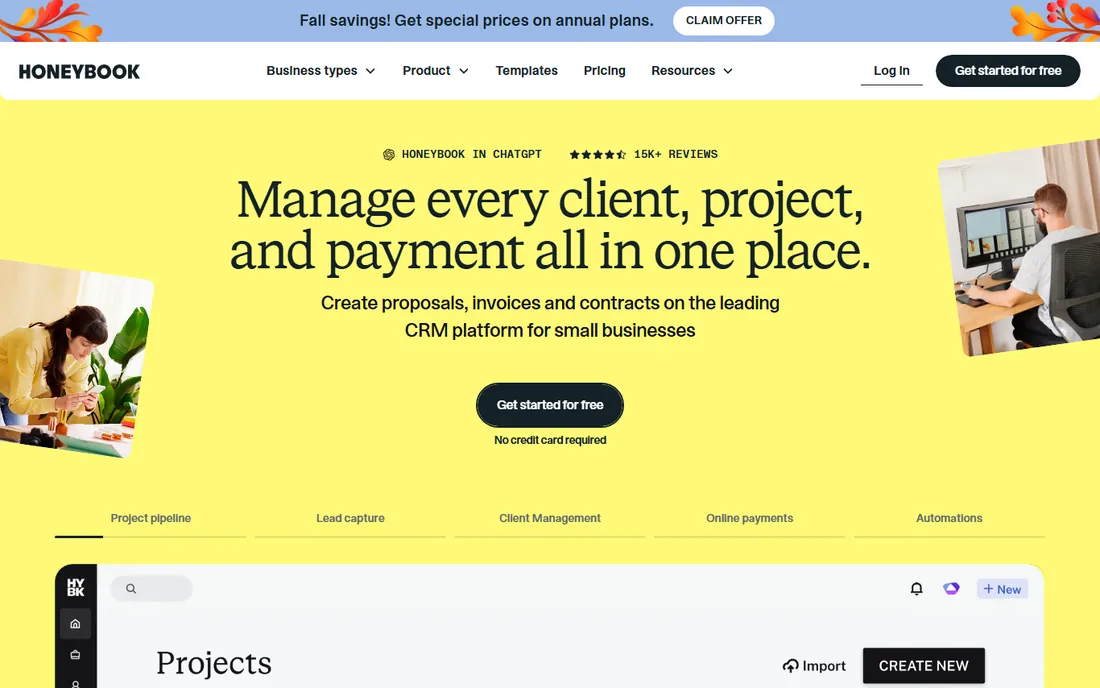
HoneyBook is the client experience platform for service professionals. Pricing is clear: Starter at $29 per month billed yearly, Essentials at $49, Premium at $109, all starting with a free trial. It targets photographers, designers, coaches, event planners and other businesses that book clients.
The product covers the whole client lifecycle: lead capture, proposals, contracts with e-signatures, invoices, payments, scheduling and automations, all in a branded client portal. HoneyBook AI drafts emails, builds automations and summarizes projects. The Essentials plan adds the scheduler, automations and QuickBooks integration.
HoneyBook is not accounting software and does not try to be. For service businesses where winning and managing clients is the bottleneck, it replaces a tangle of separate tools with one polished flow.
What we like- Published pricing from $29/mo annual
- Proposals, contracts, invoices and payments in one flow
- Beautiful client portal
Watch out for- Service-business focus
- The good automations need the Essentials plan
Starting price$99/mo
Free planNo
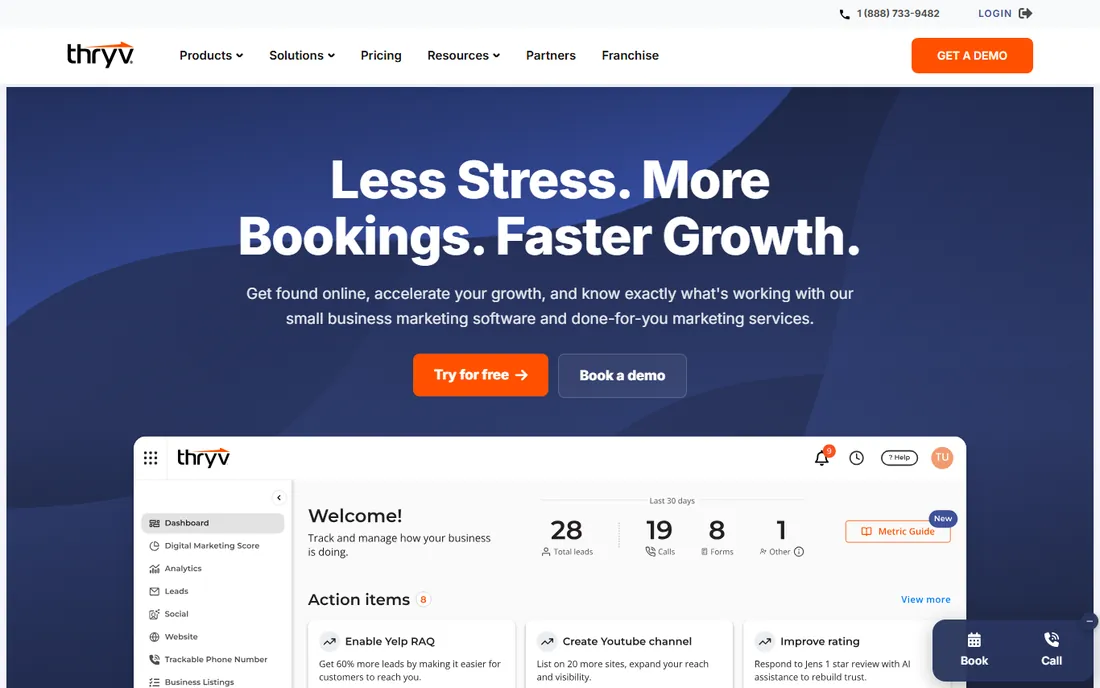
Thryv is the all-in-one for local service businesses. Pricing is published: Starter at $99 per month, Signature at $399 per month, Custom for tailored needs. It targets plumbers, HVAC, salons, contractors and other local businesses that need to get found and get booked.
The platform blends marketing and operations: listings management across 60-plus directories, AI website builder, review management, social media, CRM, scheduling, invoicing and payments. The Signature plan adds SEO, advanced listings and competitive insights. Thryv Boosts are done-for-you marketing services on top.
The jump from $99 to $399 is steep, and marketing-heavy businesses may not need it all. For local service businesses that want one platform handling both getting customers and serving them, Thryv is purpose-built.
What we like- Published pricing from $99/mo
- Combines marketing, CRM and operations
- Built for local services
Watch out for- The price jumps fast to Signature at $399/mo
- Marketing-heavy for some
#8
Keap
Best for: CRM and automation for follow-up-driven businesses
Visit keap.com
Starting priceSee website
Free planNo
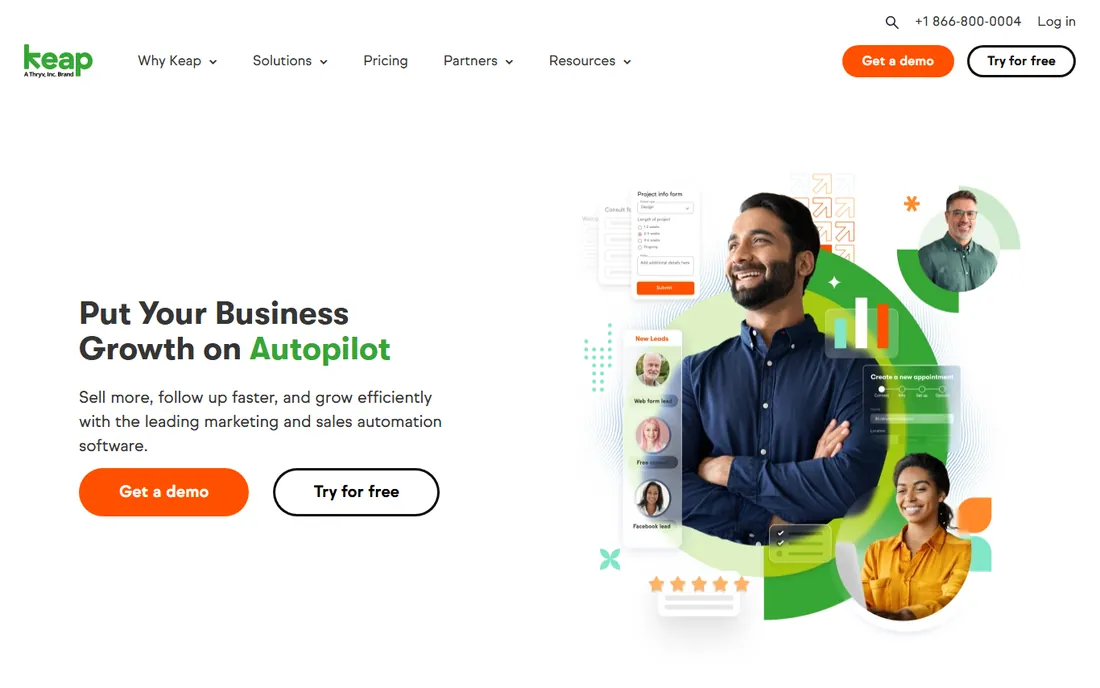
Keap is the CRM and automation platform for businesses that live on follow-up. It combines contact management, email and text marketing, sales pipeline, appointment scheduling, quotes, invoices and payments with automation that nurtures leads while you work.
The differentiator is the automation library: proven campaigns built over 20-plus years serving small businesses, lead nurture, cart abandonment, review requests, billing reminders. The platform includes a dedicated Customer Success Manager, US phone support and 24/7 chat.
The catch is cost structure. Pricing is not clearly published on the site, and Keap requires implementation services, strategy consulting, data import and done-for-you setup, which adds to the price tag. For businesses where consistent follow-up directly drives revenue, the investment pays back.
What we like- Serious CRM plus marketing and sales automation
- Proven templates from 20-plus years
- Dedicated success manager
Watch out for- Pricing not clearly published
- Required implementation services add cost
Starting price$0
Free planYes
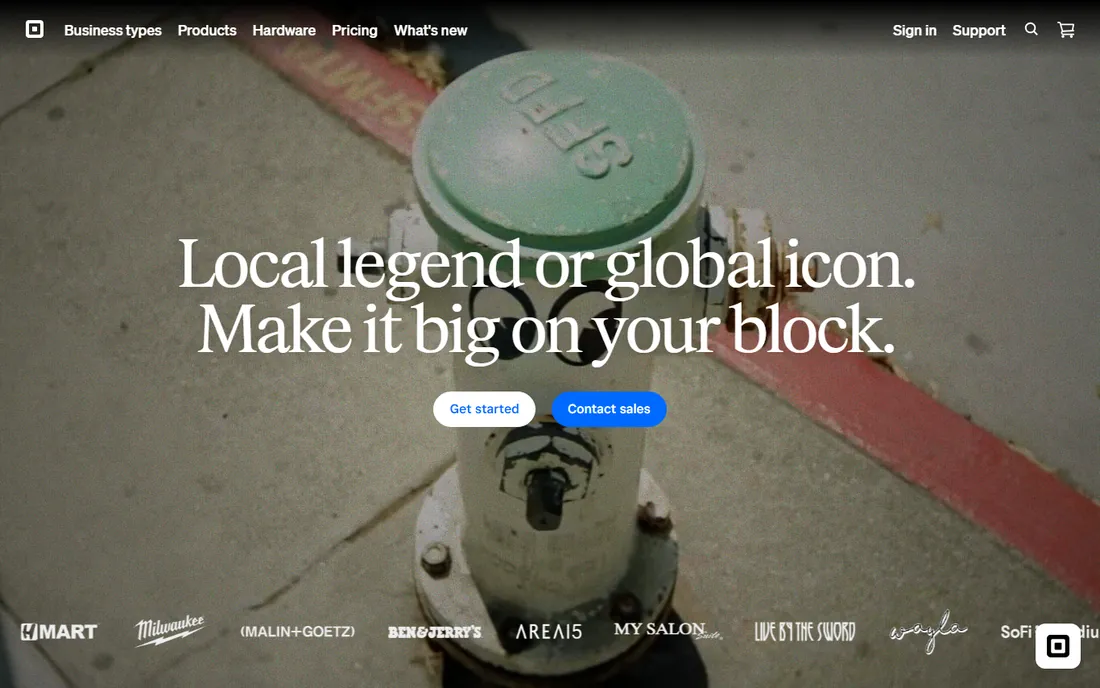
Square is the free toolkit for businesses that sell in person. The pitch is right on the pricing page: your complete business toolkit, starting at $0. The free plan includes the POS app, online site, item library, invoicing, booking and checking accounts. You only pay processing fees when you take a payment.
For retail, food, salons and appointment businesses, Square replaces thousands of dollars of point-of-sale hardware and software with a phone or tablet. The paid tiers, Plus and Premium, add advanced POS features, lower processing fees, loyalty programs, marketing and staff management.
The processing fees are the real cost: at volume, they exceed what a dedicated merchant account would charge. But for starting and small businesses, Square's zero-fixed-cost model is unbeatable.
What we like- Genuinely free to start
- POS, invoicing, booking and online store in one
- Only pay when you take payments
Watch out for- Processing fees add up at volume
- The free tier has limits that push upgrades
#10
Gusto
Best for: payroll and HR that makes hiring less scary
Visit gusto.com
Starting priceSee website
Free planNo
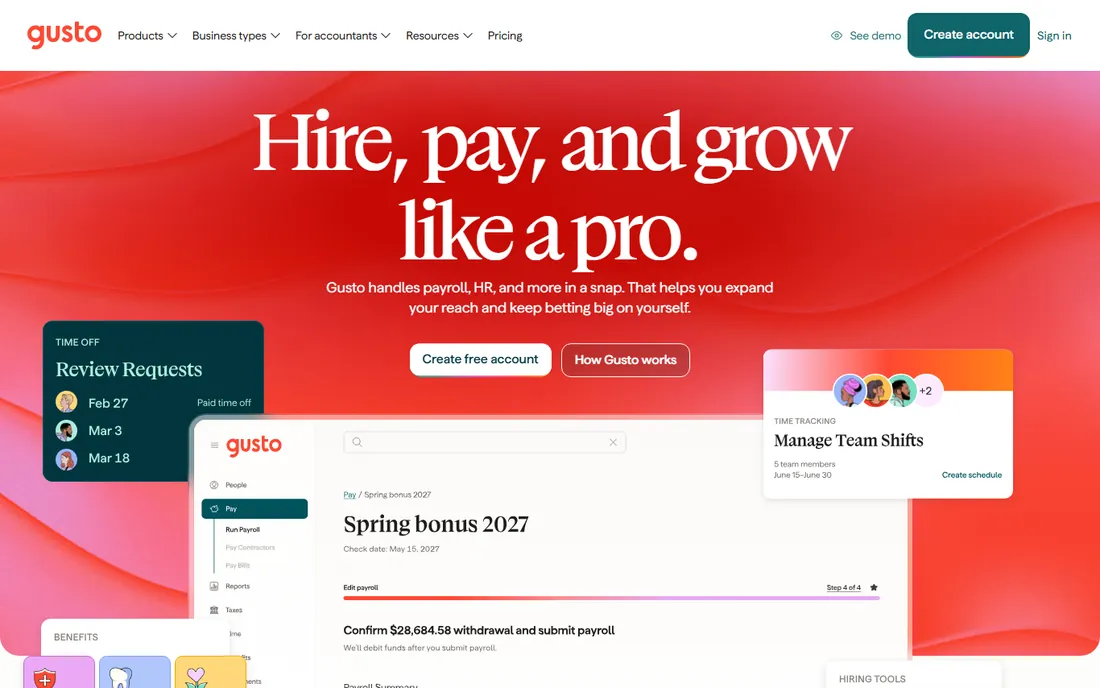
Gusto is the payroll and HR platform that makes hiring less scary. It handles full-service payroll, federal, state and local tax filings, W-2s and 1099s, direct deposit, benefits administration, hiring and onboarding, all in an interface designed for owners who are not payroll experts.
The plans scale with the business: Simple for basic single-state payroll, Plus for multi-state payroll with advanced HR and time tracking, and higher tiers for larger teams. Benefits administration is included across plans, with health insurance, 401(k)s and workers comp available.
Pricing is not clearly extractable from the vendor site, so expect a sales conversation or a careful read of the pricing page. For small businesses making their first hires, Gusto removes the fear and the paperwork from payroll.
What we like- The friendliest payroll in the business
- Full-service tax filing
- Benefits and HR in one place
Watch out for- Pricing not clearly extractable from the site
- Payroll-only businesses may not need the HR
How we chose
We researched vendor documentation, product materials and small business software comparisons in October 2026. Every price above comes from the vendor's own pricing page; where vendors do not publish pricing clearly we say so. We weighted breadth of function, pricing transparency, ease of use for non-technical owners and integration quality, and we favored platforms that cover multiple business functions over single-purpose tools.
The one-app fallacy: why most small businesses need a stack
No single app runs a whole business, and vendors that claim otherwise are selling. The realistic stack is small: one tool for money (QuickBooks, Xero, FreshBooks or Wave), one for clients (HoneyBook, Thryv or Keap), one for selling (Square), one for team (Gusto). Four tools, each best-in-class at its job, integrated together.
The all-in-one platforms (Zoho One, Thryv) are the exception that proves the rule. They work when the business values one vendor and one bill over best-in-class depth. That is a legitimate trade, especially under 20 employees. Just go in knowing that no single Zoho app beats the specialist it replaces.
The integration test is the one that matters. Before buying, check that your money tool talks to your client tool and your payroll tool. QuickBooks integrates with almost everything. The smaller the vendor, the more you should verify. A stack that does not share data is just four separate chores.
How to avoid buying software you will not use
The first mistake is buying for the business you want instead of the business you have. A solo freelancer does not need Keap's automation or Gusto's HR. Start with the free and cheap tools (Wave, Square, QuickBooks Free), and upgrade when the pain is real. Software bought aspirationally becomes shelfware.
The second mistake is skipping the trial. Every tool on this list offers a free trial or a free plan. Run your real workflows through it: send a real invoice, run a real payroll, onboard a real client. A demo with sample data tells you nothing. A week of real use tells you everything.
The third mistake is ignoring the exit. Before you commit, check how you get your data out. Accounting data, client lists and payroll history need to be exportable. The vendors that make export easy are the ones confident you will stay. The ones that do not are telling you something.
Frequently asked questions
What is the best software for running a small business?
There is no single best. The best software for running a small business is a small integrated stack: accounting (QuickBooks, Xero, FreshBooks or Wave), client management (HoneyBook, Thryv or Keap), payments and selling (Square), and payroll and HR (Gusto). All-in-one platforms like Zoho One or Thryv suit businesses that prefer one vendor and one bill.
How much does small business software cost?
It ranges from free to hundreds per month. Wave and Square start at $0. FreshBooks starts at $23 per month, Xero at $27, HoneyBook at $29 billed annually, QuickBooks at $38, Thryv at $99. A typical small stack of accounting, client management and payroll runs $100 to $300 per month. Start free and upgrade when the pain is real.
Should I use QuickBooks or Xero?
QuickBooks is the default: your accountant knows it, it integrates with everything, and it scales from free to enterprise. Xero is the modern alternative: cleaner interface, stronger multi-currency, better mobile experience. US businesses with domestic accountants usually pick QuickBooks. International businesses, startups and design-forward teams usually pick Xero. Both are excellent.
Is free small business software actually good?
Yes, with limits. Wave offers genuinely free accounting and invoicing. Square offers a free POS, invoicing and online store. QuickBooks has a free plan. The free tiers cover the essentials honestly; they make money on payment processing, payroll add-ons and upgrades. For starting businesses, free is the right price. Upgrade when you outgrow the limits.
What software does a new small business need first?
Start with money: accounting and invoicing (Wave for free, QuickBooks or FreshBooks for paid). Add payments when you start selling (Square). Add client management when follow-up becomes a bottleneck (HoneyBook or Keap). Add payroll when you hire (Gusto). Buy each tool when the pain is real, not before.
Sources we checked (19)
- https://quickbooks.intuit.com/
- https://quickbooks.intuit.com/pricing/
- https://www.xero.com/
- https://www.xero.com/us/pricing-plans/
- https://www.zoho.com/one/
- https://www.freshbooks.com/
- https://www.freshbooks.com/pricing
- https://www.waveapps.com/
- https://www.waveapps.com/pricing
- https://www.honeybook.com/
- https://www.honeybook.com/pricing
- https://www.thryv.com/
- https://www.thryv.com/pricing/
- https://keap.com/
- https://keap.com/pricing
- https://squareup.com/
- https://squareup.com/us/en/pricing
- https://gusto.com/
- https://gusto.com/pricing
Is your product missing or out of date?
We review this list regularly. Vendors can request a listing, send updated pricing or ask about featured placement.

Shihab Mia · Founder, Rankite
Shihab has spent more than a decade helping SaaS and e-commerce brands grow through search. He writes Rankite's software buying guides from pricing pages, documentation and public user reviews. More about Shihab.