How we make this list: we compare pricing pages, product documentation and public user reviews. Rankite is independent; if a vendor ever pays for a featured spot, that listing is clearly labeled Partner.
Key takeaways
- The only tools here with published per-user prices: Microsoft Dynamics 365 Business Central ($80/user/month for Essentials, $110 for Premium) and ERPNext (free to self-host as open source; hosted on Frappe Cloud from $14/month).
- Odoo is the budget play: its Community edition is open source and 100% free, and Enterprise charges a single per-user price covering all apps.
- NetSuite, Sage Intacct, Acumatica and SAP Business One publish no prices at all. Expect a demo, a sales rep or partner, and a custom quote, with implementation measured in months rather than days.
- QuickBooks Enterprise keeps you inside the QuickBooks world on an annual subscription priced by edition and user count, but it is desktop software first, with cloud hosting as an add-on.
Quick comparison
| Tool | Best for | Starting price | Free plan |
|---|
 NetSuite NetSuite | Growing companies (roughly 20 to 1,000+ employees) that want financials, inventory, CRM and ecommerce in one cloud suite | See website (custom quote; no published prices) | No (free 3-day trial and free product tour offered) |
 Sage Intacct Sage Intacct | Growing and mid-sized companies with multi-entity or complex accounting needs (Sage positions it at 20+ employees) | See website (custom quote; Sage says pricing is tailored to organization size and needs) | No (demo-based sales; annual subscription) |
 Acumatica Acumatica | Small and mid-market distributors, manufacturers, construction firms and field-service companies buying through a partner | See website (quote-based; sold through partners) | No (demo through partners) |
 Microsoft Dynamics 365 Business Central Microsoft Dynamics 365 Business Central | Small and mid-sized businesses already on Microsoft 365 that want ERP inside the Microsoft stack | $80/user/month (Essentials); $110/user/month (Premium), per Microsoft's pricing effective November 1, 2025 | No free plan (free trial available) |
 Odoo Odoo | Cost-conscious small businesses that want to start with one or two apps and add modules as they grow | See website (Enterprise is a single per-user price covering all apps; Community edition is free) | Yes (Community edition is open source and 100% free, per odoo.com) |
 SAP Business One SAP Business One | Small businesses (up to a few hundred employees) in distribution, manufacturing or retail that want SAP depth with a smaller footprint | See website (sold exclusively through SAP partners; quote-based) | No (demo through partners) |
 QuickBooks Enterprise QuickBooks Enterprise | US small businesses outgrowing QuickBooks Online or Desktop Pro that want to stay in the QuickBooks world | See website (annual subscription; priced by edition and user count) | No free plan advertised |
 ERPNext ERPNext | Small businesses with technical resources that want full ERP scope with zero per-user license fees | Free self-hosted (open source); hosted on Frappe Cloud from $14/month | Yes (open source; free to self-host indefinitely) |
Is your product missing or out of date?
We review this list regularly. Vendors can request a listing, send updated pricing or ask about featured placement.
When QuickBooks stops being enough
The pattern is always the same. Inventory lives in a spreadsheet, orders live in another, the accountant keeps a third copy of the truth in QuickBooks, and nobody agrees on what you actually have in the warehouse. At 10 employees that is annoying. At 30 it starts costing real money in stockouts, duplicate orders and month-end closes that take two weeks. That is the moment ERP enters the conversation: one system where accounting, inventory, purchasing, sales and (sometimes) manufacturing share the same data.
These eight systems cover the realistic small-business ERP market. Four of them will not show you a price without a sales call, two publish honest per-user numbers, and two are open source. The right pick depends less on feature checklists than on how you want to buy: self-serve signup, partner-led project, or a free download you host yourself.
#1
NetSuite
Best for: Growing companies (roughly 20 to 1,000+ employees) that want financials, inventory, CRM and ecommerce in one cloud suite
Visit netsuite.com
Starting priceSee website (custom quote; no published prices)
Free planNo (free 3-day trial and free product tour offered)
NetSuite is the reference point the rest of this list gets measured against. It was one of the first subscription ERP systems, and today it sells a single cloud suite covering ERP and financials, inventory and order management, CRM, and ecommerce. The pitch is the absence of stitching: a sales order updates inventory, revenue recognition and the customer record in the same system, which is exactly the spreadsheet chaos most buyers are escaping.
The honest catch is how you buy it. There is no price list, no self-serve trial beyond the short test drive, and real implementations go through NetSuite or a partner. That suits companies with budget for a project and a finance team that will use the depth. A 15-person company that just needs cleaner inventory should look at the cheaper, simpler options below first.
What we like- One unified suite, so accounting, inventory, CRM and ecommerce share the same data with no integrations to maintain
- Long track record as a cloud ERP vendor (founded 1998, acquired by Oracle in 2016)
- NetSuite's homepage notes its 2025 Gartner Magic Quadrant Leader placement for cloud ERP for product-centric enterprises
Watch out for- Zero price transparency, so every evaluation starts with a sales process
- Implementation is a project that typically runs through a partner, not a self-serve signup
- Per-user pricing means the bill grows with every hire
#2
Sage Intacct
Best for: Growing and mid-sized companies with multi-entity or complex accounting needs (Sage positions it at 20+ employees)
Visit sage.com
Starting priceSee website (custom quote; Sage says pricing is tailored to organization size and needs)
Free planNo (demo-based sales; annual subscription)
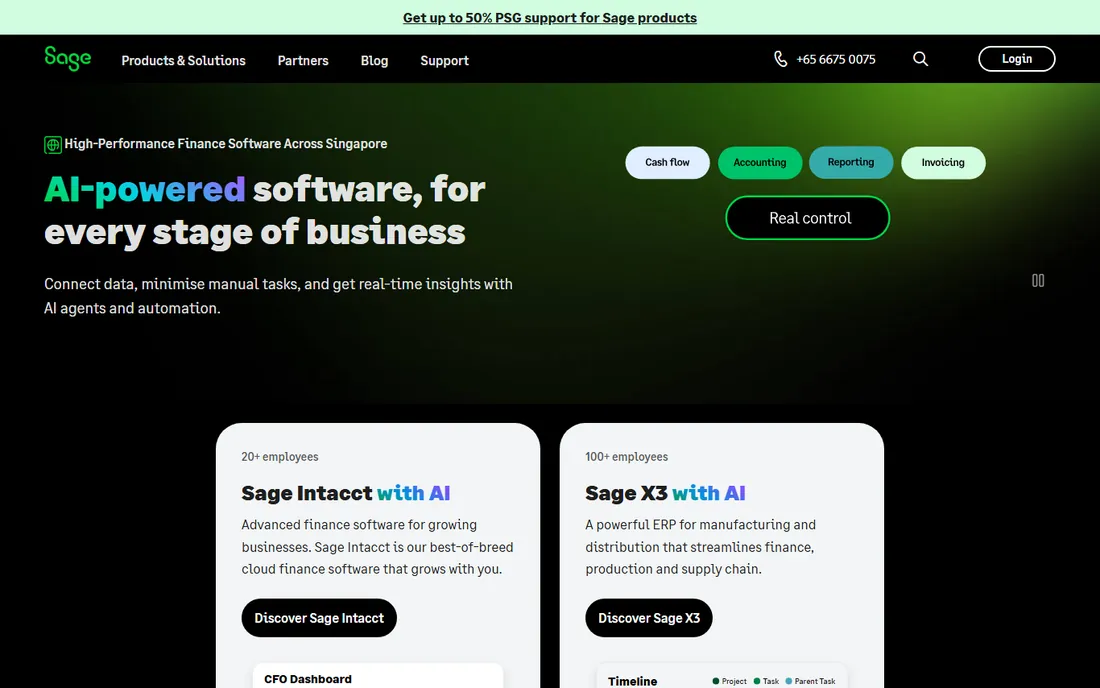
Sage Intacct is a financials-first cloud system, not a manufacturing suite with accounting attached. Its core strength is the general ledger: dimensions let you tag every transaction by department, location, project or entity and slice reports without a forest of separate accounts. Companies running three entities in QuickBooks with manual consolidation spreadsheets are the classic Intacct buyer.
The commercial reality matches the enterprise pedigree. Pricing is quote-only, the subscription is annual, and Sage recommends its own team or a partner for implementation. Budget for a project, not a purchase. If your pain is inventory and warehouse operations rather than multi-entity accounting, the manufacturing-leaning tools below fit better.
What we like- Dimension-based accounting built for multi-entity consolidations and complex reporting
- Finance AI agents for close management, AP automation and anomaly detection, per its product page
- Strong audit trails and compliance controls for regulated or investor-backed companies
Watch out for- No published pricing at all
- Sage itself says implementation typically takes 3 to 6 months
- Aimed above the smallest businesses, so it is overkill under about 20 employees
#3
Acumatica
Best for: Small and mid-market distributors, manufacturers, construction firms and field-service companies buying through a partner
Visit acumatica.com
Starting priceSee website (quote-based; sold through partners)
Free planNo (demo through partners)
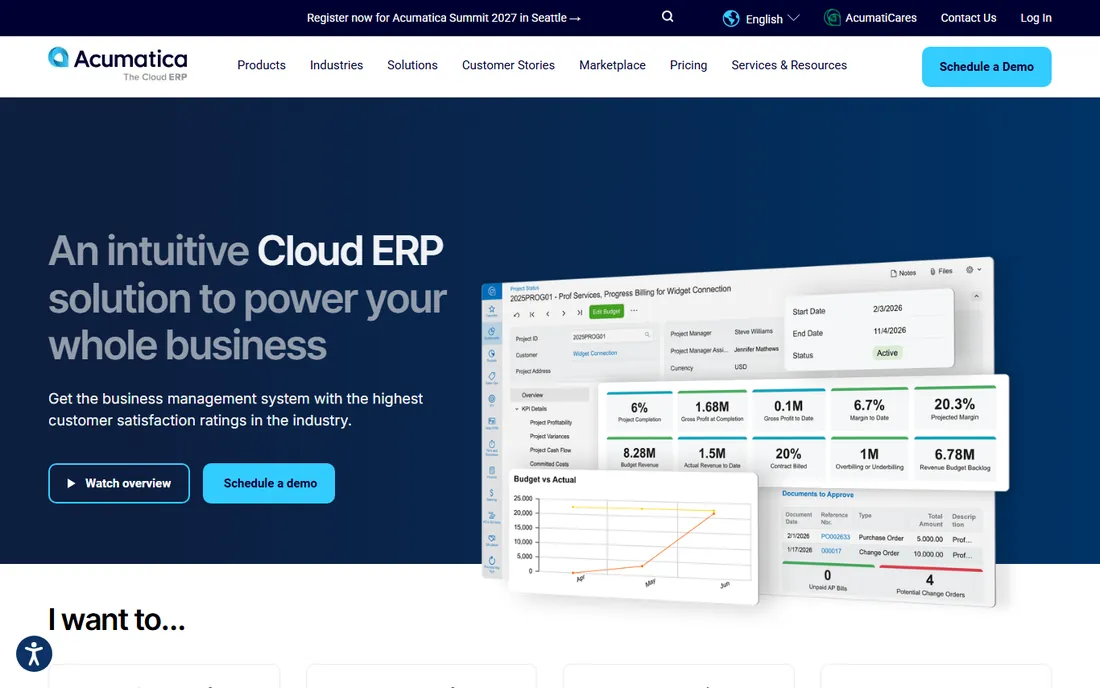
Acumatica's whole identity is being the mid-market alternative to the giants: cloud-native, sold exclusively through a partner network, with industry editions that speak the language of distributors and manufacturers (available-to-promise, production reporting, project accounting). The resource-based licensing is the genuine differentiator in this list: instead of paying per user, you pay for the transaction and data volume you consume, so warehouse staff who log in twice a day do not each need a full seat.
The tradeoff is opacity. Without published prices you cannot budget until a partner scopes you, and Acumatica's own materials steer every buyer to a demo. Companies that like to evaluate software hands-on before talking to sales will find the process slow. Get two or three partner quotes, because pricing and implementation estimates vary.
What we like- Industry editions for distribution, manufacturing, construction, retail-commerce and professional services
- Licensing based on computing resources consumed rather than per named user, which suits companies with many occasional users
- Steady release cadence, with 2026 releases adding AI-assisted workflows and anomaly detection
Watch out for- No public pricing, and every deal runs through a partner
- Partner quality varies, so the buying experience depends on who you get
- Smaller app ecosystem than NetSuite or Microsoft
#4
Microsoft Dynamics 365 Business Central
Best for: Small and mid-sized businesses already on Microsoft 365 that want ERP inside the Microsoft stack
Visit microsoft.com
Starting price$80/user/month (Essentials); $110/user/month (Premium), per Microsoft's pricing effective November 1, 2025
Free planNo free plan (free trial available)
Business Central is the former Dynamics NAV rebuilt for the cloud, and it is the natural ERP for companies that already live in Outlook, Teams and Excel. Financials, sales, purchasing, inventory, projects and (on Premium) manufacturing and service management run in one system, and the Microsoft integrations are genuinely native rather than bolted on: approvals in Teams, reporting in Excel, automation through Power Platform.
The price list is the clearest in this roundup, and also the easiest to underestimate. Microsoft raised prices in November 2025 (Essentials went from $70 to $80 per user per month), and the per-user model punishes headcount growth: a 25-person rollout on Essentials is $2,000/month in licenses alone. Price the partner implementation separately, because Microsoft sells Business Central through partners and the project is where the real money goes.
What we like- Published per-user pricing, which is rare in this category
- Deep integration with Microsoft 365, Teams, Outlook and Power Platform
- Available as cloud or on-premise deployment
Watch out for- Per-user pricing compounds fast: 10 users on Essentials is $800/month before any partner services
- Most buyers implement through a Microsoft partner, which adds project cost
- Manufacturing and service management need the Premium tier
#5
Odoo
Best for: Cost-conscious small businesses that want to start with one or two apps and add modules as they grow
Visit odoo.com
Starting priceSee website (Enterprise is a single per-user price covering all apps; Community edition is free)
Free planYes (Community edition is open source and 100% free, per odoo.com)
Odoo takes the opposite approach to everyone else on this list: start free, pay only when the paid edition earns it. The Community edition covers the core apps at zero license cost, and businesses can add modules one at a time instead of buying a suite on day one. Because everything shares one PostgreSQL database, there is no integration project between the CRM and the inventory module; they are the same system.
The catch is the gap between Community and Enterprise. The free edition is real software, but hosting, upgrades, backups and some advanced apps are your problem or your partner's. Companies with no technical resources often find the paid Enterprise subscription cheaper than the staff time Community consumes. Evaluate both honestly: free licenses with a hosting bill and maintenance burden, versus per-user fees with support included.
What we like- A genuinely free open-source edition with no user limits
- Modular apps (CRM, sales, accounting, inventory, manufacturing, HR, website) share one database
- Enterprise pricing is one per-user figure for everything, with no per-module upselling
Watch out for- Community lacks some Enterprise apps, upgrade paths and official support
- Complex setups usually need an implementation partner anyway
- Self-hosting the free edition means you own maintenance and backups
#6
SAP Business One
Best for: Small businesses (up to a few hundred employees) in distribution, manufacturing or retail that want SAP depth with a smaller footprint
Visit sap.com
Starting priceSee website (sold exclusively through SAP partners; quote-based)
Free planNo (demo through partners)
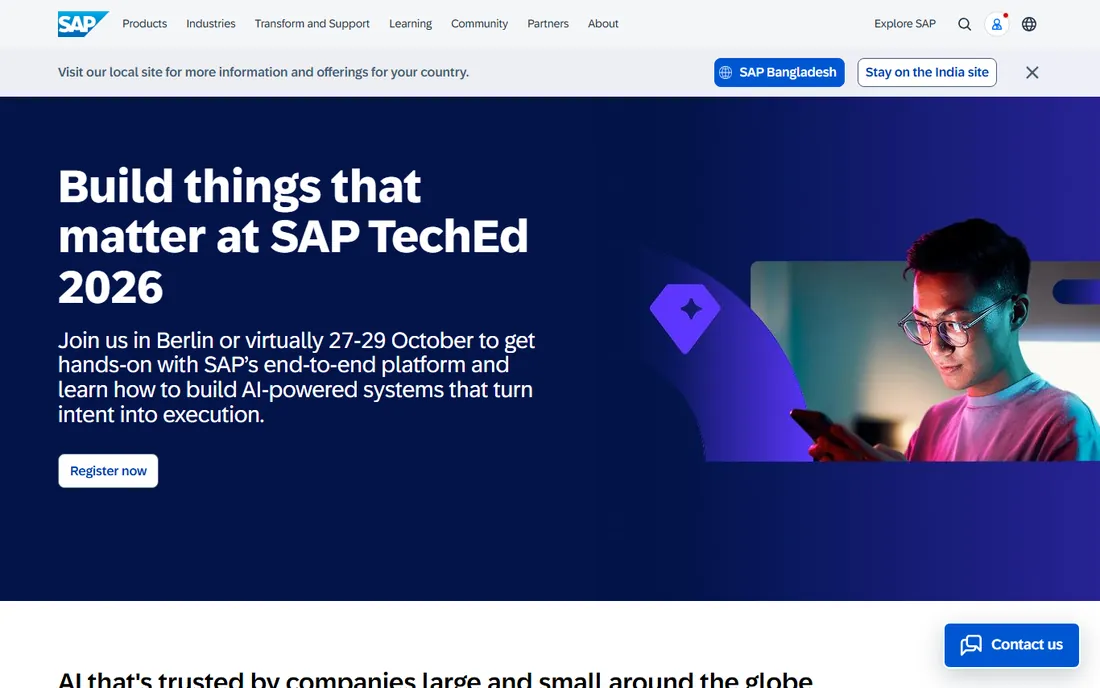
SAP Business One is SAP's product for the other 90 percent of companies: the ones that will never buy S/4HANA. It covers the standard ERP footprint for a small distributor or light manufacturer, and the partner network is its real strength: in most US metro areas several firms implement nothing but Business One. For businesses that value a vendor name their bank and auditors recognize, that counts.
The buying experience is old-school enterprise. Everything goes through a partner, pricing is quote-only, and the project timeline looks more like traditional ERP than modern SaaS. Companies that want to sign up with a credit card and be running next week should not start here. Companies planning a serious multi-month implementation with local consultants will find it a known quantity.
What we like- Full ERP scope (financials, sales, purchasing, inventory, production, CRM basics) in one system
- Huge global partner network, so local implementation help is easy to find
- On-premise or cloud deployment on SAP HANA or Microsoft SQL Server
Watch out for- Partner-only sales means no self-serve signup and no public pricing
- Implementations are consulting projects with real cost
- The interface feels dated next to cloud-native rivals
#7
QuickBooks Enterprise
Best for: US small businesses outgrowing QuickBooks Online or Desktop Pro that want to stay in the QuickBooks world
Visit quickbooks.intuit.com
Starting priceSee website (annual subscription; priced by edition and user count)
Free planNo free plan advertised
QuickBooks Enterprise is the path of least resistance for the QuickBooks faithful. It looks and behaves like the QuickBooks your bookkeeper already knows, but raises the ceilings: more list entries, more users, Advanced Inventory, Advanced Pricing, and industry editions for contractors, manufacturers, nonprofits and retailers. Migrating from Pro or Premier is close to painless since it is the same product family.
The honest framing is that this is the smallest step, not the biggest system. You get depth in accounting and inventory, not a true multi-module ERP with manufacturing execution or CRM. And the desktop roots show: real anywhere-access means paying for hosting on top of the subscription. If your team is already distributed and browser-based, a cloud-native tool above is the cleaner long-term home.
What we like- Familiar QuickBooks interface, so staff retraining is minimal
- Advanced Inventory with bin tracking, serial/lot numbers and FIFO costing on higher editions
- Industry-specific editions and deep US accountant familiarity plus a large app ecosystem
Watch out for- Desktop software at its core, with cloud hosting as a paid add-on rather than cloud-native
- Annual subscription with per-user fees that add up fast
- Payroll and some advanced features cost extra depending on edition
#8
ERPNext
Best for: Small businesses with technical resources that want full ERP scope with zero per-user license fees
Visit erpnext.com
Starting priceFree self-hosted (open source); hosted on Frappe Cloud from $14/month
Free planYes (open source; free to self-host indefinitely)
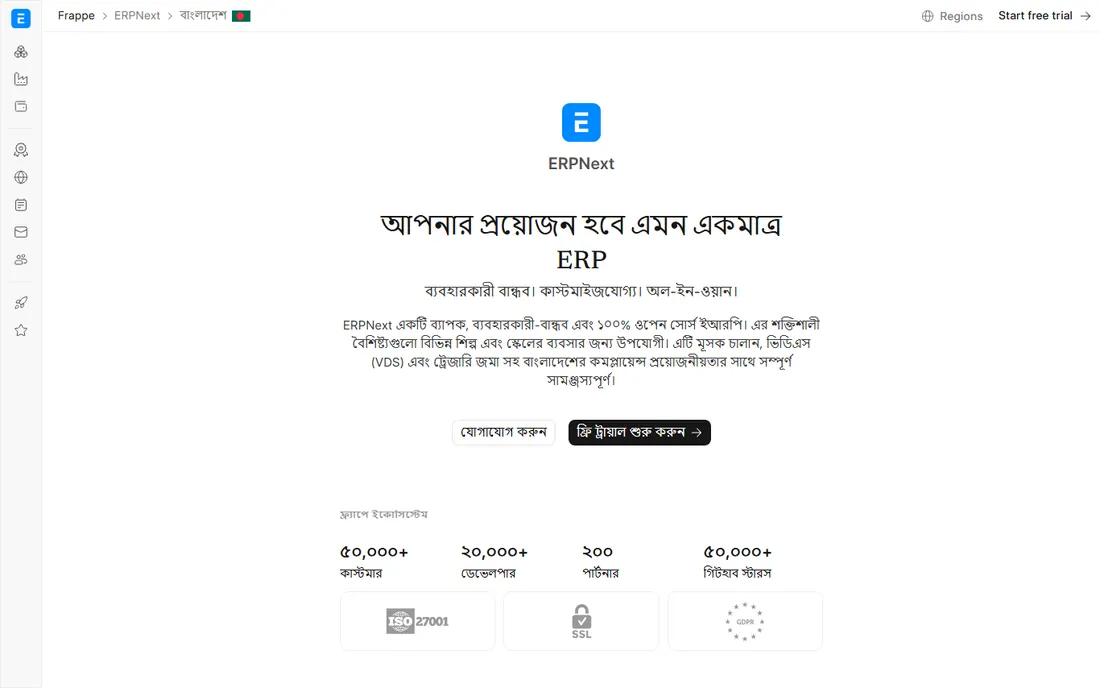
ERPNext, maintained by Frappe, is the most complete free ERP a small business can actually run. The scope rivals paid suites: multi-currency accounting, warehouse management with serial and batch tracking, multi-level bills of material, production planning, CRM, HR and payroll, projects and a helpdesk. The pricing model is the story: the software is free, and the paid option is just hosting on Frappe Cloud, starting at $14/month with no per-user meter running.
The catch is the one every open-source buyer should expect. Free licenses do not mean free ERP: someone has to install it, keep it updated, back it up and customize the workflows. Companies with a technical cofounder or an IT-savvy operations manager do well here. Companies that want to call support when something breaks at month-end should budget for a Frappe partner or pick a commercial vendor with a support line.
What we like- No per-user pricing at any scale, so adding staff never raises the license bill
- Full scope including accounting, stock, manufacturing, CRM, HR, projects, POS and support
- Source code available, so there is no vendor lock-in
Watch out for- Self-hosting means you own upgrades, backups, security and uptime
- The US partner network is thinner than the big vendors'
- Implementation still takes real effort, since ERP complexity does not disappear with the license fee
How we chose
We started with the categories buyers actually search: small business ERP software, ERP for small business, and cloud ERP for SMB. For each candidate we opened the vendor's own site, checked prices against the vendor's own pricing pages and announcements, cross-checked positioning against public reviews on G2 and Capterra and practitioner discussion on Reddit, and compared scope, deployment options and company-size fit. Where a price could not be verified on the vendor's own pages we wrote "See website" rather than repeating third-party estimates.
The quote-only problem: how to buy ERP without a price list
Four of the eight tools here publish no prices: NetSuite, Sage Intacct, Acumatica and SAP Business One. That is not an accident; it is the enterprise sales model, and it changes how you evaluate. You cannot spreadsheet-compare what you cannot see, so run the process differently.
First, fix your scope before the first demo. Write down your user count, entities, warehouses, order volume and the three workflows that hurt most. Vendors quote against scope, and vague scope produces vague quotes that balloon later. Second, get at least two quotes for anything partner-sold (Acumatica, SAP Business One): partner pricing and implementation estimates vary widely for the same software. Third, ask for the full three-year cost in writing: licenses, implementation, training, support uplifts and the renewal terms. The license quote is the smallest number in an ERP project; implementation and the year-two renewal are where budgets break.
Finally, use the published-price tools as bargaining power even if you prefer a quote-only vendor. Walking into a NetSuite negotiation knowing Business Central costs $80 per user per month changes the conversation. Silence about pricing is a negotiating position, not a law of nature.
Cloud ERP or QuickBooks Enterprise: the real fork in the road
Most small businesses choosing ERP face one fundamental fork: move to a true cloud ERP, or step up within QuickBooks. The right answer depends on what is actually breaking.
Choose QuickBooks Enterprise if the pain is accounting depth: you need Advanced Inventory, job costing or industry-specific workflows, your bookkeeper knows QuickBooks, and your team works from desks where desktop software is fine. It is the cheapest change-management option on this list, and for many 20-person companies it is all the ERP they will ever need.
Choose a cloud ERP if the pain is operational: warehouse staff need browser or mobile access, you run multiple locations, or inventory, purchasing and sales constantly disagree with accounting. Business Central fits Microsoft shops, Odoo fits tight budgets, ERPNext fits technical teams, and NetSuite or Intacct fit companies with the budget for a real implementation project. The migration is harder than moving to Enterprise, but you only do it once, and you stop outgrowing your system every three years.
Frequently asked questions
How much does ERP software cost for a small business?
It splits three ways. Published per-user pricing: Business Central at $80/user/month (Essentials) means $800/month for 10 users before implementation. Open source: ERPNext is free self-hosted or from $14/month hosted, and Odoo Community is free. Quote-only: NetSuite, Sage Intacct, Acumatica and SAP Business One require custom quotes, and the implementation project usually costs more than the first year of licenses.
What is the difference between ERP and accounting software like QuickBooks?
Accounting software records money: invoices, bills, payroll, taxes. ERP adds the operational side in the same system: inventory, purchasing, manufacturing, order management, warehousing and often CRM and HR. If your problem is purely bookkeeping, ERP is overkill. If your problem is that accounting, inventory and sales disagree with each other, that is what ERP fixes.
How long does ERP implementation take for a small business?
It depends on the tool and the scope. Sage states 3 to 6 months for Intacct implementations. NetSuite, Acumatica and SAP Business One similarly run as multi-month partner projects. Self-serve-friendly tools like Odoo or ERPNext can go live in weeks for a simple setup, but complex manufacturing or multi-warehouse configurations take months on any platform. Data cleanup is usually the longest phase, regardless of vendor.
Is free open-source ERP really free?
The license is free; the ERP is not. Odoo Community and ERPNext cost nothing to download and run, but you still pay for hosting, implementation, data migration, training and ongoing maintenance, whether in staff time or partner fees. For a technical team the total can stay very low. For a non-technical team, a partner-supported open-source deployment can approach the cost of a commercial subscription.
Should a small business buy NetSuite or Business Central?
Buy Business Central if you are a Microsoft 365 shop that wants published pricing and native Office integration, and your needs fit its SMB scope. Buy NetSuite if you need deeper functionality, expect to scale past a few hundred employees, or want the broadest suite and ecosystem, and you have budget for a partner-led implementation. Get both quoted: the per-user math on Business Central is transparent, which makes it useful ammunition in a NetSuite negotiation.
Sources we checked (8)
- https://netsuite.com/
- http://www.sageintacct.com
- https://www.acumatica.com/cloud-erp-software/acumatica-release-news/
- https://www.microsoft.com/en-us/dynamics-365/blog/business-leader/2025/05/06/new-microsoft-dynamics-365-business-central-pricing-effective-november-2025/
- https://odoo.com/
- https://erpnext.com/
- https://www.g2.com/categories/erp
- https://www.capterra.com/enterprise-resource-planning-software/
Is your product missing or out of date?
We review this list regularly. Vendors can request a listing, send updated pricing or ask about featured placement.

Shihab Mia · Founder, Rankite
Shihab has spent more than a decade helping SaaS and e-commerce brands grow through search. He writes Rankite's software buying guides from pricing pages, documentation and public user reviews. More about Shihab.