How we make this list: we compare pricing pages, product documentation and public user reviews. Ratings come from G2, Capterra or Trustpilot, with the date we checked them.
Key takeaways
- Nextcloud replaces file sync and office suites, Immich replaces Google Photos, and Jellyfin replaces a streaming subscription for your own media library.
- Home Assistant runs a smart home locally, Pi-hole blocks ads and trackers for a whole network, and Vaultwarden gives a household its own password vault.
- Every app here is free and open source; the costs are the hardware it runs on, your electricity, your backups and your time as the system administrator.
- Start with one app on a spare computer or a small home server, and take backups seriously from day one, because self hosting means the support desk is you.
Quick comparison
| Tool | Best for | Starting price | Free plan |
|---|
 Nextcloud Nextcloud | Files, calendars and office documents | Free | Yes |
 Immich Immich | Photo and video backup like Google Photos | Free | Yes |
 Jellyfin Jellyfin | Streaming your own films and music | Free | Yes |
 Home Assistant Home Assistant | Local smart home automation | Free | Yes |
 Pi-hole Pi-hole | Network wide ad and tracker blocking | Free | Yes |
 Vaultwarden Vaultwarden | A self hosted password manager server | Free | Yes |
 Paperless-ngx Paperless-ngx | Scanning and searching paper documents | Free | Yes |
 FreshRSS FreshRSS | Reading news without an algorithm | Free | Yes |
Is your product missing or out of date?
We review this list regularly. Vendors can request a listing, send updated pricing or ask about featured placement.
The best self hosted apps
#1Nextcloud
Best for: Files, calendars and office documents4.4/5 on
G2 (199 reviews, checked Oct 2026)
Visit nextcloud.com
Starting priceFree
Free planYes
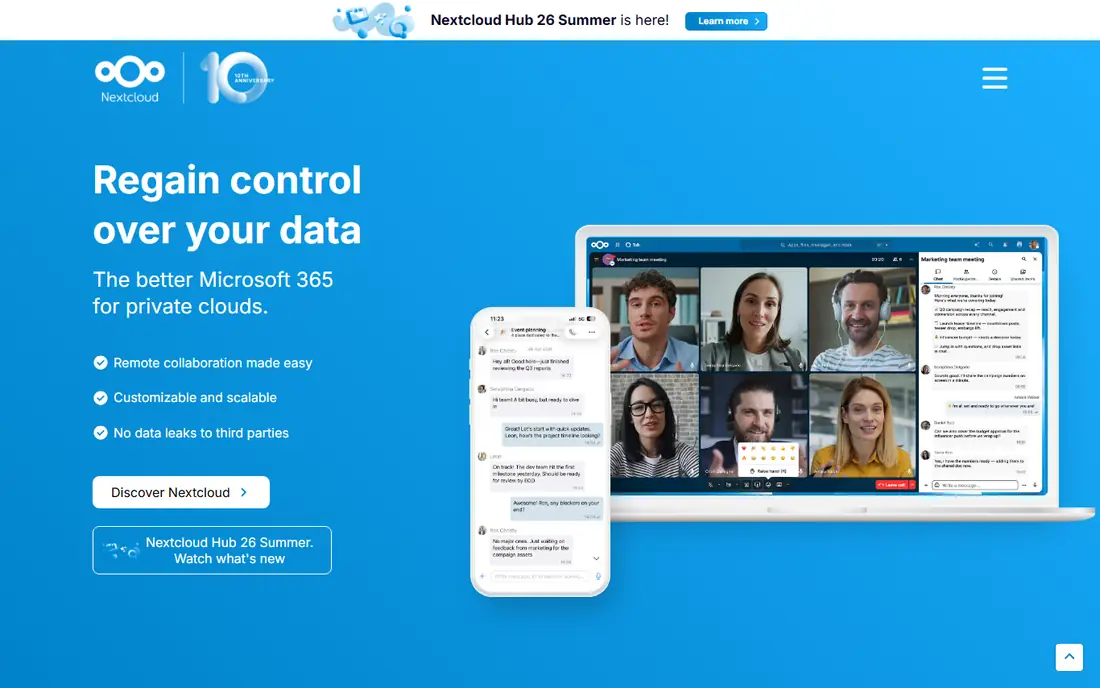
What we like- Nextcloud is the flagship self hosted platform: file sync and sharing like Dropbox, plus calendars, contacts, an office suite through Collabora or OnlyOffice, chat, notes and hundreds of add on apps, all on your server. It is the one install that replaces the most subscriptions at once, and its phone and desktop clients are mature. Families share photo folders and calendars
- Small teams run a private office cloud. The project is backed by a company selling enterprise support while the software stays free and open source, which gives it an unusually sustainable feel for a home project.
Watch out for- Nextcloud is the heaviest app here to run well: it wants a properly configured server with a database, caching and regular updates, and a neglected install becomes slow and then insecure. Exposing it to the internet safely takes care with HTTPS and updates. Some add on apps vary in quality. Users who only want file sync may find it more platform than the job needs, but for most self hosters it becomes the centre everything else orbits.
Starting priceFree
Free planYes
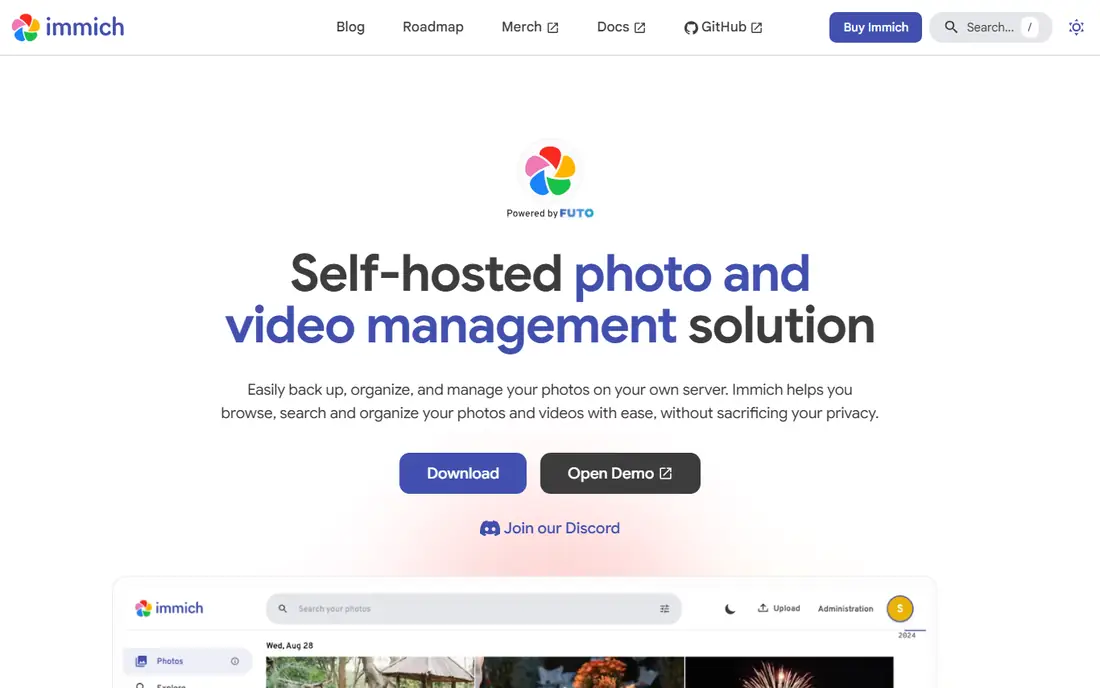
What we like- Immich recreates the Google Photos experience on your own hardware: phone apps that back up automatically, a fast timeline, face and object recognition run locally by machine learning, map views, sharing and partner sharing, all without your family archive sitting on a stranger's cloud. It developed at remarkable speed and is the self hosted photo answer most often recommended in 2026. For households whose photo library is the subscription they most resent and most fear losing, Immich is the project that justifies the server on its own.
Watch out for- Immich's own documentation has long described the software as under active development and warns users to keep a real backup of the library elsewhere, advice worth obeying: your only copy of family photos should never live in one app on one drive. The machine learning features want decent hardware. Storage is your problem at video era sizes, and the roadmap's pace means interfaces and features change between versions more than settled software does.
Starting priceFree
Free planYes
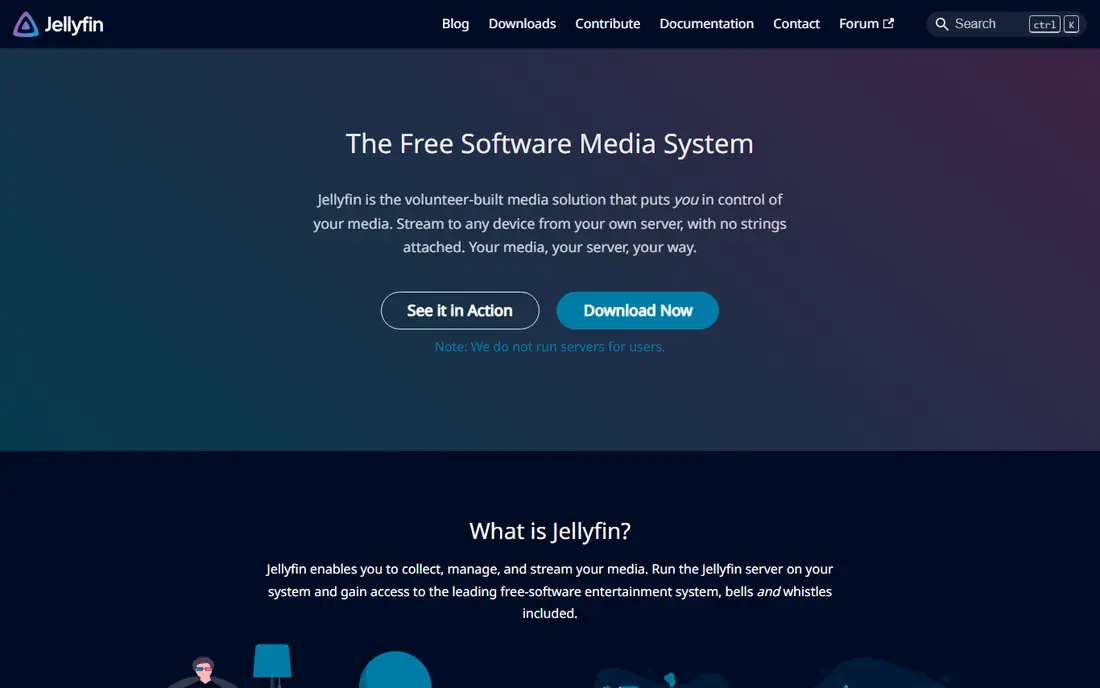
What we like- Jellyfin organises the films, shows and music you own into a streaming service of your own: polished apps for televisions, phones and browsers, metadata and artwork fetched automatically, user profiles and transcoding handled by your server. It is entirely free, a community fork born when Emby closed its source, with no premium tier, no accounts with any company and no features held back. Anyone with a shelf of ripped discs or a folder of recordings gets a private streaming service in an evening, and remote access can be added carefully when wanted.
Watch out for- Jellyfin streams your media
- It provides none, so the library is whatever you legally own and rip, which is a hobby in itself. Hardware transcoding setup takes fiddling on some systems. Music and audiobook handling is good rather than great. And a server streaming video all evening is doing real work, so the quiet low power box that suits Pi-hole may strain here
- Plan the hardware for this app if it is your main use.
Starting priceFree
Free planYes
What we like- Home Assistant runs your smart home from inside the house: lights, heating, sensors, cameras and switches from hundreds of brands unified in one system that works during internet outages and keeps your household's data local. Automations are as simple or as deep as you want, dashboards run on a wall tablet, and the community is enormous, with integrations for devices their makers never intended to cooperate. It also reverses the usual smart home deal: devices bought cheaply from many brands gain a long life, because the brain is yours and cannot be shut down by a company's strategy change.
Watch out for- The learning curve is the steepest in this list: concepts, YAML for advanced work and the occasional integration rabbit hole are part of the hobby. Radio hardware for Zigbee or Z-Wave adds setup steps. Family acceptance depends on your dashboards being simpler than the switches they replace. None of this is a reason to avoid it
- It is a reason to start with one room and grow, rather than automating the house in a weekend and living in the dark when something misbehaves.
Starting priceFree
Free planYes
What we like- Pi-hole is a network level filter: point your router's DNS at it and ads, trackers and known malicious domains stop resolving for every device on the network, including phones, televisions and the gadgets with no browser to protect. It runs happily on a Raspberry Pi or any spare machine, shows clear statistics on what your devices tried to contact, and supports allow lists for the occasional site that breaks. It is the gentlest possible first self hosting project, an afternoon's work with a benefit every device in the house feels by dinner.
Watch out for- Pi-hole blocks at the domain level, so ads served from the same domain as content, notably on YouTube, mostly pass through, and expectations should be set accordingly. Making it your network's DNS makes it a single point of failure: when the Pi is down, the house has no internet until someone fixes it, so a backup DNS plan matters. Some apps and sites object to blocked domains and need allow listing. It filters the home network only
- Phones on mobile data are outside its reach unless you add a VPN home.
Starting priceFree
Free planYes
What we like- Vaultwarden is a lightweight, community written server compatible with the official Bitwarden apps and browser extensions, giving a household or small team a full password manager, passkeys, two factor codes and secure sharing, hosted on your own hardware and light enough to run on a Pi beside everything else here. Bitwarden's clients are excellent, and Vaultwarden supplies the premium style server features for free. For people who want a password vault that never lives on a company's cloud, it is the standard answer in the self hosting community.
Watch out for- The stakes could not be higher: this server holds the keys to your digital life, so it must be exposed to your devices with real care, HTTPS, strong master passwords, two factor on accounts and a backup you have actually tested restoring. Vaultwarden is an unofficial reimplementation, not Bitwarden the company, so client compatibility is excellent but support is the community. If that responsibility sounds heavy, the honest alternative is Bitwarden's own cloud, which is a fine product
- Self hosting this one is for people who specifically want custody.
Starting priceFree
Free planYes
What we like- Paperless-ngx turns paper into a searchable archive: feed it scans from a phone or scanner, and it OCRs every page, tags and files documents automatically with machine learning trained on your own archive, and finds the one letter you need by any word in it. Tax records, warranties, school letters and contracts stop living in a drawer and start living in full text search. It is one of those tools whose value compounds quietly: two years in, the archive answers questions in seconds that used to take an evening.
Watch out for- The system rewards an initial setup of tags and document types, and a household that skips it gets a searchable pile rather than an organised archive. A scanner you like matters
- Phone scanning works but a document scanner changes the habit from chore to seconds. Like Immich, this becomes an archive of record, so backups and export matter: the good news is documents are stored as ordinary files you can always walk away with.
How we chose
We chose self hosted applications that a home user or small team can realistically install and keep running in 2026, each the established open source answer to a rented service: files, photos, media, smart home, network filtering, passwords, documents and reading. Every project is free and open source with an active community and Docker friendly installation, so prices are free across the board and the starting price field says so; the real costs, hardware and time, are covered in the entries and the guide below. Some website fields point to project documentation or the project's public code home, which for community projects such as Vaultwarden is the real front door; those fields deserve a check in any later link review, and we flag them for exactly that.
How to start self hosting without drowning
Start with one app, the one replacing the subscription you resent most, on hardware you already have: an old laptop is a perfect first server. Learn the four skills on that one app before adding a second: installing with Docker, updating safely, exposing it only as widely as needed, many home apps never need to leave the house network, and backing up both the data and the configuration to somewhere that is not the same box. A backup that lives only on the server is a hope, not a backup.
Then grow at the speed of your confidence. Add a small uninterruptible power supply if your power flickers, set updates on a rhythm rather than a whim, and keep a plain text note of what you installed and why, because future you, at midnight, with the photos down, will be grateful. Finally, keep perspective on security: a home server holding family photos and passwords is worth an attacker's time, so strong unique passwords, two factor everywhere it is offered, and prompt security updates are not advanced topics. They are the subscription fee you now pay in attention instead of money.
Frequently asked questions
What hardware do I need to start self hosting?
Less than you think. Pi-hole and FreshRSS run on a Raspberry Pi or any old machine. Nextcloud, Immich and Jellyfin want a bit more: a recent mini PC or an old desktop with a few gigabytes of memory and drive space for your data, with Jellyfin appreciating a processor that can transcode video. Many people start everything on one modest box and split services later. Storage for photos and media is the cost that grows, so buy drives for the library you expect in two years, not the one you have today.
Is self hosting really cheaper than subscriptions?
Usually, after the first year, if your time counts as free. A small server and drives cost a few hundred dollars once and a few dollars a month in power, while the subscriptions these apps replace, cloud storage, photo plans, streaming, password managers, commonly total more per year than the hardware cost. The honest accounting includes your hours, which hobbyists do not charge themselves and pragmatists should. Self hosting is best justified by control and privacy; the savings are a pleasant side effect for most households rather than the whole argument.
What happens to my data if the server dies?
Whatever your backups decide. Drives fail, so the rule is a second copy of anything precious on different hardware, ideally with one copy outside the house, which for photos can be an encrypted drive at a relative's home. Immich and Paperless archives store files in ordinary formats you can read without the app, a deliberate strength of open source tools. Test restoring once a year: an untested backup is a story you tell yourself, and self hosting means there is no company's support line standing behind your archive.
Can I access my self hosted apps away from home?
Yes, carefully. The safer routes are a VPN into your home network, using tools such as WireGuard or Tailscale, or a properly configured reverse proxy with HTTPS and strong authentication for apps that must be public. Exposing a home server to the open internet without that care invites automated attacks that scan for exactly these apps. Many users keep Vaultwarden and admin interfaces VPN only forever, which is the posture this guide recommends for beginners without qualification.
Is self hosting legal and safe for media and photos?
Your own photos, documents and media you own and rip for personal use are the normal, lawful contents of these systems, and Jellyfin exists to stream your library inside your household. Sharing access widely beyond the household is where media law gets complicated, so keep accounts to your family. Safety is the operational question covered above: updates, backups and careful remote access. The software itself, all eight projects, is free and open source and entirely legal to run.
Sources we checked (0)
Is your product missing or out of date?
We review this list regularly. Vendors can request a listing, send updated pricing or ask about featured placement.

Shihab Mia · Founder, Rankite
Shihab has 5+ years in B2B and SaaS SEO. He writes Rankite's software buying guides from pricing pages, documentation and public user reviews. More about Shihab.