How we make this list: we compare pricing pages, product documentation and public user reviews. Ratings come from G2, Capterra or Trustpilot, with the date we checked them.
What is the best school safety software?
Raptor Technologies is the best overall pick for most districts because it covers visitor screening, emergency management, drills and reunification in one platform, and it is used by more than 7,300 districts and 60,000 schools. CENTEGIX CrisisAlert is the best choice for districts that must meet a state panic alert mandate with wearable staff badges, and Navigate360 is the best fit for districts that want threat assessment, training and alerting consolidated into one contract.
Key takeaways
- Raptor Technologies is the closest thing this sector has to a default, with visitor screening plus emergency management on one district platform.
- CENTEGIX CrisisAlert gives every staff member a wearable badge with room level location, built for Alyssa's Law compliance in more than 18,000 campuses.
- Navigate360 bundles threat assessment, ALICE training and alerting, with a consolidated bundle benchmarked at about $8,000 per building by a third-party comparison.
- Rave Panic Button is the FedRAMP authorized alerting option, owned by Motorola Solutions since 2022, with direct 911 integration.
- Pikmykid is the dismissal and reunification specialist, with a starting price of $1,750 a year reported by third-party listings.
- Every vendor homepage below was confirmed live on 22 November 2026, and prices were checked the same day.
Quick comparison
| Tool | Best for | Starting price | Free plan |
|---|
 Raptor Technologies | Districts consolidating screening and emergency management | $695/site/year, public records | No, demo available |
 CENTEGIX CrisisAlert | Districts meeting a panic alert mandate with wearables | Quote | No, demo available |
 Navigate360 | Districts buying prevention and response together | $8,000/building bundle benchmark, third-party reported | No, demo available |
 Rave Panic Button | Districts needing FedRAMP authorized alerting with 911 integration | Quote | No, demo available |
 Pikmykid | Schools that need safe dismissal and reunification | $1,750/year, third-party reported | No, demo available |
 Verkada | Districts standardizing on cloud cameras and access control | Quote | No, demo available |
 Singlewire InformaCast | Districts that need alerts on every device | Quote | No, demo available |
 Avigilon | Districts that want video analytics on existing cameras | Quote | No, demo available |
Is your product missing or out of date?
We review this list regularly. Vendors can request a listing, send updated pricing or ask about featured placement.
The best school safety software
School safety software is really several products wearing one label: visitor screening at the front door, panic alerts for staff, threat assessment, anonymous tip lines, dismissal and reunification, and cameras that watch the building. No single vendor does all of it best, so the right buy depends on which part of the incident timeline hurts most: prevention, the first minute of an emergency, or the reunification hours after. The eight tools below cover the real market across those jobs.
#1
Raptor Technologies
Best for: Districts consolidating screening and emergency management
Visit raptortech.com
Starting price$695/site/year, public records
Free planNo, demo available
Raptor is the closest thing the school safety sector has to a default. It built its reputation on visitor screening, and Raptor VisitorSafe still does what most administrators picture when they hear the phrase school visitor management system: scan an ID at the front desk, check it against sex offender registries in all 50 states and custom district watch lists, print a badge. Around that core, Raptor added volunteer management, emergency management with drill tracking and reunification, and student safety tools, so a district can consolidate the front office and the emergency plan on one platform. Public board records show the visitor management fee at about $695 per site per year in 2025-26 contracts, with volunteer management, system integration and kiosk licenses priced as separate lines. Raptor also owns SchoolPass, acquired in 2023, and LobbyGuard, acquired in 2019. The honest knock is pricing transparency: there is no published price list, so districts should pull the public records or get the quote in writing before the board vote.
What we like- Visitor screening against sex offender registries in all 50 states plus custom watch lists
- Emergency management with drills, reunification and accountability
- Used by more than 7,300 districts and 60,000 schools
- Also owns SchoolPass and LobbyGuard
Watch out for- No published price list, so budgeting needs public records or a quote
- The platform breadth means rollout is a project
- Per site fees add up across a large district
#2
CENTEGIX CrisisAlert
Best for: Districts meeting a panic alert mandate with wearables
Visit centegix.com
Starting priceQuote
Free planNo, demo available
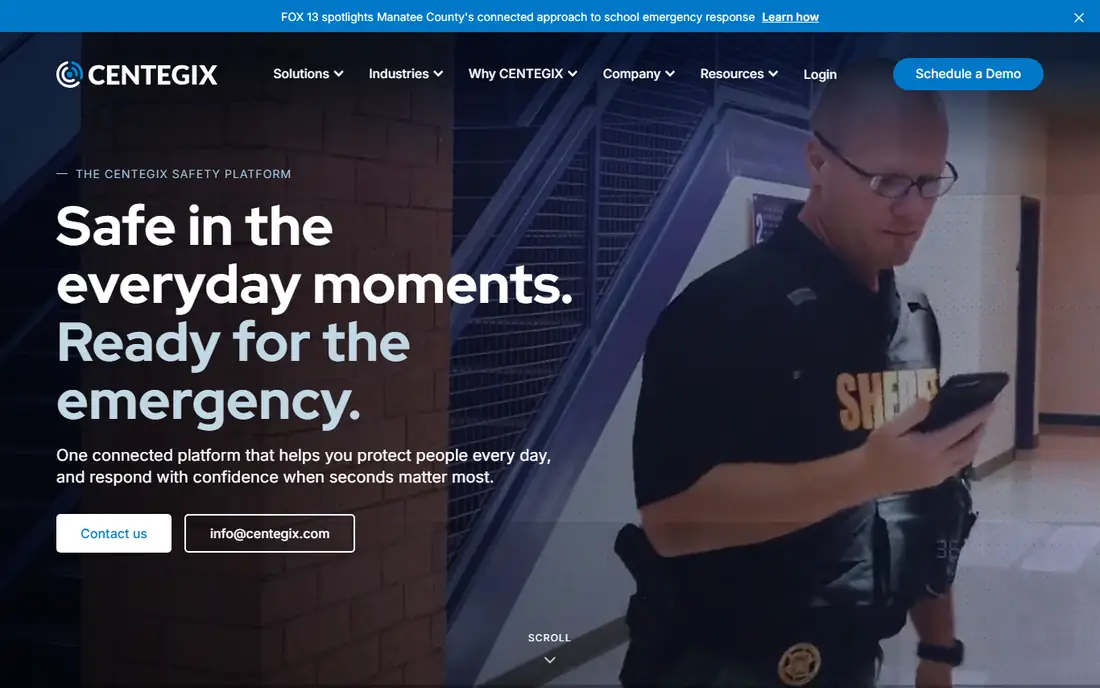
CENTEGIX sells CrisisAlert, a staff worn badge with a physical button, and the product exists because of one problem: in an emergency, a teacher should not have to find a phone, unlock it, open an app and type. One press on the badge sends an alert with room level location to administrators and responders, and the system can trigger a campus wide response. That design is why districts buy it to meet state panic alert laws, including Alyssa's Law, which requires silent panic alarms in schools. The vendor states deployment in more than 18,000 campuses across all 50 states. The trade off is that the badge does one job: it does not screen visitors, run drills or manage reunification, so districts pair it with a platform like Raptor or Navigate360. Hardware is part of the price, so the quote should spell out badges, installation and the room mapping work. For a district whose mandate is a wearable panic alert, this is the standard.
What we like- Wearable badge with a physical button and room level location
- Works without a phone, so it reaches staff anywhere on campus
- Built for Alyssa's Law compliance
- Deployed in more than 18,000 campuses across 50 states
Watch out for- Quote only pricing with hardware costs on top of software
- The badge is a single purpose device, so it pairs with other systems rather than replacing them
- Installation needs mapping of every room
Starting price$8,000/building bundle benchmark, third-party reported
Free planNo, demo available
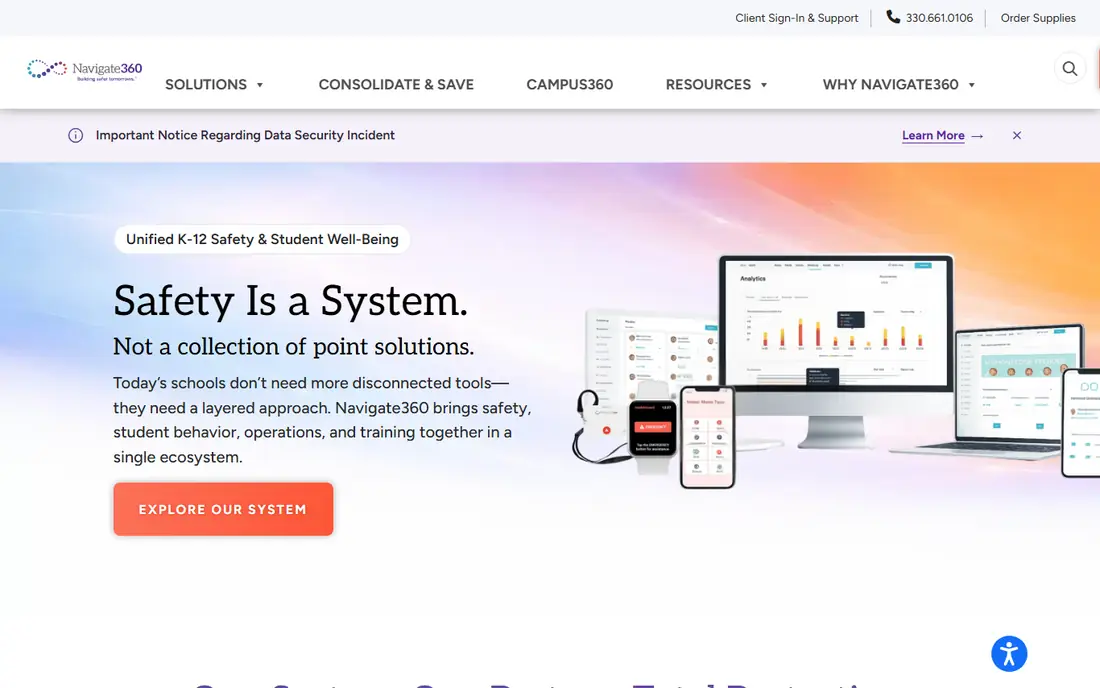
Navigate360 arrived at school safety from the training side rather than the hardware side, and that history shapes the product. It owns ALICE active shooter training and ships CSTAG and NTAC aligned threat assessment certification, suicide prevention training and staff development alongside the software, so a district buys prevention and response together. The platform also covers emergency management, visitor management, anonymous tip lines and safety drills, which is why districts use it to consolidate five vendors into one contract. A third-party comparison benchmarks the consolidated bundle at about $8,000 per building against about $15,245 for comparable standalone tools, which makes the internal budget case easier to build, though districts should confirm the real quote. The trade off is breadth: rolling out everything at once is a major project, so most districts phase it in. For a district tired of five renewals, five logins and five support numbers, Navigate360 is the consolidation play.
What we like- Threat assessment aligned to CSTAG and NTAC standards plus ALICE training
- Emergency management, visitor management and tip lines in one contract
- Suicide prevention and staff development included
- Consolidation replaces several vendor contracts
Watch out for- The bundle price is a third-party benchmark, not a vendor published figure
- The suite is broad, so rollout needs a phased plan
- Smaller districts may find the full bundle more than they need
Starting priceQuote
Free planNo, demo available
Rave is the name campuses know for the alert that reaches students, staff and visitors when seconds matter. Rave Panic Button lets a staff member call 911 and alert colleagues at once from a phone, sharing location and floor plans with responders, and the wider Rave platform handles mass notification for universities, schools, healthcare and government. The product is FedRAMP authorized, which matters for districts that need federal compliance, and its public safety heritage runs through 911 integration and the company's other products inside public safety answering points. Motorola Solutions has owned Rave since 2022, which gives the platform distribution and staying power. The trade off is audience: Rave's models assume communities, opt in populations and visitors, which fits schools well but means the product is not built for corporate incident workflows. For a district that wants its panic button wired directly into 911, Rave is the default shortlist pick.
What we like- FedRAMP authorized mass notification and alerting
- Panic button shares location and floor plans with 911 and responders
- Owned by Motorola Solutions since 2022
- Strong in universities, schools and healthcare
Watch out for- Quote only pricing through Motorola sales channels
- The platform assumes opt in community populations, so corporate style features are secondary
- Full value comes inside the Motorola public safety stack
#5
Pikmykid
Best for: Schools that need safe dismissal and reunification
Visit pikmykid.com
Starting price$1,750/year, third-party reported
Free planNo, demo available
Pikmykid is the leading safety and dismissal platform for schools that have learned the hard way that dismissal is a safety problem, not an administrative one. The system moves the afternoon queue off paper: parents announce arrival in the app, the school verifies the authorized pickup list, and students are released in an order the staff can actually follow. In an emergency, the same lists and the same parent communication become the reunification workflow, which is why districts buy it as safety software rather than as a convenience tool. The platform needs no new hardware, which keeps the rollout simple. Third-party listings report a starting price of about $1,750 a year. The honest limit is scope: Pikmykid does dismissal and reunification, not visitor screening or panic alerts, so it sits beside a broader platform rather than replacing one. For a school whose dismissal line is its daily risk, it is the specialist to beat.
What we like- Dismissal management without new hardware
- Parent app with real time dismissal changes
- Reunification workflows for emergencies
- Used by schools that want dismissal handled without a front office bottleneck
Watch out for- The $1,750 starting price is third-party reported, not vendor published
- Focused on dismissal, so it pairs with a broader safety platform
- Smaller vendor than Raptor or Navigate360
#6Verkada
Best for: Districts standardizing on cloud cameras and access control4.7/5 on
G2 (163 reviews, checked Oct 2026)
Visit verkada.com
Starting priceQuote
Free planNo, demo available
Verkada is the physical security layer of the school safety stack: cloud managed cameras, access control, environmental sensors, alarms and intercoms, all run from one web dashboard with no on premises servers to patch. For a district, the appeal is operational: a principal can search video across buildings from a browser, lock a door remotely, and see which doors are propped open, without calling IT. AI powered video search helps staff find a moment in hours of footage, and the platform scales from one school to a whole district on the same account. The trade off is that Verkada is a hardware company first: it does not do threat assessment, visitor screening or dismissal, so it complements a software platform rather than replacing one, and the cameras are tied to Verkada licensing. For a district standardizing its cameras and doors, it is the modern pick.
What we like- Cloud managed cameras, access control, alarms and intercoms on one platform
- No on premises servers to maintain
- AI powered search across video
- Strong in schools that want one vendor for physical security hardware
Watch out for- Quote only pricing with hardware and licensing costs
- Camera centric, so it does not cover threat assessment or visitor screening depth
- Switching away means replacing hardware
Starting priceQuote
Free planNo, demo available
Singlewire InformaCast is the mass notification engine for districts that already own the hardware: IP phones, speakers, digital signage and strobes. Instead of asking a district to replace its paging system, InformaCast turns it into an alerting network, sending emergency notifications to every device at once and reporting who confirmed receipt. That reach is the differentiator: a lockdown message lands on the classroom speaker, the teacher's desktop, the hallway sign and the parent's phone from one trigger. The platform is strong in higher education and large K-12 districts, where the device estate is big enough to justify the integration work. The trade off is focus: InformaCast is notification, not visitor screening, threat assessment or dismissal, so districts buy it as the alerting layer inside a wider safety stack. For a district whose paging system is already in the walls, it is the fastest way to make every speaker an emergency channel.
What we like- Mass notification that reaches phones, desktops, IP speakers, digital signage and strobes
- Integrates with existing phone and paging systems
- Strong in higher education and large districts
- Detailed delivery and confirmation reporting
Watch out for- Quote only pricing
- The platform is notification focused, so it pairs with visitor and threat tools
- Configuration depth means implementation needs expertise
#8
Avigilon
Best for: Districts that want video analytics on existing cameras
Visit avigilon.com
Starting priceQuote
Free planNo, demo available
Avigilon, part of Motorola Solutions, is the video analytics option for districts that want their cameras to do more than record. Appearance search lets staff find a person across cameras by description, unusual motion detection flags activity that does not fit the pattern, and the system can work with existing camera infrastructure rather than demanding a full replacement. For a large district or campus, that matters: the camera estate is already bought, and Avigilon adds the intelligence on top. Being inside Motorola means it pairs naturally with Rave alerting and Motorola radios, so the video layer and the alerting layer share a vendor. The trade off is that analytics need good camera placement and tuning to avoid false alarms, and the platform is video first: it will not screen a visitor, assess a threat or reunify a class. For a district whose cameras are its eyes, Avigilon makes them smarter.
What we like- Video analytics including appearance search and unusual motion detection
- Works with existing camera infrastructure
- Part of Motorola Solutions, so it pairs with Rave and radio systems
- Strong in large districts and campuses
Watch out for- Quote only pricing with an enterprise sales process
- Analytics depth needs proper camera placement and tuning
- The platform is video first, so it does not cover the people side of safety
How to choose school safety software
Start with the incident timeline. If the gap is the front door, Raptor's visitor screening is the first buy. If the gap is the first minute of an emergency, CENTEGIX badges or Rave Panic Button decide it. If the gap is prevention, Navigate360's threat assessment and training lead. Map the mandate first: several states require silent panic alarms, and that requirement alone picks the badge vendor. Then check the integrations that decide whether the system works on a bad day: does the visitor system talk to the student information system, does the alert reach the 911 center, and does the dismissal list match the reunification list. Price by site, not by district, because per site fees are how this market bills.
How we chose
We compared school safety platforms using vendor product pages, public records and third-party comparisons, and kept only tools that serve real K-12 districts today. Pricing facts come from vendor pages and public records checked on 22 November 2026, with third-party figures flagged as such. We did not claim hands-on testing, and we excluded legacy products whose vendors now direct customers to a replacement system.
Frequently asked questions
Sources we checked (12)
- https://raptortech.com
- https://centegix.com
- https://navigate360.com
- https://www.ravemobilesafety.com
- https://pikmykid.com
- https://verkada.com
- https://singlewire.com
- https://avigilon.com
- https://reverbico.com/blog/top-school-safety-software/
- https://www.coram.ai/post/crisisgo-competitors
- https://www.raptortech-alternatives.com/pricing.html
- https://sourceforge.net/software/school-safety/for-nonprofit/?sort=rating_count
Is your product missing or out of date?
We review this list regularly. Vendors can request a listing, send updated pricing or ask about featured placement.

Shihab Mia · Founder, Rankite
Shihab has 5+ years in B2B and SaaS SEO. He writes Rankite's software buying guides from pricing pages, documentation and public user reviews. More about Shihab.