How we make this list: we compare pricing pages, product documentation and public user reviews. Rankite is independent; if a vendor ever pays for a featured spot, that listing is clearly labeled Partner.
Key takeaways
- Parseur and Docparser are the fastest path to automated PDF data extraction for small teams, with templates and no code.
- Nanonets, Rossum and Docsumo bring AI document processing for high-volume invoice and document workflows.
- ABBYY FineReader remains the OCR accuracy reference for scanned documents.
- Adobe Acrobat suits teams that need extraction inside the PDF editor they already use.
- Tungsten Power PDF, formerly Kofax Power PDF, and PDF.co cover desktop PDF work and developer API extraction respectively.
PDF extraction software pulls structured data, tables, invoice fields, form values, out of PDFs automatically. The category ranges from AI platforms that learn your document layouts to desktop tools with solid OCR. Pick based on volume, document variety and whether you need an API.
Quick comparison
| Tool | Best for | Starting price | Free plan |
|---|
 Parseur Parseur | No-code PDF data extraction | See website | Yes |
 Docparser Docparser | Template-based document parsing | See website | Free trial |
 Nanonets Nanonets | AI document processing at scale | See website | Free trial |
 Rossum Rossum | Transactional document automation | See website | No |
 Docsumo Docsumo | Document AI for operations teams | See website | Free trial |
 ABBYY FineReader ABBYY FineReader | OCR accuracy for scanned PDFs | See website | Free trial |
 Adobe Acrobat Adobe Acrobat | Extraction inside a PDF editor | See website | Free trial |
 Tungsten Power PDF Tungsten Power PDF | Desktop PDF with extraction | See website | Free trial |
 PDF.co PDF.co | Developer API for PDF extraction | See website | Yes |
Is your product missing or out of date?
We review this list regularly. Vendors can request a listing, send updated pricing or ask about featured placement.
Starting priceSee website
Free planYes
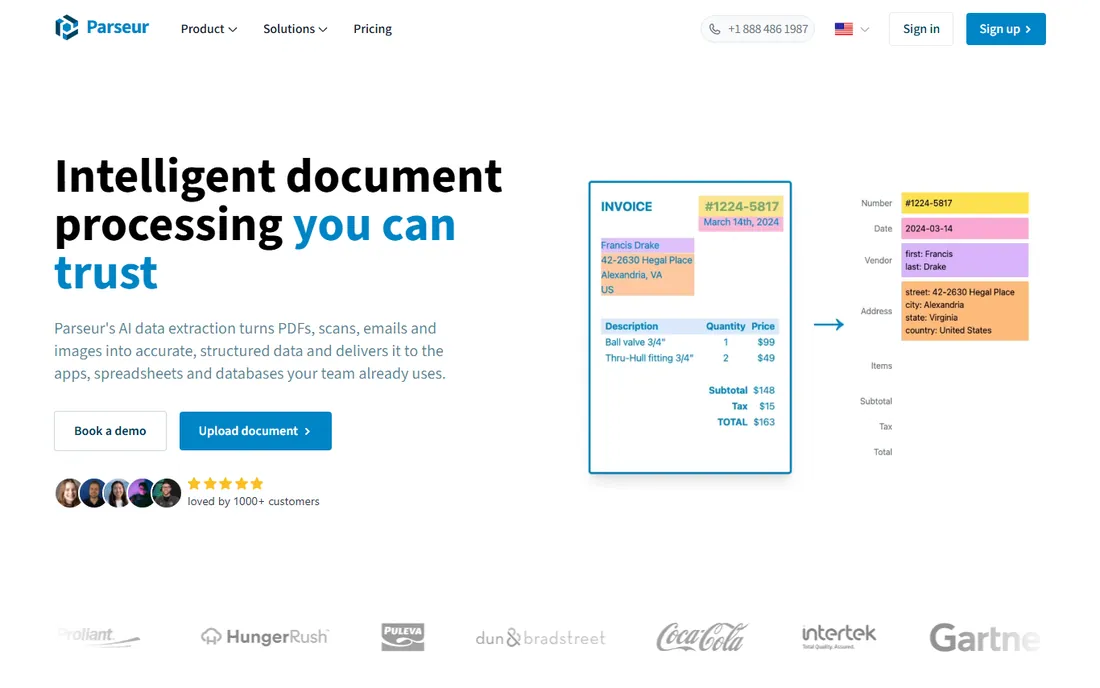
Parseur uses AI to learn your document layouts, then extracts the fields you need into spreadsheets, databases or webhooks. Invoices, receipts and orders are the classic use cases, and the free plan lets small teams automate real workflows.
Unusual layouts still need manual template adjustment. For teams drowning in emailed PDFs, it is the quickest relief.
Parseur users get the fastest results by starting with the AI-assisted template on their most common document type. Let the AI suggest fields, then correct them; the corrections train the template. Set up the webhook or integration before going live so extracted data flows somewhere useful.
What we like- AI-assisted templates
- No code required
- Generous free tier for getting started
Watch out for- Very high volumes need paid plans
- Complex layouts need template tuning
Starting priceSee website
Free planFree trial
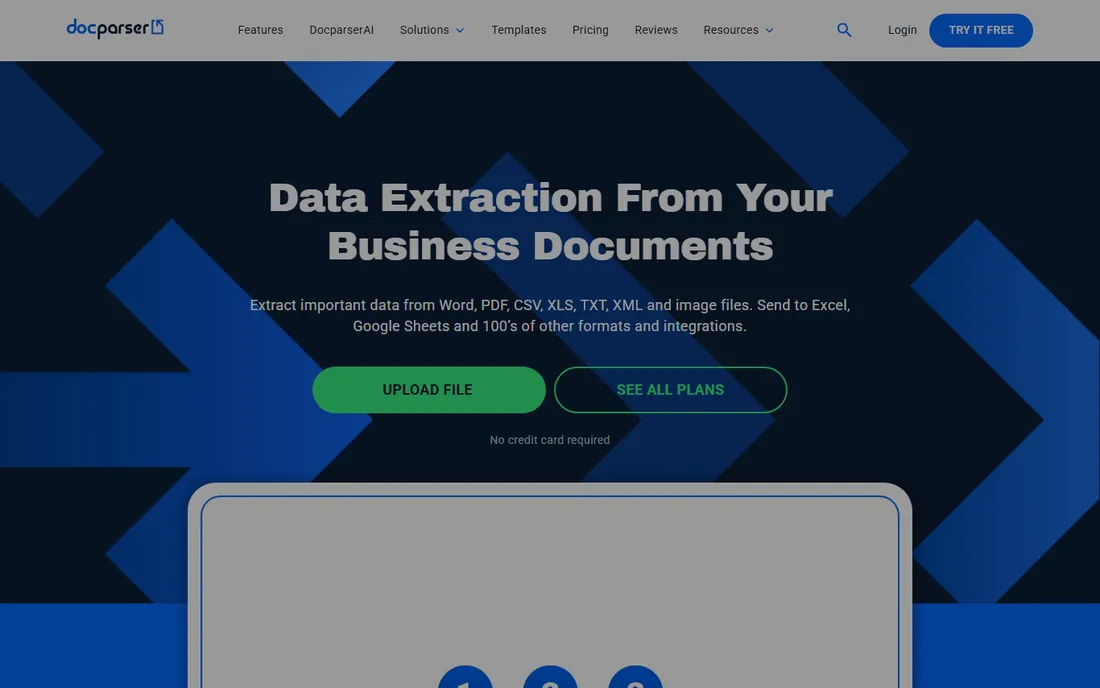
Docparser is the veteran of template-based extraction: define parsing rules once, and every matching PDF yields structured data. Integrations with Zapier, webhooks and cloud storage fit it into existing workflows.
The rule-based approach needs upfront configuration. Teams with consistent document formats get reliable, predictable extraction.
Docparser works best when your documents are consistent: define parsing rules on the cleanest samples first. Test with a batch of real historical documents before trusting it in production. The rule-based approach rewards careful setup with predictable output.
What we like- Mature parsing rules
- Good integrations
- Reliable for structured documents
Watch out for- Rule setup takes learning
- AI features thinner than newest rivals
Starting priceSee website
Free planFree trial
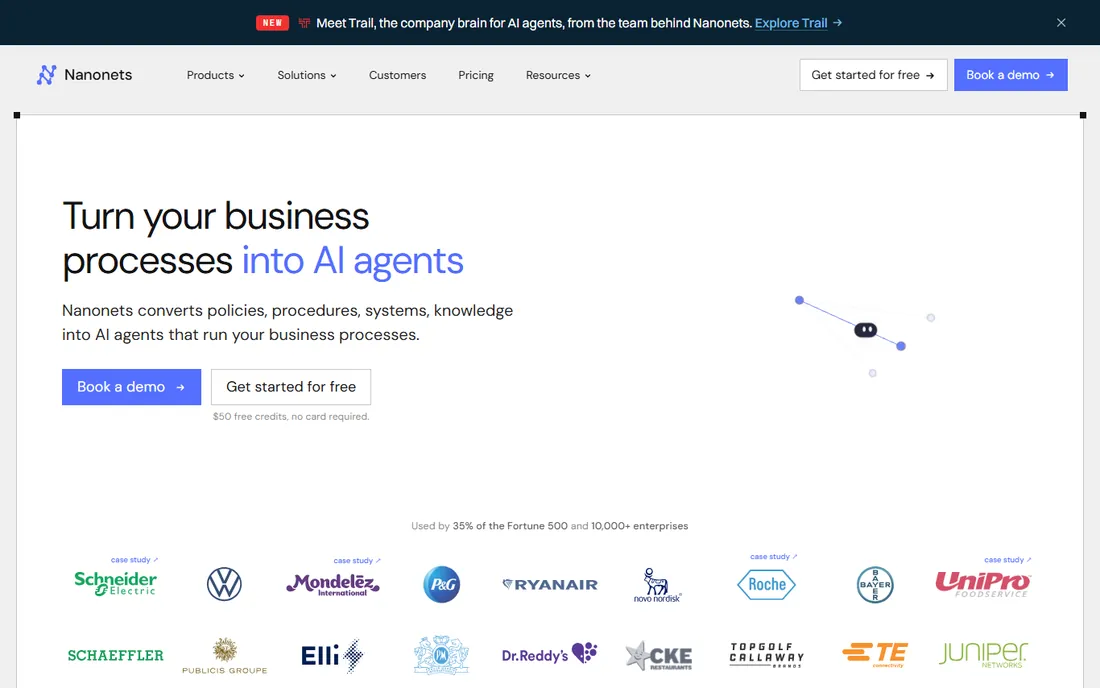
Nanonets applies machine learning to document extraction, learning from your examples to handle invoices, receipts and forms even when layouts vary. The API-first design suits developers building document workflows.
You will need representative samples to train models, and high volumes price accordingly. For AI-grade extraction at scale, it is a leader.
Nanonets buyers should prepare a representative training set covering their document variety, including the ugly ones. Model accuracy follows training diversity. Start with one document type, validate thoroughly, then expand to the next.
What we like- AI models trained on your documents
- Handles unstructured layouts
- Strong API
Watch out for- Enterprise pricing at scale
- Model training needs sample documents
Starting priceSee website
Free planNo
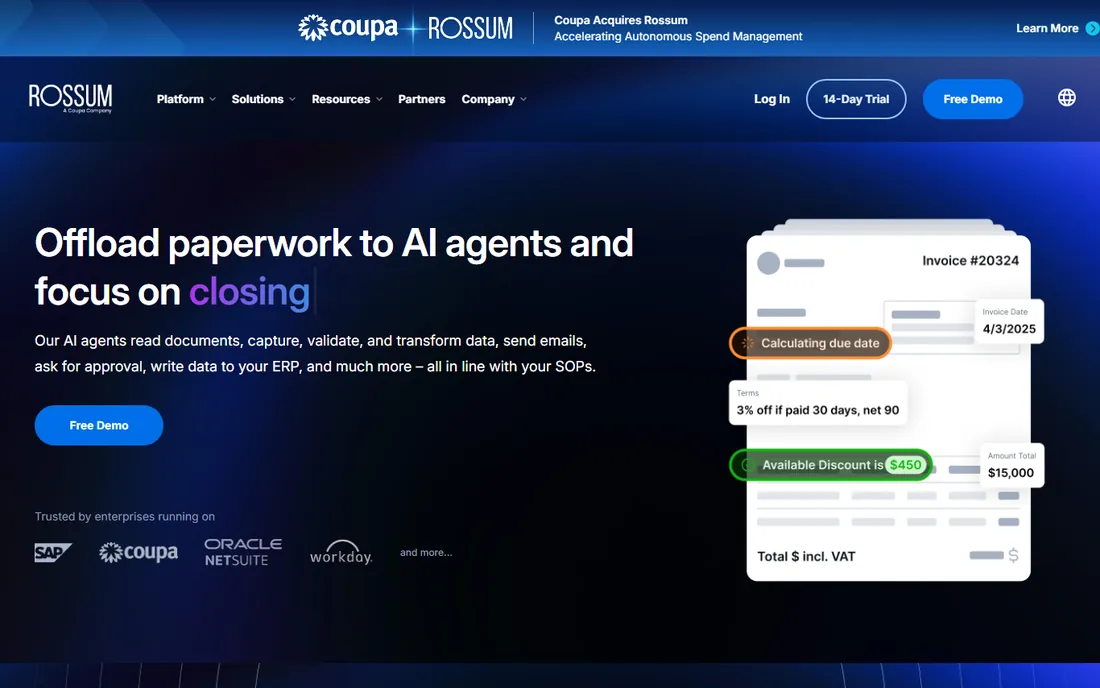
Rossum specializes in transactional documents, invoices, purchase orders, packing slips, with AI that reads them like a human clerk. Enterprise AP departments use it to automate invoice processing end to end.
Small teams will find the enterprise framing heavy. For high-volume AP automation, its specialization pays.
Rossum customers in AP departments should integrate with their ERP early; the value is straight-through processing, not just extraction. Define the exception workflow for low-confidence fields before go-live. Measure touchless processing rates monthly.
What we like- Purpose-built for transactional documents
- High accuracy on invoices
- Enterprise integrations
Watch out for- Enterprise focus and pricing
- Overkill for simple extraction
Starting priceSee website
Free planFree trial
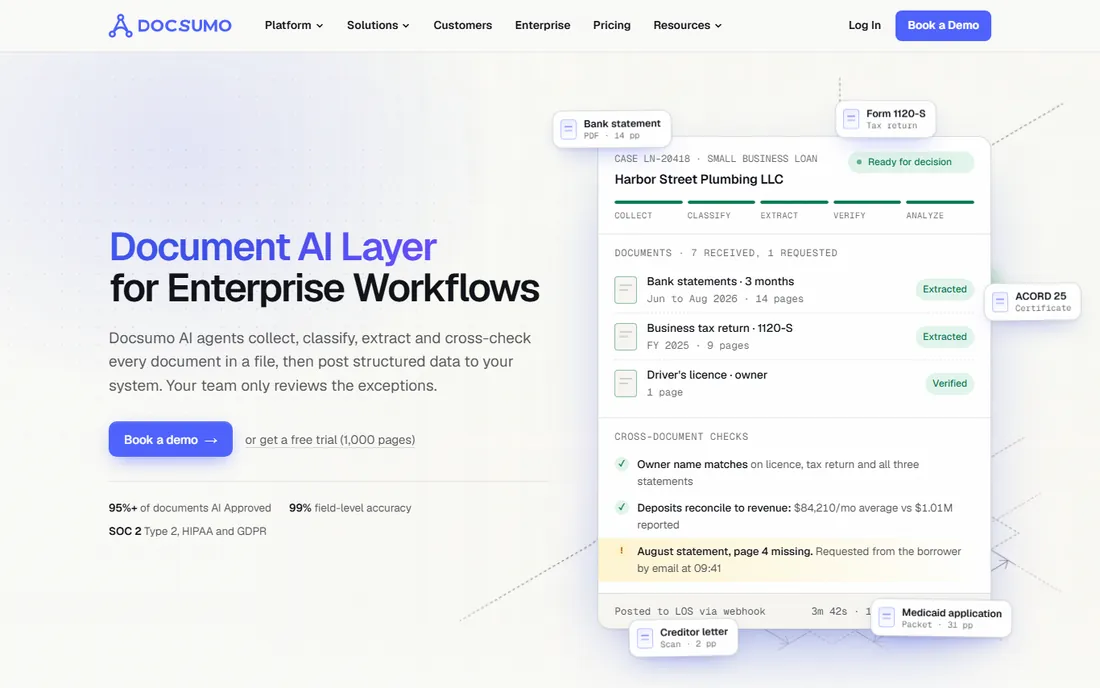
Docsumo offers document AI with pre-trained models for invoices, bank statements, IDs and more, aimed at operations teams rather than developers. Setup is faster than training custom models.
As a newer vendor, the ecosystem is smaller. Teams wanting AI extraction without ML expertise should try it.
Docsumo users should try the pre-trained models before building custom ones; the defaults cover most common documents well. Operations teams get value fastest on high-volume, standardized paperwork. Review low-confidence extractions daily at first.
What we like- Pre-trained models for common documents
- Operations-friendly interface
- Good accuracy
Watch out for- Newer vendor
- Customization depth varies
Starting priceSee website
Free planFree trial
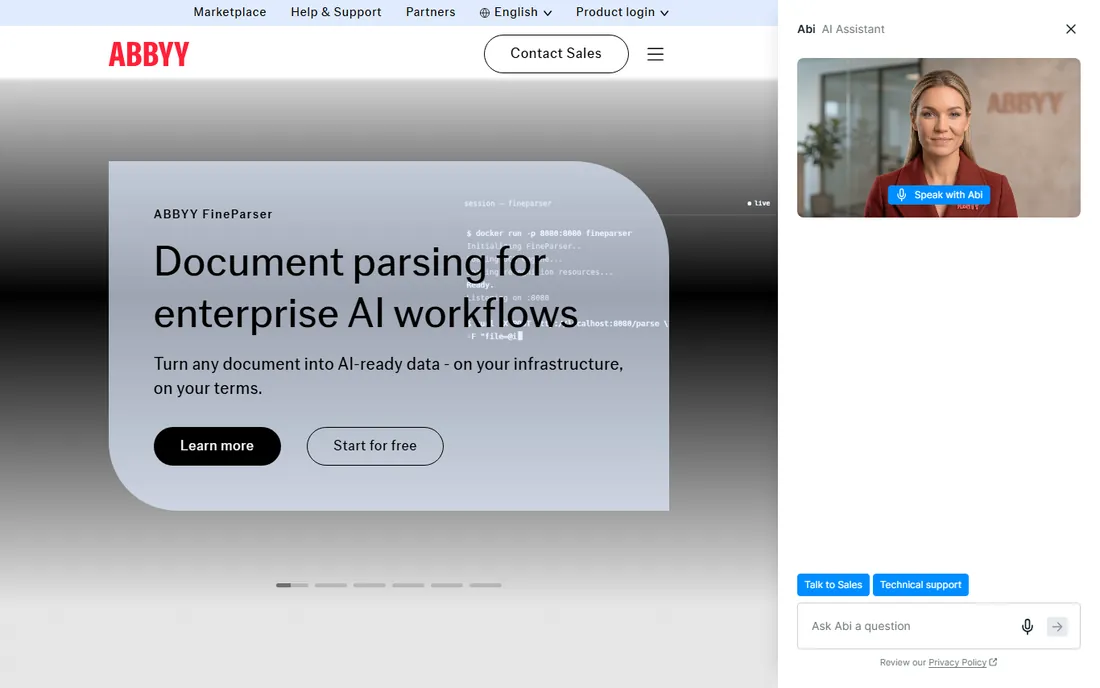
ABBYY FineReader remains the OCR accuracy benchmark: scanned documents, photos of documents and difficult layouts convert to usable text better than most alternatives. It is the tool for making scans machine-readable.
It is primarily a desktop product, not a workflow platform. Pair it with an extraction tool when you need both accuracy and automation.
FineReader users dealing with difficult scans should experiment with the OCR settings per document batch; one profile rarely fits all. Preprocess skewed or low-contrast scans for dramatically better results. Keep the originals alongside OCR output for audit purposes.
What we like- Best-in-class OCR accuracy
- Handles difficult scans
- Long track record
Watch out for- Desktop-centric
- Less workflow automation than cloud platforms
Starting priceSee website
Free planFree trial
Adobe Acrobat handles everyday extraction needs: exporting tables to Excel, copying structured text, and OCR on scanned PDFs. Teams that already license it should use these features before buying more.
Bulk automation is not its strength. For occasional extraction inside normal PDF work, it is already paid for.
Acrobat users should learn the batch export and Action Wizard features; they turn repetitive extraction into one-click jobs. For table-heavy PDFs, the Excel export preserves structure surprisingly well. It will not replace automation tools, but it delays needing them.
What we like- Everyone already has it
- Export tables and text easily
- Trusted format handling
Watch out for- Not built for automated bulk extraction
- AI features cost extra
Starting priceSee website
Free planFree trial
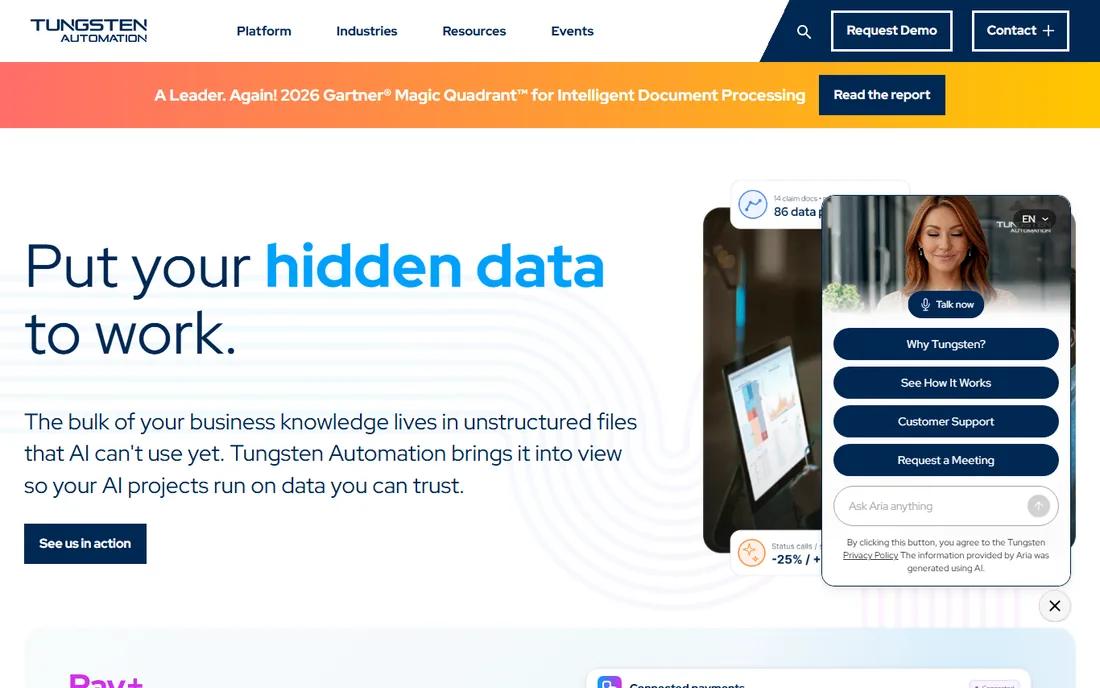
Tungsten Power PDF, formerly Kofax Power PDF before the company rebranded to Tungsten Automation, is the leading Acrobat alternative: editing, conversion, OCR and form data extraction at a lower price. Enterprises like the volume licensing.
The rebrand means older reviews reference Kofax. For teams standardizing on a non-Adobe PDF tool, it is the default choice.
Tungsten Power PDF buyers should confirm the exact features they need against the edition tiers; OCR and batch tools vary. Enterprises like the deployment options for standardized rollouts. It is the pragmatic Acrobat replacement, not a reinvention.
What we like- Full PDF editing plus extraction
- Cheaper than Acrobat
- Enterprise deployment options
Watch out for- Kofax rebrand may confuse buyers
- Interface less polished than Acrobat
#9
PDF.co
Best for: Developer API for PDF extraction
Visit pdf.co
Starting priceSee website
Free planYes
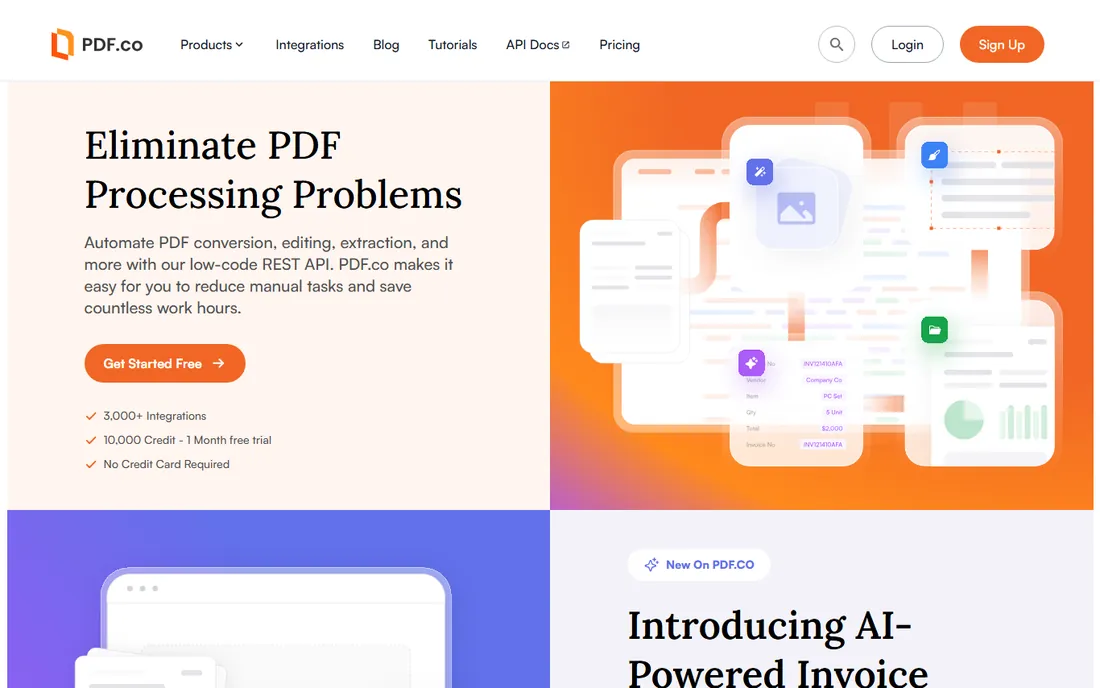
PDF.co gives developers an API for PDF data extraction plus conversion, splitting, merging and barcode reading. The free tier lets you build and test real integrations.
It is not for business users. Development teams that need extraction as a service, without training ML models, get productive fast.
PDF.co developers should prototype with the free tier against real documents before committing to volume pricing. The API covers far more than extraction, so check whether conversion or splitting needs are also covered. Monitor per-page costs as usage grows.
What we like- API-first extraction
- Generous free tier
- Handles many PDF operations beyond extraction
Watch out for- Developer-focused
- Non-technical users need a different tool
How we chose
We verified each vendor's homepage and current branding, noting Kofax's rebrand to Tungsten Automation. We kept tools with genuine extraction capability, from AI platforms to desktop OCR, and excluded simple PDF readers. Free plan status comes from vendor sites; paid pricing varies by volume.
What to get right before you buy
Test with your worst documents. Vendor demos use clean samples; your value comes from handling your messiest scans and oddest layouts.
Separate OCR from extraction. If your PDFs are scanned images, OCR accuracy decides everything; if they are digital PDFs, workflow and API matter more.
Estimate monthly page volume. AI platforms price per page or per document, and costs scale linearly with success. Model the cost at twice your current volume.
Frequently asked questions
What is PDF extraction software?
Software that automatically pulls structured data, such as invoice fields, table rows or form values, out of PDF documents into spreadsheets, databases or other systems.
How accurate is AI PDF extraction?
On clean, consistent documents, leading tools exceed 95 percent field accuracy. Scanned, handwritten or highly variable documents score lower; always test with your own files.
Do I need OCR for PDF extraction?
Only for scanned or image-based PDFs. Digitally created PDFs contain real text and extract without OCR; scans need OCR first.
What is the difference between Parseur and Adobe Acrobat?
Parseur automates bulk extraction from many PDFs via templates and AI. Acrobat extracts from individual PDFs you open manually. Different jobs.
Can I extract data from PDFs with an API?
Yes. PDF.co, Nanonets and Docparser all offer APIs for programmatic extraction, suited to developers building document pipelines.
Is my extracted data secure?
Check each vendor's security certifications and data retention policies, especially for financial or personal documents. Enterprise tools typically offer SOC 2 compliance.
Vendor accuracy claims deserve skepticism until tested on your documents. Build a test set of fifty real documents spanning your variety: clean digitals, phone photos, faded scans, multi-page invoices and the weird formats that arrive quarterly. Run every candidate tool against the same set and score field-level accuracy yourself.
Measure what matters for your workflow. Overall accuracy hides critical failures: 98 percent field accuracy means little if the 2 percent includes invoice totals. Weight the fields by business impact and score those separately. A tool that nails line items but misses totals may be worse than a less accurate tool with better total capture.
Test the confidence scores honestly. AI tools report confidence per field; your workflow needs a threshold below which humans review. Set the threshold during testing by checking whether low-confidence flags actually catch the errors. A threshold nobody trusts gets ignored, and then errors flow downstream.
Include your worst documents deliberately. Vendors demo on clean samples, but your ROI comes from handling the messy middle: skewed scans, handwritten notes, stamps overlapping text. The tool that degrades gracefully on bad inputs beats the tool that is perfect on clean ones and useless otherwise.
Finally, test at volume before signing annual contracts. Accuracy on fifty documents may differ from accuracy on fifty thousand, as edge cases accumulate. Run a paid pilot month at real volume, measure the exception rate, and calculate the true labor cost of handling exceptions. That number, not the license price, decides the purchase.
Sources we checked (9)
- https://parseur.com/
- https://docparser.com/
- https://nanonets.com/
- https://rossum.ai/
- https://www.docsumo.com/
- https://www.abbyy.com/
- https://www.adobe.com/
- https://www.tungstenautomation.com/
- https://pdf.co/
Is your product missing or out of date?
We review this list regularly. Vendors can request a listing, send updated pricing or ask about featured placement.

Shihab Mia · Founder, Rankite
Shihab has spent more than a decade helping SaaS and e-commerce brands grow through search. He writes Rankite's software buying guides from pricing pages, documentation and public user reviews. More about Shihab.