How we make this list: we compare pricing pages, product documentation and public user reviews. Ratings come from G2, Capterra or Trustpilot, with the date we checked them.
Key takeaways
- The cheapest way to save is often a free high yield savings account with a recurring transfer, not a paid app, so compare app fees against the interest you earn.
- Flat fees hurt small balances most: Acorns at 4 dollars a month works out to 9.6 percent a year on a 500 dollar balance.
- Rocket Money Premium is the most hands off saver here, moving small amounts every 1 to 3 business days, but automatic saving needs the paid plan.
- Cash back apps like Rakuten and Upside are free, but they save only when you shop through them, so they complement a savings app rather than replacing one.
Quick comparison
| Tool | Best for | Starting price | Free plan |
|---|
 Rocket Money Rocket Money | Hands off saving plus subscription canceling | Free | Yes |
 Acorns Acorns | Round up investing | $4 per month | No |
 Qapital Qapital | Rule based goal saving | $3 per month | Free trial |
 Oportun Set & Save Oportun Set & Save | Fully automatic saving | See website | Yes |
 Simplifi Simplifi | Knowing what is safe to spend | $3.49 per month | Free trial |
 YNAB YNAB | Zero based budgeting | $14.99 per month | Free trial |
 Rakuten Rakuten | Online shopping cash back | Free | Yes |
 Upside Upside | Gas and grocery cash back | Free | Yes |
Is your product missing or out of date?
We review this list regularly. Vendors can request a listing, send updated pricing or ask about featured placement.
The best money saving apps
Starting priceFree
Free planYes
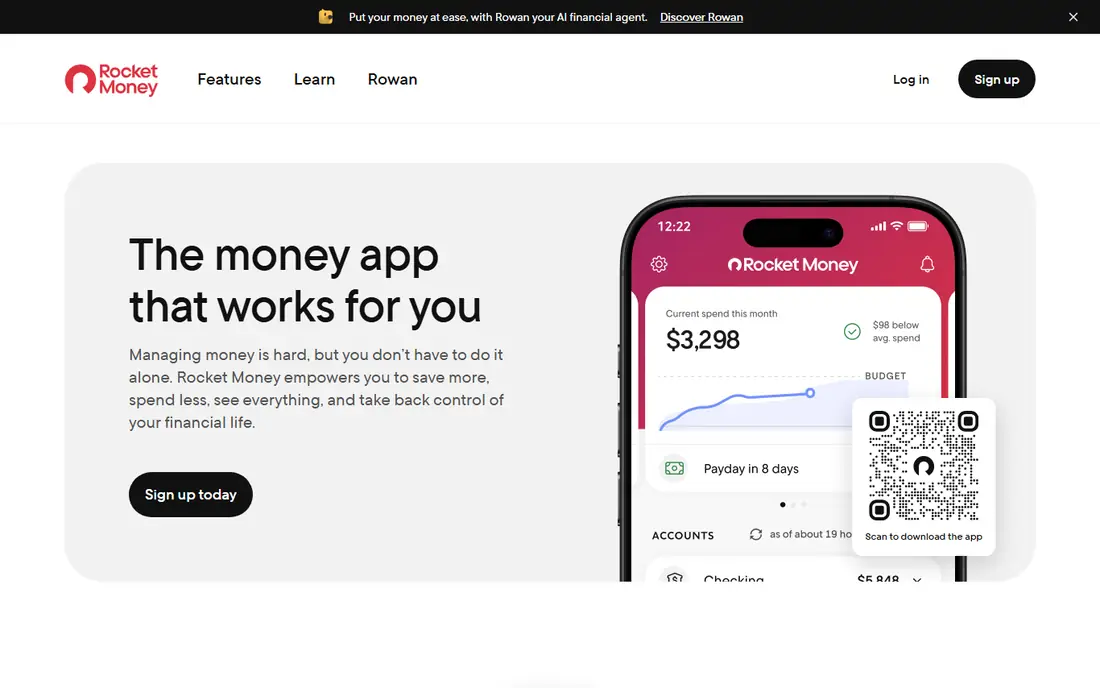
Rocket Money is the most hands off saver in this list, because its Smart Savings autopilot studies your checking balance and spending, then moves small amounts into a separate account every 1 to 3 business days. You do not choose rules or amounts, which suits people who never get around to saving manually. Premium also cancels subscriptions for you, negotiates bills and adds unlimited budgets.
The catch is price: automatic saving is Premium only, typically 7 to 14 dollars a month on a pay what you choose basis, while the free plan covers tracking and budgets without autopilot. Rocket Money is a financial technology company, not a bank, with banking services provided by nbkc bank, Member FDIC. If you want saving to happen with no setup at all and you will use the subscription tools, Premium earns its fee. If not, a free recurring transfer to a savings account does the same job.
What we like- Smart Savings autopilot moves small amounts for you
- Subscription canceling and bill negotiation on Premium
- Unlimited budgets on Premium
Watch out for- Automatic saving needs Premium at 7 to 14 dollars a month
- Free plan lacks autopilot
- Banking services sit with a partner bank, not Rocket Money itself
Starting price$4 per month
Free planNo
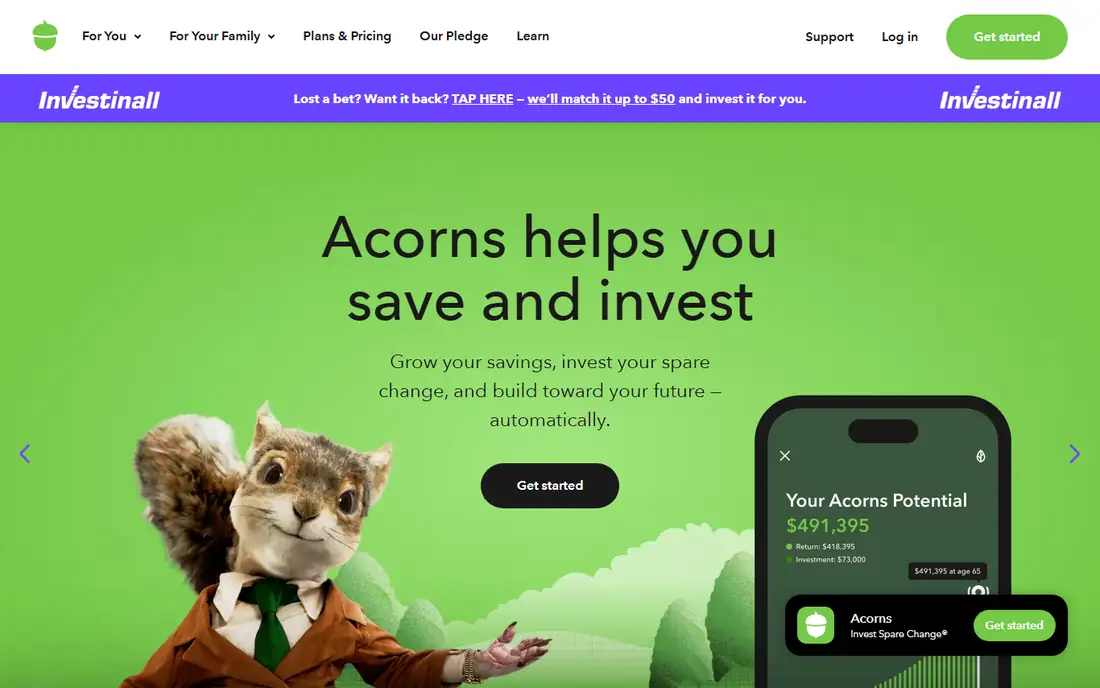
Acorns is built around round-ups: every purchase rounds up to the next dollar and the spare change goes into a ready made portfolio. You can add a recurring investment from 5 dollars, and a first recurring investment of 5 dollars or more earns a 20 dollar bonus. Bronze costs 4 dollars a month, Silver 8 dollars and Gold 12 dollars.
The honest catch is the flat fee. On a 500 dollar balance, 4 dollars a month works out to 9.6 percent a year, and your spare change is invested, not saved, so the balance can go down as well as up. Acorns makes sense once contributions outgrow the fee, or when the alternative is investing nothing at all. This is not financial advice, and investment returns are never guaranteed.
What we like- Round-Ups invest spare change automatically
- Recurring investments from 5 dollars
- 20 dollar bonus after a first recurring investment
Watch out for- Flat fee of 4 to 12 dollars a month
- Invested balance can fall
- Fee is huge on small balances
Starting price$3 per month
Free planFree trial
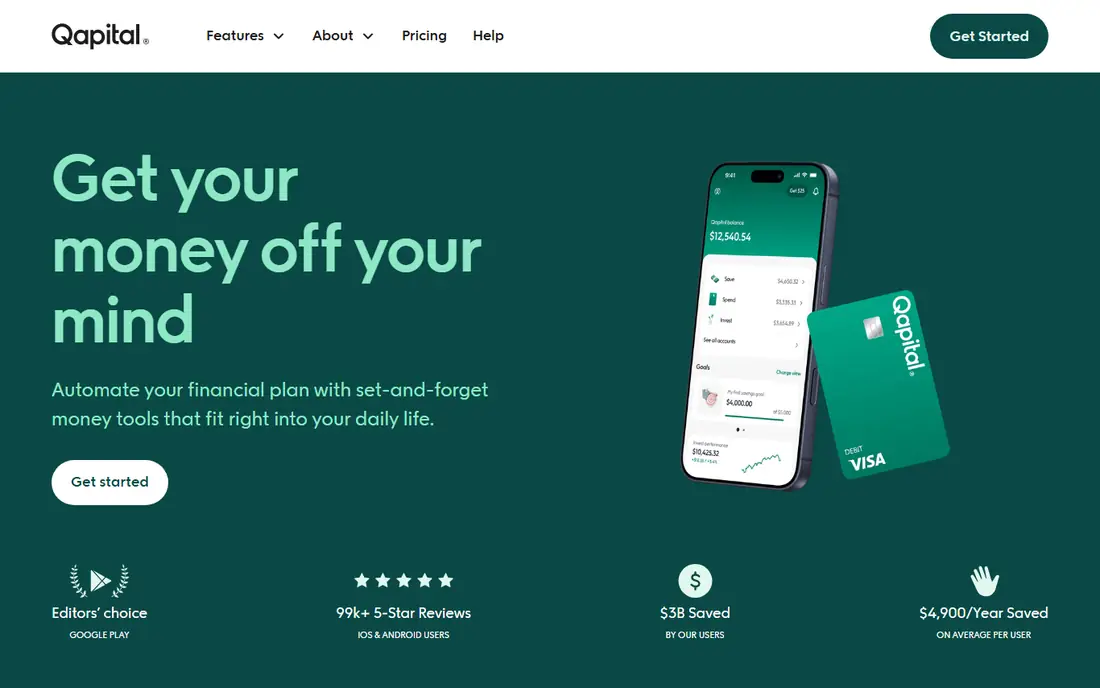
Qapital makes saving a game of rules you design: round up purchases, save on payday, save when you skip a coffee, or set a weekly amount toward a named goal. Joint goals let couples save together, and the rule variety suits people who like control over how saving happens. Plans run 3, 6 or 12 dollars a month in some comparisons, with investing starting on higher tiers.
The trade off is effort. Qapital makes you choose the triggers, unlike Rocket Money autopilot, and a rule set you never update can drift from your budget. The 30 day free trial gives time to test whether rule based saving sticks for you before paying.
What we like- Custom triggers like round-ups and payday rules
- Joint goals for couples
- 30 day free trial
Watch out for- You must choose and manage rules
- Investing starts on higher tiers
- Monthly fee of 3 to 12 dollars
Starting priceSee website
Free planYes
Oportun Set & Save, formerly Digit, is the app that used to be called Digit, and it is the most hands off of the group because it chooses the amounts and the timing for you. There are no rules to design and no round-ups to configure: the app studies your cash flow and moves what it judges you can spare. That suits people who want saving to happen with no setup at all.
Control is the trade off, since you cannot fine tune transfer amounts the way Qapital allows, and pricing and interest terms vary, so check the current terms on the company site. As a pure automatic saver, Oportun is the simplest option here, but it will not replace a budget app.
What we like- Most hands off of the rule based savers
- Chooses amounts and timing for you
- No rule setup needed
Watch out for- Pricing and interest terms vary
- Less control over transfer amounts
- App is savings focused, not a full budget tool
Starting price$3.49 per month
Free planFree trial
Simplifi, from Quicken, answers one question well: after bills and savings goals, what is safe to spend today. Real time spending alerts, custom spending plans and savings goals keep that figure current, which helps people who overspend not from lack of income but from lack of clarity. Pricing starts at a 3.49 dollar promotional first year price billed annually, rising to 6.99 dollars regular, with a 7 day free trial.
There is no ongoing free tier, and bank sync can hiccup with some institutions. For a beginner budgeter who wants a clear safe to spend number rather than a full accounting system, Simplifi is the friendliest paid option here.
What we like- Safe to spend figure after bills and goals
- Real time spending alerts
- Custom spending plans and savings goals
Watch out for- Promotional price rises to 6.99 dollars regular
- No free tier beyond a 7 day trial
- Bank sync hiccups occur
#6YNAB
Best for: Zero based budgeting4.5/5 on
G2 (30 reviews, checked Oct 2026)
Visit ynab.com
Starting price$14.99 per month
Free planFree trial
YNAB, short for You Need A Budget, is the most disciplined budgeting system in this list. Every dollar gets a job, goals track progress, and detailed spending reports show where money actually goes. The method works: users who stick with it tend to save more, because the budget forces a decision before spending, not after.
The price is the highest here at 14.99 dollars a month or 109 dollars a year, and the learning curve is steep for the first month. A free trial helps, but YNAB is overkill if you only want automatic saving. Choose it when overspending, not automation, is the problem.
What we like- Zero based method gives every dollar a job
- Goal tracking and detailed reports
- Strong education and community
Watch out for- Highest price here at 14.99 dollars a month or 109 dollars a year
- Learning curve is steep
- Overkill for simple saving
Starting priceFree
Free planYes
Rakuten pays cash back when you shop online through its links or app, with a 50 dollar bonus after 50 dollars in qualifying purchases through Rakuten in current offers. Store coverage is wide, and the browser extension reminds you to activate cash back before checkout. The service is free, which makes it an easy add to any saver toolkit.
The limit is scope: Rakuten saves only when you shop through it, cash back pays quarterly rather than instantly, and rates vary by store and promotional period. Treat Rakuten as a discount on spending you would do anyway, not as a savings plan, and never buy extra items just to earn cash back.
What we like- Free cash back on online shopping
- 50 dollar bonus after 50 dollars in qualifying purchases
- Wide store coverage
Watch out for- Saves only when you shop through Rakuten
- Cash back arrives quarterly
- Rates vary by store and sale
Starting priceFree
Free planYes
Upside pays cash back on gas and grocery purchases at participating locations, with up to 25 cents a gallon on a first fill-up in current offers. The app shows nearby offers, you claim one, pay as usual, and the cash back lands in your account. For a driver or grocery shopper, the savings add up without changing habits much.
Offer availability varies by location, and grocery coverage differs by region, so rural users may find fewer deals. Cash back also requires claiming the offer before purchase. As a free complement to a savings app, Upside turns routine spending into a small, steady rebate.
What we like- Free cash back on gas and groceries
- Up to 25 cents a gallon on a first fill-up
- In store offers near you
Watch out for- Savings depend on local offers
- Cash back requires claiming offers first
- Grocery coverage varies by region
How we chose
We compared published prices, free tier terms and saving methods from vendor pages and independent comparisons published in 2026, and we weighed automatic saving, budgeting depth, cash back value and fee fairness on small balances. We favored apps with a usable free tier or a defensible price, and we flagged flat fees that punish small balances. No tool was credited with hands-on testing, and no user counts, awards or returns were invented for this guide. This article is general information, not financial advice.
What to check before you pay for a saving app
Start with the fee math. A flat 4 dollar monthly fee on a 500 dollar balance costs 9.6 percent a year, which wipes out interest many times over, while the same fee on a 5,000 dollar balance costs under 1 percent. If your balance is small, a free high yield savings account with a recurring transfer beats every paid app here.
Next, match the method to your behavior. Autopilot savers like Rocket Money Premium and Oportun suit people who never save manually. Rule based Qapital suits people who like control. YNAB suits overspenders who need a budget system. Cash back apps suit shoppers who already spend. The best app is the one whose method you will actually keep using after the novelty fades.
Finally, check where the money sits. Some apps are technology companies, not banks, with banking services provided by partner banks, while investment apps put your money in portfolios that can fall. Read the account terms, confirm FDIC coverage for savings balances, and never treat an investment round-up as a guaranteed savings account.
Frequently asked questions
What is the cheapest way to save automatically?
A free high yield savings account with a recurring transfer on payday, which costs nothing and earns interest. Paid apps add convenience and behavior tricks, but on a small balance their fees can exceed the interest earned, so compare the fee against your balance first.
Is Acorns worth the monthly fee?
It depends on balance and behavior. At 4 dollars a month, the fee is 9.6 percent a year on a 500 dollar balance but under 1 percent on a 5,000 dollar balance. Acorns makes sense once contributions outgrow the fee, or when the alternative is investing nothing. Remember the balance can fall, since it is invested, not saved.
Do cash back apps really save money?
Yes, on spending you would do anyway, but they do not replace saving. Rakuten and Upside return a percentage of purchases, which adds up over a year, but buying extra items to earn cash back costs more than the reward. Use them for routine purchases only.
Is Rocket Money Premium worth it?
If you use subscription canceling, bill negotiation and autopilot saving together, Premium at 7 to 14 dollars a month can pay for itself. If you only want automatic saving, the free plan lacks autopilot, so a free recurring transfer to a savings account does the same job for nothing.
Should I use a budgeting app or a saving app?
Use a budgeting app like YNAB or Simplifi when overspending is the problem, since they show where money goes and what is safe to spend. Use a saving app like Qapital or Oportun when income is steady but saving never happens, since automation moves money before you can spend it. Many people benefit from one of each.
Are these apps safe for my bank account?
Reputable apps use read only connections or partner banks with FDIC coverage for savings balances, and investment apps disclose market risk. Check the account terms, use two factor authentication, and confirm whether the company is a bank or a technology company using a partner bank before linking accounts.
Sources we checked (4)
- https://www.mymillennialguide.com/qapital-review/
- https://www.mymillennialguide.com/best-money-saving-apps/
- https://financebuzz.com/best-money-saving-apps
- https://www.mymillennialguide.com/digit-review/
Is your product missing or out of date?
We review this list regularly. Vendors can request a listing, send updated pricing or ask about featured placement.

Shihab Mia · Founder, Rankite
Shihab has 5+ years in B2B and SaaS SEO. He writes Rankite's software buying guides from pricing pages, documentation and public user reviews. More about Shihab.