How we make this list: we compare pricing pages, product documentation and public user reviews. Ratings come from G2, Capterra or Trustpilot, with the date we checked them.
Key takeaways
- Per-device pricing runs from $1 a month (Mosyle) to $8 a user (Intune standalone), and almost everyone bills annually with device minimums or monthly minimums attached.
- The market splits cleanly: Apple-only specialists (Jamf, Iru, Mosyle, SimpleMDM, Addigy) versus cross-platform tools (Intune, Hexnode, Scalefusion) that also cover Windows and Android.
- 2026's notable rebrand: Kandji is now Iru, expanding from Apple MDM into Windows, Android, workforce identity and compliance automation.
- If you already pay for Microsoft 365 Business Premium, E3 or E5, you already own Intune Plan 1, which changes the math for every other tool on this list.
Quick comparison
| Tool | Best for | Starting price | Free plan |
|---|
 Jamf Pro Jamf Pro | Apple-first organizations managing devices at scale | See website (quote-based; bundles published as Jamf for Mac, Jamf for Mobile, Jamf Now) | Free trial (14 days) |
 Iru (formerly Kandji) Iru (formerly Kandji) | Teams that want Apple MDM automation plus identity and compliance | See website (quote-based) | Free trial (14 days) |
 Mosyle Mosyle | Businesses and schools that want Apple management at a fraction of Jamf's price | $1/device/month (Business, as low as pricing on vendor site) | Yes (free tier for business) |
 Microsoft Intune Microsoft Intune | Organizations already living in Microsoft 365 | $8/user/month (Intune Plan 1 standalone; included in M365 Business Premium, E3, E5) | Free trial |
 Hexnode Hexnode | Cross-platform device management on a tight budget | $2.20/device/month (Pro plan) | Free trial (14 days) |
 Scalefusion Scalefusion | Mixed-device fleets that want flexible enrollment and deployment | $2/device/month (Starter plan, billed annually) | Free trial (14 days) |
 SimpleMDM SimpleMDM | Teams that want Apple MDM without minimums, tiers or sales calls | $2.50/device/month (no device minimum) | Free trial (30 days) |
 Addigy Addigy | MSPs and lean IT teams managing Apple fleets for multiple clients | $6.25/device/month (MDM plan, annual billing) | Free trial (14 days) |
Is your product missing or out of date?
We review this list regularly. Vendors can request a listing, send updated pricing or ask about featured placement.
The best MDM software
Jamf says 7 of the top 10 technology companies run its platform, and whether or not you buy the marketing, the number tells you something real: device management is infrastructure now, not a nice-to-have. MDM (mobile device management) enrolls every phone, laptop and tablet, enforces encryption and policies, pushes apps and updates, and wipes devices remotely when they go missing. For a business with even a few dozen devices, doing that by hand stops working fast. These eight tools cover the real market in 2026, from the Apple specialists to the cross-platform workhorses.
#1
Jamf Pro
Best for: Apple-first organizations managing devices at scale
Visit jamf.com
Starting priceSee website (quote-based; bundles published as Jamf for Mac, Jamf for Mobile, Jamf Now)
Free planFree trial (14 days)
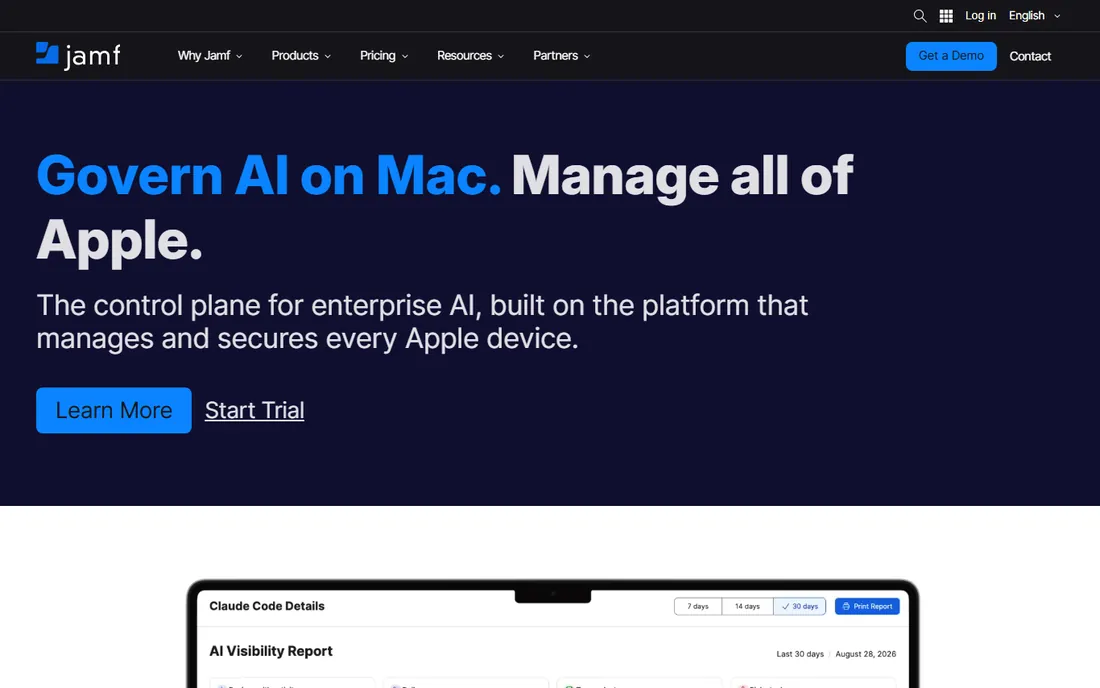
Nobody buys Jamf by accident. It is the platform Apple-first organizations graduate to when Mosyle or SimpleMDM stop being enough: deeper policy control, workflow automation, patch management and compliance reporting across tens of thousands of devices. The 2026 lineup sells as bundles (Jamf for Mac, Jamf for Mobile) that include endpoint protection and identity, and Jamf holds Leader placements in the Gartner Magic Quadrant and IDC MarketScape for endpoint management.
The trade is cost and weight. Pricing is quote-based with device minimums, and third-party analyses consistently put real total cost 40 to 60 percent above the subscription line once services and training are counted. If your fleet is under a few dozen devices, start with Jamf Now or a simpler tool and grow into Pro.
What we like- The reference standard for Apple management with same-day support for new Apple OS releases
- Jamf Nation is the largest Apple IT community for troubleshooting
- Bundles now include endpoint security and AI governance for Mac
Watch out for- Quote-based pricing with volume minimums makes costs opaque
- Total cost runs well above the per-device figure once onboarding and premium support are added
- Overkill for small fleets
#2
Iru (formerly Kandji)
Best for: Teams that want Apple MDM automation plus identity and compliance
Visit iru.com
Starting priceSee website (quote-based)
Free planFree trial (14 days)
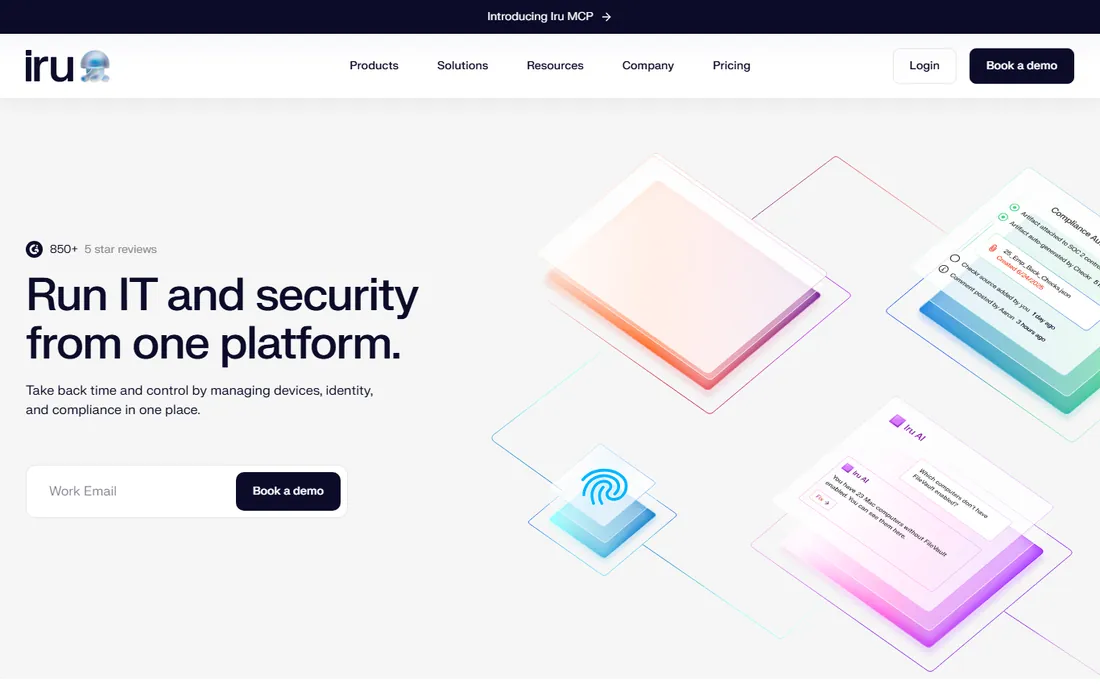
The company formerly known as Kandji renamed itself Iru in 2026, and the rebrand is substantive: the platform now manages Apple, Windows and Android devices, adds passwordless workforce identity and compliance automation with a public trust center. The Apple MDM core that built its reputation continues unchanged, with zero-touch deployment, hundreds of automated security controls and OS update automation.
What has not changed is the sales model. Iru publishes no prices and quotes by fleet size and module, which makes budgeting harder than with Mosyle or Hexnode. It fits teams that value automation over granular control and want device management, EDR and compliance converging in one vendor. If you just need MDM, make sure the quote reflects that.
What we like- Slick automation with pre-built templates and config-as-code for advanced teams
- Now a unified platform covering endpoint, identity and compliance beyond Apple
- Strong G2 ratings and 6,000-plus customers claimed
Watch out for- Pricing is entirely custom and module-based, with the MDM module required as a foundation
- API access has device-count thresholds
- The rebrand means some documentation and integrations still reference Kandji
#3
Mosyle
Best for: Businesses and schools that want Apple management at a fraction of Jamf's price
Visit mosyle.com
Starting price$1/device/month (Business, as low as pricing on vendor site)
Free planYes (free tier for business)
Mosyle wins on arithmetic. At a dollar per device per month for business (annual billing), it delivers enterprise-grade Apple device management, hardening and compliance templates, Mac antivirus and privilege management for less than most competitors charge for basic MDM. The company claims more than 24,000 businesses and 25,000 schools, and its no-sales, self-serve commercial model is part of how the price stays low.
The limitation is scope, not quality: Mosyle manages Apple devices only. If your fleet is Macs, iPhones and iPads, that is a feature, not a bug, and the money saved versus Jamf is real. Mixed Windows and Android fleets should look at Hexnode, Scalefusion or Intune instead.
What we like- The best price-to-capability ratio in Apple MDM: $1 per device per month for business
- Unified platform combining MDM, endpoint security and privilege management
- Free business tier and strong K-12 heritage with 25,000-plus schools claimed
Watch out for- Apple-only, so mixed fleets need a second tool
- Documentation and EU support hours draw occasional complaints
- Advanced security features sit in higher tiers
Starting price$8/user/month (Intune Plan 1 standalone; included in M365 Business Premium, E3, E5)
Free planFree trial
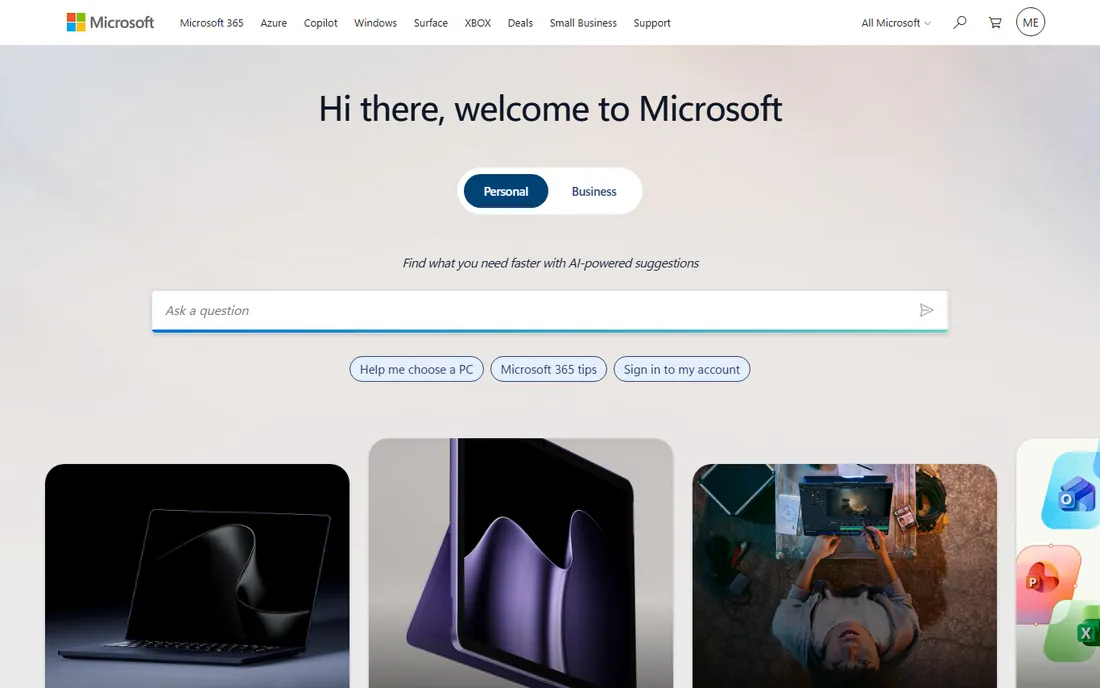
Intune is the default answer for Microsoft shops, and the math is the reason. Plan 1 at $8 per user per month standalone is already bundled into Microsoft 365 Business Premium ($22 per user), E3 and E5, so most organizations evaluating MDM already own it. In 2026 Microsoft folded several advanced capabilities (Plan 2 features, Remote Help, analytics) into E3 and E5, improving the bundle further.
Check the fit before committing. Intune's Windows management is excellent; its macOS and iOS tooling is thinner than the Apple specialists, and per-user licensing with device caps suits knowledge workers better than shared-device or kiosk fleets. Run the trial against your actual device mix, not just the Windows laptops.
What we like- Already included in Microsoft 365 Business Premium, E3 and E5, making it effectively free for millions of businesses
- Manages Windows, macOS, iOS and Android from one console
- Deep conditional access integration with Entra ID
Watch out for- Per-user licensing with a 15-device enrollment cap per user complicates device-heavy fleets
- MacOS and mobile management trail Windows depth
- The add-on structure (Plan 2, Suite) pushes real costs above $8 quickly
#5
Hexnode
Best for: Cross-platform device management on a tight budget
Visit hexnode.com
Starting price$2.20/device/month (Pro plan)
Free planFree trial (14 days)
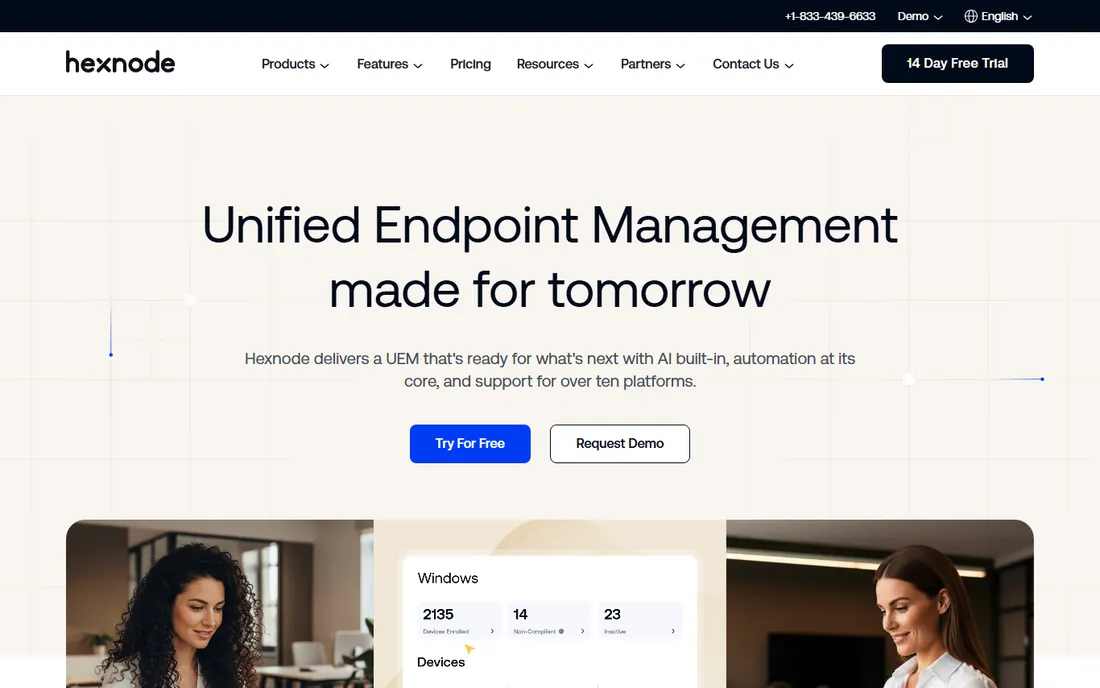
Hexnode is the value pick for mixed fleets. The vendor publishes its pricing openly: Pro at $2.20 per device per month for MDM essentials, Enterprise at $3.20, Ultimate at $4.70, with a custom Ultra tier above that. It manages essentially every OS from one dashboard, with zero-touch enrollment options for Apple, Samsung Knox and Android.
For a small IT team with iPhones, Windows laptops and a few Macs, Hexnode does the job at a price the Apple specialists cannot touch for mixed environments. The honest catch is refinement: this is not Jamf-level polish, and organizations with heavy compliance needs may find the reporting basic. At these prices, though, the trial costs nothing to run.
What we like- Transparent published pricing from $2.20 per device per month
- Covers iOS, Android, Windows, macOS, tvOS and more from one console
- 14-day trial with no credit card required
Watch out for- Interface and polish trail the premium vendors
- Advanced UEM features require the higher tiers
- Support quality reports are mixed at the low end
#6
Scalefusion
Best for: Mixed-device fleets that want flexible enrollment and deployment
Visit scalefusion.com
Starting price$2/device/month (Starter plan, billed annually)
Free planFree trial (14 days)
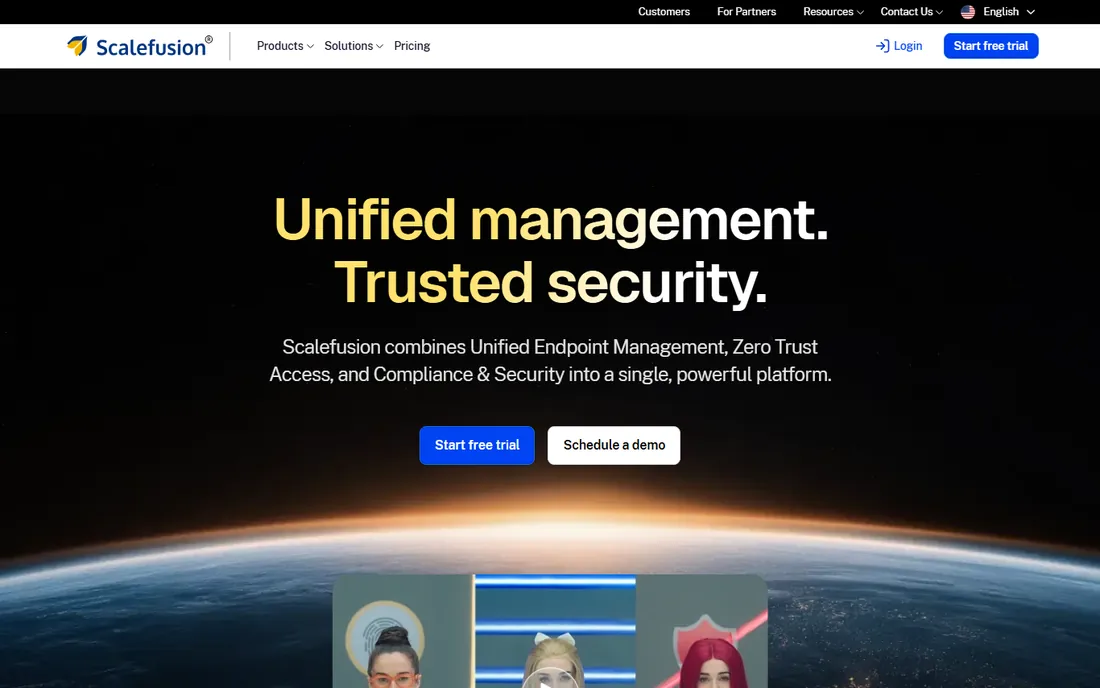
Scalefusion competes directly with Hexnode for the budget cross-platform slot and differentiates on flexibility: broader enrollment options, deployment versatility and a unified management console designed for diverse, evolving device mixes. The $2 per device per month Starter price (annual billing) undercuts most of the market, and the 14-day trial opens up everything.
It fits organizations whose device strategy is still changing: some Android rugged devices here, BYOD iPhones there, Windows laptops everywhere. The ecosystem is smaller than the leaders, so verify the specific integrations you need before committing. Note: we could not load scalefusion.com in our verification browser (access denied by the site); the URL above is the vendor's official domain as listed in their public materials.
What we like- Competitive starting price at $2 per device per month annually
- Manages all major OSes with flexible enrollment including rugged and IoT-adjacent devices
- 14-day trial with every feature enabled
Watch out for- Brand recognition and third-party integrations trail Hexnode and Intune
- Advanced features sit in higher-priced tiers
- Smaller community for troubleshooting
#7
SimpleMDM
Best for: Teams that want Apple MDM without minimums, tiers or sales calls
Visit simplemdm.com
Starting price$2.50/device/month (no device minimum)
Free planFree trial (30 days)
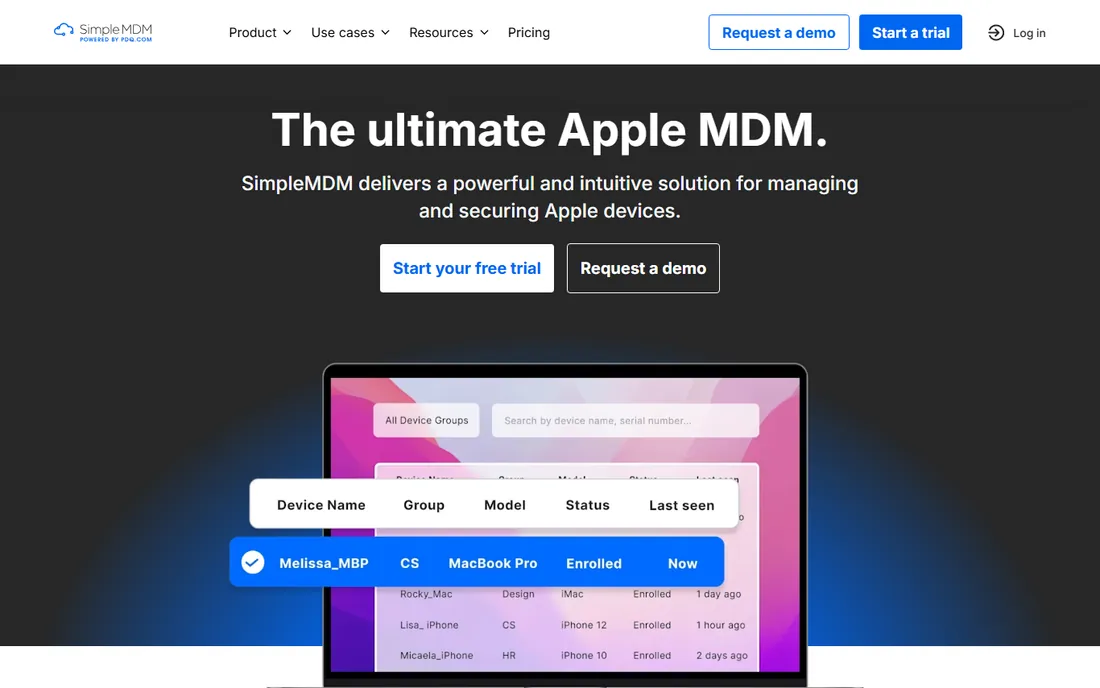
SimpleMDM is exactly what the name promises. One price ($2.50 per device per month), no device minimum, no upsell tiers for core functionality, native Apple MDM architecture without a proprietary agent, and a REST API included from the start. The 30-day trial needs no credit card, and support is US-based technical staff during business hours.
This is the tool for the 50-to-500-device Apple fleet that needs real MDM: zero-touch enrollment, configuration profiles, app deployment, remote wipe, without enterprise ceremony. It will not replace Jamf Pro at 10,000 devices, and it does not try to. For its target, the lack of friction is the feature.
What we like- Dead-simple pricing at $2.50 per device per month with no minimum and no feature tiers
- Native Apple MDM with API included at the base price
- US-based support with 30-minute average response times claimed
Watch out for- Apple-only
- Fewer advanced security and compliance features than Jamf or Iru
- The simplicity that attracts small teams can limit large, complex deployments
#8
Addigy
Best for: MSPs and lean IT teams managing Apple fleets for multiple clients
Visit addigy.com
Starting price$6.25/device/month (MDM plan, annual billing)
Free planFree trial (14 days)
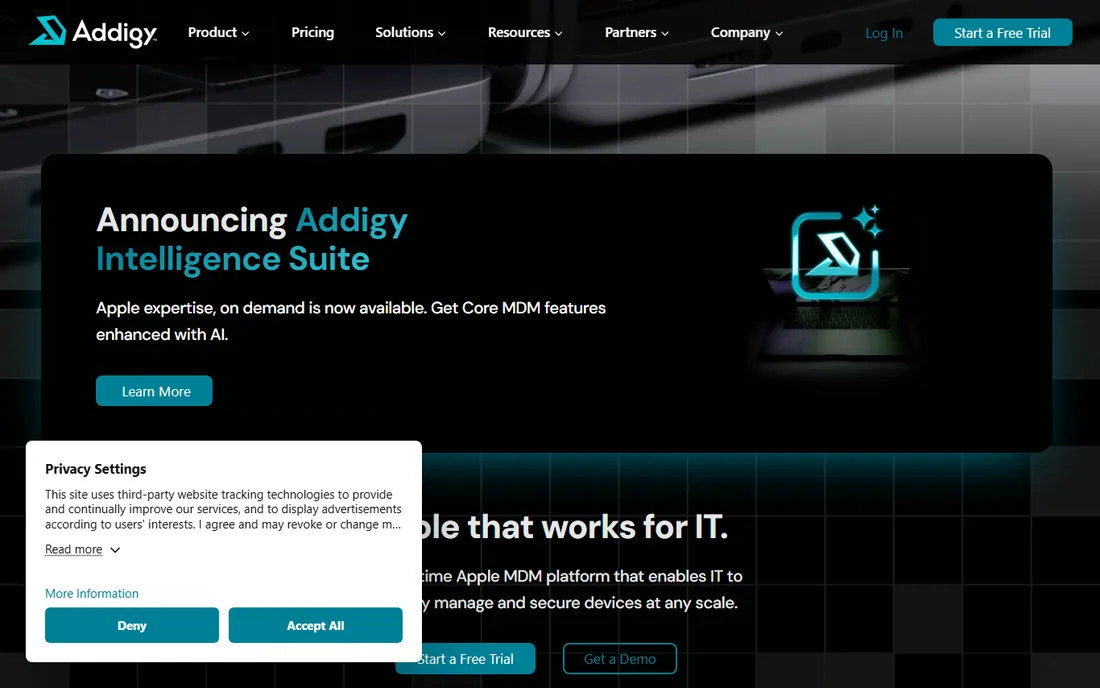
Addigy is the Apple MDM for managed service providers. The multi-tenant architecture lets one console manage dozens of client fleets, with per-client configuration and reporting, and it integrates with the PSA and RMM stack MSPs already run (ConnectWise, Autotask, NinjaOne). The real-time agent goes beyond Apple's MDM protocol with live terminal and desktop control.
The $200 monthly minimum is the filter: Addigy wants MSPs and mid-size IT teams, not five-Mac shops. The MDM plan runs $6.25 per device per month annually, with Amplify ($2) for overlaying on an existing MDM and a Security Suite ($14) adding SentinelOne-powered EDR. If you manage Apple devices for clients, the per-client economics usually work; if it is your own single small fleet, Mosyle or SimpleMDM cost less.
What we like- Multi-tenant console built for MSP economics, managing many clients from one dashboard
- Real-time agent with live remote control (LiveDesktop) beyond standard MDM
- 14-day trial of all features
Watch out for- $200 monthly minimum prices out very small fleets
- Pricing is finalized through sales with fleet-size variables
- Advanced features have a real learning curve for new technicians
How we chose
We searched the queries buyers actually run (MDM software, mobile device management tools, Apple MDM, best MDM 2026) and shortlisted vendors with sustained market presence plus strong newer options. For each, we opened the vendor homepage and pricing pages where they rendered, reviewed product documentation, and checked practitioner discussion on Reddit, G2 and Capterra for deployment reality. Published per-device prices come from vendor pages; where pricing is quote-only we wrote "See website" instead of repeating unverified figures. Scalefusion's site denied our browser access, so its URL and price are taken from the vendor's official published materials rather than a live page load.
Four decisions eliminate most of the list before you ever book a demo.
Apple-only or cross-platform?
This is the first fork and it is permanent. If every device is Apple, the specialists (Jamf, Iru, Mosyle, SimpleMDM, Addigy) give you deeper macOS and iOS control for less money. The moment Windows laptops or Android phones enter the fleet, you need Intune, Hexnode or Scalefusion, or you will be running two consoles. Count the actual devices, not the aspirational roadmap.
Per-device versus per-user pricing
Apple specialists charge per device; Intune charges per user. A user with a laptop, phone and tablet costs $8 a month on Intune Plan 1 but $3 to $7.50 on per-device tools. Shared devices, kiosks and shift workers flip the math the other way. Model your real device-to-user ratio before comparing headline prices.
Zero-touch enrollment
Every tool here supports Apple's Automated Device Enrollment in principle, but the setup experience varies enormously. This is the single biggest determinant of whether rollout takes an afternoon or a month. Ask each vendor to walk through enrollment with your Apple Business Manager account during the trial, not after signing.
What the trial must prove
Do not trial the dashboard; trial your hardest workflows. Enroll the oldest device you support, push your most annoying app, test remote wipe and lock, and try the support channel once with a real question. Fourteen to thirty days is enough to learn whether the tool fits your team, and every vendor on this list offers one.
The hidden costs of MDM
The subscription is rarely the whole bill. Watch for these before you sign.
Device and monthly minimums change small-fleet economics. Addigy's $200 monthly minimum means a 20-device fleet pays $10 per device effectively. Jamf's volume minimums have the same effect at the low end. SimpleMDM and Mosyle, with no minimums, are kinder to small fleets.
Onboarding and support tiers add up. Jamf's own analyses acknowledge total cost running well above subscription pricing once implementation, training and premium support are included. Ask what onboarding costs, what support tier is included, and what happens when you need help at 2 a.m.
Annual billing locks you in. Nearly every per-device price on this list assumes annual prepayment; monthly billing costs more where it exists at all. That is fine for a tool you will keep, but negotiate the renewal cap now, not in month eleven.
MDM does not replace endpoint security. Device management enforces policy; it does not stop malware by itself. Jamf, Iru and Addigy sell security add-ons for exactly this reason. Budget for endpoint protection separately if your MDM tier does not include it.
Frequently asked questions
What is MDM software?
Mobile device management enrolls phones, tablets, laptops and other endpoints into a central console, then enforces policies (encryption, passcodes, app restrictions), deploys apps and updates, and enables remote lock and wipe. Modern tools also handle compliance reporting and integrate with identity providers. If you have more than a handful of company devices, MDM is how you keep them configured and secure without touching each one.
How much does MDM software cost?
Most tools charge per device per month, billed annually: roughly $1 to $3 at the budget end (Mosyle, Hexnode, Scalefusion), $2.50 to $6.25 in the mid-range (SimpleMDM, Addigy), and quote-based enterprise pricing above that. Microsoft Intune charges $8 per user per month standalone but is included in Microsoft 365 Business Premium, E3 and E5. Add onboarding, support tiers and minimums to get the real number.
Can I manage both Apple and Windows devices with one tool?
Yes: Microsoft Intune, Hexnode and Scalefusion are cross-platform. The Apple specialists (Jamf Pro, Iru, Mosyle, SimpleMDM, Addigy) focus on macOS, iOS, iPadOS and tvOS, with Iru recently adding Windows and Android. Cross-platform tools trade some Apple depth for breadth; pick based on your actual fleet mix.
What is zero-touch enrollment?
Zero-touch enrollment (Apple's Automated Device Enrollment, Android zero-touch, Windows Autopilot) lets devices configure themselves the first time they connect to the internet: policies, apps, Wi-Fi and security settings apply automatically with no IT hands on the device. It is the difference between onboarding taking five minutes of user time and thirty minutes of technician time per device.
Do I need MDM if my team uses personal devices (BYOD)?
Yes, arguably more so. MDM tools support BYOD modes that manage only the work profile or work apps, leaving personal data untouched: separate work containers on iOS and Android, managed apps with remote wipe of corporate data only. This protects company data on employee-owned phones without invading privacy, and it matters for compliance in regulated industries.
How long does MDM deployment take?
A focused rollout (under 100 devices, standard policies) typically takes one to four weeks including enrollment and testing. Larger fleets with custom app packaging, compliance requirements and phased migration run one to three months. The long pole is usually app packaging and policy decisions, not the MDM software itself.
Sources we checked (12)
- https://jamf.com/
- https://www.jamf.com/pricing/
- https://iru.com/
- https://mosyle.com/
- https://www.microsoft.com
- https://www.microsoft.com/en-gb/security/business/microsoft-Intune-pricing
- https://www.hexnode.com
- https://hexnode.com/mobile-device-management/pricing/
- https://scalefusion.com
- https://simplemdm.com/
- https://addigy.com/
- https://blog.scalefusion.com/scalefusion-vs-iru/
Is your product missing or out of date?
We review this list regularly. Vendors can request a listing, send updated pricing or ask about featured placement.

Shihab Mia · Founder, Rankite
Shihab has 5+ years in B2B and SaaS SEO. He writes Rankite's software buying guides from pricing pages, documentation and public user reviews. More about Shihab.