How we make this list: we compare pricing pages, product documentation and public user reviews. Ratings come from G2, Capterra or Trustpilot, with the date we checked them.
Key takeaways
- A lakehouse combines low cost object storage with warehouse style SQL, governance, and performance, usually on Delta Lake or Iceberg tables.
- Databricks and Snowflake lead for most teams, but Dremio, Starburst, and Trino suit teams that want open formats and query in place.
- Cloud native options such as BigQuery and AWS Lake Formation fit teams already committed to Google Cloud or AWS.
- Pricing is usage based in most cases, so control idle compute, storage growth, and table maintenance before comparing headline rates.
- Governance, catalog, and table maintenance matter as much as query speed, because an ungoverned lake becomes hard to trust.
Quick comparison
| Tool | Best for | Starting price | Free plan |
|---|
 Databricks Databricks | Spark, SQL, and AI on one platform | See website | Free trial |
 Snowflake Snowflake | Managed SQL analytics at scale | See website | Free trial |
 Dremio Dremio | SQL on Iceberg without moving data | See website | Yes |
 Starburst Starburst | Federated queries across many sources | See website | Yes |
 Google BigQuery Google BigQuery | Serverless analytics on Google Cloud | $6.25 per TiB scanned | Yes |
 AWS Lake Formation AWS Lake Formation | Governed lakes on AWS | See website | No |
 Cloudera Cloudera | Hybrid and on premises lakehouse | See website | No |
 Trino Trino | Free open source query engine | See website | Yes |
Is your product missing or out of date?
We review this list regularly. Vendors can request a listing, send updated pricing or ask about featured placement.
#1Databricks
Best for: Spark, SQL, and AI on one platform4.6/5 on
G2 (1,383 reviews, checked Oct 2026)
Visit databricks.com
Starting priceSee website
Free planFree trial
Databricks suits teams that build pipelines, run SQL analytics, and develop models on the same data. The lakehouse approach stores data in open formats in your cloud account, then adds governed SQL, notebooks, jobs, and AI tools on top. That combination reduces the need to copy data between a lake, a warehouse, and a machine learning system, which is where many architectures become fragile.
The honest catch is cost control. Databricks bills in units that vary by workload and tier, and your cloud provider bills the underlying compute and storage separately. Teams that leave clusters running, skip auto termination, or run unoptimised jobs will see bills rise quickly. Start with serverless SQL for analytics, set auto stop policies, and track cost per workload from the first month.
What we like- Strong Spark, SQL, streaming, and machine learning in one place
- Unity Catalog governance
- Delta Lake and Iceberg support
Watch out for- Usage pricing has two parts, platform plus cloud
- Complexity grows for small teams
#2Snowflake
Best for: Managed SQL analytics at scale4.6/5 on
G2 (762 reviews, checked Oct 2026)
Visit snowflake.com
Starting priceSee website
Free planFree trial
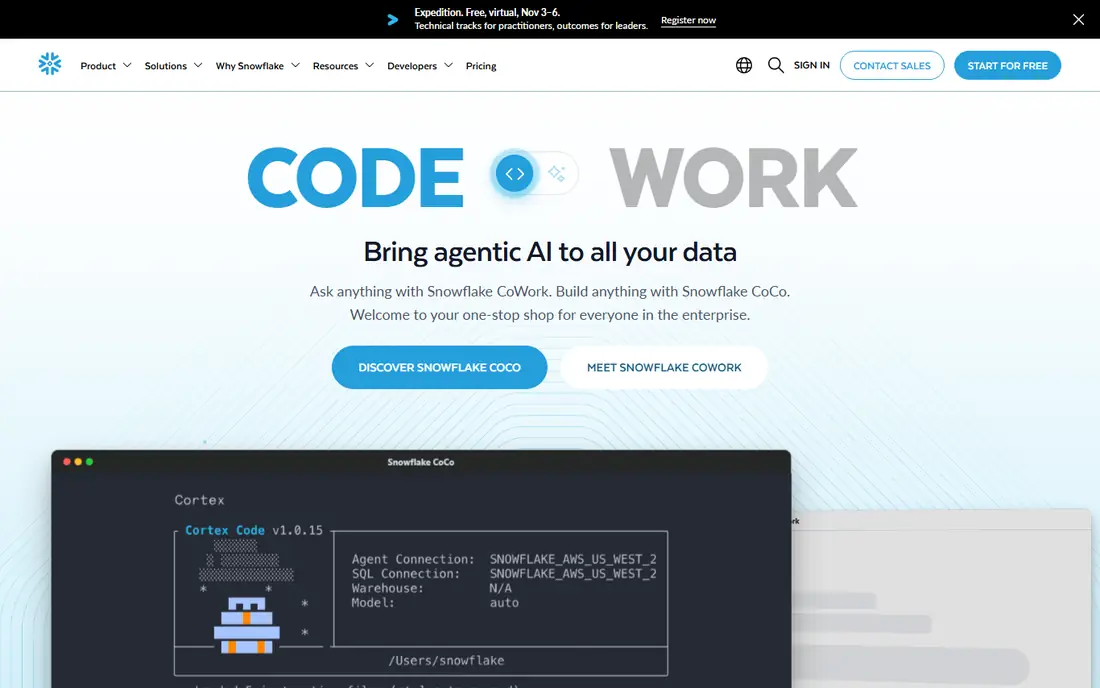
Snowflake suits SQL first teams that want reliable analytics without managing clusters. Virtual warehouses scale for concurrent BI users, auto suspend when idle, and separate compute from storage, so a reporting team and a data science team can work without blocking each other. Sharing, governance, and cross cloud options are mature, which helps larger organisations standardise on one platform.
The trade off is workload fit. Snowflake has added notebooks, Iceberg support, and machine learning features, but teams whose core work is heavy Spark pipelines or custom model training may still prefer Databricks. Pricing also needs care: warehouse size, auto suspend settings, and storage retention all affect the bill. Run a proof of concept on your own queries, with your own concurrency, before committing to an edition.
What we like- Fully managed SQL with little tuning
- Strong governance and sharing
- Iceberg table support
Watch out for- Compute and storage pricing needs active management
- Less native Spark and ML depth than Databricks
Starting priceSee website
Free planYes
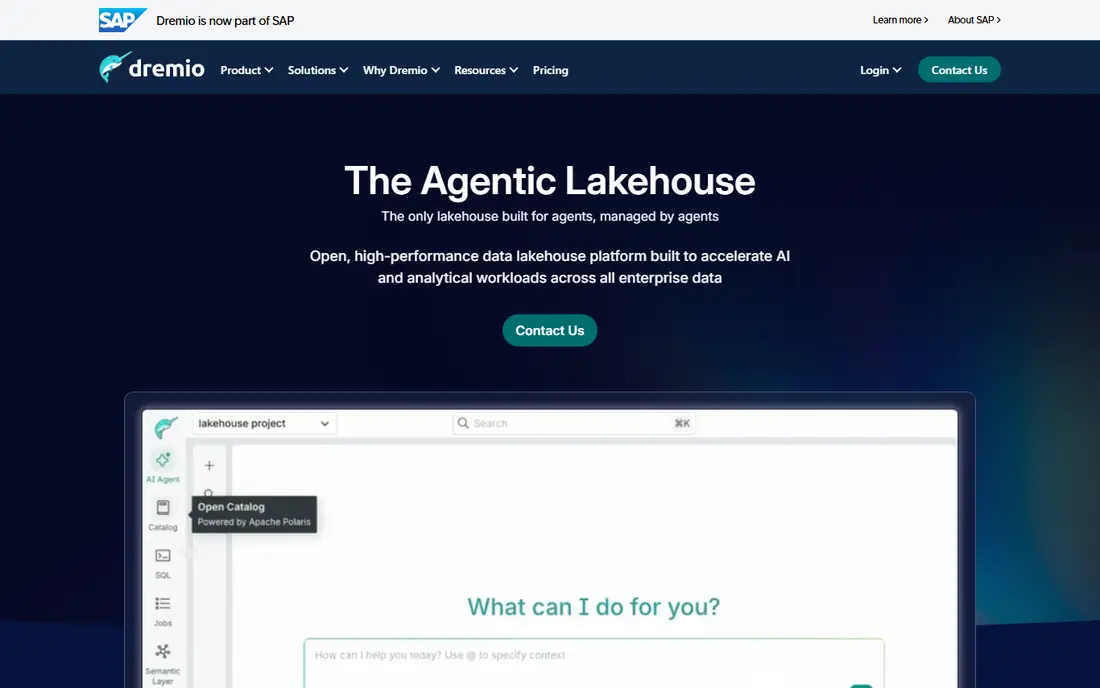
Dremio suits teams that want a lakehouse query layer on data they already own, especially Iceberg tables in object storage. Its engine accelerates BI queries, federates across sources, and reduces the need to copy data into a proprietary warehouse. For organisations with many BI users hitting the same tables, that acceleration can be the difference between a dashboard that feels instant and one that times out.
The catch is change. SAP acquired Dremio in 2026, and while SAP has said it will continue investing in Dremio and Iceberg work, buyers on multi year contracts should ask about roadmap, pricing protection, and exit options. The open Iceberg format itself is a useful safeguard, because tables remain readable by other engines. Test Dremio Cloud on your heaviest BI workload and compare cost per query with your current platform.
What we like- Fast SQL on Iceberg and other sources
- Automatic acceleration for BI
- Open format focus
Watch out for- Cloud pricing is usage based and needs monitoring
- SAP ownership may affect long term roadmap questions
#4Starburst
Best for: Federated queries across many sources4.3/5 on
G2 (121 reviews, checked Oct 2026)
Visit starburst.io
Starting priceSee website
Free planYes
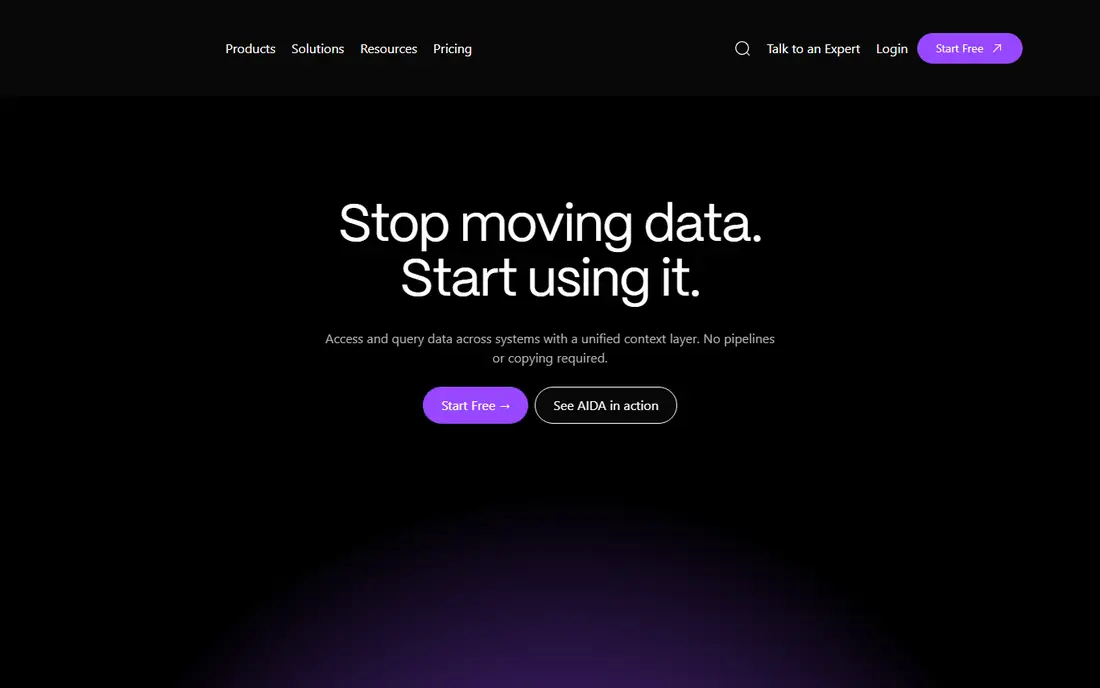
Starburst suits teams whose data lives in many places and will not move into one warehouse. Built on Trino, it lets analysts query object storage, databases, warehouses, and SaaS sources in a single SQL statement, with governance and data products layered on top. That is valuable for organisations with legacy systems, acquired companies, or strict rules about where data can live.
The honest limit is source dependence. A federated query is only as fast as its slowest source, and poorly modelled source tables can still produce slow, costly queries. Starburst helps with acceleration and Iceberg optimisation, but data teams still need to model key tables well. Start with a small set of high value federated use cases, measure query time and cost, and expand only where federation clearly beats copying data.
What we like- Queries many sources in one SQL statement
- Managed Trino with Iceberg support
- Free tier for starting
Watch out for- Federated performance depends on source systems
- Managed pricing is credit based
#5Google BigQuery
Best for: Serverless analytics on Google Cloud4.5/5 on
G2 (1,223 reviews, checked Oct 2026)
Visit cloud.google.com
Starting price$6.25 per TiB scanned
Free planYes
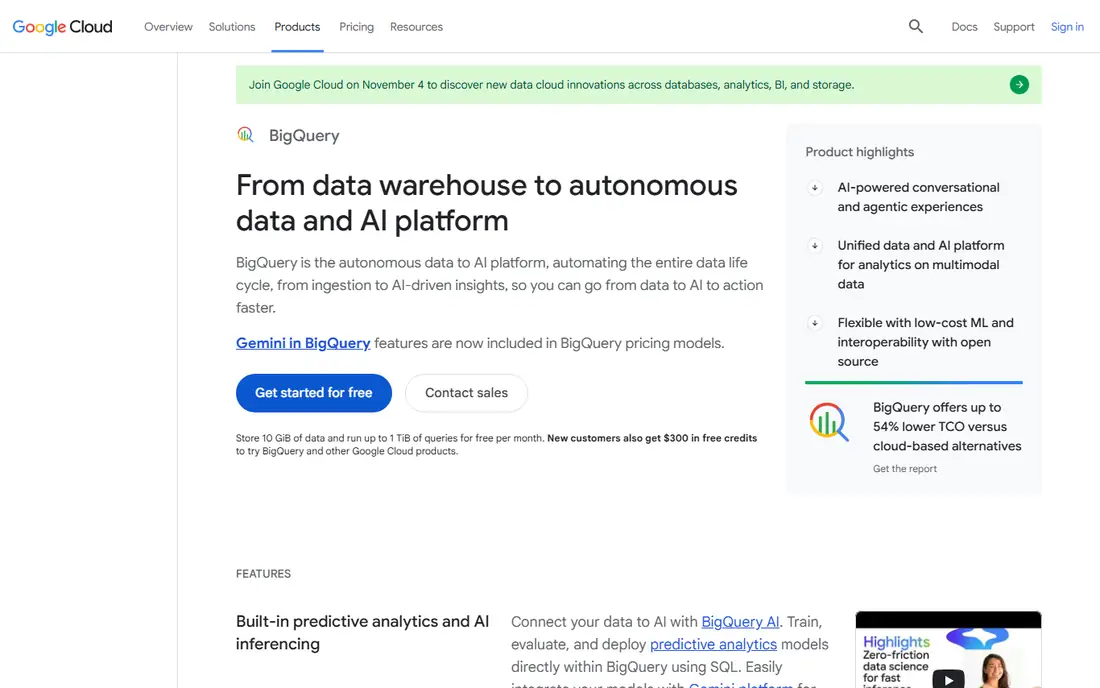
Google BigQuery suits Google Cloud teams that want analytics without provisioning. There are no clusters to size, storage and compute scale separately, and a free tier covers small storage and up to 1 TiB of queries per month. Recent Iceberg support and built in AI features let teams query open tables and build models with SQL, which narrows the gap with dedicated lakehouse platforms.
The catch is scan discipline. On demand pricing charges per TiB scanned, so a careless query over a huge table can cost far more than expected. Partition tables, cluster on common filters, use preview and cost estimates before running large jobs, and consider slot based pricing for predictable workloads. Teams that adopt those habits find BigQuery simple and cost effective; teams that do not will find it expensive.
What we like- Serverless with no clusters to manage
- Free tier for storage and queries
- Strong Iceberg and AI features
Watch out for- On demand costs rise with scanned data
- Best value requires partitioning and query discipline
Starting priceSee website
Free planNo
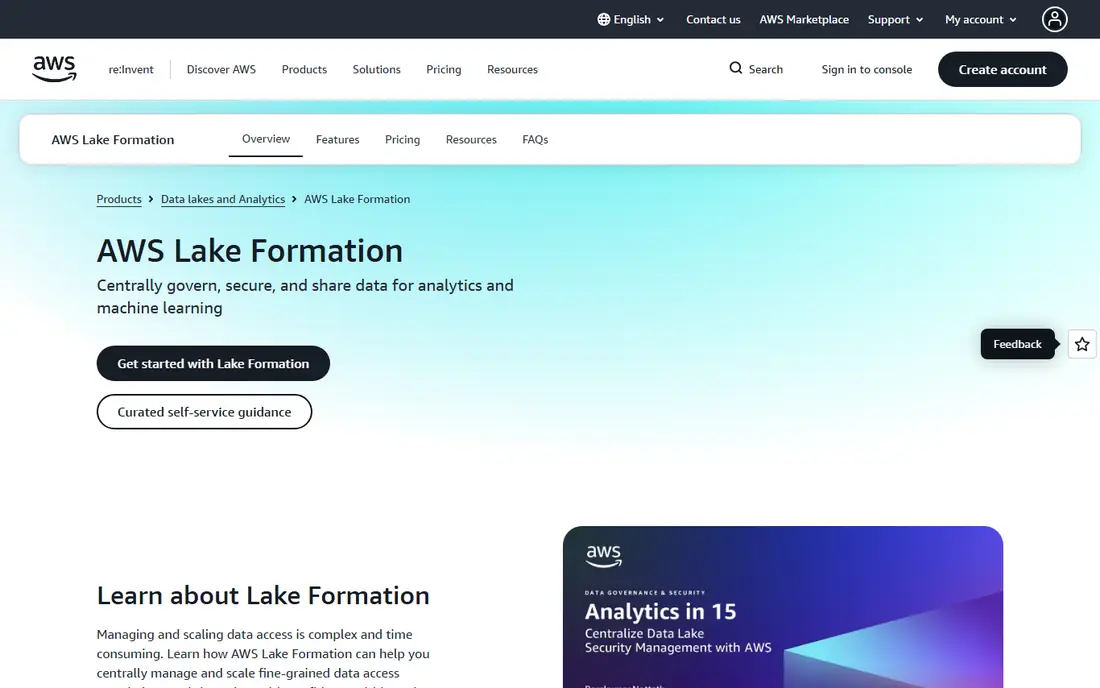
AWS Lake Formation suits AWS teams that need to govern a data lake before they scale analytics. It centralises permissions for databases and tables in the Glue Data Catalog, supports fine grained row and column controls, and helps teams share data inside and outside an organisation with audit trails. For regulated teams, that governance layer is often the missing piece between raw storage and trusted reporting.
The limit is scope. Lake Formation does not replace a query engine, a BI tool, or a pipeline system. Teams still need Athena, EMR, Redshift, or a third party engine for analysis, and they need Glue or another catalog to organise data. Judge Lake Formation on governance outcomes, such as who can see what and how quickly access can be granted safely, rather than on query speed alone.
What we like- Central permissions for AWS data lakes
- Fine grained access control
- Auditing and sharing built in
Watch out for- It is a governance layer, not a full analytics platform
- AWS only
#7Cloudera
Best for: Hybrid and on premises lakehouse4.2/5 on
G2 (202 reviews, checked Oct 2026)
Visit cloudera.com
Starting priceSee website
Free planNo
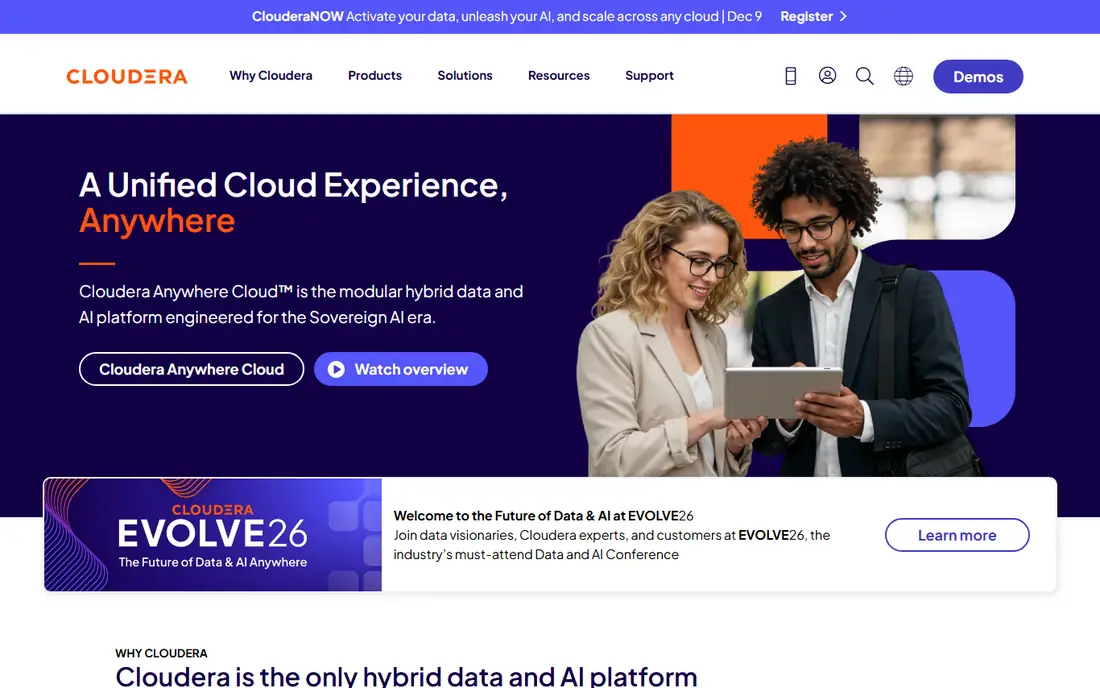
Cloudera suits organisations that must run data workloads across public cloud and their own data centres. Its platform brings an open lakehouse on Iceberg, data engineering, warehousing, streaming, and AI tools under one governance model, which helps regulated industries and companies with data residency rules. Teams that cannot move all data to one cloud gain a consistent way to manage it where it lives.
The trade off is weight. Cloudera is an enterprise platform with implementation, training, and support needs that small teams may find excessive. It makes most sense when hybrid deployment, governance, or existing Cloudera investment drives the decision. Smaller cloud native teams will usually move faster on Databricks, Snowflake, or BigQuery, and should only choose Cloudera when hybrid requirements are real.
What we like- Hybrid cloud and on premises deployment
- Open lakehouse on Iceberg
- Strong governance and data fabric
Watch out for- Enterprise pricing and implementation effort
- Heavier than cloud only options for small teams
Starting priceSee website
Free planYes
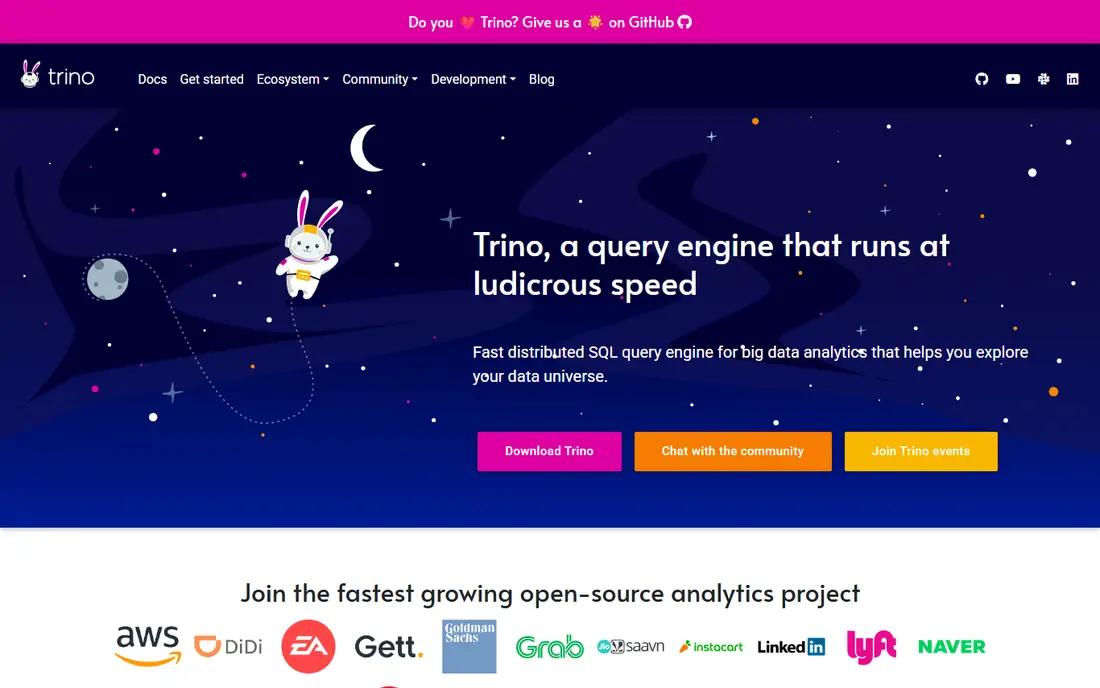
Trino suits teams with strong engineering capacity that want a free, fast query engine without vendor lock in. It queries object storage, databases, and warehouses in place, supports Iceberg and Delta Lake, and integrates with common BI tools through standard SQL. For organisations that already run distributed systems, Trino can be the core of a lakehouse at low licence cost.
The honest catch is operations. Trino itself does not provide managed governance, automatic table maintenance, or support, so your team owns deployment, scaling, security, and upgrades. That cost is real, even if licence cost is zero. Teams that want Trino without that burden should look at Starburst, while teams that enjoy operating open source infrastructure will find Trino a strong foundation.
What we like- Free and open source
- Fast federated SQL across many sources
- Large community and connector set
Watch out for- You operate it yourself
- No managed governance or support without a vendor such as Starburst
How we chose
We compared vendor documentation and pricing pages, public reviews, and open format support, and we opened each official homepage to confirm it belongs to that platform. We favoured platforms that support open table formats, governed SQL, and real production use, and we mixed managed platforms with open source options so teams of different sizes can compare fairly. Where pricing is usage based or quoted, we wrote See website rather than presenting a single rate as a total cost.
Choosing a lakehouse without regret
Start with where your data lives and where your team already works. A Google Cloud team will usually move fastest on BigQuery, an AWS team on Lake Formation plus Athena or a managed engine, and a multi cloud team on Databricks, Snowflake, Dremio, or Starburst. Then test the workloads that matter: BI concurrency, pipeline throughput, and AI or model work, not only a single benchmark query.
Control cost from day one
Set budgets and alerts, auto suspend or auto stop compute, and review the most expensive queries each week. Partition and cluster large tables, expire old snapshots, and compact small files on a schedule. Most lakehouse overspend comes from idle compute and unoptimised scans, not from the headline rate, so operational discipline beats clever rate shopping.
Make governance part of the design
Choose a catalog, define owners for key tables, and set access rules before the lake grows. Document table definitions, data quality checks, and retention rules, and give analysts a trusted set of certified tables to start from. A lakehouse that analysts trust will be used; one full of duplicate, undocumented tables will be worked around, no matter how fast its engine is.
Frequently asked questions
What is a data lakehouse?
A lakehouse stores data in low cost object storage in open formats, then adds warehouse features such as SQL, governance, transactions, and performance optimisation. It aims to combine the flexibility and cost of a data lake with the reliability and query speed of a data warehouse, without copying data between separate systems.
Are Delta Lake and Iceberg the same?
No, they are different open table formats that both add transactions, schema evolution, and time travel to object storage. Delta Lake is closely linked to Databricks and Spark, while Iceberg is widely supported across engines including Dremio, Starburst, Trino, Snowflake, and BigQuery. Many teams now choose Iceberg for broad engine choice.
Do I need a lakehouse if I already have a warehouse?
Not always. A warehouse alone works well for structured, governed reporting. A lakehouse helps when you also need raw or semi structured data, streaming, machine learning, or open format access from several engines. If your warehouse already meets those needs, a lakehouse may add complexity without clear benefit.
How is lakehouse pricing usually charged?
Most platforms charge for compute while queries run, plus storage, and sometimes a platform fee on top of cloud costs. BigQuery charges per TiB scanned on demand, Databricks charges per unit of compute, and Snowflake charges per credit. Compare total cost on your own workloads, including idle time and storage growth, rather than a single published rate.
Can I query data without moving it?
Yes, with federated engines such as Dremio, Starburst, and Trino, and with Iceberg support in several managed platforms. Querying in place avoids copy pipelines and keeps data under its original governance, but performance depends on source systems and table design. For heavy, repeated analytics, materialising key tables often still makes sense.
Which lakehouse is best for a small team?
A small team usually benefits from a managed, serverless option such as BigQuery, Snowflake, or Databricks SQL, because there is less infrastructure to operate. Open source Trino is powerful but needs engineering time, so it suits small teams only when they already have that skill. Start with a trial on real data and measure both cost and team effort.
Sources we checked (8)
- https://www.databricks.com
- https://www.snowflake.com
- https://www.dremio.com
- https://www.starburst.io
- https://cloud.google.com/bigquery
- https://aws.amazon.com/lake-formation/
- https://www.cloudera.com
- https://trino.io
Is your product missing or out of date?
We review this list regularly. Vendors can request a listing, send updated pricing or ask about featured placement.

Shihab Mia · Founder, Rankite
Shihab has 5+ years in B2B and SaaS SEO. He writes Rankite's software buying guides from pricing pages, documentation and public user reviews. More about Shihab.