How we make this list: we compare pricing pages, product documentation and public user reviews. Ratings come from G2, Capterra or Trustpilot, with the date we checked them.
Key takeaways
- Frontend developers start with Vercel (Hobby free, Pro $20/month per user) or Netlify (free forever, Pro $20/month); both deploy from Git in minutes.
- For full-stack apps with databases, Railway (Hobby $5/month) and Render are the modern Heroku alternatives; Heroku itself starts at $5/month (Eco) with no free tier left.
- The cheapest always-on hosting is still a VPS: DigitalOcean Droplets from $4/month, or Fly.io Machines from about $2.19/month, if you can manage the ops.
- Cloudflare Workers (free tier, then $5/month) is the edge option with zero egress fees, but it demands an architecture built for serverless isolates.
Every developer eventually asks the same question: where do I put this so other people can use it? The answer in 2026 is a crowded shelf of platforms that all promise to take code from a Git push to a live URL. They differ in what they run well (static sites, full-stack apps, Docker containers, edge functions), how they charge (flat monthly, usage-based, credits), and how much infrastructure knowledge they demand.
The eight platforms below cover the realistic shortlist, from frontend-first PaaS to raw VPS. Prices come from the vendors' own pricing pages and docs, checked in October 2026.

#1
Vercel
Best for: Teams building Next.js, React or other frontend-led apps who want the shortest path from Git push to production
Visit vercel.com
Starting price$0 (Hobby, personal non-commercial); $20/month per user (Pro)
Free planYes (Hobby, free for personal non-commercial use)
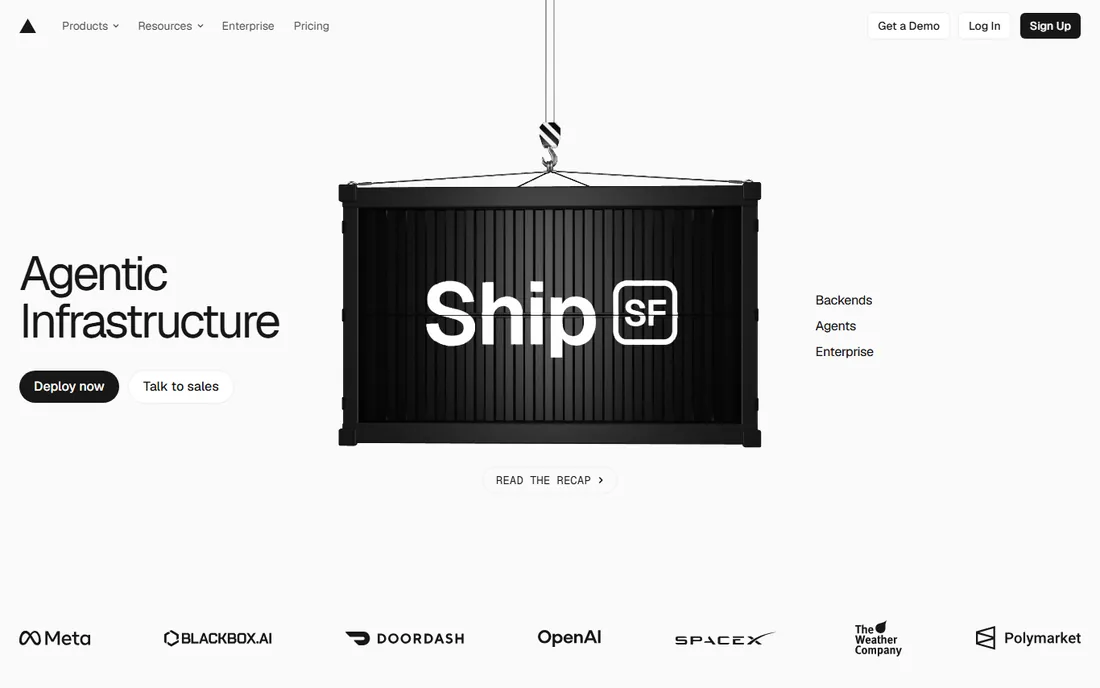
Vercel is the frontend developer's default. Connect a Git repo and you get production deploys, preview URLs on every PR, instant rollbacks and a global edge network with no configuration. Pro at $20 per month per user includes a $20 usage credit per billing period, with pay-as-you-go beyond that.
The honest catch is the usage meter. Bandwidth, function invocations and image optimization all bill separately past the credit, so a high-traffic commercial site needs cost monitoring. Hobby's non-commercial restriction means side projects that earn revenue need Pro. For Next.js apps especially, nothing deploys faster.
What we like- Zero-config deploys from Git with preview URLs for every pull request
- Global edge network with automatic HTTPS and caching
- Generous usage model with spend-management tools
Watch out for- Hobby is restricted to personal, non-commercial use, so anything earning money needs Pro
- Usage-based pricing can produce surprise bills at scale
- Backend workloads are limited to serverless and edge paradigms

#2
Netlify
Best for: Developers and agencies shipping marketing sites, portfolios, docs and fullstack apps from Git
Visit netlify.com
Starting price$0 (Free, 300 credits/month); $9/month (Personal); $20/month (Pro)
Free planYes (free forever, 300 usage credits per month)
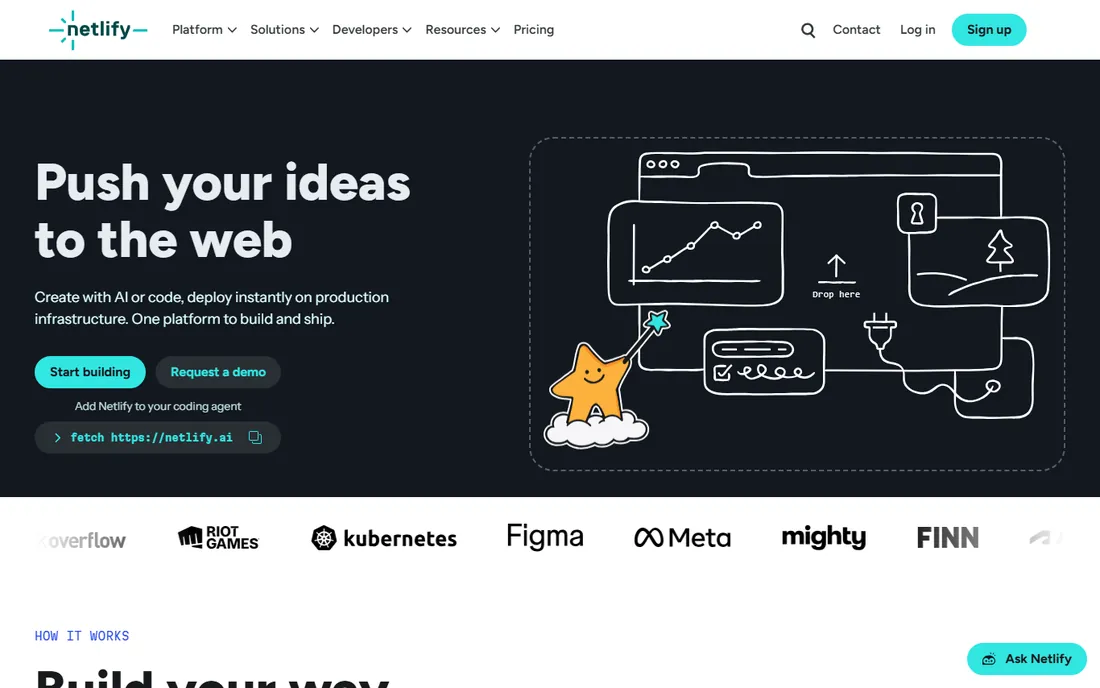
Netlify's pitch is deployment ergonomics: branch previews, instant rollbacks, atomic deploys, custom domains and SSL at no extra cost. The credit model bundles everything into one unit: a production deploy costs 15 credits, bandwidth runs 20 credits per GB, compute 10 credits per GB-hour. Pro at $20 a month brings 3,000 credits and unlimited members.
The free tier is genuinely free forever with 300 credits a month, which covers most side projects. The catch is predictability: you will not know your credit burn until the app has real traffic. High-traffic sites should size a credit tier upgrade into the budget from the start.
What we like- Simplest Git-push-to-deploy workflow for static and fullstack apps
- Credit-based pricing bundles bandwidth, builds, compute and requests into one unit
- Pro includes unlimited team members with no per-seat fees
Watch out for- Credit consumption across five metered categories is hard to predict before real usage data exists
- Overages can pause projects if auto-recharge is off

#3
Heroku
Best for: Startups and solo developers who value ops-free deployment, especially in the Salesforce ecosystem
Visit heroku.com
Starting price$5/month (Eco dyno)
Free planNo (free dynos were removed in 2022)
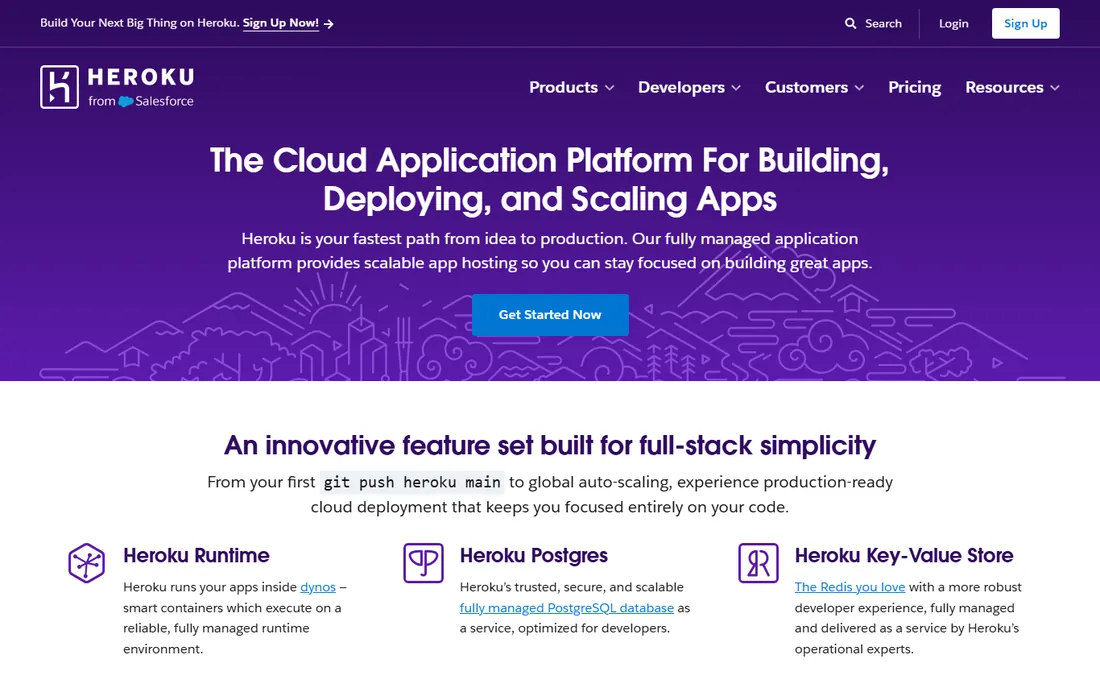
Heroku invented the git-push deploy, and the workflow still shines: buildpacks, release pipelines, review apps and one-click Postgres work out of the box. Dynos start at $5 a month for Eco (shared pool, sleeps when idle), $7 for always-on Basic, $25 for Standard-1X, with managed Postgres from $5 a month.
The honest math: a basic production app needs at least an always-on dyno plus a database, so figure $12 a month minimum before add-ons. Costs scale per dyno rather than per usage, which punishes bursty workloads. Salesforce owns Heroku, so teams in that ecosystem get the smoothest ride. Everyone else should compare Railway and Render first.
What we like- The original developer-friendly PaaS: git push deploys in Ruby, Node, Python, Java, Go, PHP and more
- 150+ add-ons for Postgres, Redis, logging and monitoring
- Managed data services and Salesforce sync
Watch out for- No free tier remains, so every experiment costs money
- Eco dynos sleep after 30 minutes of no traffic
- Per-dyno pricing plus database and add-on costs can exceed cheaper options at scale

#4
Render
Best for: Developers who want a modern Heroku alternative with managed databases in the same dashboard
Visit render.com
Starting priceSee website (workspace plan plus per-service compute)
Free planYes (free compute plans with usage limits; services sleep)
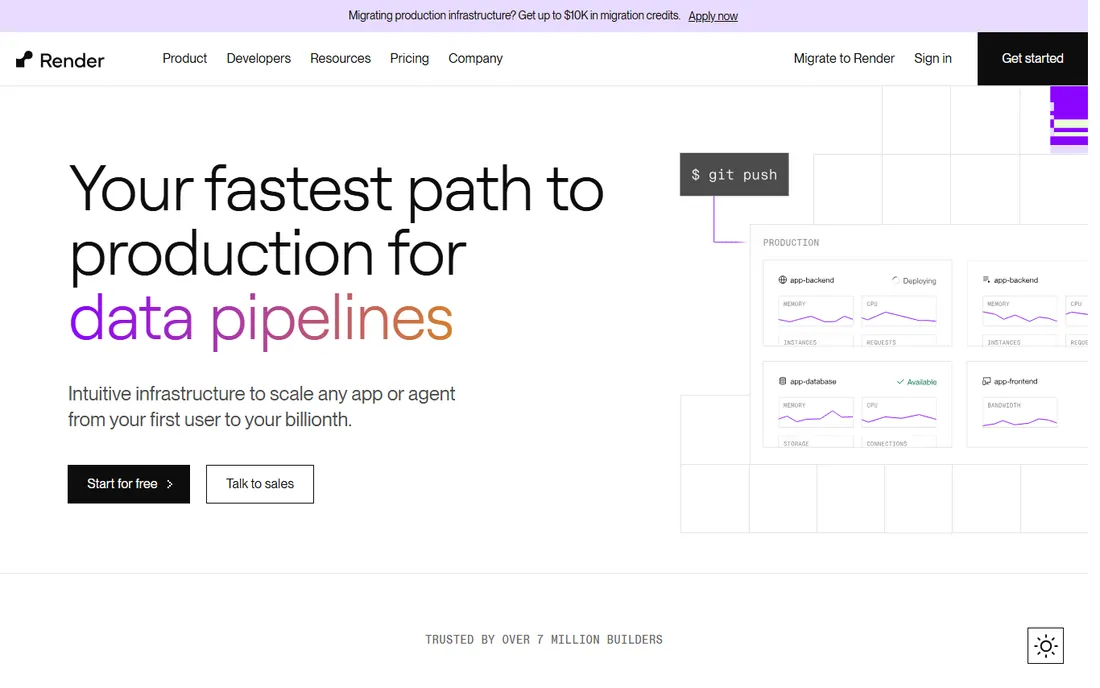
Render is the unified Heroku successor many teams migrated to. A web app, worker, cron job and Postgres database live together with private networking and automatic deploys from Git, no YAML required for most setups. Per-second billing means you pay for exactly what runs.
The pricing page renders its plan table with JavaScript, so confirm exact figures on the vendor's site: costs combine a flat workspace subscription with per-service compute, bandwidth and storage. Free plans exist for web services, Key Value and Postgres with the usual sleep-and-limits caveats. For a straightforward full-stack app with a database, it is the cleanest dashboard on this list.
What we like- Managed web services, private services, cron jobs and hosted Postgres/Redis on one platform with minimal config
- Per-second compute billing means stopped services cost nothing
- Automatic HTTPS, DDoS protection and global CDN included
Watch out for- Pricing is harder to evaluate up front because it splits across workspace plans and per-service compute
- Free tier services sleep
- Fewer regions than the hyperscalers

#5
Fly.io
Best for: Docker-savvy developers who want full-stack apps and workers close to users worldwide
Visit fly.io
Starting pricePay-as-you-go (smallest always-on app about $2.19/month)
Free planShort free trial for new organizations (no ongoing free tier)
Fly.io is the container platform for developers who think in Dockerfiles. A single fly.toml deploys hardware-isolated VMs across 30-plus regions with an anycast IP, and scale-to-zero means idle apps cost nearly nothing. The smallest always-on Machine runs about $2.19 a month.
The Postgres price is the shock: managed Postgres Basic at $38 a month plus storage can exceed the compute bill for a typical small app. New organizations get a short trial (a couple of hours of Machine runtime or 7 days), then it is pay-as-you-go with no platform fee. CLI-driven and powerful, but less click-friendly than Railway or Netlify.
What we like- Firecracker microVMs deploy globally in seconds from a Dockerfile
- Per-second billing with scale-to-zero keeps idle apps nearly free
- Hardware-isolated VMs suit Docker-first apps, workers and AI agent workloads
Watch out for- Many billing components (Machines, volumes, snapshots, egress, IPs), so estimating takes effort
- No hard spend cap
- Managed Postgres Basic at $38/month dominates a small app's bill

#6
DigitalOcean
Best for: Developers and startups who want predictable VPS costs without hyperscaler complexity
Visit digitalocean.com
Starting price$4/month (Basic Droplet, 1 vCPU, 512MB RAM)
Free planNo (no free tier)
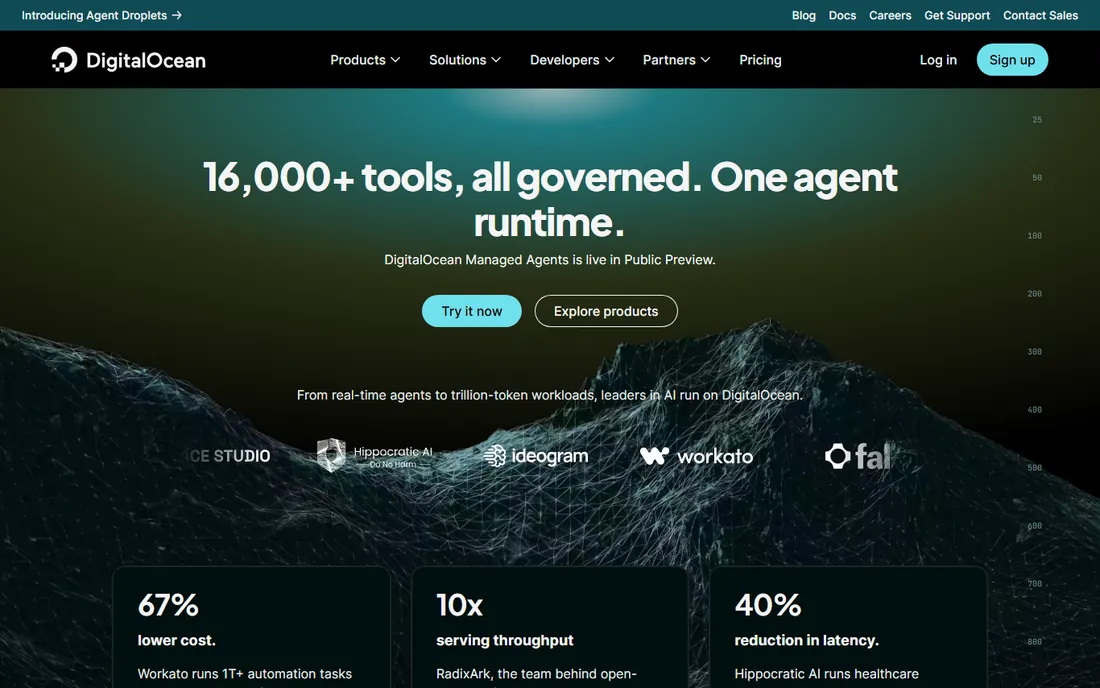
DigitalOcean is the honest VPS. Four dollars buys a real Linux server with root SSH access and 500GB of transfer, billed per second with a monthly cap, and the $6 tier doubles the RAM. One-click marketplace apps, a Terraform provider and a full API make it approachable for a VPS.
The trade is operational responsibility: the Droplet is yours to secure, update and back up, with managed backups adding 20 to 30 percent. App Platform fills the git-push gap as a separate product. For side projects, APIs and anything where you want a real server at a flat price, it remains the benchmark.
What we like- Transparent flat monthly pricing that is easy to budget
- One-click apps, snapshots and floating IPs make VPS management approachable
- Broad managed services (App Platform, databases, Kubernetes, GPU droplets) grow with a team
Watch out for- Droplets are IaaS, so patching, firewalls and backups are your job unless you buy managed products
- It lacks the git-push simplicity of Vercel or Netlify for frontend work

#7
Railway
Best for: Indie hackers and small teams who want a Heroku-like experience with a modern dashboard
Visit railway.com
Starting price$5/month (Hobby, includes $5 usage credits)
Free plan30-day trial with $5 in credits; Free plan at $1/month with $5 usage credits
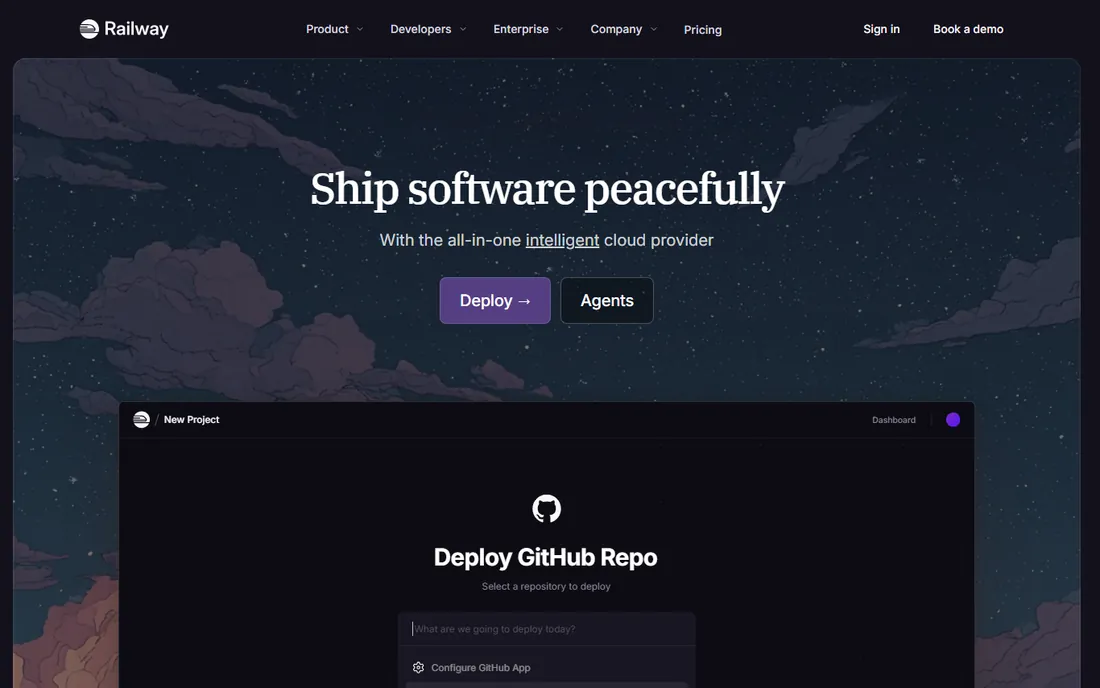
Railway is the developer darling for full-stack side projects. Connect a repo, watch Nixpacks detect the build, and see every service, variable and connection on a visual canvas. Hobby at $5 a month includes $5 of usage credits; Pro at $20 includes $20 with unlimited seats and higher limits.
The honest catch is that the subscription is a floor, not a ceiling: a 24/7 stack with a database burns past the included credits, and usage bills per second on top. Egress runs $0.05 per GB. For prototypes and moderate-traffic apps it is the fastest path from repo to running; for heavy always-on workloads, price it against a DigitalOcean Droplet.
What we like- Visual canvas UI shows the whole stack (services, databases, volumes) at a glance
- Nixpacks auto-detects build settings with zero config
- Preview environments per PR and one-click rollbacks
Watch out for- Usage-based pricing means an always-on stack can cost more than a flat VPS
- The subscription fee is mostly a floor, with real bills driven by usage above included credits

#8
Cloudflare Workers
Best for: Developers building APIs, edge middleware and automation where global latency and zero egress fees matter
Visit cloudflare.com
Starting price$0 (Workers Free, 100,000 requests/day); $5/month minimum (Workers Paid)
Free planYes (100,000 requests per day free)
Cloudflare Workers is the edge economics play. The free tier handles 100,000 requests a day, and the $5-a-month Paid plan includes 10 million requests plus 30 million CPU-ms, with no data transfer charges at all. A small API serving millions of requests can cost little more than the base fee.
The architecture demand is real: you must design for stateless isolates with CPU limits and no native Node modules, so long-running processes and heavy computation do not fit. Durable Objects and stateful primitives add their own pricing. For APIs, middleware, cron automation and JAMstack backends, the latency and cost profile is unmatched.
What we like- Runs in 335+ cities for excellent worldwide latency
- No egress or bandwidth fees, removing a major source of bill shock
- Deep product family (Pages, R2, D1, KV, Queues, Durable Objects, Workers AI)
Watch out for- Stateless isolates, not traditional servers: no long-lived processes, no native filesystem, limited runtime APIs
- CPU-time limits constrain heavy computation per request
How we chose
We started with the categories developers search: cloud platform for developers, PaaS for developers, deploy Node.js app and alternatives to Heroku. For each candidate we opened the vendor's pricing page and docs, checked plans against developer discussion on Reddit and Hacker News, and compared deployment ergonomics, pricing transparency and production readiness. Where exact figures could not be read on the vendor's page we wrote "See website" rather than guessing.
Quick comparison
| Tool | Best for | Starting price | Free plan |
|---|
| Vercel | Teams building Next.js, React or other frontend-led apps who want the shortest path from Git push to production | $0 (Hobby, personal non-commercial); $20/month per user (Pro) | Yes (Hobby, free for personal non-commercial use) |
| Netlify | Developers and agencies shipping marketing sites, portfolios, docs and fullstack apps from Git | $0 (Free, 300 credits/month); $9/month (Personal); $20/month (Pro) | Yes (free forever, 300 usage credits per month) |
| Heroku | Startups and solo developers who value ops-free deployment, especially in the Salesforce ecosystem | $5/month (Eco dyno) | No (free dynos were removed in 2022) |
| Render | Developers who want a modern Heroku alternative with managed databases in the same dashboard | See website (workspace plan plus per-service compute) | Yes (free compute plans with usage limits; services sleep) |
| Fly.io | Docker-savvy developers who want full-stack apps and workers close to users worldwide | Pay-as-you-go (smallest always-on app about $2.19/month) | Short free trial for new organizations (no ongoing free tier) |
| DigitalOcean | Developers and startups who want predictable VPS costs without hyperscaler complexity | $4/month (Basic Droplet, 1 vCPU, 512MB RAM) | No (no free tier) |
| Railway | Indie hackers and small teams who want a Heroku-like experience with a modern dashboard | $5/month (Hobby, includes $5 usage credits) | 30-day trial with $5 in credits; Free plan at $1/month with $5 usage credits |
| Cloudflare Workers | Developers building APIs, edge middleware and automation where global latency and zero egress fees matter | $0 (Workers Free, 100,000 requests/day); $5/month minimum (Workers Paid) | Yes (100,000 requests per day free) |
Is your product missing or out of date?
We review this list regularly. Vendors can request a listing, send updated pricing or ask about featured placement.
Frontend PaaS vs. containers vs. VPS: picking your layer
These platforms sit on three layers. Vercel and Netlify are frontend PaaS: they own the deploy pipeline for web apps and abstract everything else away. Heroku, Render and Railway are general PaaS: they run your backend code, workers and databases with minimal ops. Fly.io and DigitalOcean are infrastructure: containers or VMs where you own more of the stack and pay less for it. Cloudflare Workers is the edge layer: a different runtime for a different architecture.
The layer determines both the bill and the work. Frontend PaaS bills on usage and asks nothing of you; a VPS bills flat and asks you to patch the OS. Most teams land in the middle: a general PaaS for the app, a managed database alongside it, and a CDN in front. Start at the highest layer you can afford, and move down only when the bill or the constraints force you.
The usage-billing trap and how to avoid it
Four platforms here bill primarily on usage: Vercel, Netlify, Fly.io and Railway. Usage billing is cheap for side projects and can be shocking for production: bandwidth, function invocations, build minutes and egress all meter separately, and a viral post or a misconfigured loop can multiply a bill overnight.
Three defenses work. First, set every spend alert and budget cap the platform offers before launch, not after. Second, understand the most expensive meter for your app: usually bandwidth or egress, which is exactly why Cloudflare's zero-egress pricing exists. Third, know your steady-state cost: an always-on app with predictable traffic is often cheaper on a flat DigitalOcean Droplet or a Heroku dyno than on usage billing. Model a month of real traffic before committing.
Frequently asked questions
What is the cheapest way to host a side project?
Netlify and Vercel Hobby are free for static and frontend projects. Railway's $1 Free plan and 30-day trial cover full-stack experiments. A DigitalOcean Droplet at $4 a month is the cheapest always-on option with a real server. Fly.io's smallest Machine at about $2.19 a month is cheaper still if you are comfortable with the CLI.
Should I use Vercel or Netlify?
For Next.js apps, Vercel: it is built by the same team and the integration is deepest. For anything else, especially static sites and agency work, Netlify's unlimited team members on Pro and simpler credit model often win. Both deploy from Git in minutes, so try both on a real project before choosing.
Is Heroku still worth it in 2026?
For teams that value ops-free deployment and already live in the Salesforce ecosystem, yes. For everyone else, Railway and Render offer a more modern experience at similar or lower prices. Heroku's per-dyno pricing and removed free tier make it a harder sell for new projects than it was five years ago.
What is the difference between PaaS and IaaS?
PaaS (Heroku, Render, Railway, Vercel, Netlify) manages the runtime, scaling and deployment pipeline; you push code. IaaS (DigitalOcean Droplets, Fly.io Machines) gives you virtual servers or containers; you manage the OS, updates and scaling. PaaS costs more per unit of compute and saves engineering time; IaaS costs less and demands ops skill.
Do I need to know Docker to use these platforms?
No for Vercel, Netlify, Heroku, Render and Railway, which build from your repo automatically. Yes, effectively, for Fly.io, where a Dockerfile is the deployment unit. DigitalOcean Droplets do not need Docker either, though many developers run containers on them by choice.
How do I avoid surprise cloud bills?
Set spend alerts and budget caps before launch, understand which meter dominates your app (usually bandwidth or egress), and load-test before a launch. Usage-billed platforms are the risk; flat-priced options like DigitalOcean Droplets or Heroku dynos cannot surprise you the same way.
Sources we checked (10)
- https://vercel.com/pricing
- https://www.netlify.com/pricing/
- https://www.heroku.com/pricing
- https://render.com/pricing
- https://fly.io/docs/about/pricing/
- https://www.digitalocean.com/pricing/droplets
- https://railway.com/pricing
- https://developers.cloudflare.com/workers/platform/pricing/
- https://www.g2.com/categories/platform-as-a-service
- https://www.capterra.com/platform-as-a-service-software/
Is your product missing or out of date?
We review this list regularly. Vendors can request a listing, send updated pricing or ask about featured placement.

Shihab Mia · Founder, Rankite
Shihab has 5+ years in B2B and SaaS SEO. He writes Rankite's software buying guides from pricing pages, documentation and public user reviews. More about Shihab.