How we make this list: we compare pricing pages, product documentation and public user reviews. Ratings come from G2, Capterra or Trustpilot, with the date we checked them.
Key takeaways
- Looker Studio is the lowest cost starting point for Google based reporting, while Power BI fits teams already using Microsoft 365.
- Tableau gives strong visual control, but most small teams need only a few Creator licenses and more Viewer licenses.
- Metabase and Zoho Analytics suit small teams that want dashboards without hiring a data specialist.
- The real cost includes data preparation, training, and the time to keep dashboards current, not just the monthly license.
- Start with one question, one data source, and one dashboard, then expand only when people actually use it.
Quick comparison
| Tool | Best for | Starting price | Free plan |
|---|
 Looker Studio Looker Studio | Free Google based reporting | $0 per month | Yes |
 Microsoft Power BI Microsoft Power BI | Microsoft 365 teams | $14 per user/month (billed annually) | Yes |
 Tableau Tableau | Visual dashboards and exploration | $75 per user/month | Free trial |
 Zoho Analytics Zoho Analytics | Small teams on Zoho | See website | Free trial |
 Metabase Metabase | Open source dashboards | See website | Yes |
 ThoughtSpot ThoughtSpot | Search based analysis | $25 per user/month | Free trial |
 Qlik Sense Qlik Sense | Exploring data relationships | See website | Free trial |
 Domo Domo | Company wide metric monitoring | See website | Free trial |
 Sigma Sigma | Spreadsheet style live analysis | See website | Free trial |
Is your product missing or out of date?
We review this list regularly. Vendors can request a listing, send updated pricing or ask about featured placement.
Starting price$0 per month
Free planYes
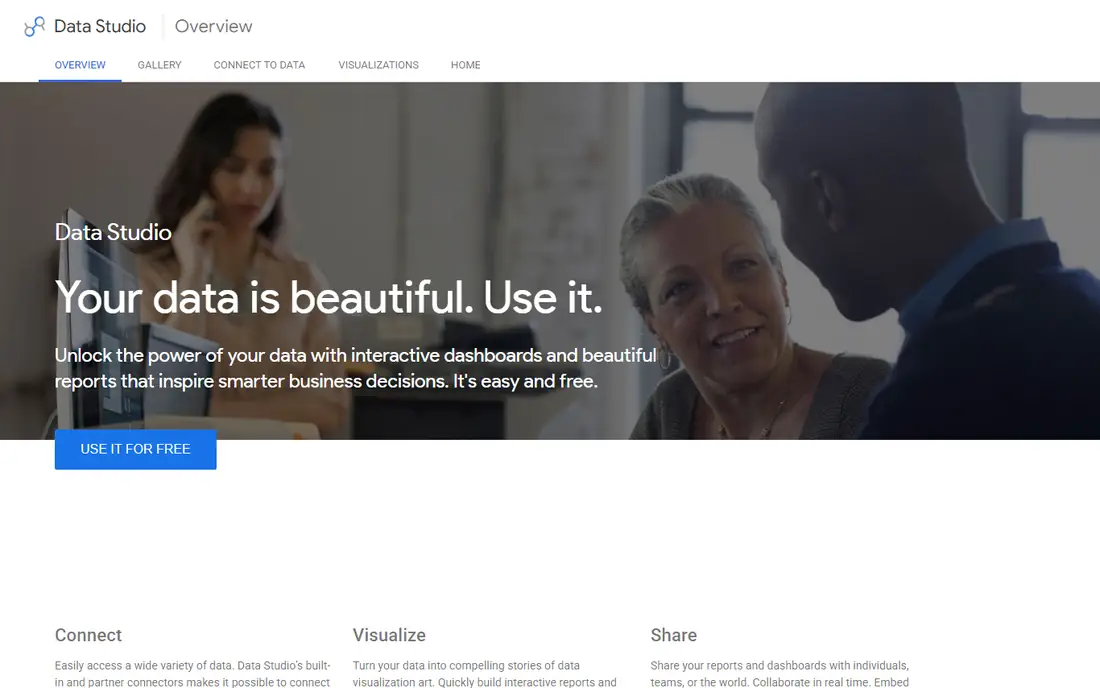
Looker Studio is the easiest way for a small business to turn Google data into a readable report. It connects to Google Ads, Analytics, Sheets, and BigQuery, and a basic dashboard can be built with drag and drop fields. Sharing is simple, since a report can be sent as a link or embedded, and viewers do not need a paid license to view it.
The limits matter as a team grows. Looker Studio has weaker controls for shared metric definitions, so two reports can show different numbers for the same measure if fields are defined differently. Large or complex data sets can also slow reports. For a small team reporting on marketing, sales, or website data from Google sources, it is still the best free starting point.
What we like- Free to use
- Connectors for Google Ads, Analytics, and Sheets
- Easy sharing with a link
Watch out for- Limited governance for larger teams
- Weaker handling of complex data models
- Performance can suffer on large data sets
Starting price$14 per user/month (billed annually)
Free planYes
Power BI fits teams that already store data in Excel, SharePoint, or Microsoft 365. Desktop is free for building reports, and Pro at $14 per user per month enables sharing and collaboration. Dashboards can combine sales, finance, and operations data, and scheduled refresh keeps numbers current without manual exports.
Learning DAX, the formula language for custom measures, takes time, and that is where many small teams slow down. Basic dashboards do not need deep DAX, but custom calculations do. Power BI is a strong pick when the business already pays for Microsoft tools, and when most viewers and builders work inside that system.
What we like- Strong Excel and Microsoft 365 integration
- Interactive dashboards and shared data models
- Wide connector range
Watch out for- Full sharing needs paid licenses
- DAX formulas take time to learn
- Premium capacity costs rise at scale
#3Tableau
Best for: Visual dashboards and exploration4.4/5 on
G2 (3,787 reviews, checked Oct 2026)
Visit tableau.com
Starting price$75 per user/month
Free planFree trial
Tableau gives analysts a high degree of control over how data looks and how viewers explore it. Drag and drop fields, calculated fields, and filters make it possible to answer follow up questions without rebuilding a report. The visual quality is a real advantage for client facing or executive dashboards, where clarity matters as much as accuracy.
Cost is the main barrier for small businesses. Creator licenses at $75 per user per month are for builders, while Viewer licenses cost less and suit most staff who only read dashboards. Small teams should count builders separately from viewers before pricing Tableau, and they should budget training time for the first dashboards.
What we like- Flexible visual design
- Strong drag and drop exploration
- Large community and learning resources
Watch out for- Creator price is high for small teams
- Setup and training take time
- Many users need only Viewer access
#4Zoho Analytics
Best for: Small teams on Zoho4.2/5 on
G2 (289 reviews, checked Oct 2026)
Visit zoho.com
Starting priceSee website
Free planFree trial
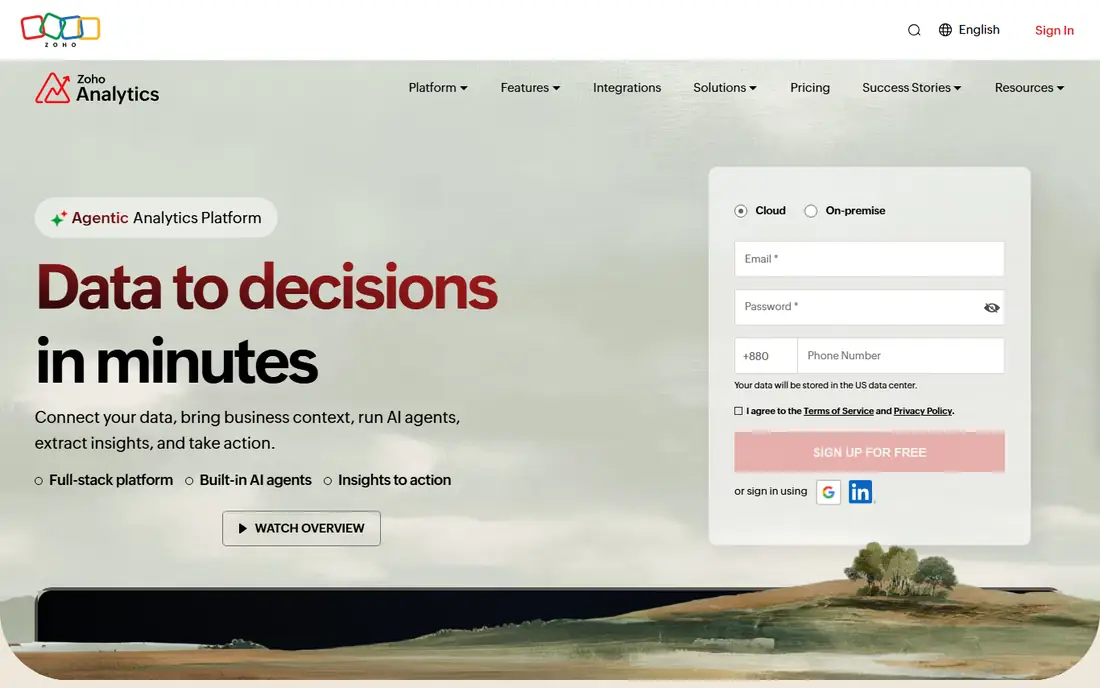
Zoho Analytics is designed for small teams that want dashboards without a data team. It offers prebuilt reports for CRM, finance, and marketing apps, plus scheduled reports and alerts that send updates by email. A non technical user can connect a spreadsheet or a Zoho app and build a first dashboard in a short session.
It is not a replacement for a governed warehouse BI platform. Complex data modeling, large data volumes, and strict metric governance are weaker here than in Tableau or Power BI. For a Zoho based small business that needs clear sales, support, and marketing dashboards, Zoho Analytics is a practical and affordable choice.
What we like- Prebuilt dashboards for common apps
- Scheduled reports and alerts
- Works well with Zoho CRM and other Zoho apps
Watch out for- Less suited to complex warehouse work
- Custom modeling is limited compared with larger tools
- Best value inside Zoho
#5Metabase
Best for: Open source dashboards4.4/5 on
G2 (147 reviews, checked Oct 2026)
Visit metabase.com
Starting priceSee website
Free planYes
Metabase appeals to small teams with some technical skill and a tight budget. The open source version can be self hosted for free, and the visual query builder lets non technical users ask questions without writing SQL. Analysts can still write SQL when a question needs it, and dashboards can be shared with staff or embedded in an internal tool.
Self hosting is not free in time. Someone must handle updates, backups, and access, and that cost should be counted. Cloud plans remove that work but add a monthly fee. Metabase fits teams that value open source control, want SQL access, and can handle basic hosting or pay for cloud hosting.
What we like- Open source self hosted option
- Visual query builder for non SQL users
- SQL editor for analysts
Watch out for- Self hosting needs maintenance
- Advanced permissions need paid plans
- Design options are simpler than Tableau
Starting price$25 per user/month
Free planFree trial
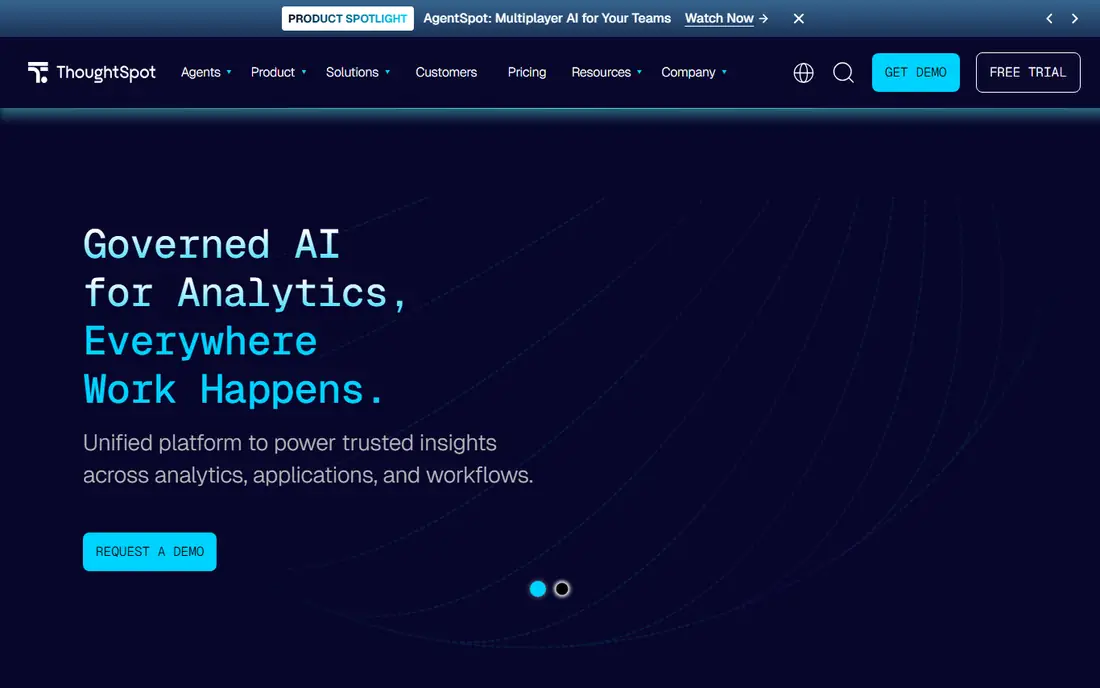
ThoughtSpot lets business users type a question and get a chart, rather than building a dashboard from scratch. That search style suits managers who want a quick answer about sales by region or product, without waiting for an analyst. AI suggestions can surface follow up questions, which helps when the first answer raises a second question.
Setup still matters. Data must be modeled clearly, or search results can confuse users with inconsistent fields. ThoughtSpot is less focused on highly designed, print ready dashboards than Tableau. For small teams that want self serve answers and are willing to invest in data modeling, it is a strong option.
What we like- Search style questions in plain words
- AI suggestions for follow up questions
- Live queries on connected data
Watch out for- Data modeling setup takes work
- Price per user adds up for many viewers
- Less control over pixel perfect layouts
#7Qlik Sense
Best for: Exploring data relationships4.4/5 on
G2 (929 reviews, checked Oct 2026)
Visit qlik.com
Starting priceSee website
Free planFree trial
Qlik Sense uses an associative engine, which means selecting a value in one chart highlights related values across other charts. That makes it useful for exploring relationships, such as how a product, region, and customer segment connect. Users can filter freely and see what is excluded, which can reveal patterns that a fixed dashboard hides.
The main drawbacks for small businesses are pricing transparency and learning time. Plans and add ons need a quote in many cases, and building polished apps takes practice. Qlik Sense fits small teams with an analyst who values exploration and works with varied data sources, rather than teams that only need a few fixed reports.
What we like- Associative engine shows related data
- Interactive filtering across charts
- Strong handling of large data sets
Watch out for- Pricing is less transparent for small teams
- Learning curve for app building
- Smaller small business community than Power BI
#8Domo
Best for: Company wide metric monitoring4.3/5 on
G2 (1,086 reviews, checked Oct 2026)
Visit domo.com
Starting priceSee website
Free planFree trial
Domo is built for monitoring metrics across a whole company in near real time. It connects to many apps and databases, combines them into dashboards, and sends alerts when a metric moves. Managers can check a phone dashboard for sales, operations, or marketing without opening several systems.
For a very small team, Domo can be more than needed, and usage based pricing needs careful modeling. It fits small businesses that are growing fast, have several data sources, and need alerts and mobile access for managers. Smaller teams with one or two sources should compare it with Looker Studio or Zoho Analytics first.
What we like- Real time dashboards and alerts
- Large connector library
- Mobile dashboards for managers on the move
Watch out for- Usage based pricing can be hard to predict
- More than many small teams need
- Implementation help may be needed
Starting priceSee website
Free planFree trial
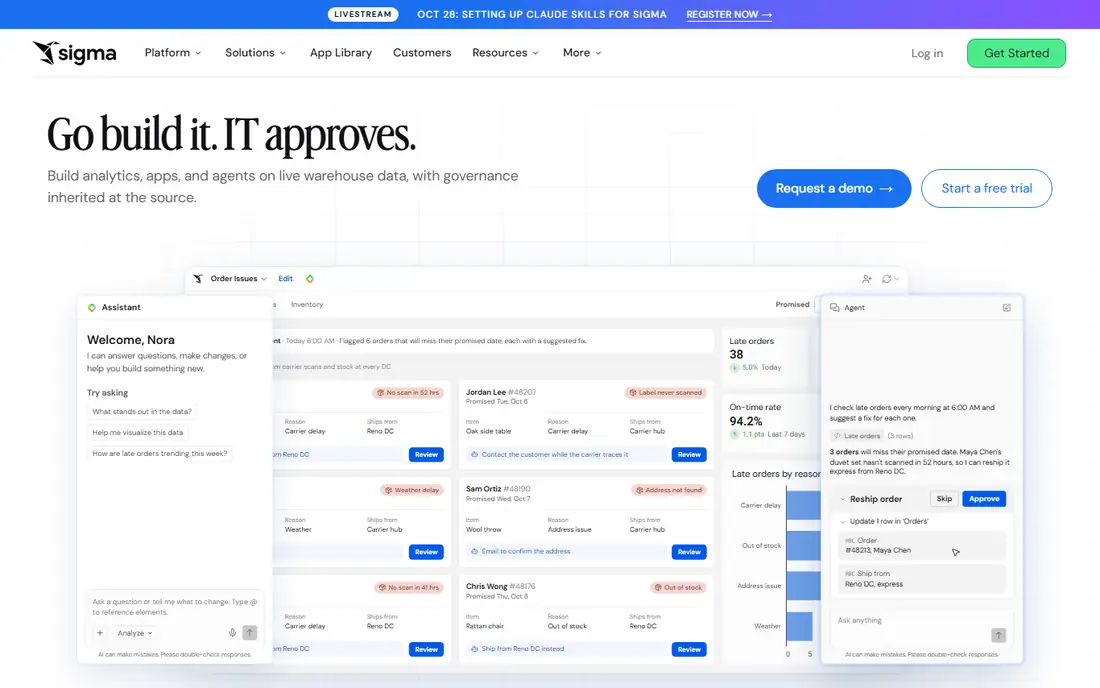
Sigma gives spreadsheet users a familiar way to work with live warehouse data. Formulas, pivot style tables, and charts sit on top of data in Snowflake, BigQuery, or similar warehouses, without exporting to a static file. That live link means numbers update when the warehouse updates, and business users can explore without writing SQL.
Sigma is not the cheapest path for a team that only has spreadsheets and Google data. Custom pricing and warehouse needs make it a better fit for small businesses that already use a warehouse or plan to build one. For finance and operations teams that think in spreadsheets, it can shorten the gap between data and decisions.
What we like- Spreadsheet interface analysts already know
- Live queries on warehouse data
- Easy sharing with business users
Watch out for- Custom pricing
- Needs a data warehouse for best results
- Less suited to simple spreadsheet only reporting
How we chose
We compared vendor pricing pages, product documentation, and public reviews on G2, Capterra, and Reddit, and we checked connectors, sharing, data modeling, ease of use, and fit for teams without a full time data analyst. A tool made this list only if it exists today and can serve a small business, either through a free plan, a low entry price, or a viewer model that keeps costs down. We did not treat enterprise features alone as a reason to include a tool, and we noted where pricing is custom.
Small business fit was the deciding test. A tool that needs a data engineering team or a large annual contract was treated with caution, even when its features are strong. Readers should still connect a real data source during a trial, build one dashboard for a real question, and check refresh speed and sharing before buying.
A practical buying checklist for small teams
Start by naming the decision a dashboard must support. A sales dashboard, a cash flow view, and a marketing report need different data sources and update speeds, and a tool that fits one may not fit all three. List your current sources, such as Sheets, a CRM, an accounting app, and Google Analytics, then check connectors for those sources before looking at chart styles.
Builders, viewers, and total cost
Count how many people will build dashboards and how many will only view them. Many tools charge less for viewers, so a team of two builders and twenty viewers costs far less than twenty builder licenses. Add training, data cleanup, and the time to maintain dashboards to the license price. A free tool that no one maintains can cost more in wasted time than a paid tool that people actually use.
Data quality and governance
Agree on definitions for key measures such as revenue, active customers, and lead count before building dashboards. If two reports define revenue differently, staff will stop trusting both. Check whether the tool lets you save a shared definition, control who can edit it, and track when data last refreshed. For regulated or financial reporting, also check access controls and export history.
Frequently asked questions
Which BI tool is best for a very small business?
Looker Studio is often best for a very small business with Google data, because it is free and quick to start. Zoho Analytics suits Zoho users, and Metabase suits teams with technical skill who want open source control. Power BI is a strong pick when the team already uses Microsoft 365.
Is Power BI really $14 per user per month?
Power BI Pro is listed at $14 per user per month on annual billing in vendor and comparison sources checked for this article. Desktop is free for building, but sharing and collaboration need a paid license for viewers in most setups. Check the current Microsoft pricing page, because capacity and premium options change the total cost.
Do I need a data warehouse to use BI software?
No, not for a first dashboard. Many small teams start with spreadsheets, a CRM export, or Google Sheets. A warehouse becomes useful when data grows, when several systems must be combined reliably, or when live queries on large data sets are needed. Start simple, and add a warehouse only when manual exports become a bottleneck.
How long does it take to build a first dashboard?
A simple dashboard from a clean spreadsheet can take a few hours, while a dashboard that combines several systems and needs data cleanup can take days or weeks. Data quality, not chart design, usually decides the timeline. Budget time for checking numbers against source systems before sharing a dashboard widely.
Can non technical staff use these tools?
Yes, for viewing and for simple questions, especially in Looker Studio, Zoho Analytics, and ThoughtSpot. Building complex models, custom measures, and governed dashboards still needs an analyst or a trained power user. Plan for a short training session and a named owner for each dashboard.
What is the most common mistake small teams make with BI tools?
Buying builder licenses for everyone, then building many dashboards that no one uses. Start with one or two dashboards tied to a weekly decision, assign an owner, and retire dashboards that get no views. Usage, not dashboard count, shows whether a BI tool is working.
Sources we checked (9)
- https://lookerstudio.google.com
- https://powerbi.microsoft.com/pricing
- https://www.tableau.com/pricing
- https://www.zoho.com/analytics/pricing
- https://www.metabase.com/pricing
- https://www.thoughtspot.com/pricing
- https://www.qlik.com/us/products/qlik-sense
- https://www.domo.com/pricing
- https://www.sigmacomputing.com/pricing
Is your product missing or out of date?
We review this list regularly. Vendors can request a listing, send updated pricing or ask about featured placement.

Shihab Mia · Founder, Rankite
Shihab has 5+ years in B2B and SaaS SEO. He writes Rankite's software buying guides from pricing pages, documentation and public user reviews. More about Shihab.