How we make this list: we compare pricing pages, product documentation and public user reviews. Ratings come from G2, Capterra or Trustpilot, with the date we checked them.
Key takeaways
- Paid streaming plans are the only way to get ad-free playback from major services, since their free tiers include ads.
- Apple Music, Spotify, YouTube Music, and Tidal cover most listeners, while Qobuz suits buyers who prioritize high-resolution audio.
- Local players such as Musicolet, Poweramp, VLC, and AIMP play music you already own with no ads and no subscription.
- Offline downloads matter most for commutes, travel, and areas with weak signal, so check download limits before subscribing.
- Sound quality, catalog, and device support differ more than price, so trial the app on your phone, car, and headphones.
Quick comparison
| Tool | Best for | Starting price | Free plan |
|---|
 Spotify Spotify | Discovery and playlists | See website | Free trial |
 Apple Music Apple Music | Apple device owners | See website | Free trial |
 YouTube Music YouTube Music | Music videos and YouTube fans | See website | Free trial |
 Tidal Tidal | High-quality streaming | See website | Free trial |
 Qobuz Qobuz | High-resolution purchases and streaming | See website | Free trial |
 Deezer Deezer | Flow recommendations and lyrics | See website | Free trial |
 Musicolet Musicolet | Offline local library | Free | Yes |
 Poweramp Poweramp | Detailed audio tuning | See website | Free trial |
 VLC VLC | Free mixed media playback | Free | Yes |
 AIMP AIMP | Free playback with deep controls | Free | Yes |
Is your product missing or out of date?
We review this list regularly. Vendors can request a listing, send updated pricing or ask about featured placement.
The best ad free music apps
Starting priceSee website
Free planFree trial
Spotify remains the easiest ad-free choice for most listeners because discovery does most of the work. Discover Weekly, daily mixes, and editorial playlists surface new music without manual searching, and the catalog covers mainstream and niche genres well. Device support is broad, from phones and speakers to cars and TVs, so a paid plan feels consistent wherever you listen.
The free tier is not ad-free, and on mobile it limits playback in ways paid users avoid. Paid plans remove ads, add offline downloads, and allow on-demand playback. Check the current individual, duo, family, and student pricing on the vendor site, since prices and plan names change. If discovery and social playlists matter most, Spotify is the safe first trial.
What we like- Huge catalog and playlists
- Strong discovery features
- Wide device support
Watch out for- Free tier includes ads and shuffle limits on mobile
- Audio quality trails hi-res rivals
Starting priceSee website
Free planFree trial
Apple Music takes a simpler stance: there is no ad-supported free tier, so a subscription means ad-free listening from the start. Integration with iPhone, iPad, Mac, Apple Watch, and HomePod is tight, with Siri control, CarPlay, and library sync that feel native. Lossless and spatial audio options are included, which helps listeners with good headphones or speakers.
Listeners outside the Apple ecosystem get less benefit. The Android and Windows apps work, but they do not feel as central as the Apple versions, and social discovery is quieter than Spotify. Check current pricing on the vendor site, including family and student options. For Apple households, Apple Music is often the most frictionless ad-free pick.
What we like- No free ad-supported tier to confuse plans
- Strong Apple device integration
- Lossless audio included
Watch out for- Android and Windows experience is weaker
- Discovery feels less social than Spotify
Starting priceSee website
Free planFree trial
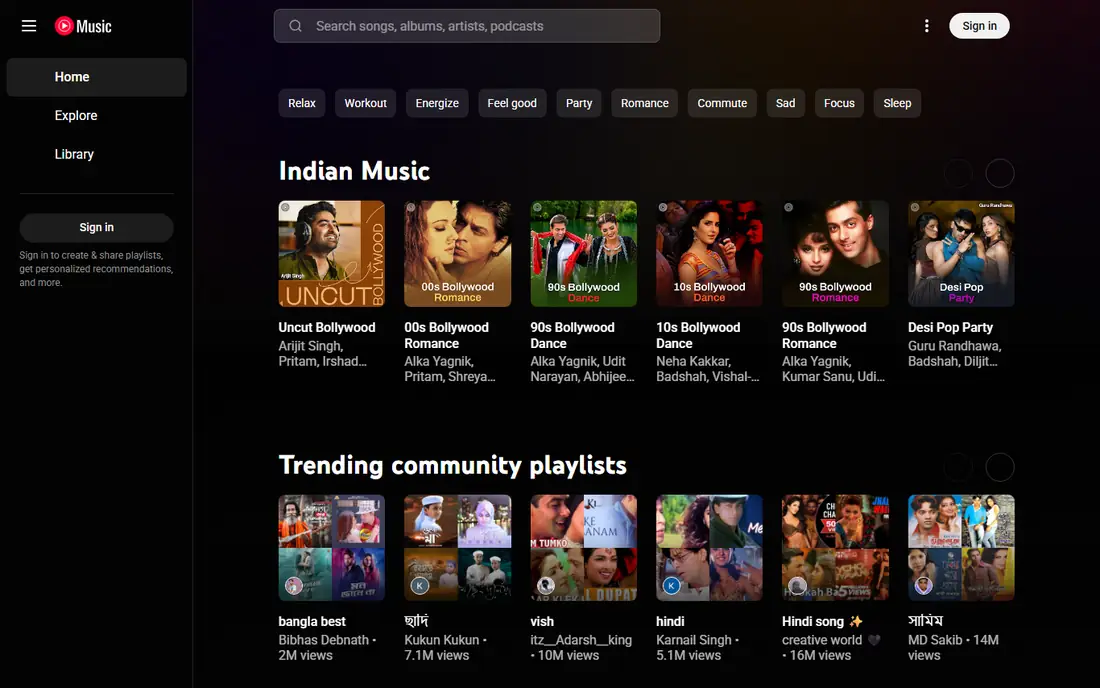
YouTube Music stands out for content that other services miss: live versions, covers, remixes, and music videos sit alongside studio tracks. Fans who already watch a lot of YouTube will find the transition natural, and a YouTube Premium bundle can remove ads across both YouTube and YouTube Music. That bundle value is a real reason to choose it over a standalone music plan.
The free tier includes ads and background limits, so ad-free listening requires a paid plan. The app also feels less focused on pure audio than Spotify or Apple Music, with video features that some listeners love and others ignore. Check current pricing on the vendor site, and compare the standalone music price against the Premium bundle before deciding.
What we like- Huge video and live catalog
- Good for remixes and covers
- YouTube Premium bundle option
Watch out for- Free tier includes ads
- Audio-only polish trails dedicated music apps
#4Tidal
Best for: High-quality streaming4.6/5 on
G2 (73 reviews, checked Oct 2026)
Visit tidal.com
Starting priceSee website
Free planFree trial
Tidal appeals to listeners who care about sound quality and are willing to pay for it. Higher audio tiers offer lossless and high-resolution streams, and the editorial side, including artist stories and curated playlists, gives the service a distinct voice. Offline downloads and ad-free playback come with paid plans, as with other major services.
Discovery and social features are less extensive than Spotify, and the catalog experience can feel more curated than exhaustive for some genres. Check current tier pricing on the vendor site, since Tidal has restructured plans in the past. For listeners with good headphones, a quality DAC, or a home system, Tidal is worth a direct sound comparison against Spotify and Apple Music.
What we like- High-quality audio tiers
- Strong artist and editorial content
- Offline downloads
Watch out for- Catalog discovery is narrower than Spotify
- Higher tiers cost more
Starting priceSee website
Free planFree trial
Qobuz serves a different kind of listener: someone who wants to stream in high resolution and also buy albums to keep. The catalog is especially strong for classical, jazz, and audiophile-friendly genres, with detailed liner notes and album information that reward careful listening. Downloads for purchase mean a favorite album stays yours even if a subscription ends.
Mainstream pop discovery, social playlists, and podcast-style extras are thinner than on Spotify or Apple Music. The app interface also feels more functional than flashy. Check current subscription and download pricing on the vendor site, since Qobuz combines streaming and store pricing. For high-resolution listening and ownership, Qobuz is the most distinctive ad-free option here.
What we like- High-resolution streaming and downloads
- Strong classical and jazz catalog
- Buy and keep albums
Watch out for- Mainstream discovery is thinner
- Interface is less polished than big rivals
Starting priceSee website
Free planFree trial
Deezer offers a solid ad-free streaming alternative with a feature many listeners enjoy: Flow, a personalized stream that mixes favorites with new suggestions. Synced lyrics help for sing-alongs and language learning, and the catalog covers mainstream music well. Family and student plans, where offered, make the paid tier easier to justify for households.
Deezer has a smaller US footprint than Spotify or Apple Music, so local playlists, podcasts, and device integrations can feel less complete. The free tier includes ads, so ad-free listening requires a paid plan. Check current pricing on the vendor site for your region. For listeners who like a personalized radio flow and lyrics, Deezer deserves a trial alongside the larger services.
What we like- Flow personalized radio
- Synced lyrics
- Wide catalog and family plans
Watch out for- US presence is smaller than rivals
- Free tier includes ads
Starting priceFree
Free planYes
Musicolet is the strongest answer for listeners who already own music files and want no ads, no subscription, and no streaming account. It plays local files offline, supports multiple queues, includes a tag editor, and works with Android Auto for car listening. The developer states on Google Play that the app has no ads, which is exactly what this search is about for local-library listeners.
The limit is obvious: Musicolet does not stream. If you want new releases, playlists from a service, or music discovery, you still need a streaming app. For a personal collection of MP3, FLAC, and other files, though, Musicolet is free, focused, and private. Android users with a local library should install it before paying for anything else.
What we like- No ads and no internet permission claims
- Multiple queues
- Tag editor and Android Auto support
Watch out for- Android only
- No streaming catalog
Starting priceSee website
Free planFree trial
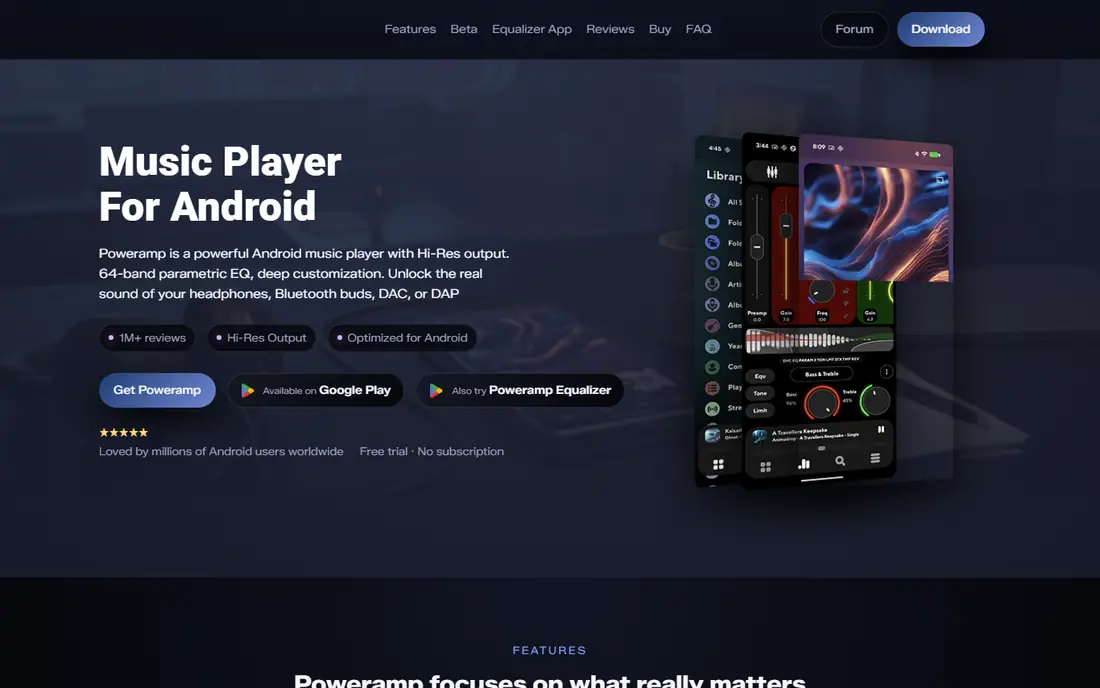
Poweramp is built for listeners who tune sound, not just press play. A detailed equalizer, hi-res audio support, and strong library management suit large collections and careful headphone listening. It handles folder browsing, tags, and playlists well, and it remains one of the most respected Android players for audio quality and control.
The app is not free forever. A trial leads to a paid upgrade, so check the current price on the vendor site or app store listing before committing. The interface also rewards patience, since the depth of settings can overwhelm a casual listener. For audiophiles with a local library, Poweramp is the tuning-first pick. For simple playback, Musicolet or VLC will feel lighter.
What we like- Deep equalizer and audio controls
- Handles large local libraries
- Hi-res audio support
Watch out for- Paid upgrade after trial
- Interface takes time to learn
#9VLC
Best for: Free mixed media playback4.7/5 on
G2 (630 reviews, checked Oct 2026)
Visit videolan.org
Starting priceFree
Free planYes
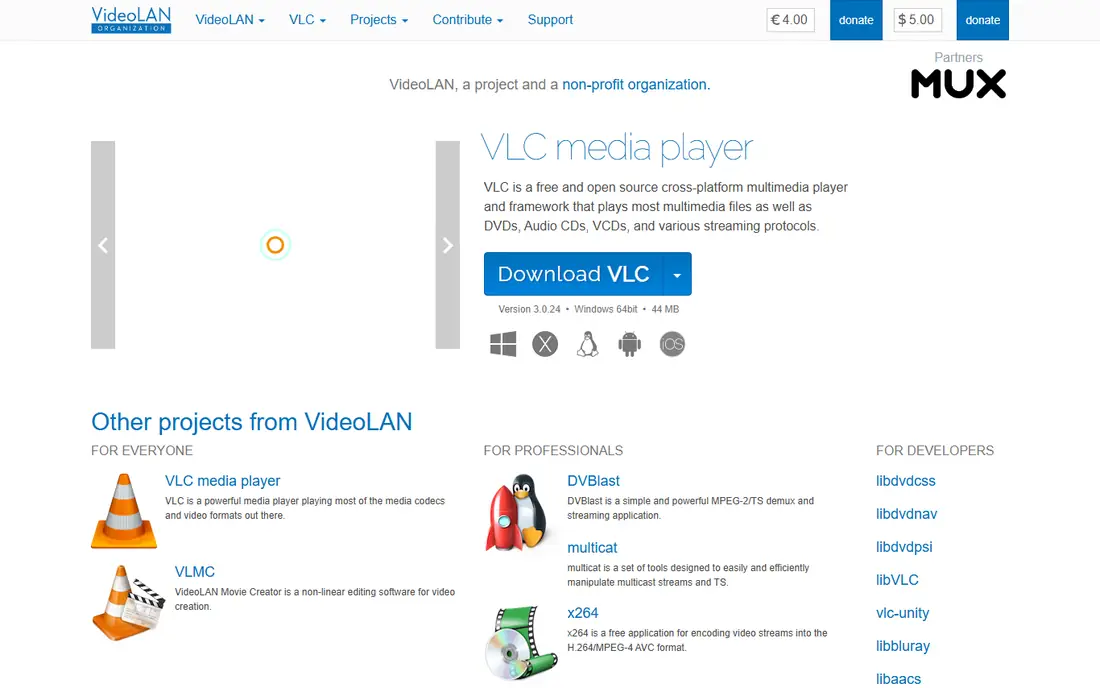
VLC is the safe, free, no-ads option for mixed media. It plays audio and video in a huge range of formats, streams from network sources, and carries no ads, subscriptions, or in-app purchases. For a listener who wants one free player for music files, videos, and streams, VLC covers the basics without friction.
Music library polish is thinner than dedicated music players. Browsing, playlists, and metadata handling work, but they lack the refinement of Musicolet or Poweramp. VLC is best as a reliable all-rounder, especially on desktop, or as a backup player on mobile. If music is your main use, pair VLC with a dedicated music player for daily listening.
What we like- Free and open source
- Plays almost any audio or video format
- No ads or purchases
Watch out for- Music library features are basic
- Interface is utilitarian
Starting priceFree
Free planYes
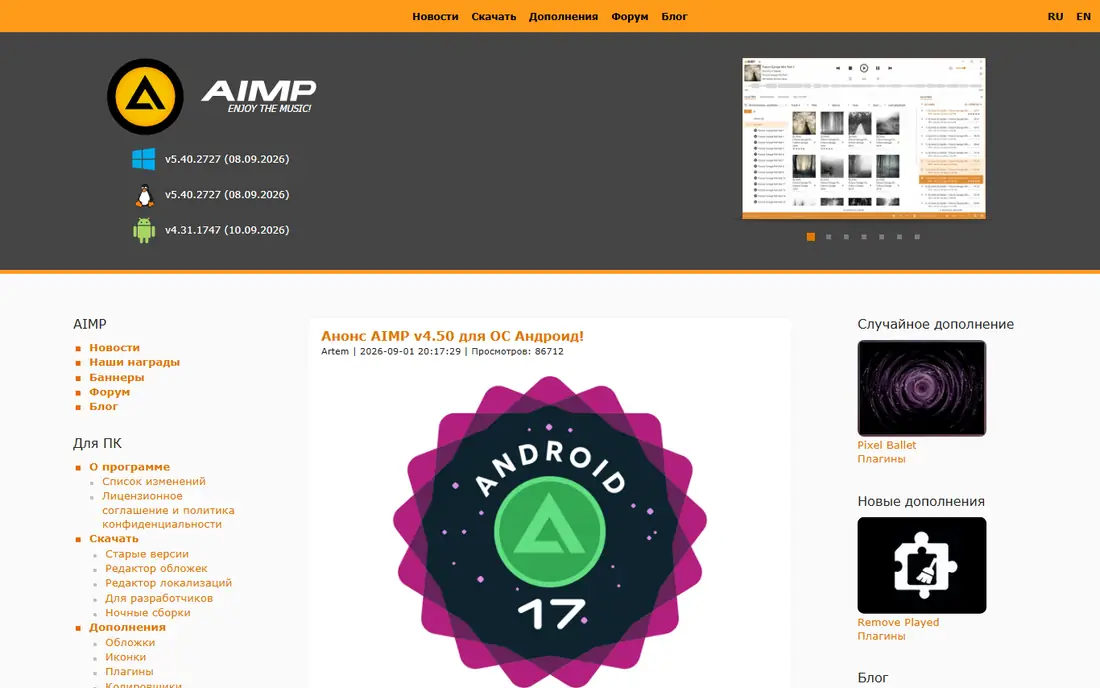
AIMP gives free listeners deep audio control without ads. The equalizer and sound processing options suit listeners who want to shape playback, and support for local files plus network sources such as SMB and WebDAV adds flexibility for home servers. The free listing and long history make AIMP a trusted choice for Windows and Android users.
Platform experience varies. AIMP is strongest on desktop and Android, and its library interface is more functional than beautiful. It also does not stream from major music services, so it fits owned music rather than discovery. For a free, ad-free player with serious audio controls, AIMP sits between VLC simplicity and Poweramp depth, and it costs nothing to try.
What we like- Free and ad-free
- 20-band style equalizer controls
- Network source support
Watch out for- Android and desktop focus
- Library polish varies by platform
How we chose
We compared pricing pages, product documentation, and public reviews on app stores, G2, Capterra, and Reddit, and we kept only apps that exist today and offer ad-free listening through a paid plan or through ad-free local playback. Each app was judged on ad-free status, catalog or library fit, offline playback, sound quality, device support, and price transparency. Spotify, YouTube Music, and TIDAL are listed on search evidence: their homepages returned only thin or no extractable content during the verification check, so confirm them in a browser before relying on the links. We did not claim hands-on testing, and we left prices as See website where a vendor price could not be confirmed from a current public source at the time of writing.
Paid streaming or a local player: which ad-free path fits you
Start with where your music comes from. If you stream new releases, follow playlists, and want discovery, a paid streaming plan is the only ad-free route from a major service. Compare Spotify, Apple Music, YouTube Music, Tidal, and Deezer on catalog, sound quality, and the devices you actually use, not only on headline price. Family, duo, and student plans change the value a lot for households.
If you already own music, a local player removes ads for free. Musicolet, Poweramp, VLC, and AIMP all play files offline with no ads, and they work without a subscription. The trade is discovery: you supply the music, through purchases, rips, or downloads you own. Many listeners end up with both, using a streaming plan for discovery and a local player for a permanent collection.
Check the details that affect daily use. Offline download limits, simultaneous device limits, CarPlay and Android Auto support, and headphone sound quality all matter more than a feature list suggests. Run a free trial on your phone and in your car, with your usual headphones, before paying for a year. An app that sounds great at a desk can still disappoint on a commute.
Shortlist by situation
- Discovery first: Spotify, Apple Music
- Video and bundle value: YouTube Music
- Sound quality first: Tidal, Qobuz
- Owned music, no subscription: Musicolet, AIMP, VLC, Poweramp
Frequently asked questions
Is there a completely free ad-free music streaming app from a major service?
No major streaming service offers a free tier that is fully ad-free. Ad-free listening from Spotify, YouTube Music, Deezer, and similar services requires a paid plan. Free ad-free listening is realistic only for music you already own, played through a local player.
Which ad-free music app is best for offline listening?
Spotify, Apple Music, YouTube Music, Tidal, and Deezer all offer offline downloads on paid plans, while local players play owned files offline by design. Check download limits and device limits on the vendor site, since they differ by plan.
Is Apple Music really ad-free?
Yes, Apple Music has no ad-supported free tier, so a subscription provides ad-free listening. That differs from Spotify and YouTube Music, where a free tier with ads sits alongside paid plans.
Can I use Musicolet or VLC instead of paying for streaming?
Yes, if you own the music files. Local players play your library offline with no ads and no subscription. They do not provide a streaming catalog, discovery playlists, or new releases, so they complement rather than replace a streaming service for most listeners.
Does ad-free mean better sound quality?
Not automatically. Ad-free removes interruptions, but sound quality depends on the audio tier, the recording, and your headphones or speakers. Tidal, Apple Music, and Qobuz offer higher-quality tiers, while other services vary by plan.
Sources we checked (10)
- https://www.spotify.com/pricing
- https://www.apple.com/apple-music/pricing
- https://music.youtube.com/pricing
- https://tidal.com/pricing
- https://www.qobuz.com/pricing
- https://www.deezer.com/pricing
- https://www.musicolet.com
- https://powerampapp.com
- https://www.videolan.org
- https://www.aimp.ru
Is your product missing or out of date?
We review this list regularly. Vendors can request a listing, send updated pricing or ask about featured placement.

Shihab Mia · Founder, Rankite
Shihab has 5+ years in B2B and SaaS SEO. He writes Rankite's software buying guides from pricing pages, documentation and public user reviews. More about Shihab.