How we make this list: we compare pricing pages, product documentation and public user reviews. Ratings come from G2, Capterra or Trustpilot, with the date we checked them.
What is Axure RP and why look for an alternative
Axure RP is a prototyping tool for building high-fidelity interactive prototypes with variables, conditional logic, dynamic panels, and adaptive views. It is used to test complex flows, forms, and dashboards before any code is written, and it generates built-in specifications that give developers a clear record of the intended behaviour.
The main reason people look for an alternative is the learning curve and the interface. Axure is powerful, but it feels dated next to Figma or Framer, and new users need real time to learn the logic system and dynamic panels. A team that only needs clickable screens can move faster in a simpler tool.
Price is the second reason. Pro is $29 per user per month billed yearly, with no permanent free plan, only a 30-day free trial, and real-time co-authoring needs the Team plan at $49. For a team of five, that is $1,740 a year on Pro, and $2,940 on Team. Several alternatives offer a usable free plan, and some cover the same prototyping job for less.
Collaboration is the third reason. Axure was built for individual prototyping work, and its co-authoring, commenting, and cloud sharing feel bolted on next to tools designed for real-time teamwork from the start.
How do you pick the right Axure RP alternative
Start with how much logic the prototype needs. If you test multi-step flows with conditional states, variables, and data, you need a tool with real logic, such as Justinmind, UXPin, or Proto.io. If you only need clickable screens with transitions, Figma, Sketch, or Framer will do the job faster and cheaper.
Next, decide where the prototype fits in your workflow. If the prototype is the final deliverable for usability testing, a dedicated prototyping tool makes sense. If the prototype is one step in a design process that ends with developer handoff, pick a tool that also does high-fidelity design, such as Figma or Penpot, so the design and the prototype live in one file.
Then check collaboration and platform. Real-time co-editing matters if two or more designers work in the same prototype at once. Figma, Framer, and Penpot offer it in the browser. Sketch is Mac only, which suits an all-Mac team but locks out Windows and Linux users. Proto.io does not allow multiple users to edit one project at the same time, which is worth knowing before you buy. Finally, compare the price model and the free plan, since several alternatives let a small team prototype for free.
The 8 best Axure RP alternatives at a glance
| Tool |
Best for |
Starting price |
Free plan |
| Figma |
Clickable prototypes inside a full design tool |
Professional $16 per full seat per month billed annually |
Yes, Starter plan |
| Sketch |
Mac UI design with prototyping and symbols |
Standard $12 per editor per month billed yearly |
No, trial available |
| Framer |
Prototypes that become live websites |
Basic $10 per site per month billed yearly |
Yes, with a Framer subdomain |
| Proto.io |
Mobile and web prototypes without code |
Freelancer $24 per month billed annually |
No, 15-day free trial |
| Justinmind |
Interactive prototypes with gestures and conditions |
Professional $19 per user per month billed yearly |
Yes, free plan |
| UXPin |
Prototypes built from coded React components |
Core $29 per seat per month billed annually |
Yes, free plan |
| Penpot |
Free, open-source design and prototyping |
Free |
Yes, core product is free |
| Adobe XD |
Keeping existing XD projects alive |
Not sold standalone |
No free plan for new users |
Quick comparison
| Tool | Best for | Starting price | Free plan |
|---|
 Figma | Clickable prototypes inside a full UI design tool, with shared components and Dev Mode handoff | Professional $16 per full seat per month billed annually ($20 billed monthly) | Yes. Starter plan with unlimited drafts and 500 AI credits per month. |
 Sketch | Mac UI design with prototyping, symbols, and libraries in a familiar desktop workflow | Standard $12 per editor per month billed yearly ($14 billed monthly). Mac-only license $120 one-time. | No. No permanent free plan, trial available. |
 Framer | Prototypes that become live, responsive websites with built-in hosting, CMS and AI site generation | Basic $10 per site per month billed yearly ($15 billed monthly) | Yes. Free plan with a Framer subdomain. |
 Proto.io | Mobile and web prototypes without code, with device frames and a large UI component library | Freelancer $24 per month billed annually ($29 billed monthly). Startup $40 per month billed annually, Agency $80. | No. No permanent free plan, 15-day free trial. |
 Justinmind | Interactive prototypes with mobile gestures, conditional navigation, and data-driven screens, with a free plan to start | Professional $19 per user per month billed yearly ($29 billed monthly). Perpetual Professional license $455 per user. | Yes. Free plan with unlimited viewers and up to 2 editors. |
 UXPin | Prototypes built from coded React components, so the prototype matches production behaviour | Core $29 per seat per month billed annually ($49 billed monthly). Growth $40 per seat per month billed annually. | Yes. Free plan with 2 prototypes and 50 AI credits. |
 Penpot | Free, open-source UI design and prototyping built on open web standards, so designs stay portable | Free. Cloud Professional plan is $0 with unlimited teams (caps: 8 team members, 10 GB storage, 7 days of version history). First paid step is Unlimited at $7 per editor per month, capped at $175 per month. Self-hosting is free under MPL-2.0. | Yes. The core product is free, and self-hosting is free under MPL-2.0. |
 Adobe XD | Keeping existing XD projects alive for teams already on Creative Cloud | Not sold standalone. New customers cannot buy XD on its own since April 2023. | No. No free plan for new users. |
Is your product missing or out of date?
We review this list regularly. Vendors can request a listing, send updated pricing or ask about featured placement.
The 8 best Axure RP alternatives
The eight tools below are ordered from the closest direct replacement for most Axure teams to the most specialised options. Prices are in USD and were checked on 16 Nov 2026.
#1Figma
Best for: Clickable prototypes inside a full UI design tool, with shared components and Dev Mode handoff4.7/5 on
G2 (1,593 reviews, checked Oct 2026)
Visit figma.com
Starting priceProfessional $16 per full seat per month billed annually ($20 billed monthly)
Free planYes. Starter plan with unlimited drafts and 500 AI credits per month.
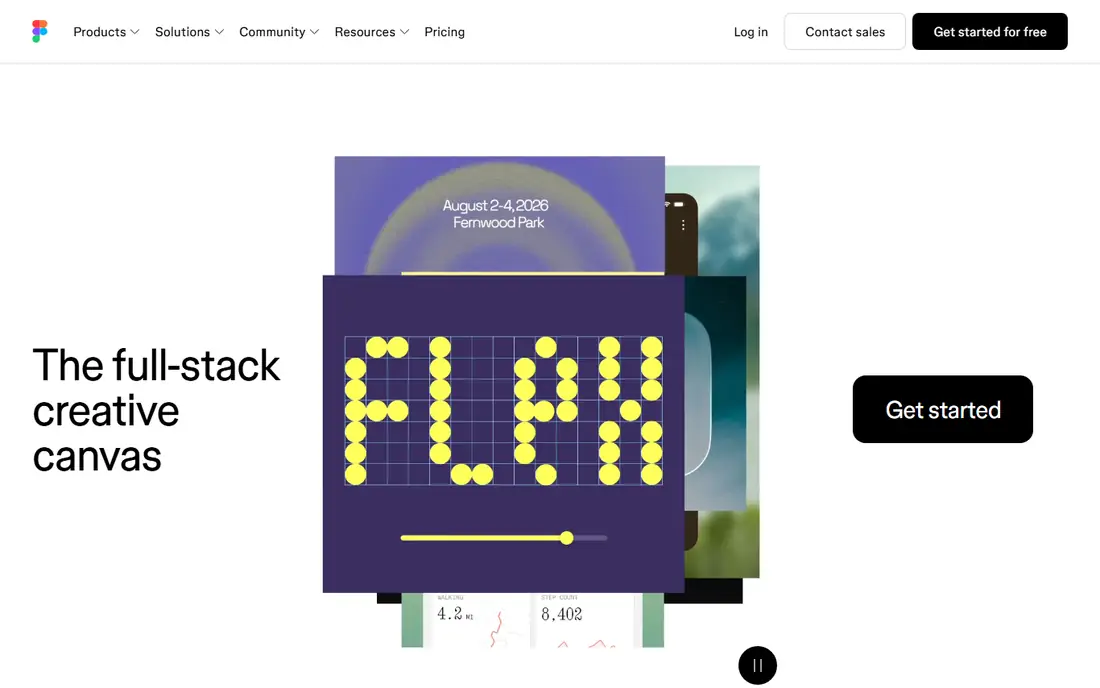
Figma is the best Axure RP alternative for most teams, because it covers the common case, a clickable prototype, inside a tool that also does the design. You can link screens with transitions, smart animate, and interactive components, then hand the same file to developers through Dev Mode, with no separate specification document. Real-time co-editing means a whole team can shape the prototype together, which Axure Pro cannot match. The Starter plan is free, and Professional is $16 per full seat per month billed annually, which undercuts Axure Pro. The trade-off is depth: Figma has no variables or conditional logic as deep as Axure, so a flow that depends on data or branching states will need workarounds. For most product prototypes, Figma is enough.
What we like- Prototyping, design, and handoff in one file, real-time co-editing, strong component libraries, and a large plugin ecosystem
Watch out for- Prototyping logic is simpler than Axure, with no variables or conditional states as deep as Axure, and per-seat costs scale with the team
#2Sketch
Best for: Mac UI design with prototyping, symbols, and libraries in a familiar desktop workflow4.5/5 on
G2 (1,227 reviews, checked Oct 2026)
Visit sketch.com
Starting priceStandard $12 per editor per month billed yearly ($14 billed monthly). Mac-only license $120 one-time.
Free planNo. No permanent free plan, trial available.
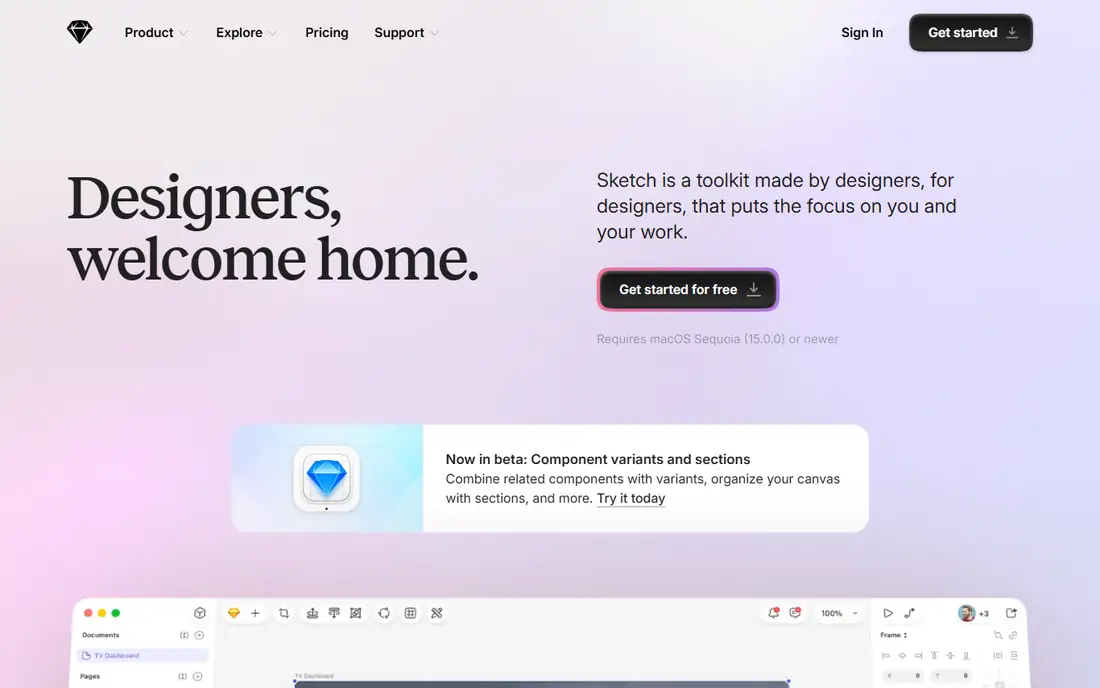
Sketch suits Axure users who work on a Mac and want a desktop app where design and prototyping live together. It is a vector-based UI design app built around artboards, symbols, shared styles, and libraries, with a prototyping mode that links screens into clickable flows. The plugin ecosystem is large, and the Mac-only license at $120 one-time gives solo designers a way out of subscriptions. Standard is $12 per editor per month billed yearly, which is reasonable for a small Mac team. The limit is platform and depth: Sketch is Mac only, and its prototyping has no variables or conditional logic, so complex flows need a second tool. If your whole team is on Mac and your prototypes are click-throughs, Sketch is a solid move.
What we like- Familiar vector workflow for Mac designers, strong symbol and library system, a large plugin ecosystem, and a one-time Mac-only license option
Watch out for- Mac only, so Windows and Linux teammates cannot edit files natively, and prototyping is simpler than Axure, with no variables or conditional logic
#3Framer
Best for: Prototypes that become live, responsive websites with built-in hosting, CMS and AI site generation4.5/5 on
G2 (144 reviews, checked Oct 2026)
Visit framer.com
Starting priceBasic $10 per site per month billed yearly ($15 billed monthly)
Free planYes. Free plan with a Framer subdomain.
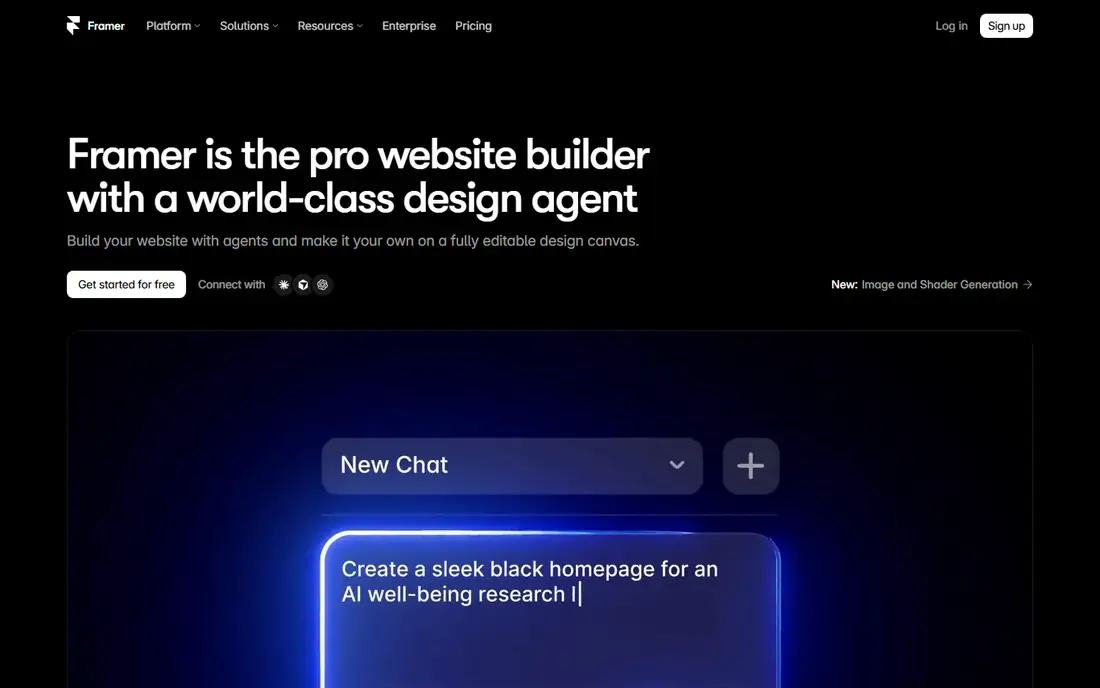
Framer suits Axure users who prototype websites and want the prototype to become the published site. You design on a free canvas, set responsive breakpoints, add interactions and animations, then publish to Framer hosting with no separate build step, and the prototype is a real website that stakeholders can open on any device. AI site generation can produce a starting layout from a prompt, which helps small teams move fast. The free plan, with a Framer subdomain, is enough to test the workflow on a real project. The pricing model is the part to plan around, since Framer charges per site, so five client sites on Pro means five Pro plans. Prototyping logic is aimed at websites, not complex app flows with variables, so a data-heavy dashboard still belongs in Axure, Justinmind, or UXPin.
What we like- Design to live site in one tool, built-in hosting and CMS, responsive breakpoints, and AI site generation for a fast start
Watch out for- Pricing is per site, not per account, and prototyping logic is aimed at websites, not complex app flows with variables
#4Proto.io
Best for: Mobile and web prototypes without code, with device frames and a large UI component library4.1/5 on
G2 (68 reviews, checked Oct 2026)
Visit proto.io
Starting priceFreelancer $24 per month billed annually ($29 billed monthly). Startup $40 per month billed annually, Agency $80.
Free planNo. No permanent free plan, 15-day free trial.
Proto.io is a focused prototyping tool for mobile and web apps, and it is one of the fastest ways to turn static screens into a testable prototype. You drag screens onto a canvas, add interactions from a large component library, preview on a real device, and share a link with unlimited reviewers. Freelancer is $24 per month billed annually for 1 user and 5 active projects, Startup is $40 for 2 users and 10 projects, and Agency is $80 for 5 users and 15 projects. The 15-day trial is full-featured and needs no credit card. The limits matter: no permanent free plan, no simultaneous editing, and each plan caps active projects, so a team with many prototypes in flight will hit the ceiling. For a solo designer or a small team, Proto.io is quick and practical.
What we like- Fast drag-and-drop prototyping, a large library of UI components and device frames, unlimited reviewers on paid plans, and a 15-day full-featured trial with no credit card
Watch out for- No permanent free plan, multiple users cannot edit one project at the same time, and per-plan project caps limit how much you can build
#5Justinmind
Best for: Interactive prototypes with mobile gestures, conditional navigation, and data-driven screens, with a free plan to start4.0/5 on
G2 (55 reviews, checked Oct 2026)
Visit justinmind.com
Starting priceProfessional $19 per user per month billed yearly ($29 billed monthly). Perpetual Professional license $455 per user.
Free planYes. Free plan with unlimited viewers and up to 2 editors.
Justinmind is the closest logic-for-logic replacement for Axure in this list. It supports mobile gestures, tab navigation, conditional content, and data lists, so a prototype can simulate a working app closely enough for usability testing, including forms and multi-step flows. The UI kit library, with more than 4,000 elements, speeds up building common screens, and unlimited reviewers mean stakeholders can comment without a paid seat. The free plan covers up to 2 editors, which suits a small team testing the tool on a real project. Professional is $19 per user per month billed yearly, which undercuts Axure Pro by $10 a month, with a perpetual license option at $455 per user. The interface feels dated next to Figma, and the community is smaller. For logic-heavy prototypes on a budget, Justinmind is the best value.
What we like- Strong interactive prototyping with gestures and conditional logic, a large library of UI kits with 4,000 plus elements, and a free plan for small teams
Watch out for- A dated interface next to Figma and Framer, a smaller community and fewer templates than the market leaders, and user testing integrations need the Professional plan
#6UXPin
Best for: Prototypes built from coded React components, so the prototype matches production behaviour4.2/5 on
G2 (118 reviews, checked Oct 2026)
Visit uxpin.com
Starting priceCore $29 per seat per month billed annually ($49 billed monthly). Growth $40 per seat per month billed annually.
Free planYes. Free plan with 2 prototypes and 50 AI credits.
UXPin is the pick for teams whose prototypes must match production components, not just look like them. Its Merge technology lets designers build prototypes from coded React components, so states, interactions, and behaviour match the real product, which cuts the gap between design and development. Core is $29 per seat per month billed annually, the same as Axure Pro, and it includes unlimited prototypes, conditional logic, and variables. Growth is $40 and adds design systems, patterns, and Storybook integration. The free plan covers 2 prototypes, which is enough to test the workflow. Using your own component library from Git or Storybook needs the custom-priced Enterprise plan, and the learning curve is steep for non-developers. Buy UXPin when the prototype has to behave like code.
What we like- Coded component libraries that match production, conditional logic and variables, AI component creation, and a free plan to start
Watch out for- Core is the same price as Axure Pro, using your own component library from Git or Storybook needs Enterprise, and the learning curve is steep for non-developers
#7Penpot
Best for: Free, open-source UI design and prototyping built on open web standards, so designs stay portable4.5/5 on
G2 (10 reviews, checked Oct 2026)
Visit penpot.app
Starting priceFree. Cloud Professional plan is $0 with unlimited teams (caps: 8 team members, 10 GB storage, 7 days of version history). First paid step is Unlimited at $7 per editor per month, capped at $175 per month. Self-hosting is free under MPL-2.0.
Free planYes. The core product is free, and self-hosting is free under MPL-2.0.
Penpot is the best free replacement for Axure, and the only open-source tool in this list. It runs in the browser, supports real-time collaboration, shared libraries, components, and prototyping, and it stores designs in open formats based on SVG and CSS, so your work is not locked into a proprietary file type. The Cloud Professional plan is $0 with unlimited teams, subject to caps of 8 team members, 10 GB storage, and 7 days of version history. The first paid step, Unlimited, is $7 per editor per month, capped at $175 per month. The trade-offs are a smaller plugin ecosystem, weaker AI features, and no logic as deep as Axure. For a team that wants a free, portable replacement for click-through prototypes, Penpot is the strongest option.
What we like- Free core product, open-source code and open file formats, browser-based collaboration, and self-hosting for teams that want full control
Watch out for- A much smaller plugin and template ecosystem than Figma, weaker advanced prototyping and AI features, and no variables or conditional logic as deep as Axure
#8
Adobe XD
Best for: Keeping existing XD projects alive for teams already on Creative Cloud
Visit adobe.com
Starting priceNot sold standalone. New customers cannot buy XD on its own since April 2023.
Free planNo. No free plan for new users.
Adobe XD is included here only because many Axure switchers also considered XD, and existing XD users need a clear answer. Adobe stopped selling XD standalone in April 2023, and Adobe's own FAQ, updated 11 Sep 2026, says it is not investing in ongoing development or shipping new features, only bug fixes and security updates. The last feature release was version 57 in June 2023. If your team already has XD files and a Creative Cloud plan, it can still open and edit those files, and its prototyping mode covers basic click-throughs. For new projects, XD is a poor choice. Do not migrate from Axure to XD.
What we like- Familiar Adobe workflow for Creative Cloud teams, solid vector and prototyping tools for existing files, and a straightforward interface for designers who already know XD
Watch out for- A dead end for new work, no new features since 2023, a shrinking plugin ecosystem, and no way to buy it standalone
Which Axure RP alternative should you choose
Choose Figma for the closest direct replacement for most Axure work, with clickable prototypes, real-time collaboration, and developer handoff in one file, for less than Axure Pro. Choose Justinmind if you need Axure-level logic, gestures, and conditional states, with a free plan and a lower price. Choose UXPin if your prototypes must be built from coded React components. Choose Proto.io for fast mobile and web prototypes without code, if you can live with project caps. Choose Penpot for a free, open-source replacement for click-through prototypes. Choose Framer if you prototype websites and want the prototype to become the live site. Choose Sketch if your whole team is on Mac. Avoid Adobe XD for new work, since it is in maintenance mode.
Frequently asked questions
Is Figma a good Axure RP alternative
Yes, for most teams Figma is a good Axure RP alternative. It covers clickable prototypes, real-time collaboration, shared components, and Dev Mode handoff in one file, for Professional at $16 per full seat per month billed annually. It does not match Axure on variables or conditional logic, so a data-heavy flow may need Justinmind or UXPin instead.
What is the best free Axure RP alternative
Penpot is the best free Axure RP alternative for click-through prototypes, with a free core product, browser collaboration, and open file formats. Justinmind is the best free option for logic-heavy prototypes, with a free plan for up to 2 editors. UXPin is the best free option for coded-component prototypes, with a free plan covering 2 prototypes.
Can I import my Axure files into another tool
There is no direct Axure file import in the alternatives in this list, so expect to rebuild prototypes. Figma, Penpot, and Justinmind all support image import, so you can bring in screens as a reference. For a large library, rebuild the highest-value flows first.
Which Axure RP alternative is best for mobile app prototypes
Proto.io is the best Axure RP alternative for mobile app prototypes, with device frames, a large component library, and preview on a real phone, from Freelancer at $24 per month billed annually. Justinmind is the best option if the prototype needs gestures and conditional navigation, with a free plan.
Is Axure RP still worth using in 2026
Axure RP is still worth using if your team prototypes complex flows with variables, conditional logic, and adaptive views, and your workflow is built around its specifications. Pro is $29 per user per month billed yearly. If your prototypes are mostly click-throughs, Figma or Justinmind will remove more friction for less money.
Sources we checked (9)
- https://www.axure.com/pricing
- https://www.figma.com/pricing/
- https://www.sketch.com/pricing/
- https://www.framer.com/pricing/
- https://proto.io/en/pricing/
- https://www.justinmind.com/pricing/
- https://www.uxpin.com/pricing/
- https://penpot.app
- https://www.adobe.com/products/xd.html
Is your product missing or out of date?
We review this list regularly. Vendors can request a listing, send updated pricing or ask about featured placement.

Shihab Mia · Founder, Rankite
Shihab has 5+ years in B2B and SaaS SEO. He writes Rankite's software buying guides from pricing pages, documentation and public user reviews. More about Shihab.