How we make this list: we compare pricing pages, product documentation and public user reviews. Ratings come from G2, Capterra or Trustpilot, with the date we checked them.
Key takeaways
- Foxit PDF Editor is the best Adobe Acrobat alternative for professional editing at roughly 45 percent less than Adobe, with AI credits included.
- Nitro PDF Pro suits Windows business teams that want collaboration and e-signatures at a lower cost than Acrobat.
- PDFelement is the best budget pick, with multi-model AI included from $79.99 per year.
- Smallpdf suits simple online tasks, UPDF suits cross-platform editing, and PDF-XChange suits lightweight Windows editing with a one-time price.
- Sejda suits occasional online tasks with a real free tier, while PDF Expert suits Mac users who want a polished experience.
- Adobe Acrobat itself is not listed here, since this article covers alternatives to it.
- Prices range from free to $15 per month, so most people can save hundreds a year by switching from Acrobat Pro.
Quick comparison
| Tool | Best for | Starting price | Free plan |
|---|
 Foxit PDF Editor Foxit PDF Editor | Professional editing | $10.99 per month | Yes |
 Nitro PDF Pro Nitro PDF Pro | Windows business teams | $15 per month | No |
 PDFelement PDFelement | Budget AI editing | $79.99 per year | Yes |
 Smallpdf Smallpdf | Simple online tasks | $10 per month | Yes |
 UPDF UPDF | Cross-platform editing | $49.99 per year | Yes |
 PDF-XChange Editor PDF-XChange Editor | Lightweight Windows editing | $62 one-time | Yes |
 Sejda Sejda | Occasional online tasks | $7.50 per month | Yes |
 PDF Expert PDF Expert | Mac experience | $79.99 per year | Yes |
Is your product missing or out of date?
We review this list regularly. Vendors can request a listing, send updated pricing or ask about featured placement.
The best alternatives to adobe acrobat
#1Foxit PDF Editor
Best for: Professional editing4.6/5 on
G2 (3,783 reviews, checked Oct 2026)
Visit foxit.com
Starting price$10.99 per month
Free planYes
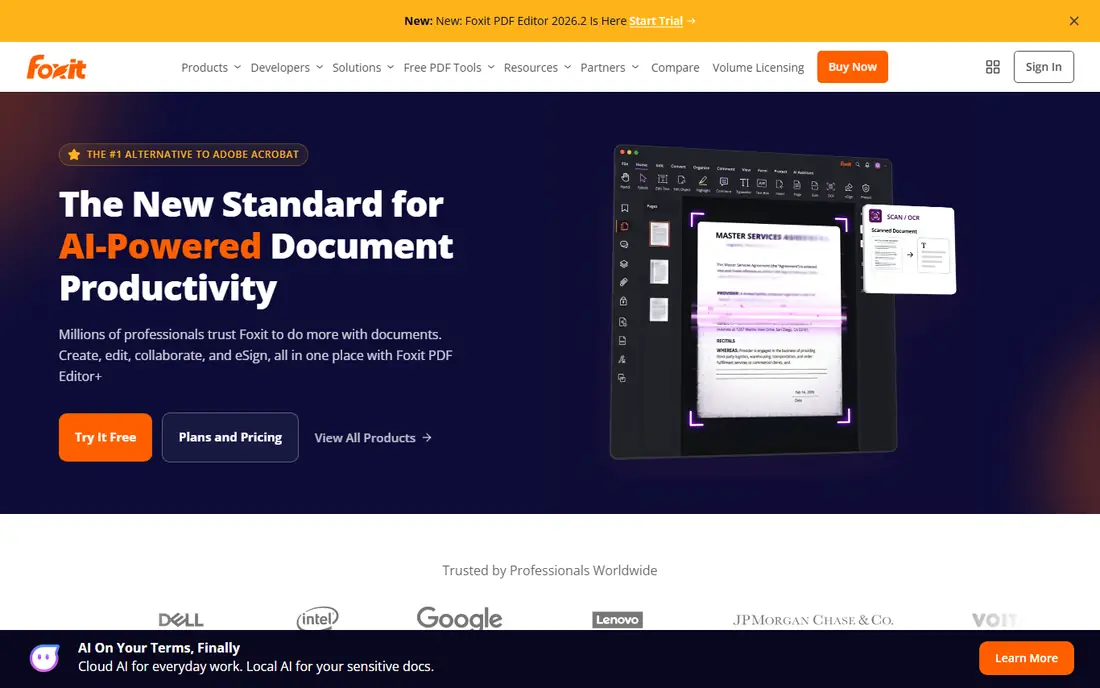
Foxit PDF Editor offers professional-grade editing at $10.99 per month billed annually, roughly 45 percent less than Adobe, with 20 base AI credits per month included. Editing, forms, signatures, OCR, and redaction all work well, and a perpetual license at $209.99 suits buyers who want to avoid subscriptions. The editor runs on Windows and Mac.
Heavy AI use needs a separate AI Assistant add-on near $49.99 per year for 2,000 credits per month, and the interface takes time to learn. For professionals who want an Acrobat-like editor at a lower price, Foxit is clearly the best alternative, since its editing depth and AI credits match Acrobat closely.
What we like- Professional-grade editing
- 20 AI credits per month included
- Perpetual license available
Watch out for- Perpetual license at $209.99
- AI add-on costs extra for heavy use
- Interface learning curve
Starting price$15 per month
Free planNo
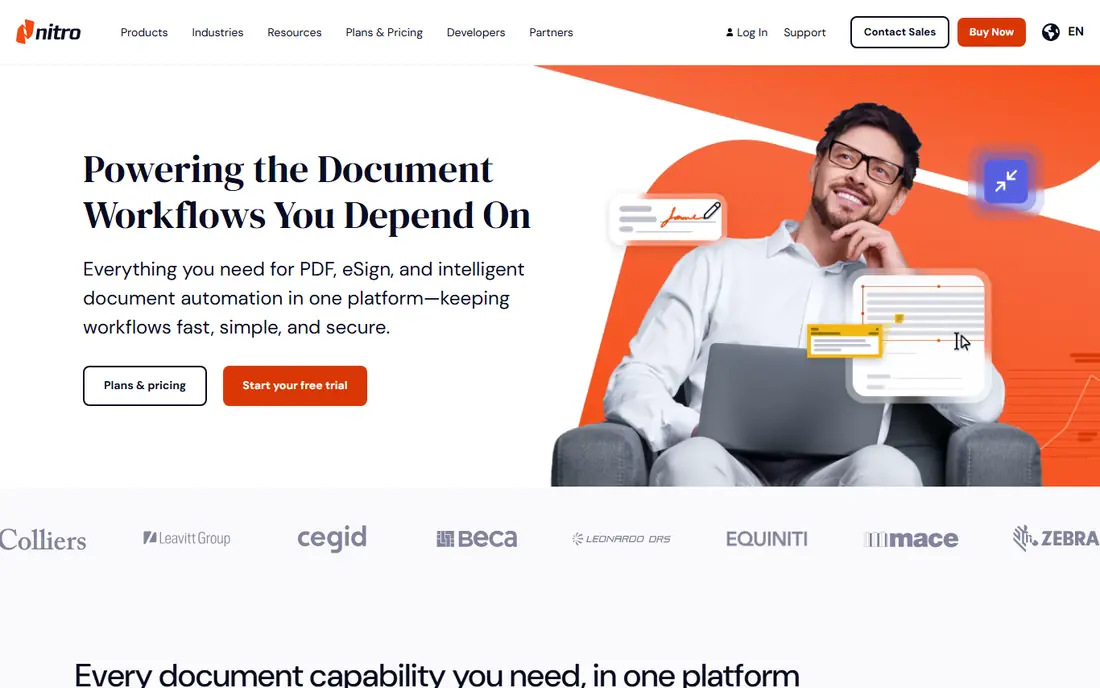
Nitro PDF Pro suits small business teams that prioritize collaboration, with e-signatures, shared review, and an Office-like ribbon interface. AI document tools, including summarization, multilingual question answering, data extraction, and smart redaction, are included at no extra cost. Pricing runs $15 per month billed annually, with a perpetual license near $179.99.
Nitro runs on Windows only, so Mac users need another tool, and there is no free plan, though a 14-day trial is offered. For Windows business teams, Nitro is clearly a strong Acrobat alternative, since its collaboration and e-signature tools suit team workflows.
What we like- Collaboration tools
- AI document tools included
- Perpetual license near $179.99
Watch out for- Windows only
- No free plan, 14-day trial only
- Mac users excluded
Starting price$79.99 per year
Free planYes
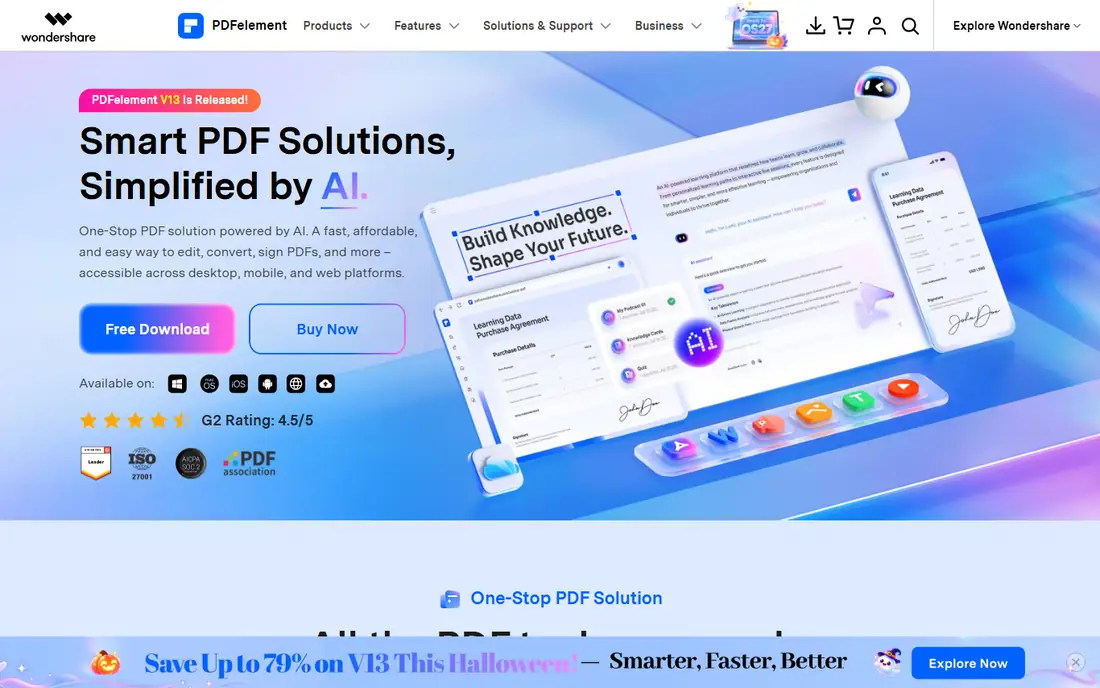
PDFelement, from Wondershare, offers AI-powered PDF editing from $79.99 per year, with multi-model AI included, covering summarization, translation, and question answering. Editing, forms, OCR, and conversion all work on Windows and Mac, and a free plan is available for basic tasks.
Some AI features need the Pro tier, and the perpetual license costs $129.99 for that version. For budget buyers who want AI editing without Adobe prices, PDFelement is clearly the best pick, since its multi-model AI costs far less than Acrobat.
What we like- Multi-model AI included
- Budget price
- Windows and Mac support
Watch out for- Pro tier needed for some AI features
- Perpetual price at $129.99
- Interface less polished than Foxit
#4Smallpdf
Best for: Simple online tasks4.5/5 on
G2 (306 reviews, checked Oct 2026)
Visit smallpdf.com
Starting price$10 per month
Free planYes
Smallpdf suits people who convert, compress, merge, or sign a PDF every couple of weeks and want the simplest possible interface. The browser-based tools need no install, and the free plan covers basic tasks, with Pro from $10 per month billed annually.
Editing is basic compared with Foxit or Nitro, and the desktop app is less deep than the web tools. For simple online tasks, Smallpdf is clearly the easiest alternative, since its browser tools need no install and no learning curve.
What we like- Simplest interface
- Browser-based, no install
- Free plan for basic tasks
Watch out for- Basic editing only
- Pro at $12 per month in some sources
- Desktop app less deep
#5UPDF
Best for: Cross-platform editing4.5/5 on
G2 (506 reviews, checked Oct 2026)
Visit updf.com
Starting price$49.99 per year
Free planYes
UPDF offers a modern cross-platform PDF editor for Windows and Mac, with AI-integrated features, editing, annotation, forms, and conversion. The free plan covers basic tasks, while paid plans start at $49.99 per year, which is among the lowest for a full editor.
UPDF is newer than Foxit or Nitro, with a smaller ecosystem and less enterprise depth. For users who want a modern editor on both Windows and Mac at a low price, UPDF is clearly a strong pick, since its $49.99 yearly price undercuts most rivals.
What we like- Modern cross-platform design
- AI features included
- Free plan available
Watch out for- Newer tool, smaller ecosystem
- Some features need higher tiers
- Less enterprise depth
#6PDF-XChange Editor
Best for: Lightweight Windows editing4.6/5 on
G2 (151 reviews, checked Oct 2026)
Visit pdf-xchange.com
Starting price$62 one-time
Free planYes
PDF-XChange Editor is the best one-time purchase alternative, at $62 for the editor, with maintenance extra if renewed. The tool is lightweight and fast, with strong OCR, editing, annotation, and form tools, and a free plan for basic tasks. Five-year costs stay low compared with subscriptions, since the $62 price covers that version.
The editor runs on Windows only, and the interface feels dated compared with Foxit or UPDF. For Windows users who want to pay once and own the tool, PDF-XChange is clearly the best pick, since its $62 one-time price has no subscription.
What we like- One-time price at $62
- Lightweight and fast
- Strong OCR
Watch out for- Windows only
- Interface dated
- Some features need higher tiers
#7Sejda
Best for: Occasional online tasks4.5/5 on
G2 (42 reviews, checked Oct 2026)
Visit sejda.com
Starting price$7.50 per month
Free planYes
Sejda suits people who use PDFs once a month or less and want a real free tier, not just a trial. The web tools cover editing, merging, splitting, compression, and signing, with daily limits on the free tier and paid plans from $7.50 per month. No install is needed, which suits occasional users on shared computers.
Daily limits can frustrate heavier users, and the desktop app is less deep than the web tools. For occasional online tasks, Sejda is clearly the best free-tier alternative, since its free tier is real rather than a short trial period.
What we like- Real free tier with daily limits
- No install needed
- Simple web tools
Watch out for- Daily task limits on free tier
- Desktop app less deep
- Advanced features need paid plan
Starting price$79.99 per year
Free planYes
PDF Expert, from Readdle, offers the best Mac experience among PDF editors, with a fast, clean interface for reading, annotating, editing, and signing PDFs. The free plan covers basic reading and annotation, while paid plans from $79.99 per year add editing and advanced tools.
The focus is Mac and iOS, with a limited Windows version, so Windows-first teams should look elsewhere. For Mac users who want a polished editor, PDF Expert is clearly the best pick, since its Mac interface is unmatched by most cross-platform rivals.
What we like- Polished Mac experience
- Fast and clean interface
- Free plan available
Watch out for- Mac and iOS focus
- Windows version limited
- Price at $79.99 per year
How we chose
We compared editing depth, OCR quality, form and signature tools, AI features, platform support, licensing model, and pricing. We also weighed file compatibility, since a PDF editor that mangles complex layouts or breaks forms costs more in rework than it saves in subscription fees. Tools with one-time purchases scored higher for buyers who want to avoid subscriptions, while tools with strong AI scored higher for heavy document work. We favored tools with real free tiers over trials alone. We did not test any tool hands-on, and prices come from vendor and comparison sources, with conflicts noted.
Buying guide: what to check before you switch
Start with how often you edit PDFs, and count your monthly edits honestly before you pay for a subscription. If you edit one or two a month, macOS Preview, Microsoft Edge markup, Sejda, or Smallpdf cover the work for free. If you edit daily, shortlist Foxit, Nitro, or PDFelement. Next, check your platform, since Nitro and PDF-XChange are Windows only, while PDF Expert is Mac-first. Check the licensing model, since a $62 one-time purchase beats a $180 yearly subscription over five years if you do not need updates. Check AI needs, since Foxit includes 20 credits, Nitro includes AI tools free, and PDFelement bundles multi-model AI. Finally, trial the tool with your real documents, including scanned PDFs, since OCR quality varies and matters more than any feature list. Test a scanned contract, a form with fillable fields, and a large file with images, since those three cases reveal editing, form, and performance problems that a simple one-page test hides.
Frequently asked questions
What is the cheapest Adobe Acrobat alternative?
Sejda offers a real free tier, Smallpdf and UPDF offer free plans, and PDF-XChange costs $62 one-time. For daily editing, PDFelement at $79.99 per year is the best budget paid pick, since it adds AI features at a price well below Foxit or Nitro yearly subscription prices overall today.
Is Foxit better than Adobe Acrobat?
Foxit matches Acrobat on most editing tasks at roughly 45 percent less cost, with AI credits included. Acrobat still leads for enterprise compliance and legal teams that need the industry standard, though most small teams will never use those advanced enterprise compliance features at all in practice.
Can I buy a PDF editor once instead of subscribing?
Yes, PDF-XChange costs $62 one-time, Foxit offers a perpetual license at $209.99, Nitro offers one near $179.99, and PDFelement offers one at $129.99. Perpetual licenses cover that version, with maintenance extra for updates.
Do PDF editors work on Mac and Windows?
Foxit, PDFelement, Smallpdf, UPDF, and Sejda work on both, while Nitro and PDF-XChange are Windows only and PDF Expert is Mac-first. Check platform support before you buy.
Do alternatives include AI features?
Yes, Foxit includes 20 AI credits per month, Nitro includes AI document tools free, PDFelement bundles multi-model AI, and UPDF includes AI features. Adobe bundles AI only in higher tiers.
Sources we checked (0)
Is your product missing or out of date?
We review this list regularly. Vendors can request a listing, send updated pricing or ask about featured placement.

Shihab Mia · Founder, Rankite
Shihab has 5+ years in B2B and SaaS SEO. He writes Rankite's software buying guides from pricing pages, documentation and public user reviews. More about Shihab.