How we make this list: we compare pricing pages, product documentation and public user reviews. Ratings come from G2, Capterra or Trustpilot, with the date we checked them.
Key takeaways
- Notion is the best Airtable alternative for teams that want docs, wikis, and databases in one workspace.
- ClickUp suits teams that need project management plus database views in a single tool.
- Coda is the best pick for teams that build interactive docs with buttons, automations, and formulas.
- Smartsheet and monday.com fit teams that want a spreadsheet-style grid with stronger project controls.
- Baserow and NocoDB are the best open source options, and both can be self-hosted.
- Google Sheets is the best free option for small datasets and teams that already live in Google Workspace.
- Prices change often, so check the vendor pricing page before you buy.
Quick comparison
| Tool | Best for | Starting price | Free plan |
|---|
 Notion Notion | Docs, wikis, and databases in one place | $10 per user per month | Yes |
 ClickUp ClickUp | Project management plus database views | $10 per user per month | Yes |
 Coda Coda | Interactive docs with automations | $12 per Doc Maker per month | Yes |
 Smartsheet Smartsheet | Spreadsheet-style project grids | See website | No |
 monday.com monday.com | Visual boards and team workflows | $9 per seat per month | Yes |
 Baserow Baserow | Open source database-first tool | $10 per user per month | Yes |
 NocoDB NocoDB | A grid on a database you already run | $12 per seat per month | Yes |
 Google Sheets Google Sheets | Free and simple spreadsheet base | Free | Yes |
Is your product missing or out of date?
We review this list regularly. Vendors can request a listing, send updated pricing or ask about featured placement.
The best Airtable alternatives
#1Notion
Best for: Docs, wikis, and databases in one place4.6/5 on
G2 (13,834 reviews, checked Oct 2026)
Visit notion.so
Starting price$10 per user per month
Free planYes
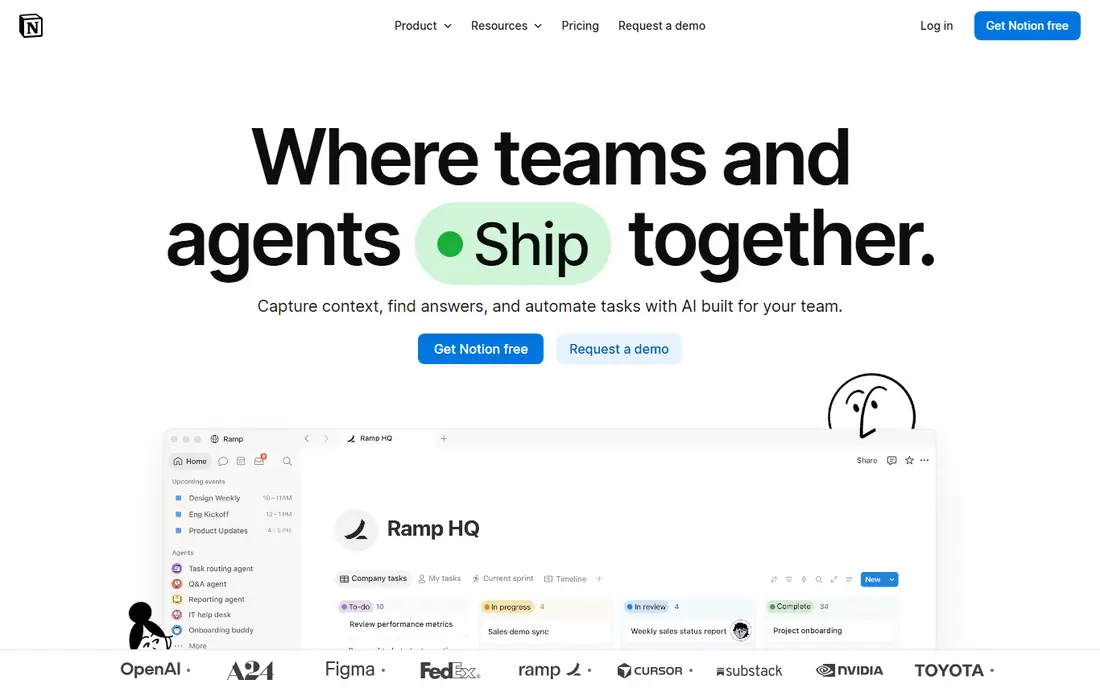
Notion is the most popular Airtable alternative for teams that want more than a database. Its databases live inside pages, so a project page can hold notes, a task database, a calendar view, and embedded files in one place. Views include tables, boards, calendars, timelines, and galleries, which covers most of what small teams used Airtable for. The free plan suits personal use, and the Plus plan adds unlimited file uploads, longer version history, and more automation runs.
The trade off is depth. Notion automations are simpler than Airtable automations, and very large databases with tens of thousands of rows can feel slow. There is no self-hosting option, so your data lives on Notion servers. For teams that want a shared workspace where docs and data sit together, Notion is the natural first pick.
What we like- Docs and databases in one workspace
- Free plan for personal use
- Large template library
Watch out for- Weaker automations than Airtable
- Can slow down with very large databases
- No self-hosting
#2ClickUp
Best for: Project management plus database views4.6/5 on
G2 (14,878 reviews, checked Oct 2026)
Visit clickup.com
Starting price$10 per user per month
Free planYes
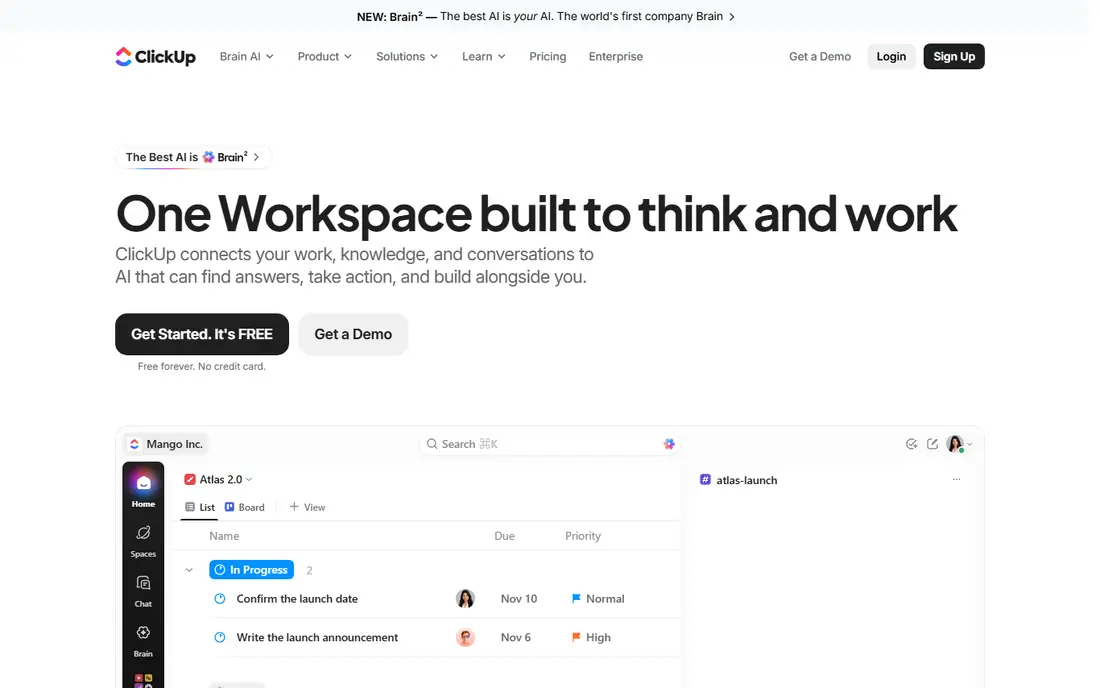
ClickUp combines task management with database-style views, so a team can track projects, goals, docs, and custom tables in one tool. List, board, calendar, timeline, and table views cover most workflows, and custom fields let you shape a table much like an Airtable base. The free plan covers a useful set of features for small teams, and paid plans add more storage, automations, and dashboards.
The main downside is complexity. ClickUp packs in so many features that new teams can feel lost at first, and the interface can feel crowded on smaller screens. Some deeper features, such as advanced dashboards, sit on higher tiers. For teams that want project tracking and databases together rather than two separate tools, ClickUp offers strong value.
What we like- Full project management built in
- Many view types
- Generous free plan
Watch out for- Interface can feel busy
- Learning curve for new teams
- Some features need higher tiers
Starting price$12 per Doc Maker per month
Free planYes
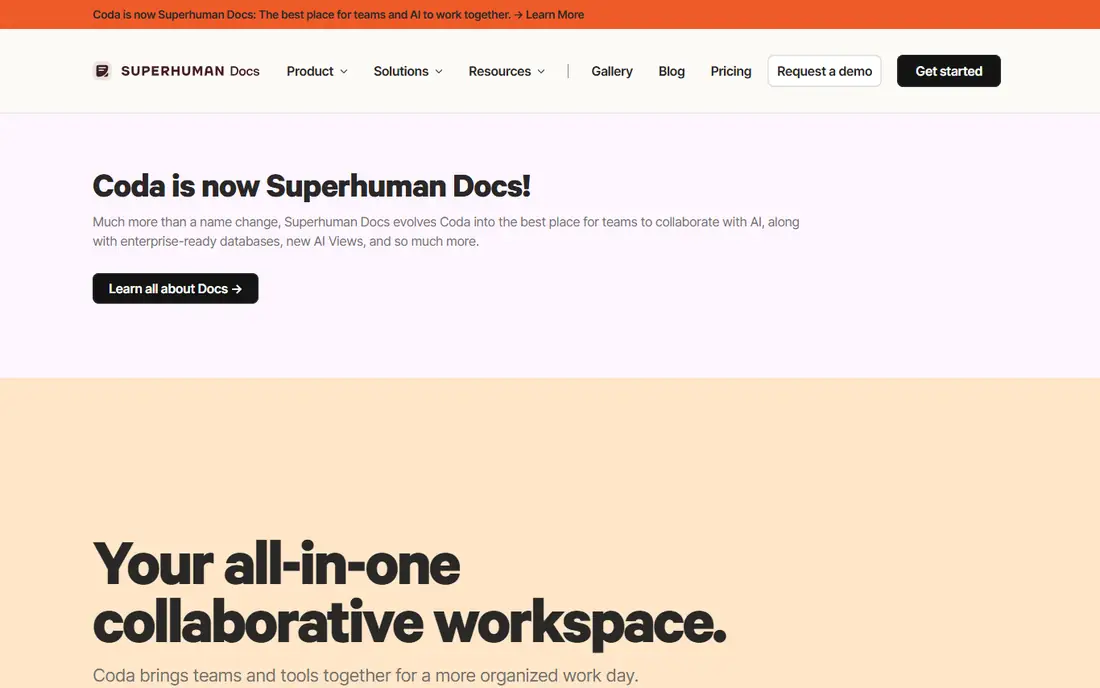
Coda turns documents into interactive tools. A Coda doc can hold tables, buttons that run actions, automations that trigger on changes, and formulas that connect tables together. That makes it a good fit for teams that build trackers, approval flows, or internal tools inside a doc. Viewers and editors are free on paid plans, and only Doc Makers, the people who build docs, are billed, which can keep costs down for larger teams.
The pricing model takes care to understand, since a team with many builders pays more than a team with one builder and many viewers. The template library is smaller than Notion, and there is no self-hosting option. For teams that think in documents first and want those documents to do real work, Coda is a strong choice.
What we like- Docs that act like apps
- Buttons and automations
- Free for viewers
Watch out for- Pricing is per Doc Maker, which confuses some buyers
- Smaller template library than Notion
- No self-hosting
#4Smartsheet
Best for: Spreadsheet-style project grids4.4/5 on
G2 (22,767 reviews, checked Oct 2026)
Visit smartsheet.com
Starting priceSee website
Free planNo
Smartsheet looks like a spreadsheet but adds project features such as Gantt charts, card views, forms, and automated workflows. Teams that manage work in grids will feel at home at once, and dashboards pull numbers from many sheets into one view. It suits operations, construction, and marketing teams that track work in rows and columns and need reports for managers.
Smartsheet has no free plan, and published starting prices differ across sources, so check the pricing page before you budget. The interface is more businesslike than playful, which some teams like and others find dated. For teams that want a grid-first tool with serious project controls, Smartsheet remains a solid enterprise pick.
What we like- Familiar grid layout
- Strong project features
- Good reporting and dashboards
Watch out for- No free plan
- Prices vary by plan and source
- Can feel dated next to newer tools
#5monday.com
Best for: Visual boards and team workflows4.7/5 on
G2 (17,182 reviews, checked Oct 2026)
Visit monday.com
Starting price$9 per seat per month
Free planYes
monday.com organizes work into colorful boards with columns for status, people, dates, and numbers. Automations move items, send notices, and update statuses without manual work, and dashboards show progress across boards. Templates cover marketing, sales, HR, and operations, so most teams can start from a ready board rather than building one from scratch.
The limits matter for database fans. monday.com boards are great for workflows but less flexible than Airtable for linked records and complex relational data. Paid plans require at least three seats, so a solo user pays for three. For teams that care most about visual workflow tracking, monday.com is one of the easiest tools to adopt.
What we like- Visual boards are easy to read
- Strong automations
- Many templates
Watch out for- Three-seat minimum on paid plans
- Costs rise with seats
- Database features are lighter than Airtable
#6Baserow
Best for: Open source database-first tool4.6/5 on
G2 (4 reviews, checked Oct 2026)
Visit baserow.io
Starting price$10 per user per month
Free planYes
Baserow is the most mature open source Airtable replacement. Its grid looks and feels close to Airtable, with linked tables, multiple views, forms, and an API for every table. You can use Baserow cloud, which has a free plan, or self-host the open source core on your own server for full control over your data. That makes it a good fit for teams with privacy rules or a small budget.
The trade off is ecosystem size. Baserow has fewer third-party integrations than Airtable, and some advanced features sit on paid plans. Self-hosting needs someone comfortable running a server and keeping it updated. For teams that want an Airtable-style tool without vendor lock-in, Baserow is the best place to start.
What we like- Open source core
- Self-hosting option
- Clean Airtable-style grid
Watch out for- Smaller integration library than Airtable
- Some features need paid plans
- Self-hosting needs technical skill
Starting price$12 per seat per month
Free planYes
NocoDB takes a different approach from Baserow. Instead of owning its own data store, it turns an existing Postgres or MySQL database into a spreadsheet-style interface with forms, views, and APIs. That suits teams that already run a database and want a friendly front end for non-technical staff. The self-hosted community version is free, and cloud hosting starts at a per-seat price.
The catch is that NocoDB shines most when you already have a database to connect. Teams starting from zero may find Baserow simpler, since it manages storage for you. The interface is plain and practical rather than polished. For technical teams that want a no-code layer over real SQL data, NocoDB is hard to beat.
What we like- Turns Postgres or MySQL into a no-code grid
- Self-hosting
- Instant APIs
Watch out for- Needs an existing database for its best use case
- Interface is plainer than Baserow
- Cloud pricing is per seat
Starting priceFree
Free planYes
Google Sheets is the simplest Airtable alternative, and for small datasets it is often enough. Almost everyone knows how to use it, sharing is simple, and it works offline in a browser. Google Workspace plans add more storage and admin controls, but the core sheet is free. For a small team tracking a few hundred rows, Sheets plus filters and pivot tables covers the basics.
The limits are clear. Sheets has no true linked records, no built-in app views, and only basic automation through Apps Script. Large datasets slow down, and permission control is per sheet, not per record. For teams that need a free, familiar starting point rather than a full database, Google Sheets is the safe pick.
What we like- Free
- Near-universal familiarity
- Works offline
- Strong sharing
Watch out for- No linked-record database features
- Weak automations
- Slows with very large data
How we chose
We compared database depth, view types, automations, pricing model, hosting options, and migration ease. Tools that only offer a plain spreadsheet scored lower than tools with linked records, forms, and APIs. We favored tools with clear pricing pages and noted where prices conflict across sources. We did not test any tool hands-on, and prices here reflect published list prices that vendors change often.
Buying guide: what to check before you pay
Start with your record count. A tool that slows at ten thousand rows is a poor pick if you plan to hold fifty thousand. Next, check the pricing unit. Per-seat pricing suits small teams, per-Doc Maker pricing suits teams with few builders, and self-hosting suits teams with technical staff and privacy rules. Ask about record limits, attachment storage, and automation runs, since those caps often decide the real plan you need. Check export options too, so you can leave if the tool stops fitting. Finally, test a migration with one real base before you move everything, because import tools handle simple tables well but often need manual fixes for linked records and formulas.
Frequently asked questions
Is there a free Airtable alternative?
Yes, Google Sheets is free, and Notion, ClickUp, Coda, Baserow, and NocoDB all offer free plans. Free plans limit records, storage, or automations, so check the limits against your data size before you commit.
Which Airtable alternative can I self-host?
Baserow and NocoDB both offer self-hosting. Baserow manages its own data store, while NocoDB sits on top of a Postgres or MySQL database you already run. Self-hosting needs someone to run updates and backups.
Do these tools import Airtable bases?
Most do, usually through CSV import or an API. Simple tables import cleanly, but linked records, formulas, and automations often need manual fixes after import. Test one base first before you migrate everything.
Is Notion a full replacement for Airtable?
Notion replaces Airtable for docs-plus-database workflows, but it has simpler automations and can slow with very large databases. Teams with heavy automation or huge record counts may prefer Baserow, NocoDB, or Smartsheet.
How much does an Airtable alternative cost for a team of ten?
It depends on the pricing unit. A per-seat tool at $10 per user costs about $100 per month for ten users, while Coda bills only Doc Makers, and self-hosted Baserow or NocoDB can cost far less apart from hosting. Check the pricing page for your exact team shape.
Sources we checked (0)
Is your product missing or out of date?
We review this list regularly. Vendors can request a listing, send updated pricing or ask about featured placement.

Shihab Mia · Founder, Rankite
Shihab has 5+ years in B2B and SaaS SEO. He writes Rankite's software buying guides from pricing pages, documentation and public user reviews. More about Shihab.